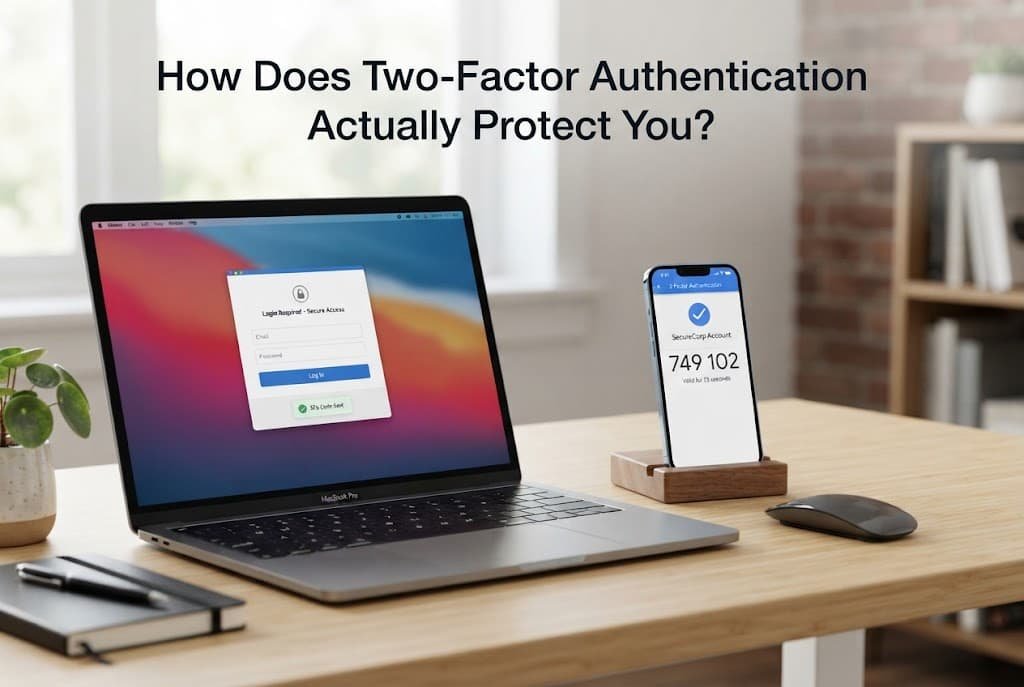
Two-factor authentication isn’t simply “an extra password” tacked on – it’s a fundamentally different security mechanism that requires proving your identity through two genuinely separate categories of evidence, not merely two pieces of information drawn from the exact same category. Understanding this distinction explains both why it’s meaningfully more secure than a password alone, and what specific threat it actually protects against.
The short answer, and what it leaves out
Two-factor authentication works by requiring something you know, typically your password, combined with something you have, typically a code generated by an app or sent to a device you physically possess, before granting account access.
What that leaves out is why combining these two specific categories matters so much – a password alone can be stolen without you ever knowing, through a data breach or a phishing attempt, while the second factor requires an attacker to also possess something physical that a remote breach genuinely can’t provide on its own.
How it actually works, step by step
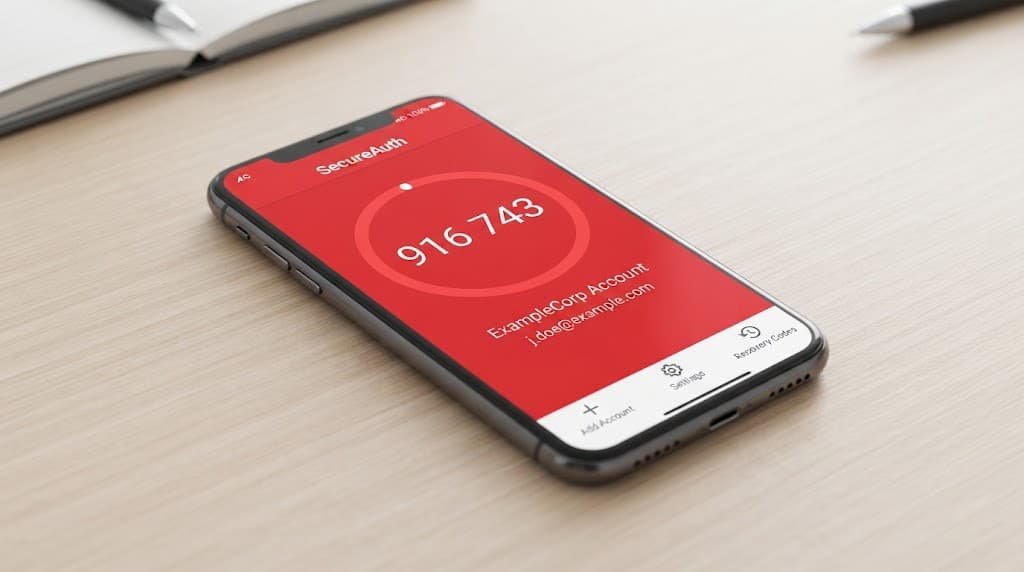
When you enter your correct password, the account recognises this as one successful factor, but instead of granting access immediately, it generates a request for the second factor – typically a time-limited numeric code from an authenticator app, or a push notification to a registered device requiring your explicit approval.
This second factor is deliberately designed to be short-lived and tied to a specific device, which means even if someone obtains your password through an entirely separate breach, they cannot complete the login without also having physical access to your specific authenticator app or registered device at that same moment in time.
The authenticator app itself generates these codes through a shared mathematical process established during setup, refreshing automatically every very short window, which is why a code becomes useless within roughly this same brief period after being generated, even if it were somehow intercepted.
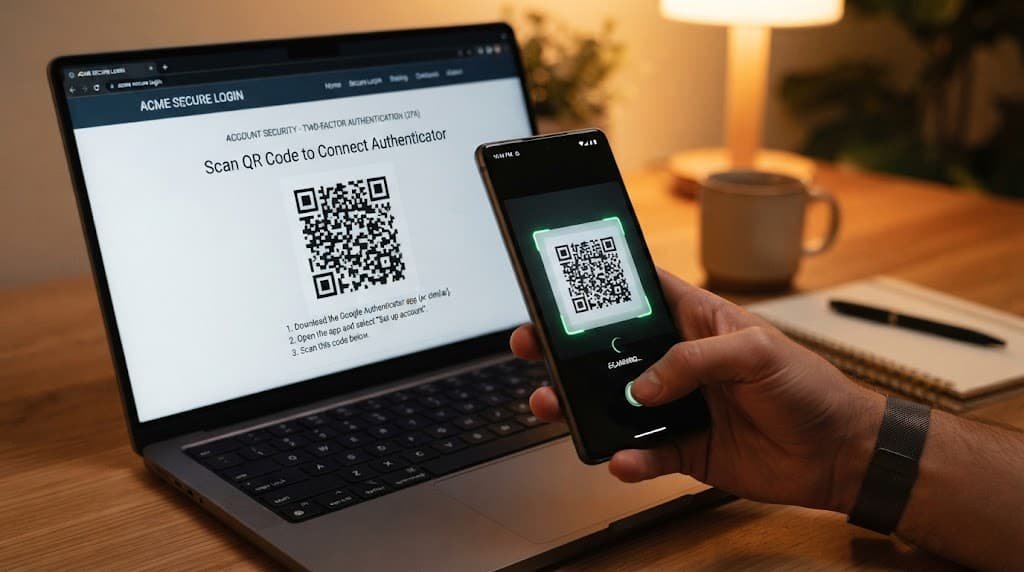
This particular setup process specifically involves exchanging a shared secret between your account and your authenticator app just once, typically through scanning a code, which both sides then use independently to generate matching time-based codes without ever needing to communicate again for every single subsequent login. This is precisely why an authenticator app genuinely works even entirely without an internet connection at the moment of login itself – the code generation process doesn’t require live communication with the account’s server, only the original initial setup genuinely did.
The analogy, and where it breaks
Two-factor authentication is sometimes genuinely compared to needing both a key and a security guard’s approval to enter a building – the key alone isn’t sufficient, and the guard’s approval alone isn’t sufficient either.
The analogy holds for the basic principle that two genuinely independent checks are harder to defeat simultaneously than one check alone, since compromising both requires an attacker to succeed at two fundamentally different types of access rather than just one. It breaks because a physical key can be copied without your knowledge, while a well-implemented second factor is specifically designed to resist exactly this kind of silent duplication, refreshing or requiring live approval in a way a static physical key never does.
What this does not explain
The two-factor mechanism explains why a stolen password alone typically isn’t enough to access your account, but it doesn’t explain or prevent every possible attack path – a sufficiently sophisticated attack that captures both your password and your second factor in real time during an active session can still succeed, which is a genuinely different and more advanced threat than the simple stolen-password scenario two-factor primarily defends against.
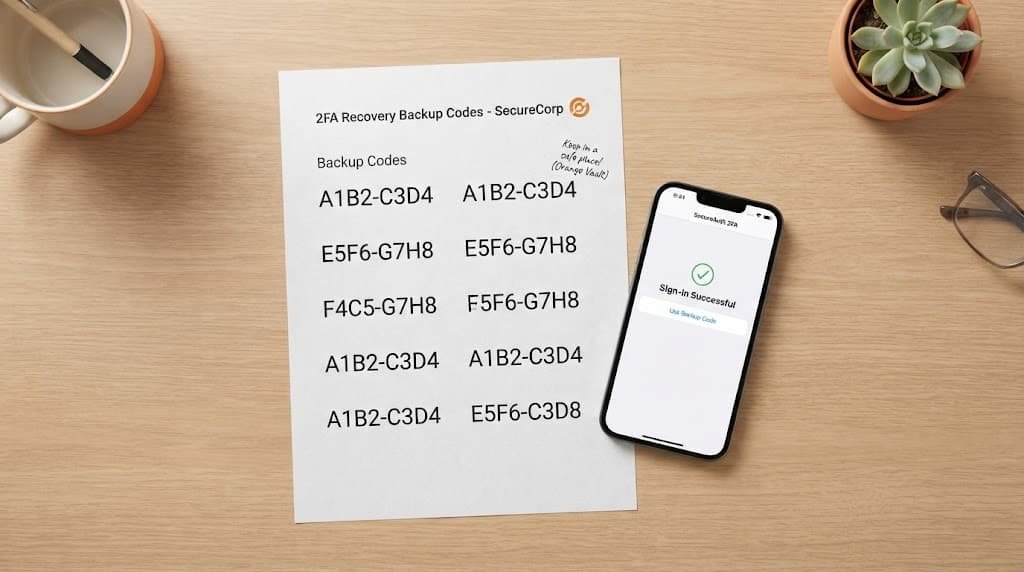
It also doesn’t explain what happens if you lose access to your second factor device entirely – most services provide backup codes or an account-recovery process specifically for this scenario, which is worth setting up during initial configuration rather than discovering you need it during an actual lockout.
It also doesn’t fully explain why some services offer a “trusted device” option that skips the second factor on devices you’ve previously verified. This isn’t genuinely a flaw in the underlying mechanism itself – it’s a deliberate convenience trade-off, carefully weighing the reduced friction of not re-verifying a device you already own against a modestly increased risk if that specific trusted device itself is later compromised or accessed by someone else entirely.
What people get wrong about it
The belief that two-factor authentication makes an account completely unhackable. This forms because the added protection feels absolute, but two-factor significantly raises the difficulty and cost of an attack rather than making it theoretically impossible – it’s a genuinely major improvement over a password alone, not an absolute guarantee against every conceivable attack method.
The belief that all forms of two-factor authentication provide equal protection. A text-message code and an authenticator-app code both genuinely count as “two-factor” broadly, but they’re not equally resistant to every single attack type – a text-message code can potentially be intercepted through a separate vulnerability in the phone network itself, a risk an authenticator app genuinely doesn’t share in the same way.
The belief that two-factor authentication is only worth setting up for financial or genuinely high-value accounts. Email accounts specifically are genuinely often the actual highest-value target in practice, since email access frequently allows resetting passwords for many other completely separate accounts entirely – protecting the email account with two-factor authentication indirectly strengthens the security of everything connected to it, not just the email account in isolation.

Where the popular explanation oversimplifies
Advice describing two-factor authentication as simply “safer” glosses over the meaningful difference between its various implementation methods, treating a text-message code and a dedicated authenticator app as interchangeable when they actually offer genuinely different levels of protection against specific, distinct attack types.
This distinction matters practically: choosing the strongest available second-factor method your specific accounts offer, rather than defaulting to whichever option requires the least initial setup effort, meaningfully affects how much genuine additional protection you’re actually getting beyond the baseline improvement any two-factor method provides over a password alone.
Two-factor authentication works by requiring a second, genuinely independent form of evidence beyond your password, specifically making a simple stolen-password attack insufficient on its own – not by making an account universally immune to every possible attack method. Understanding it as raising the cost and difficulty of an attack, rather than as an absolute guarantee, is the detail most explanations skip, and it’s the one that actually tells you what protection you’re genuinely getting.
Questions readers keep asking
Is two-factor authentication worth the extra step every time I log in?
Yes, absolutely, for any account containing genuinely sensitive information – the modest daily inconvenience is a reasonable trade for meaningfully reducing the risk that a password breach alone results in someone else accessing your account entirely.
Is an authenticator app genuinely more secure than receiving codes by text message?
Generally yes, genuinely – an authenticator app doesn’t rely at all on the phone network to deliver your code, which removes one specific vulnerability text-message codes inherently carry, though both remain considerably more secure than using no second factor whatsoever.
What should I do if I lose the device my authenticator app is on?
Use the backup codes provided during initial setup carefully if you genuinely saved them, or follow that specific service’s own account-recovery process designed specifically for exactly this particular situation. This is why saving backup codes somewhere safe during setup, before you actually need them, is worth doing immediately rather than later.
Can two-factor authentication be set up on more than one device at once?
Many services genuinely do support this specific option, allowing the same authenticator setup to work across multiple devices simultaneously, which provides a genuinely practical safeguard against losing access entirely if one specific device is later lost or damaged. Checking carefully whether your specific accounts genuinely support this during initial setup is worth doing proactively and deliberately, rather than only discovering the gap after an actual device loss reveals it.