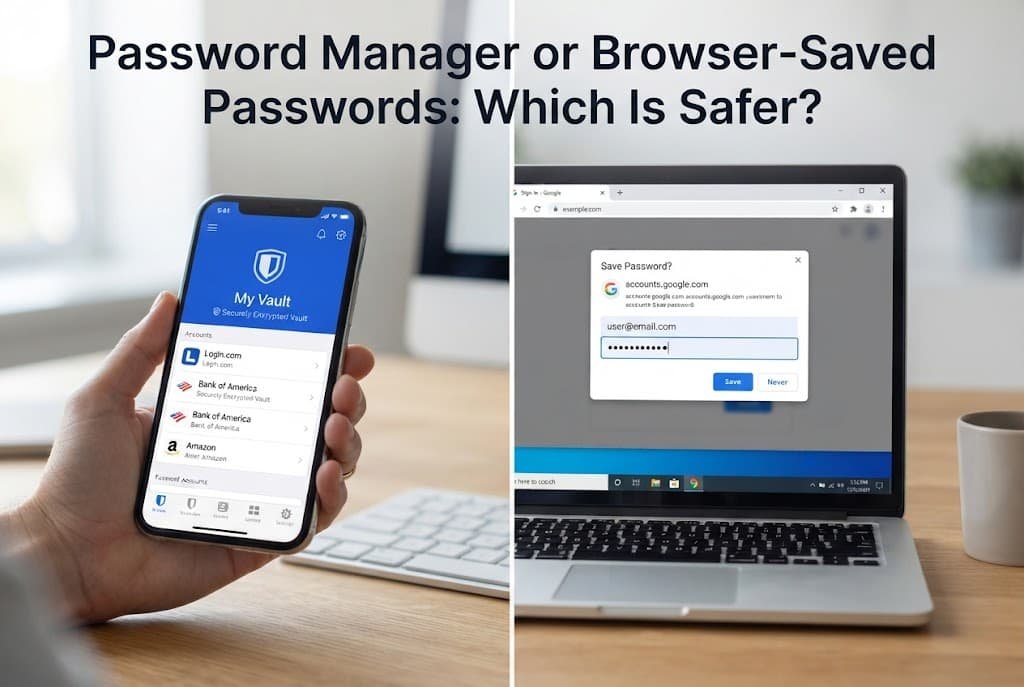
The honest answer depends quite heavily on which specific security property matters most to you personally: the genuine encryption and real portability a dedicated password manager provides, or the zero-friction convenience of browser-saved passwords you’re likely already using without ever really thinking about it. Neither option is universally the right choice for every situation, and picking based on habit alone misses what actually differs between them at a technical level.
The one property that decides it
The deciding factor is how each option protects your stored passwords if the device itself is compromised, not simply whether passwords are saved somewhere convenient. A dedicated password manager typically genuinely encrypts stored passwords behind a separate master password, meaning access to your browser or device alone isn’t automatically sufficient to reveal them; browser-saved passwords are often quite more directly accessible once someone has access to your logged-in browser profile itself, without requiring a separate unlock step.
This matters considerably because the realistic threat most people actually genuinely face isn’t a sophisticated remote attack at all – it’s typically a lost or stolen device, or shared access to a computer, where the difference between “requires a separate master password” and “accessible once you’re in the browser” becomes the entire practical security difference between the two options.
Head to head
| Password Manager | Browser-Saved Passwords | |
|---|---|---|
| Separate encryption layer | Yes – typically behind a master password | Often tied directly to device/browser login |
| Portability across browsers | High – works regardless of browser choice | Limited – typically tied to one browser ecosystem |
| Setup effort | Moderate – requires deliberate installation | Minimal – often already active by default |
| Password generation quality | Typically strong, built-in generator | Varies, often weaker or user-created |
| If device is lost or stolen | Generally stronger, separate unlock required | Generally weaker, tied to device access |
| Ongoing maintenance | Requires active engagement | Passive, largely automatic |
The single row that surprises most people the most is protection if the device is genuinely compromised specifically. Many people naturally assume browser-saved passwords are inherently less secure across the board, but the more precise and accurate distinction is specifically about this one particular scenario – a browser’s built-in password saving isn’t inherently reckless or careless, but the encryption layer protecting it typically isn’t separate from your general device or browser access the way a dedicated manager’s master password genuinely creates.
Where the password manager wins
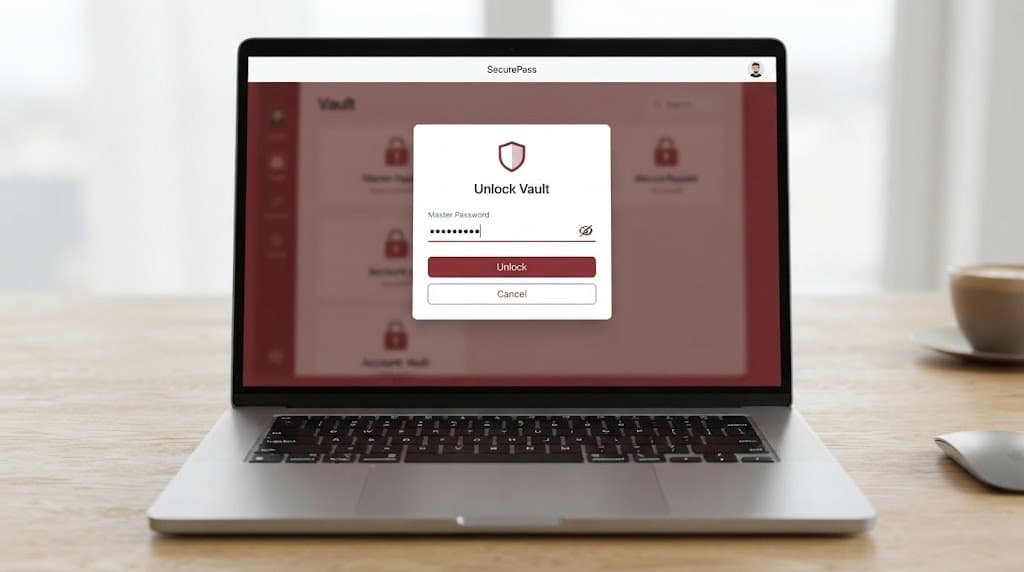
Anyone using multiple different browsers or switching between several devices regularly benefits from a password manager’s genuine portability, since passwords remain accessible and synced regardless of which specific browser you happen to be using at any given moment. The unglamorous reason: a dedicated manager’s built-in password generator also tends to produce genuinely stronger, more random passwords than most people create manually, which compounds directly with the portability benefit rather than working entirely independently of it.
Anyone genuinely sharing a household computer with other family members benefits from this same separate-encryption structure in a rather different way, since a dedicated manager’s master password specifically prevents another user of the same device from casually accessing stored passwords, in a way browser-saved passwords tied to a single shared login profile genuinely don’t achieve nearly as effectively.
Where browser-saved passwords win
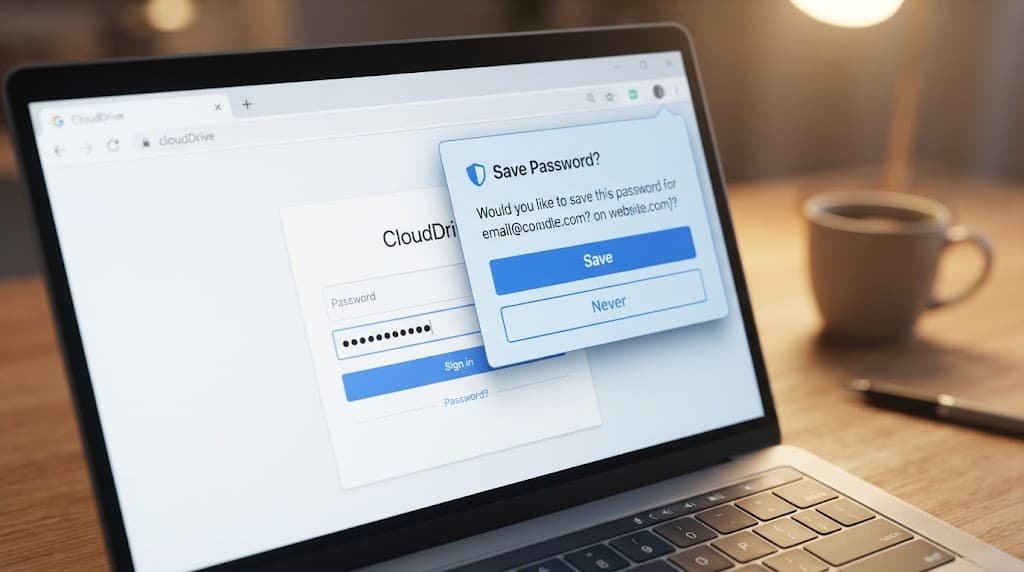
Anyone genuinely committed to a single browser across all their devices, with minimal appetite for installing and actively maintaining a separate tool, benefits from browser-saved passwords’ built-in convenience, since the built-in protection is already active by default without requiring any deliberate setup effort at all from you. The unglamorous reason: browser-saved passwords also tend to have noticeably better native integration with that specific browser’s autofill behaviour, since it’s genuinely the exact same company building both the browser itself and the password storage feature together simultaneously.
Anyone managing genuinely quite few accounts overall, with minimal genuine complexity to actually organise, benefits from this same low-friction approach in a rather different way, since the organisational benefits a dedicated manager provides – folders, tags, extensive search – matter considerably less when there are only a small handful of accounts to keep track of in the first place anyway.
When neither is right
Relying on memorised passwords alone, reused identically across multiple accounts, specifically because neither storage option feels worth the setup effort, is worth ruling out regardless of which of the two options you’d otherwise prefer.
Both a genuine password manager and browser-saved passwords together represent a meaningful security improvement over password reuse specifically, which remains one of the single most common and preventable causes of multiple accounts being compromised together following just one single breach elsewhere. Choosing between the two matters considerably less than escaping this specific reused-password pattern in the first place.
This particular caution applies with especially strong force to anyone who’s genuinely delayed choosing between the two options specifically because the decision itself feels overly complicated, while continuing to use the same exact memorised password everywhere in the meantime, day after day. Either option, adopted imperfectly and immediately today, represents a genuinely meaningful improvement over continuing to postpone the decision entirely while the actual highest-risk habit of reuse remains fully and dangerously in place.

How to decide in thirty seconds
If you genuinely regularly switch between different browsers or devices, choose a dedicated password manager. Its genuine portability directly addresses a real need browser-saved passwords structurally simply can’t fully replicate across different browser ecosystems entirely.
If you’re genuinely firmly committed to one single browser and want minimal ongoing setup effort, browser-saved passwords remain a perfectly reasonable choice. The built-in convenience directly addresses low-friction protection without requiring you to actively adopt and maintain a separate additional tool.
What changes the answer later
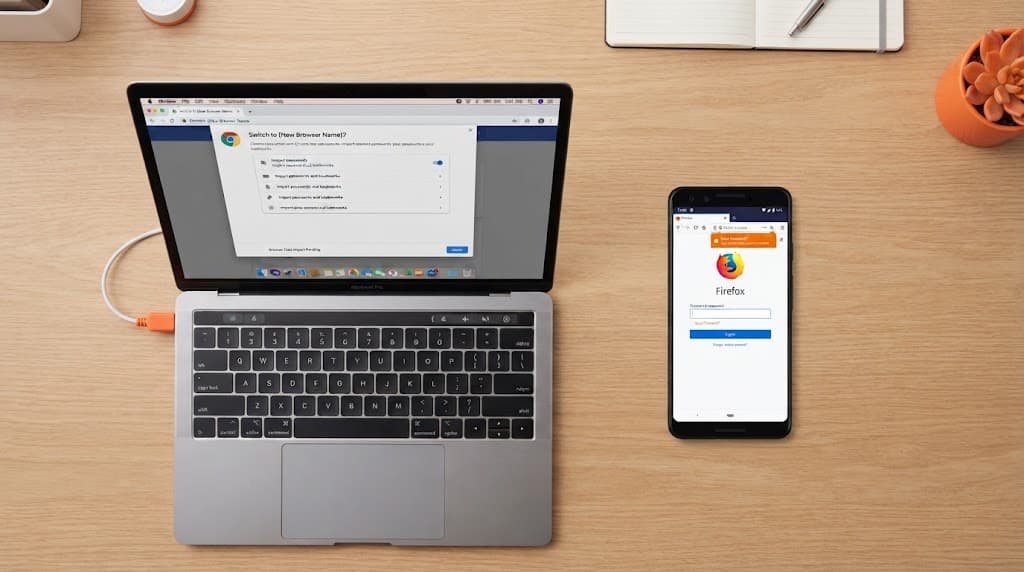
Switching to a new primary browser, or beginning to regularly use a second device with a genuinely different browser, shifts the calculation toward a password manager even for someone who previously found browser-saved passwords perfectly adequate for their single-browser habits.
Beginning to handle more sensitive accounts through the browser specifically – a new financial account, a work account with elevated access – is worth reconsidering the choice at, since the stronger separate-encryption protection a password manager provides matters more as the genuine sensitivity of what’s being protected increases.
Sharing a device more regularly with someone else entirely, even just temporarily, is also genuinely worth reconsidering the choice at, since browser-saved passwords tied to a single shared login profile become considerably less appropriate the exact moment that device genuinely stops being used by only you specifically and consistently.
Questions readers keep asking
Is it worth switching from browser-saved passwords to a dedicated manager if I’ve never had a problem?
Not having had a genuine problem yet doesn’t necessarily reflect the underlying security difference specifically at all – it may simply reflect that your particular device hasn’t yet been compromised or lost, which is precisely the scenario where the difference between the two options actually becomes genuinely, practically meaningful.
Can I use both a password manager and browser-saved passwords at the same time?
Technically yes, absolutely, though it’s rarely genuinely the cleanest approach available, since having passwords duplicated across two entirely separate systems can create real confusion about which specific version is actually current after a password change made in only one single location.
Does browser-saved password security vary meaningfully between different browsers?
Yes, to some meaningful degree – specific implementation details around encryption and exactly how passwords are genuinely protected differ between different browser makers, so checking your specific browser’s own official documentation on this particular topic is worth doing if you’re relying on this option specifically for genuinely sensitive accounts of any kind.
If I switch to a password manager, should I delete the passwords saved in my browser afterward?
Generally yes, absolutely, once you’ve genuinely confirmed the migration was fully successful – leaving duplicate copies in both separate locations creates the same synchronisation risk covered elsewhere, where a password changed in one specific location doesn’t automatically update in the other, leading to genuinely confusing login failures further down the line.