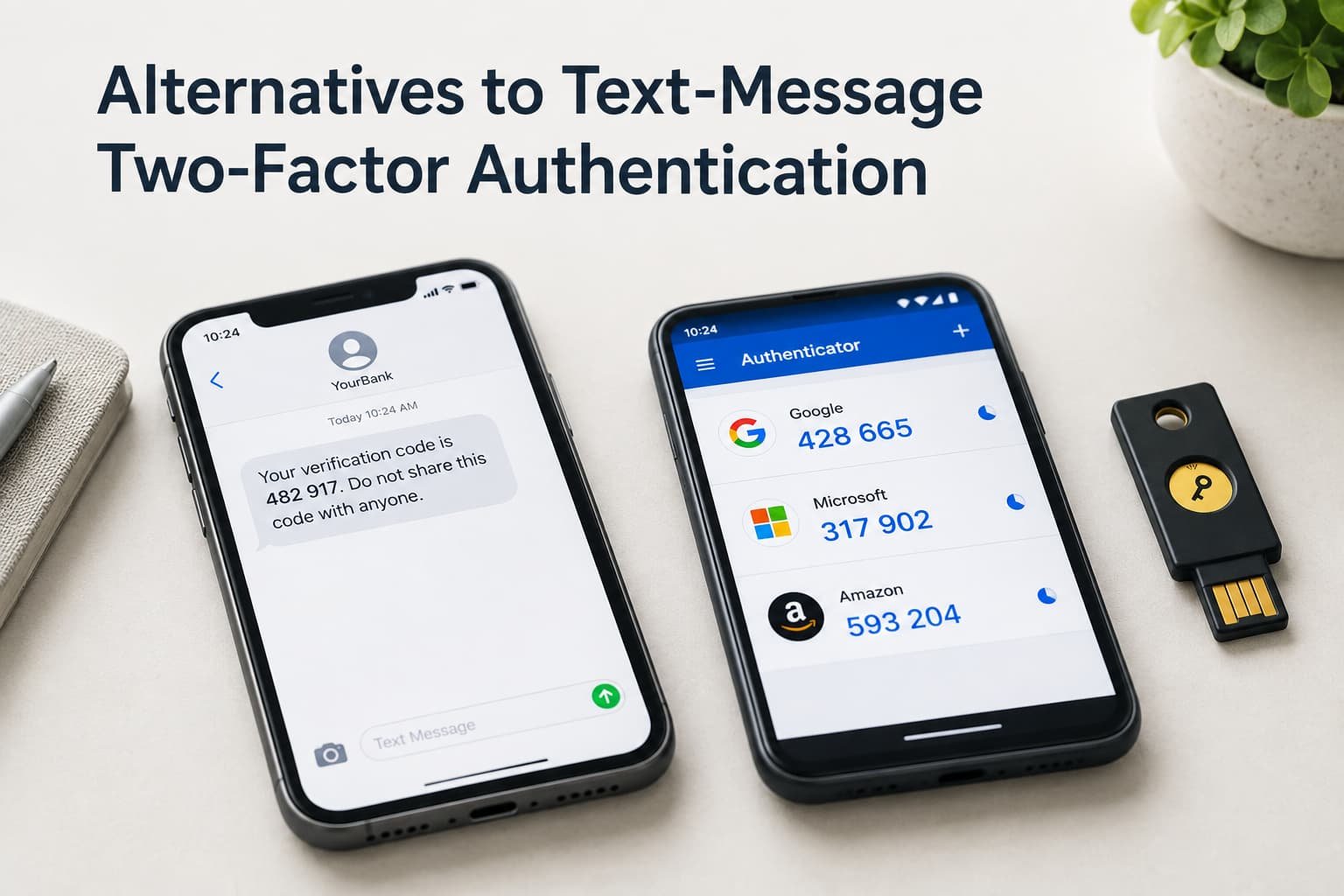
Text-message two-factor authentication genuinely is meaningfully better than no second factor at all, and there’s nothing wrong with choosing it – but “better than nothing” and “the strongest available option” are genuinely different things, and the gap between them is exactly where the case for an alternative starts to make real sense. If you’re relying on text-message codes and want to understand what else is genuinely available, the realistic path depends on understanding what text messages specifically get wrong and what each alternative trades away to fix it.
What text-message authentication is actually doing
The core function text-message two-factor authentication serves is delivering a time-limited code to a device you physically possess, confirming that whoever is logging in also has access to your specific phone number at that moment. This genuinely does provide meaningful protection beyond a password alone, which is why it remains widely offered despite its specific known weaknesses.
That specific weakness is where the case for alternatives begins. Text messages travel through the phone network itself, which introduces a dependency on that network’s own security – a dependency an authenticator app installed directly on your device simply doesn’t share, since it generates codes locally without needing to receive anything transmitted externally.
This distinction matters most specifically for accounts genuinely worth targeting deliberately, since the network-dependency weakness requires an attacker to specifically target your phone number through channels most casual account compromises never involve. For the overwhelming majority of everyday account security, text messages still meaningfully raise the bar over having no second factor at all, even while remaining structurally weaker than device-local alternatives for this one specific attack path.

The kinds of alternative, and what each costs you
A dedicated authenticator app generating time-based codes locally on your device. This directly eliminates the phone-network dependency entirely, since the code is generated on-device without needing anything transmitted to you externally. The trade-off: you’re now responsible for that specific app remaining installed and accessible – losing the device without a backup means losing access to every account configured to it, a risk text messages sent to a phone number don’t carry in quite the same way.
A physical security key that must be physically connected or tapped to complete login. This preserves the “something you have” core principle while removing both the phone-network dependency and any risk tied to a compromised device’s software specifically, since the key itself is a separate physical object with no software vulnerable to remote compromise. The trade-off: you must physically carry this specific object, and losing it without a registered backup key creates a genuinely inconvenient recovery situation, more so than losing a phone that other apps and accounts likely still function on.
Push notification approval through an app already installed on a trusted device. This keeps the process simple and phone-based, similar to text messages, but shifts the actual verification to an encrypted app-based channel rather than the phone network itself. The trade-off: this specifically requires that trusted device to have an active internet connection at the moment of login, which a text message – working over the standard phone network – doesn’t require in the same way.
The trade-off nobody warns you about
The cost that shows up mid-transition isn’t the setup effort – it’s discovering how many of your accounts still only offer text-message authentication as an option, with no alternative available at all, regardless of how strongly you’d prefer to switch.
Most advice about upgrading away from text-message authentication focuses entirely on the security benefits of the alternatives. Nobody genuinely mentions clearly enough that not every single service actually offers a stronger alternative, which means a genuinely complete switch is often only partial by sheer necessity – stronger protection on the accounts that support it, text messages remaining the only option on others regardless of your own preference.

How to switch without losing access
Start with your highest-value accounts specifically – email, banking, anything that could reset access to other accounts – checking which of these already offer an authenticator app or security key option before working through less critical accounts.
Set up the new method alongside text-message authentication first, rather than removing the text-message option immediately, giving you a working fallback while you confirm the new method actually functions correctly before fully committing to the switch.
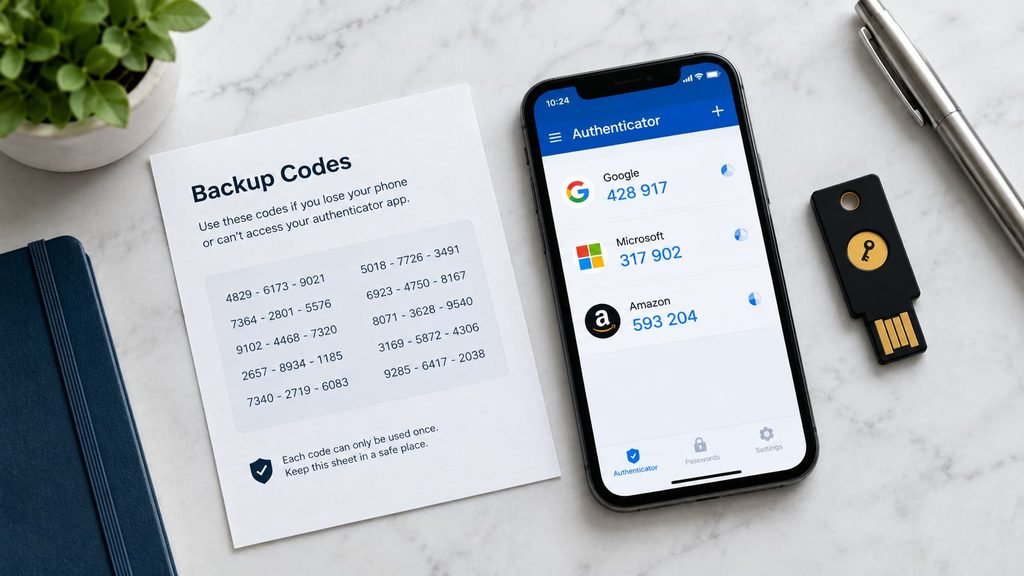
Save any backup codes provided during the new method’s setup process immediately, storing them somewhere genuinely secure and separate from the device the new method itself depends on, since this specific step is what prevents a lost device from becoming a full lockout.
Test the new method fully – a complete login attempt using only the new second factor, without falling back on the text-message option – before actually removing text messages as a registered fallback on that account. Confirming the new method genuinely works in practice, not just that it appeared to set up correctly, is worth the few extra minutes it takes.

When text messages remain the reasonable choice
If a specific account genuinely doesn’t offer any stronger alternative, or if you’re setting up two-factor authentication for someone significantly less comfortable with technology who would struggle with an authenticator app’s setup process, text-message authentication remains a reasonable, meaningfully protective choice rather than something to feel obligated to avoid entirely.
I’ll say this plainly: text-message authentication gets criticised more harshly than the actual risk justifies for most typical users, whose realistic threat is a stolen password from an unrelated breach, not a targeted, sophisticated interception of their specific phone number. The gap between text messages and stronger alternatives matters most for genuinely high-value targets and accounts, not uniformly for every single account everyone has.
A household member who travels frequently to areas with genuinely unreliable mobile signal also has a legitimate practical reason to prefer text messages remain available as a fallback specifically, even after adopting a stronger primary method elsewhere, since an authenticator app’s on-device generation works regardless of signal while a security key requires physically carrying an additional object that’s easy to leave behind while travelling.
The one check worth doing before you switch everything
Before moving every single account away from text-message authentication, check specifically whether your chosen alternative method has its own backup and recovery process actually configured, not just enabled as your primary method.
This one particular check prevents the specific scenario where switching to a stronger method without any genuinely working backup path creates a worse practical outcome than the text-message method you originally started with – a genuinely more secure method that you’ve locked yourself out of provides no protection at all.
Questions readers keep asking
Is text-message authentication actually unsafe, or just less ideal than alternatives?
It’s genuinely quite meaningfully protective, not unsafe in any absolute sense whatsoever – the criticism is relative to stronger alternatives specifically, not a claim that text messages provide no real protection at all compared to having no second factor whatsoever.
Do I need to switch every single account to a stronger method immediately?
Not necessarily as any genuinely urgent requirement – prioritising your highest-value accounts first, and switching others gradually as time allows, is a reasonable approach that captures most of the available benefit without requiring an all-at-once, potentially error-prone transition.
What happens if I lose the device my authenticator app or security key depends on?
This is exactly why saving backup codes during initial setup matters so much – most services provide a specific recovery process for this scenario, but only if you’ve actually saved the backup codes beforehand, rather than discovering you need them during an actual lockout.
Can I use more than one alternative method at once for extra protection?
Yes, absolutely, and many services genuinely do support registering multiple second-factor methods simultaneously – an authenticator app as the primary method and a security key as a backup, for instance – which provides genuine redundancy if one specific method becomes unavailable, without requiring you to choose only one option permanently.