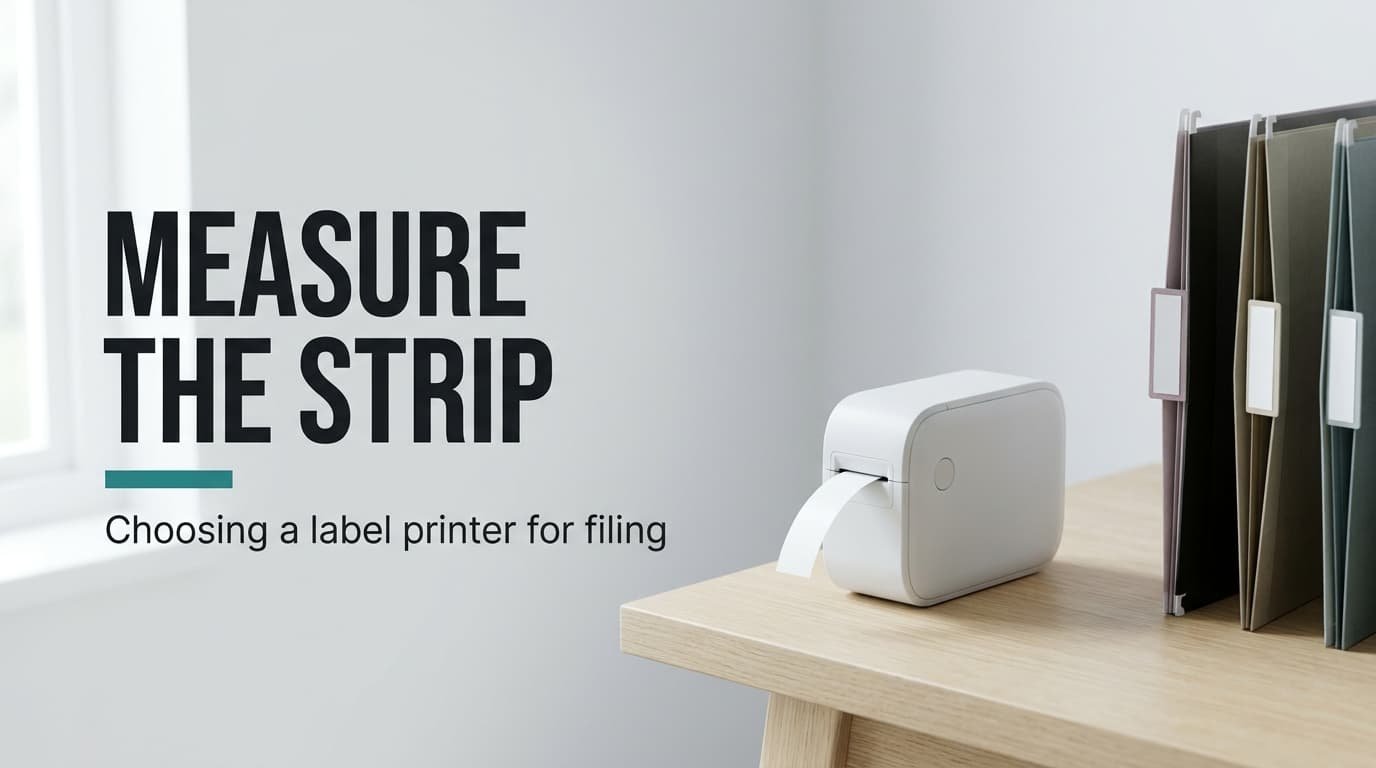
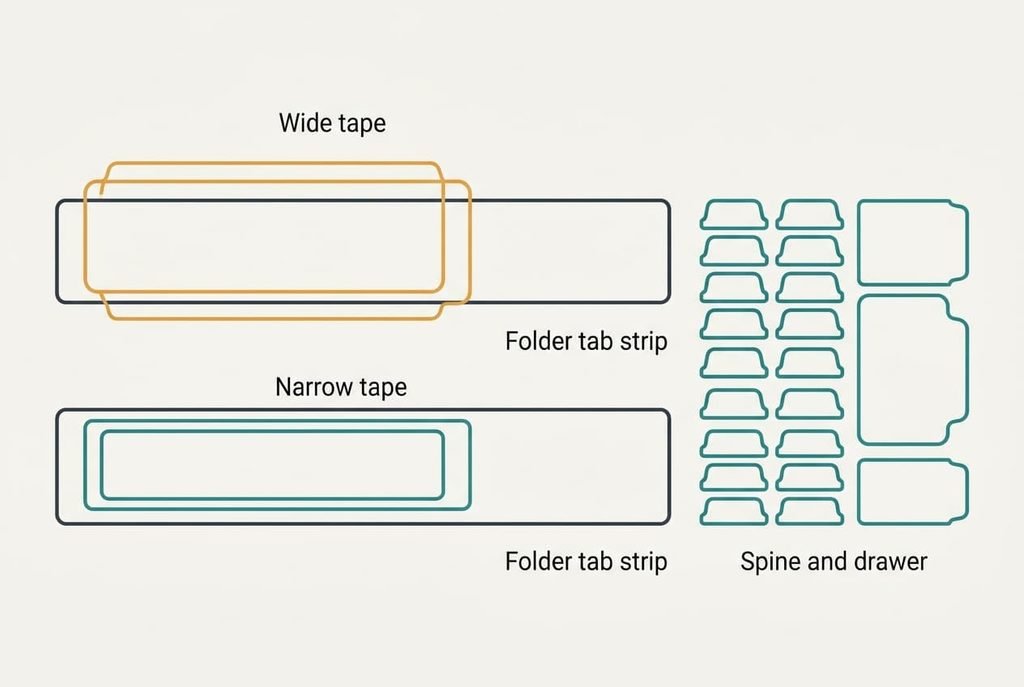
A strip 12 mm tall is all a hanging-folder tab offers in our model, and a broad tape won’t fit inside it. Tape width against the narrowest surface you label is the deciding factor, because it determines which labels can be printed at all. For a label printer for home filing, settle that before you look at fonts or apps. The model home sits in the UK and has 31 things to label. Each dimension is a round placeholder, so measure your own folders and binders before trusting these sums. One ruler reading settles most of the choice.
How to choose a label printer for home filing: what actually decides it
A printer prints only what its tape permits, so the width of your narrowest label surface settles which labels can exist. The model home holds 18 hanging-folder tabs with a 12 mm strip, 7 ring-binder spines with a 40 mm pocket, 4 box-file spines of 70 mm, plus 2 drawer fronts. That makes 31 labels. A 12 mm tape serves every one. A 24 mm tape serves the spines and drawers only, 13 of 31 (42%), which leaves 58% of the labels unprintable.
Width also sets reading distance. Take printable height as tape width less 4 mm of margin, so 8 mm on 12 mm tape, with capitals filling about 70% of that, or 5.6 mm. Text reads from roughly 200 times its capital height, so 5.6 × 200 gives 1,120 mm, about 1.1 m. Narrow tape therefore reads from arm’s length, which is exactly where you stand when you file something. A wide tape reads from farther away, but it can’t enter the tabs, so the extra reach is wasted there.
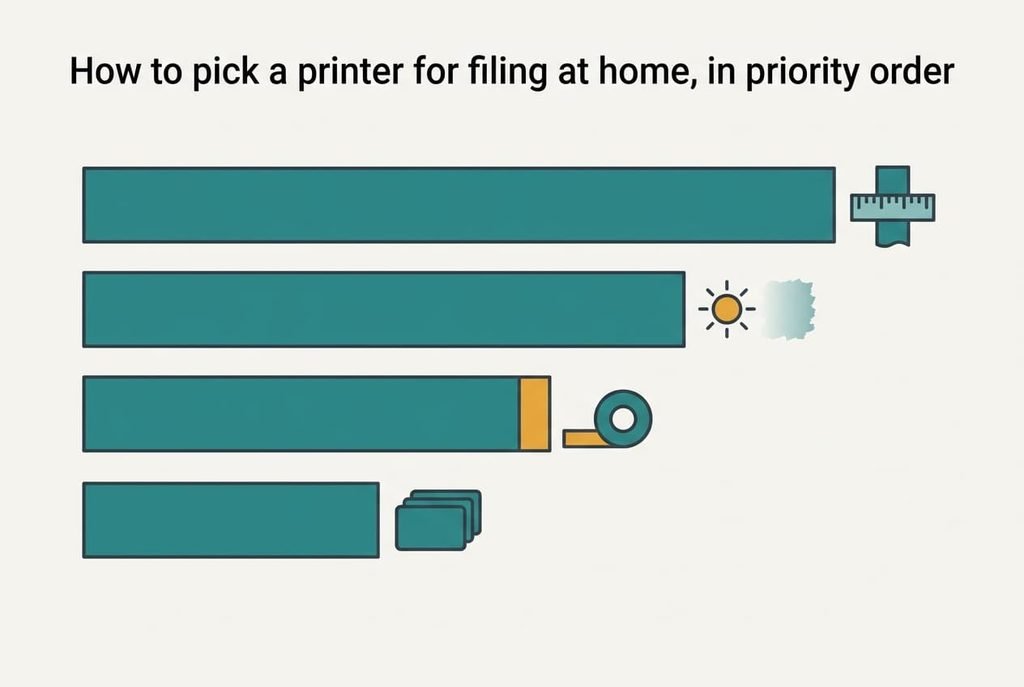
How to pick a printer for filing at home, in priority order
1. Tape width against your narrowest surface. This fixes how many of the 31 labels the machine can ever print, and daily it separates a tab with a label from one with a scrawl. To judge it, measure the smallest strip you own and set it against the narrowest tape sold for the model. Product shots show wide tape on wide boxes, so ignore them. When this goes wrong, 18 of 31 labels stay handwritten and the shelf looks unfinished.
2. How the print is made, against how long the folder stays put. Heat-sensitive print can darken or fade near a radiator or a sunny window, whereas ribbon-transfer print holds up against both. Nothing shows in week one, but a few years on, every old label tells the story. To judge it, find the print method in the specification and ask how long your files will sit on the shelf. When this goes wrong, old labels go grey. You print them again.
3. Feed margin per label, which hardly anyone examines. It’s the blank tape pushed out before each label begins, and we assume 20 mm of it. On an 8 m roll a 55 mm label plus 20 mm of blank uses 75 mm, giving 107 labels where 145 were possible, a 27% loss. To judge it, print a label, then measure the blank at its head. When this goes wrong, over a quarter of every roll ends up in the bin.
4. Whether it remembers your label list. Retyping 18 tabs at roughly 40 seconds apiece takes 12 minutes, while calling up saved text at 10 seconds apiece takes 3. To judge it, look for saved templates in the manual and recall one before you buy, if you can. When this goes wrong, you retype the whole shelf each year, and old typos creep back. Over five years that’s an hour of typing you could have skipped.
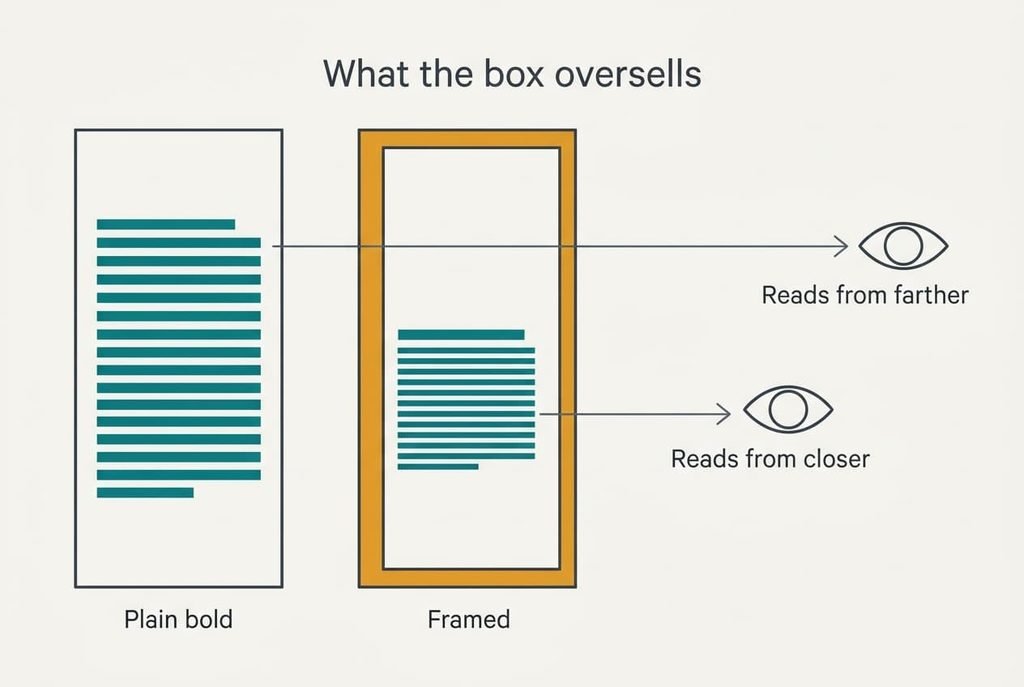
What the box oversells
Dozens of fonts and decorative frames headline the box, and they’re the least useful thing on it. A photo shows them off in a second, and a long list reads like value. In practice they take away height, and height is the one thing a 12 mm tape lacks. The frame is also printed on every label, so the loss repeats 31 times. A 1.5 mm frame above and below cuts the 8 mm printable height to 5 mm. Capitals shrink to 3.5 mm. So the reading distance drops from 1.1 m to 0.70 m, which is 38% closer.
For a label printer for home filing, legibility is the whole job, and ornament fights it. Spend on feed margin before fonts. Plenty of people find that dull. But a roll that yields 145 labels instead of 107 isn’t dull when you hang 18 new tabs.
A plain bold face outperforms every font on the list.
Choosing for three different homes
Different homes reshuffle the ranking. A renter with ring binders only has 40 mm spines and no tabs, so width falls to second place: an 18 mm tape fits every spine and reads from about 2 m (9.8 mm capitals × 200). Feed margin climbs, because each wasted 20 mm is paid for.
A household that renews all 18 tabs each year puts the saved list on top, since it cuts 12 minutes to 3 and saves 9 minutes each year the files survive. A shelf by a sunny window puts print method on top, because fade is the one failure that arrives late and silently. An archive kept in a dark drawer can relax about that point entirely.
What to walk away from
Reject any model whose narrowest tape is wider than your smallest strip. It can’t print your 12 mm tabs, whatever the rest of the specification says. A printer sold with one wide tape belongs in that group, however tidy its case looks, because your tab labels stay handwritten. Be wary of a page that lists frames and icons, plus templates, but gives no figure for blank tape before a label. That omission shows where the effort went. Treat a machine with no saved text the same way if you renew tabs yearly, since 12 minutes of retyping is a cost you’d pay again each year.
Another red flag is a seller who describes the strip but never states its height, since that is the number you’ll compare. A label printer for home filing that can’t print your narrowest label is the wrong tool, whatever else it does.
Check the narrowest strip first.
The two-minute check before you commit
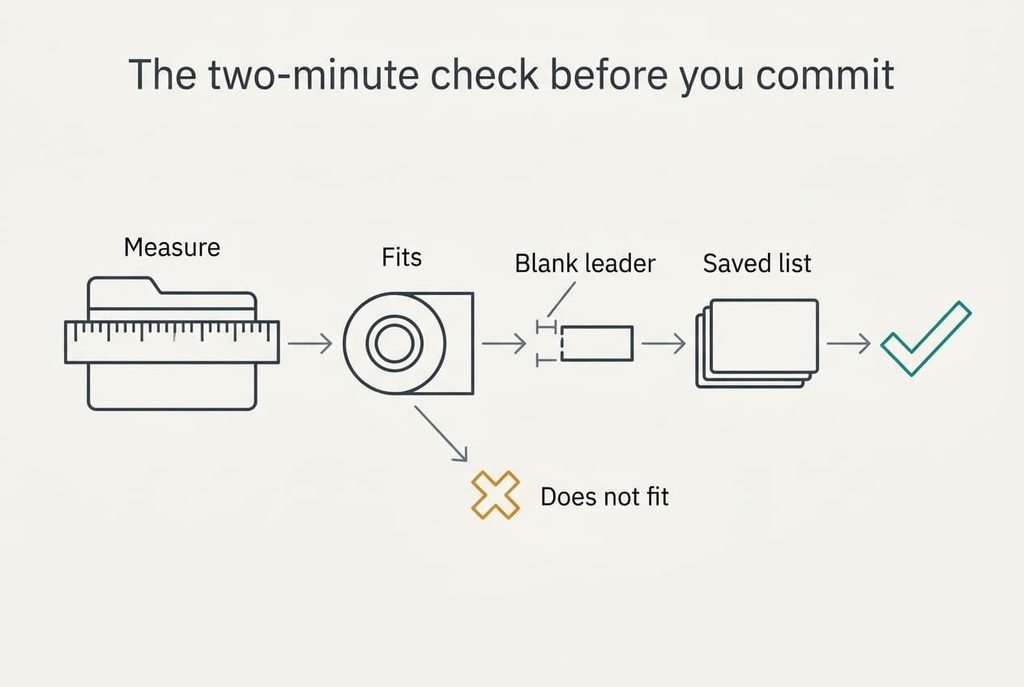
The product page itself is enough to judge a candidate. Begin by writing down the height of the smallest strip you label, measuring a folder tab with a ruler. Then find the narrowest tape the model takes and check that it fits inside that strip. Next, read how the print is made and hunt for any figure on blank tape before a label. Finally, look for saved lists. Jot each answer beside the listing’s name so two candidates can be compared on paper. If a line is missing, try another listing. All of this fits into two minutes with the ruler beside you and the listing open.
Width decides which labels you can print, and the rest only sorts the machines that fit. A ten-second measurement beats an hour of comparing features. For a label printer for home filing, measure your smallest strip today. Everything after that only breaks ties. A ruler is the only tool you need.
Questions readers keep asking
What tape width should I buy?
The narrowest your smallest surface allows: 12 mm in our home, which fits all 31 labels. A wider tape reads from farther away but fits fewer surfaces, so measure the strip on your folder tabs first. If you only label spines, an 18 mm tape reads from about 2 m.
How much should I spend on a label printer?
Spend relatively more on tape range and print method than on fonts or an app. A mid-priced model that takes narrow tape and resists fade beats a dearer one with frames and icons. Check the drawing first, because the cheapest listings often hide the feed margin that decides how many labels a roll gives.
Will it still suit me if I reorganise?
Mostly, if it takes narrow tape and stores label lists. Reorganising changes your folders far more often than your shelves, and a stored list turns a yearly 12-minute retype into about 3 minutes. A model locked to one wide tape ages worst, because each new narrow surface leaves it out.