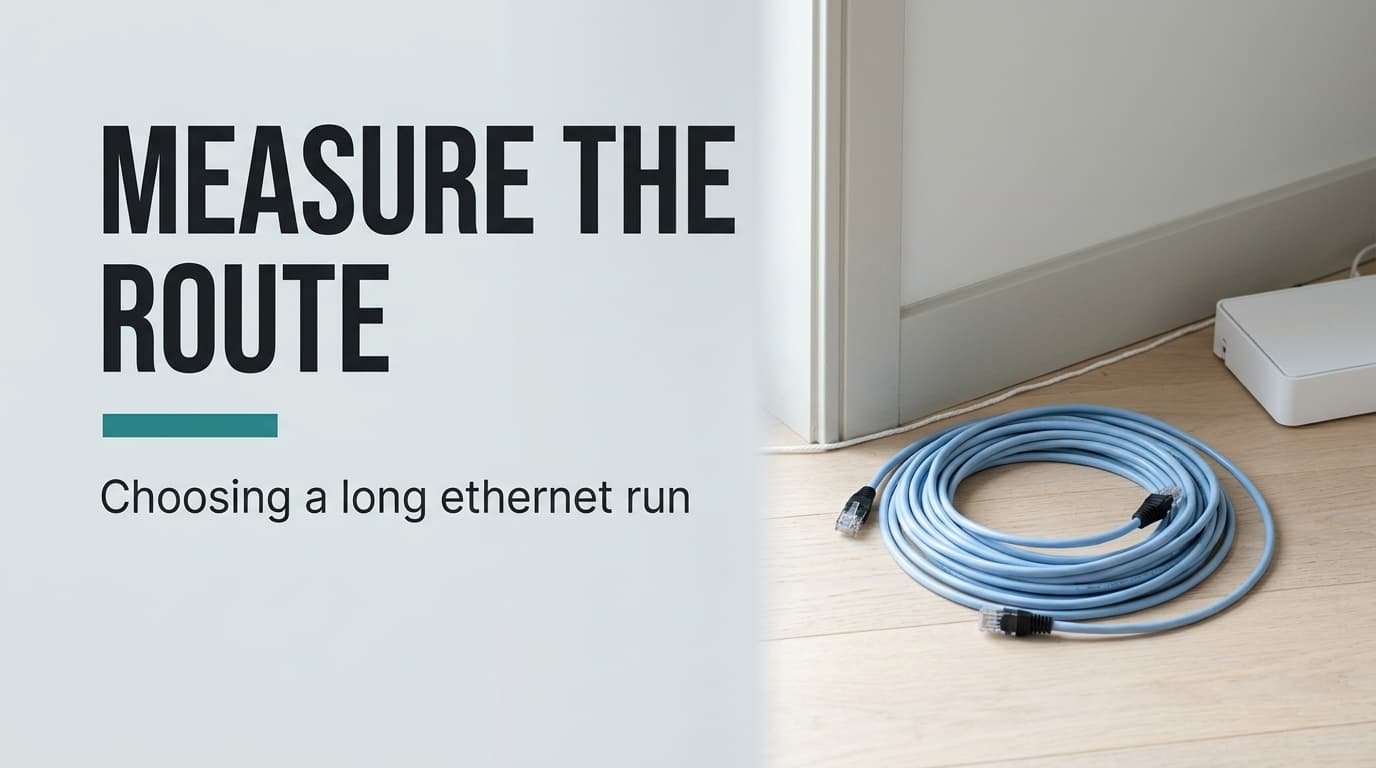
A faster-sounding cable doesn’t make a long run faster, and for most flats the number that matters is length. Choose an ethernet cable for a long run by measuring the route with string, adding 20% and rounding up to the next standard length. In the example, 14 m of route becomes a 20 m cable, and that one measurement removes most of the guesswork. A shop’s shelf of colours and category numbers can wait until after it. Everything else matters less once the length is right. Assumed here: a UK flat, a 1 Gbit/s router port and published cabling-standard ratings, with every other number invented for illustration.
How to choose an ethernet cable for a long run: what decides it
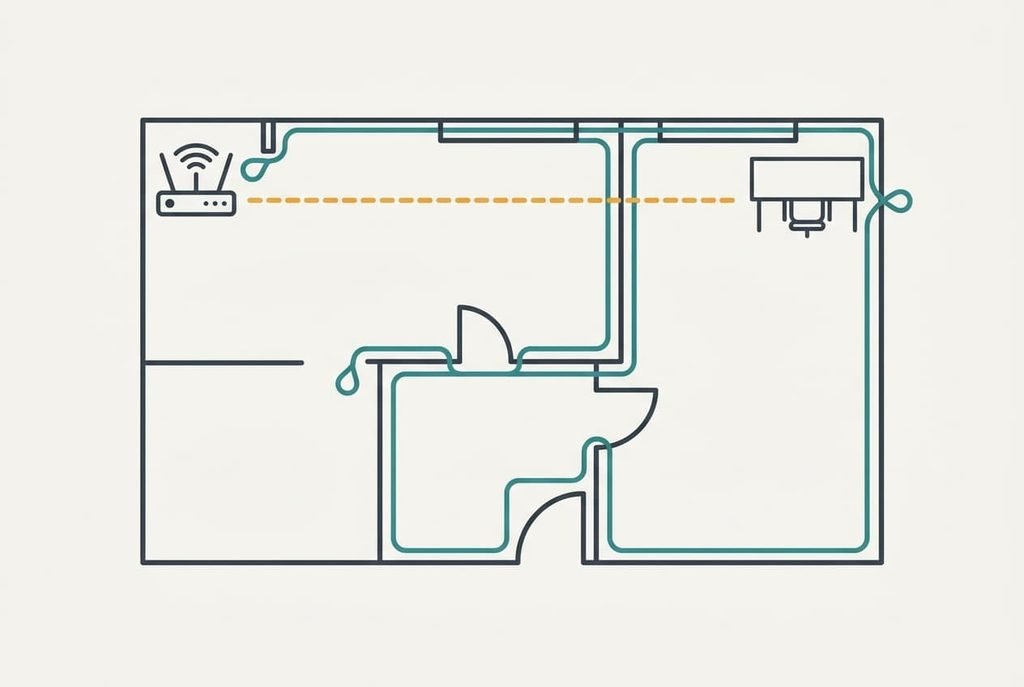
The number that decides is the length of the whole route, not the gap from router to desk. The two may sit 8 m apart in a straight line, but a cable follows the skirting boards. It climbs door frames and turns every corner. In the example flat the string measures 14.0 m along the walls.
Add slack for both plugs and for a loop behind each device, because a cable pulled tight tugs on its connector every time something moves. Gentle bends also keep the twisted pairs inside the jacket in their proper shape. A margin of 20% is a sensible default, which gives 14.0 × 1.2 = 16.8 m. Round up to a standard length, and that’s a 20 m cable. A cable that’s too short strains its plug, while a cable that’s slightly long just coils in a drawer.
The published standards cap a full cable channel at 100 m, so a flat never comes close. Even a generous 30 m run leaves 70 m in hand. Length matters for a different reason: it sets which of the other choices you can skip.
The string answers first.
Ethernet cable lengths for a long run, in priority order
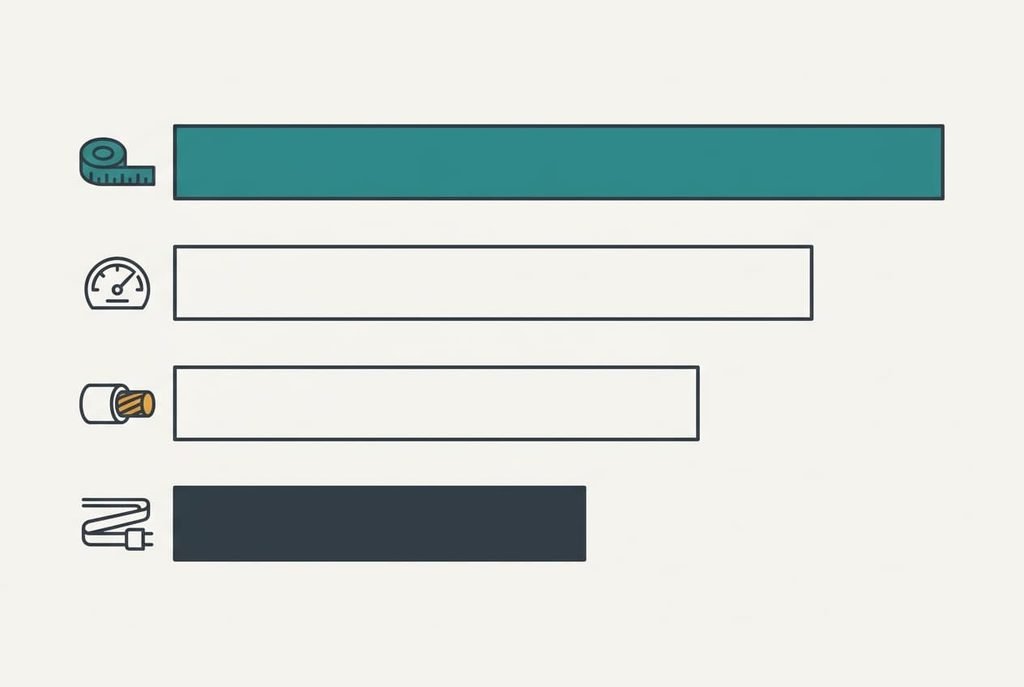
1. Length of the route plus slack. It changes your day by deciding whether the desk can move at all: a 3 m cable pins the machine to the router, while a 20 m one lets it sit anywhere along the route. To judge it, lay string along the planned path. Measure it, then multiply by 1.2. If you’re wrong, a short cable pulls on the plug, and a long one costs only a coil of spare.
2. Category against the speed you actually have. A category rating tells you the speed ceiling of the cable, and the router port sets the real ceiling. With a 1 Gbit/s port, a 25 GB file takes about 3.8 minutes, assuming 110 MB/s in practice, and any cable of the common categories carries that. Check the router’s port label and match the cable to it. One glance gives you the ceiling. If you’re wrong, you pay for headroom you never use, or you cap a faster link by accident.
3. Conductor material. Most buyers never check it, because the box rarely highlights it, yet it decides how well the cable behaves at length. Solid copper conductors carry the signal with low resistance, while copper-clad aluminium resists more, which hurts a long run first. Judge it from the jacket marking, which often names the conductor. If you’re wrong, the link may drop to a lower speed on a long run for no visible reason.
4. Jacket shape and plug latch. A flat jacket slides under a rug or along a door gap, while a round one stays flexible in a tight bend. Judge it by where the cable physically goes, and bend a spare loop to feel how stiff it is. If you’re wrong, a stiff cable levers on its plug, and a cracked latch lets the plug slip out.
The specs that are oversold
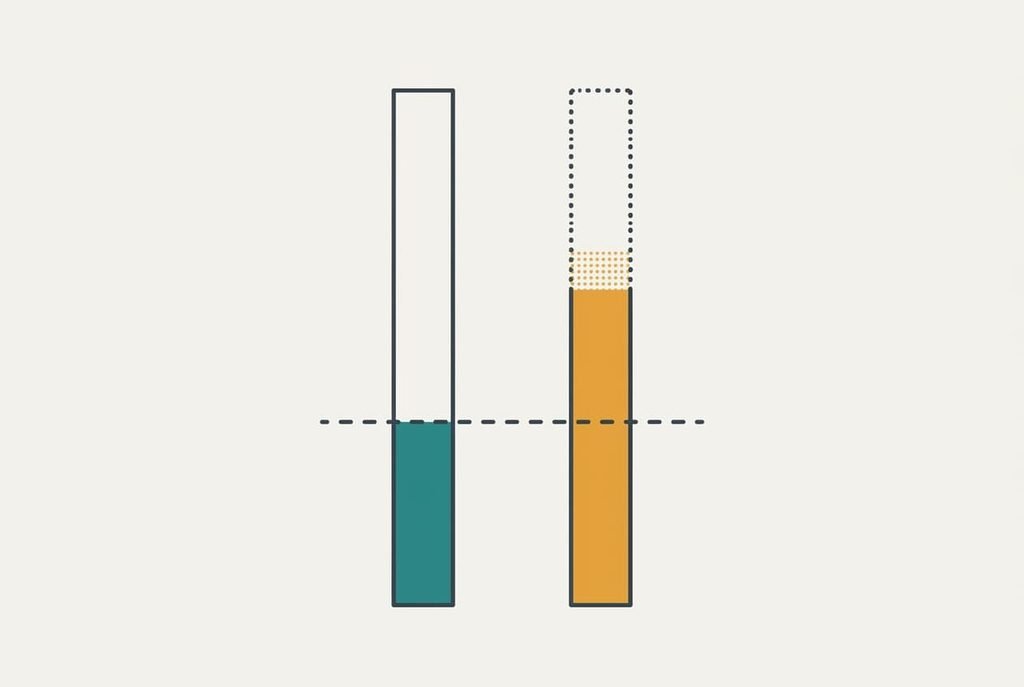
A higher category number than your router’s port speed is the most heavily promoted extra. It’s promoted because a bigger number looks safer and sells for more, and a buyer who doesn’t know the port speed feels better covered. In practice a 1 Gbit/s port runs identically on a basic cable and on a premium one, so the extra headroom sits unused. Anyone choosing an ethernet cable for a long run hears that bigger is better, and the reasoning stops there.
The category number only matters when the device at the far side can use it. A flat with a 2.5 Gbit/s router and a network drive may justify the middle categories. A flat with a plain 1 Gbit/s router doesn’t.
Shielding is the same story. Extra foil helps where a cable runs for metres beside mains wiring, and that’s rare inside a home. For ordinary routes, unshielded cable is enough. It also bends around furniture more easily and costs less to replace.
Three readers, three answers
A tenant with one run of 14 m under skirting needs criterion one and little else. The 20 m cable, a flat jacket for the doorway and a router port of 1 Gbit/s settle it. Spending more changes nothing for that person, so the savings can wait.
A reader with a 2.5 Gbit/s router and a network drive moves to criterion two. The cable must be rated for that speed, and the route must stay under the full 100 m cap. Anyone choosing an ethernet cable for a long run to an outbuilding adds a jacket made for outdoor use, which is a different product altogether.
A reader who runs 40 m across a garden to a shed office moves to criterion three. At that distance a copper-clad cable shows its weakness first, and solid copper stops being optional.
When to walk away
A cable that doesn’t say what its conductors are made of is the one to put back on the shelf. A missing marking usually means a missing quality claim, and conductor material is what long runs punish first. Walk away from a bundle that lists only a category and a bargain length.
Bargains hide the weakest copper.
Put it back, too, when the plugs look loose on the jacket or the latch tab is already cracked, even if the box looks good. A latch that snaps in the shop will snap at home, and you won’t notice until the link drops mid-call. Remember that a cable you can’t diagnose is a cable you’ll end up replacing anyway, and that costs more than the bargain saved. Choosing an ethernet cable for a long run is cheap, and a bad cable costs a weekend to diagnose later.
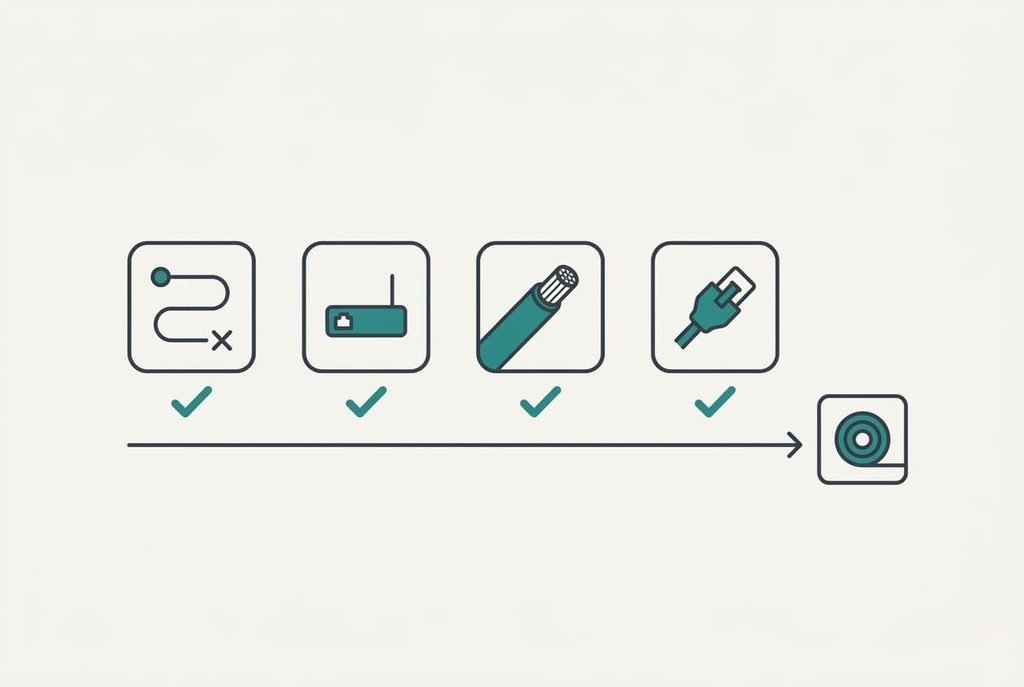
The two-minute check
Do this before you order, because the string route times 1.2, rounded up to a standard length, sets the cable you buy. Read the router port label to see the speed it runs at. Look for a jacket marking that names solid copper and a category at or above that speed.
Then look at the plug latch and the jacket shape for where the cable has to go. A flat jacket suits a doorway, and a round one suits a long wall. If all four answers fit, buy it. If you’re unsure of one, ask the seller to confirm the conductor in writing, and keep the reply with the receipt.
Remember the order of the decisions. Length first, then category against the port, then conductor, then jacket. A long run rewards the first and third and ignores the rest, so spend your attention there. Write the final length on a sticky note and tuck it in with the spare cable, so the next move takes seconds.
Questions readers keep asking
Does a higher category make the internet faster?
Only when every link in the chain supports the higher speed. Otherwise the slowest link in the chain sets the pace, and the extra category adds nothing. Check the port label on the router before you pay for headroom you can’t use.
How much should I spend on a long cable?
Relatively little. A plain cable of the right length and conductor beats a premium one of the wrong length. Spend more only when the cable has to meet a special need, such as outdoor use. A tight bend or a faster port counts too.
Will a cable like this last for years?
A cable with solid copper conductors and a sound jacket, plus a latch that clicks, should outlast the router it connects. Most failures come from kinks and crushed jackets. Cracked latches cause the rest. Route it carefully and avoid sharp bends in the run.