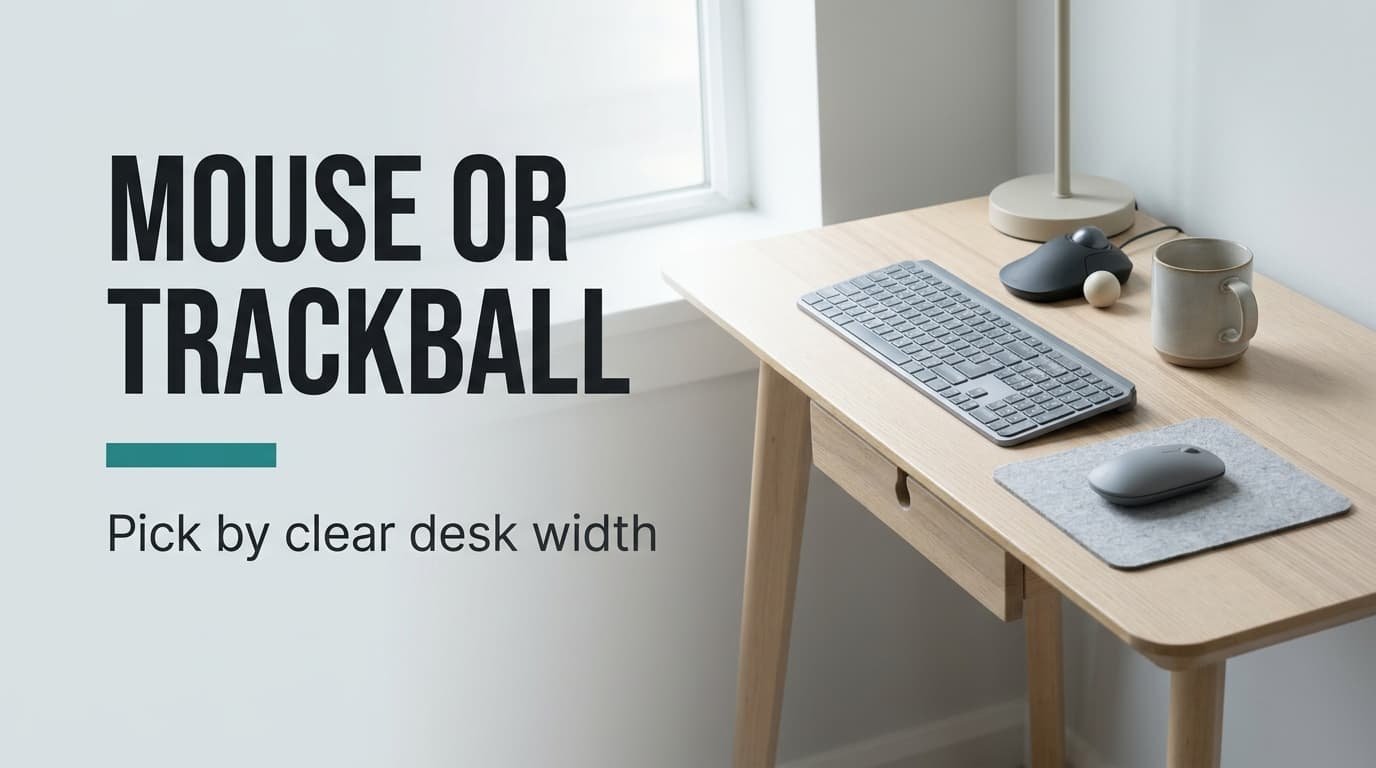
Why does the mouse run out of desk before the cursor reaches the edge of the screen? On a small desk, a trackball wins when you have less than 30 cm of clear width beside the keyboard, and a standard mouse wins when you have more. That clear width is the deciding property. Deciding on a standard mouse or a trackball takes one tape measure and about five minutes. Both devices cost little, so the real price is desk space. The sums here assume a 27-inch screen, a UK desk measuring 100 cm by 60 cm and made-up figures that you’ll want to swap for your own.
What decides a standard mouse or a trackball
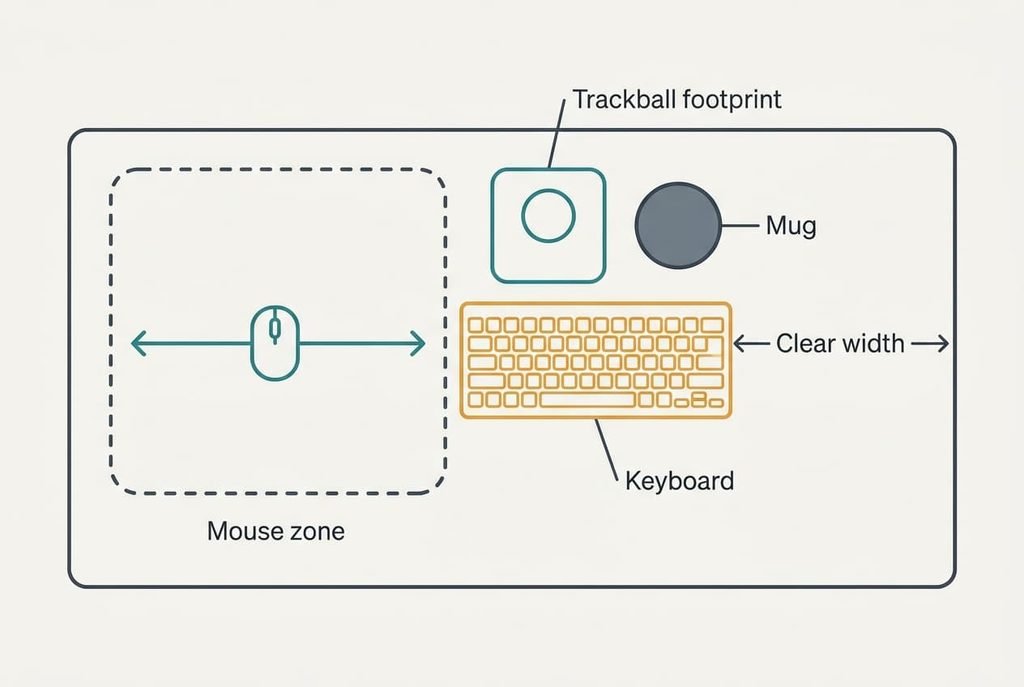
Skip the feature lists, because the clear desk width beside the keyboard decides it. A mouse needs space to travel and a trackball needs only space to sit, so one figure settles which suits the desk.
Start with the travel. A 27-inch screen is 2,560 pixels wide. At 800 counts per inch, crossing it takes 3.2 inches of mouse movement, which is 8.1 cm. At 400 counts it takes 16.3 cm. Add 7 cm for the mouse body and a margin, and a usable zone is about 25 × 20 cm, or 500 cm².
Raising the sensitivity shrinks the zone, though it costs steadiness. At 1,600 counts the same crossing takes 4.1 cm, but the pointer turns twitchy and small icons become hard to hit. Most people settle near 800.
A trackball body of 14 × 17 cm covers 238 cm² and never travels. Its ball does the moving, so the zone stays fixed, whatever the sensitivity.
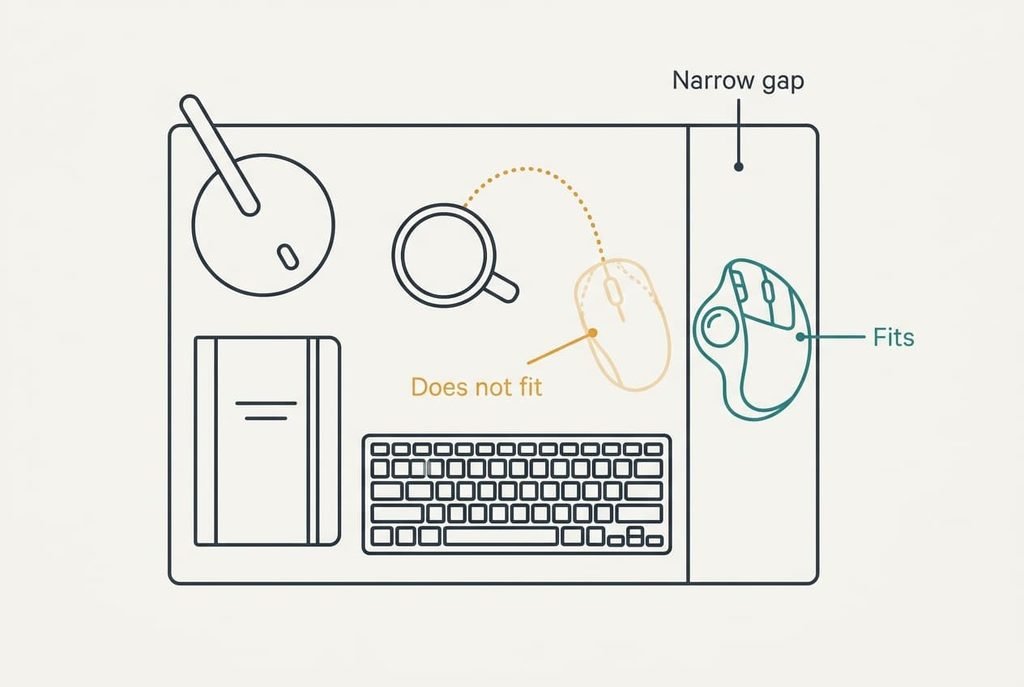
Now measure the desk. A full-size keyboard of 44 cm leaves 56 cm of the 100 cm width. A notebook and a mug take 26 cm, which leaves 30 cm. Add a lamp base of 14 cm and only 16 cm remains.
The tape measure answers the question before any product does.
Mouse or trackball across a normal working day
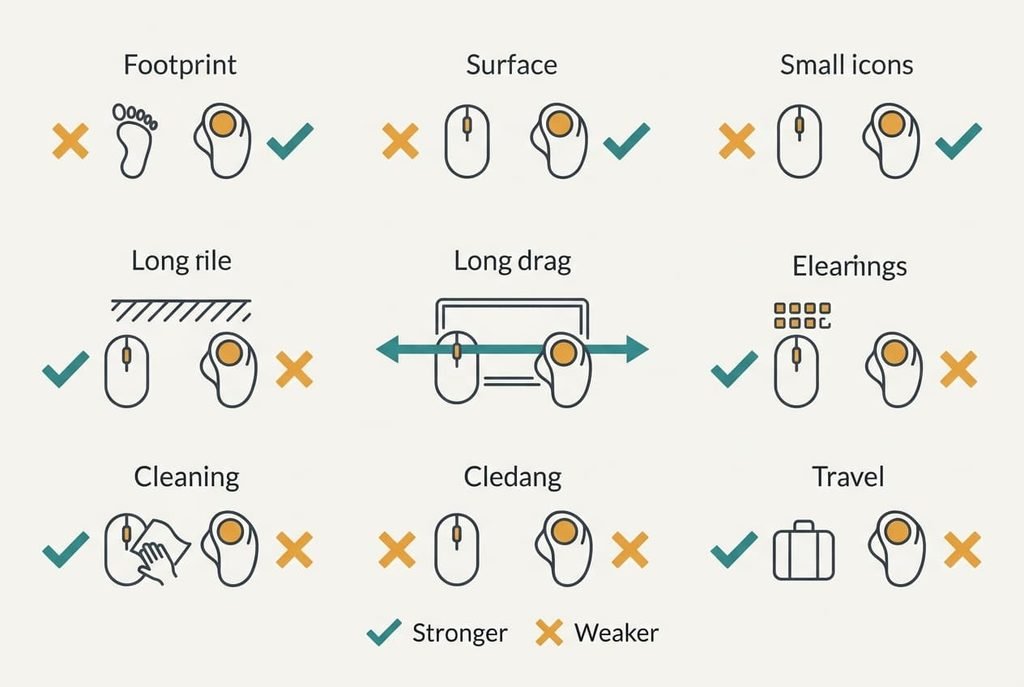
Mark each row with masking tape on your own desk and try it for ten minutes. Use a real task, such as dragging a file between two windows, so the result reflects an ordinary day. The rows are stable properties, so they hold whichever model you pick. No row here turns on price or on pointer speed.
| Check | Standard mouse | Trackball |
|---|---|---|
| Clear desk area needed | About 500 cm² | About 238 cm² |
| Surface it needs | A matt desk it can read | Any surface, or none |
| Long drag across the screen | One sweep | Several rolls of the ball |
| Small icons and fine edits | Quick and natural | Needs about a week of practice |
| Cleaning | Wipe the underside | Lift out the ball and wipe the rollers |
| Packing for travel | Slips into a pocket | Bulky, fills a small bag |
| Use on a sofa or lap | Needs a board under it | Works as it is |
The drag row surprises people. A trackball matches a mouse for pointing, yet a drag from one screen edge to the other takes several rolls of the ball, and holding a button through all of them is where most people give up. It’s the single row that can overrule the width sum, so test it before you buy.
Where the mouse wins
People who drag windows all day and then ask about a standard mouse or a trackball usually end up with the mouse. One sweep of the hand carries the cursor across the whole screen, and the muscle memory is already there. Nothing needs learning.
The mouse also travels well. It slips into a coat pocket, works at a café table, and plugs into any laptop in seconds. A trackball is a desk fixture. If your day moves between desks, the mouse travels with you while the trackball stays behind.
The mouse needs a surface it can read. A glossy desk or a glass top can make the pointer skip, so check the tabletop before you decide. A sheet of plain card under the mouse costs nothing and solves most cases.
Its weakness is the 500 cm² it claims. On a desk with 30 cm of clear width, that is fine. On a desk with 16 cm, the mouse spends its day sliding off the edge or colliding with the mug.
Where the trackball wins
The trackball wins on a crowded desk. Its 238 cm² footprint never grows, because the ball moves while the body stays put. If the only clear patch is 16 cm wide, the trackball fits. A mouse doesn’t. Whether a standard mouse or a trackball is the better choice shrinks to a question about width when the desk is cramped.
It also works on surfaces a mouse can’t use. You can rest it on a sofa arm. A bed tray or a glass-topped table works too, and the pointer behaves the same way. A laptop on your knees becomes a workable setup.
Cleaning is more regular than for a mouse. Lift out the ball and wipe the rollers every couple of weeks. Fluff collects there and the pointer starts to stutter. It takes a minute and a dry cloth, and nothing else.
The cost is the learning period. Assume about a week before small icons feel natural, plus a few days of clumsy long drags beside it.
When neither fits
If your clear width is under 16 cm, neither device fits without moving something. Fix the desk first, by shifting the lamp to the wall. Tidy the cable run, then swap the full-size keyboard for a compact one that gives back 10 cm. A smaller keyboard often solves what a new pointing device can’t.
Failing that, use the laptop’s own trackpad and add a keyboard shortcut or two for dragging. It’s slower for long sessions, yet it needs zero extra desk. A second option is a narrow desk shelf, 20 cm deep, fixed at the side. It adds a pointing zone without eating the main surface.
Give each option seven days before judging. First impressions favour whatever you already know, so a trackball often feels worse on day one than it deserves. A mouse can’t be blamed for the same slow start, because nobody ever learns it twice.
Which branch fits your desk
Measure before you buy.
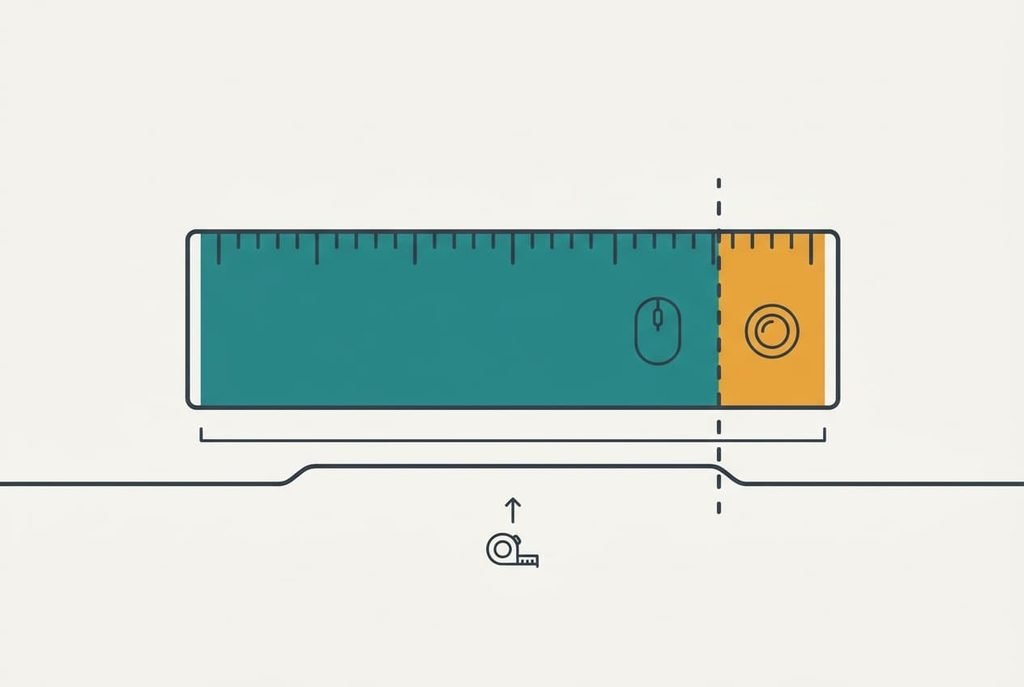
Measure the clear width beside the keyboard with the lamp and the mug in their usual places. If you have 30 cm or more, choose the standard mouse, because it handles long drags and travels with you. If you have less than 30 cm, choose the trackball, because its fixed 238 cm² footprint fits where a mouse can’t.
The 30 cm limit comes from the 25 cm mouse zone with 5 cm of margin, so your hand never knocks the mug. The 16 cm limit comes from the 14 cm trackball body plus 2 cm of clearance. Neither number is a law of nature, so nudge both to suit your hand.
Your desk may not match the example. The keyboard and screen change the figures. Whether a standard mouse or a trackball fits you reduces to that one measurement. Make it today with the usual clutter in place and write the number on a sticky note. If the figure lands 3 cm or less from the limit, borrow a device for seven days first, since a borrowed pointer is the cheapest test there is.
Questions readers keep asking
How long does it take to get used to a trackball?
About a week of ordinary work for pointing and clicking, assuming ten minutes of practice a day at first. Long drags take longer. Keep your old mouse plugged in for the first week, so a deadline never forces you back to it in a hurry.
Does a trackball need more cleaning than a mouse?
A little more. Lift the ball out and wipe the rollers about every two weeks. A mouse needs only a wipe of the underside, though its sensor can misread a glossy desk. Neither device fails often, and both are cheap to fix.
Which suits working from a sofa?
The trackball, in most cases. Its pointer works from a sofa arm or a bed tray because it doesn’t need a flat, matt surface to track. A mouse on a cushion skips and drifts. If the sofa is only for short emails, a trackpad may be enough.