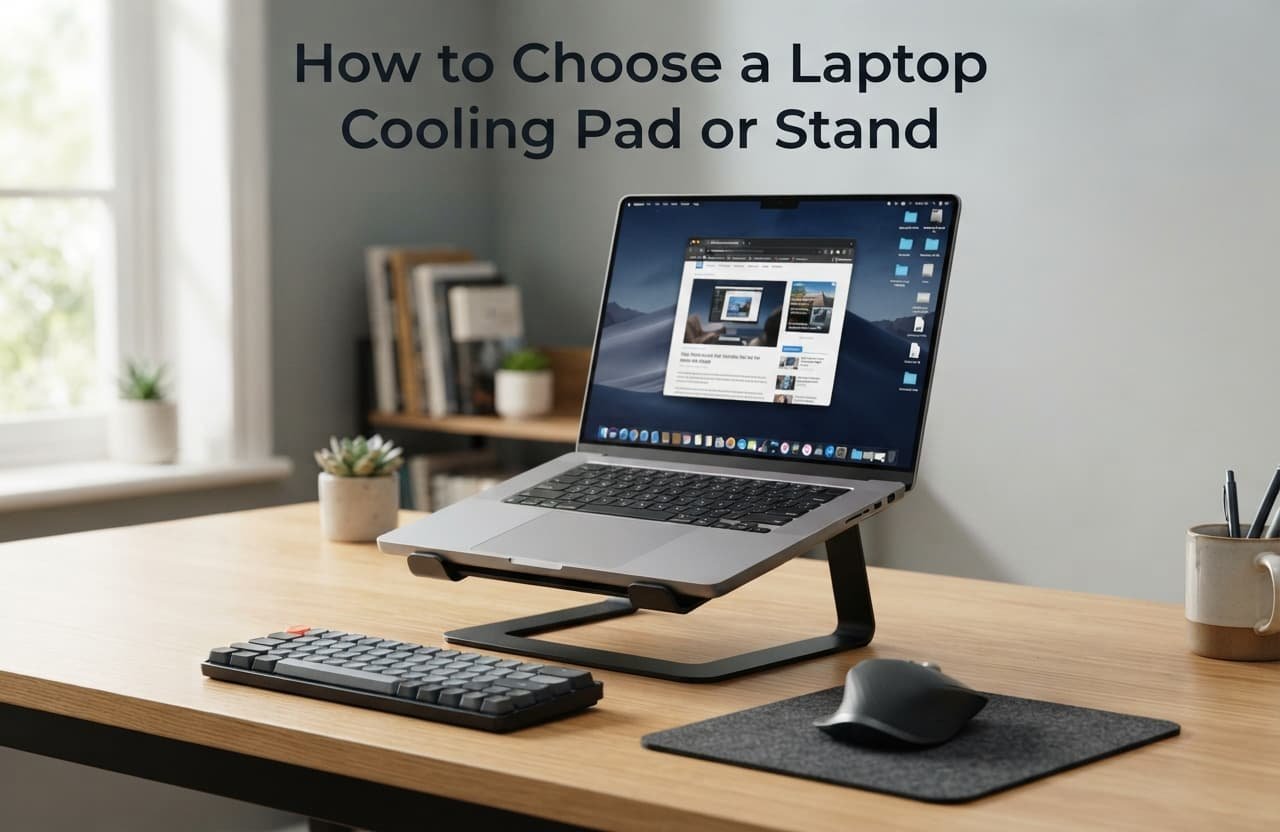
Choosing a laptop cooling pad or stand that genuinely works for daily use comes down to a handful of criteria you can evaluate on any option in front of you, not simply which one has the most impressive fan specifications on paper. A cooling accessory chosen purely for maximum theoretical airflow often creates more daily friction than one genuinely suited to your actual working habits and space.
What actually decides this
The deciding factor is how well an option fits your actual daily working setup and habits, not simply its raw cooling capability in isolation. A cooling pad or stand you’ll actually use consistently every day provides more genuine benefit than a more powerful option that ends up unused because it doesn’t fit your actual desk space or working style.
This matters because cooling effectiveness on paper doesn’t translate to genuine benefit if the accessory itself becomes inconvenient enough that you stop using it regularly, which is a common outcome when choosing based purely on cooling specifications without considering actual daily practicality.
The criteria that actually matter, in order
- Genuine compatibility with your actual desk space and typical working position. Look specifically for a size and shape that fits your actual desk setup without requiring you to rearrange your entire working area, since an accessory that disrupts your existing comfortable setup often ends up abandoned regardless of its cooling performance.
- Stable, comfortable typing angle if it’s a stand specifically. A stand’s elevation angle should genuinely suit your actual typing comfort, not just look ergonomic in product photos, since an uncomfortable typing angle undermines the accessory’s value even if cooling performance itself is excellent.
- Noise level during actual extended use. A cooling pad with a notably loud fan becomes a genuine daily annoyance during extended work sessions, so checking actual noise level, not just cooling specifications, matters considerably for something you’ll have running for extended periods regularly.
- Portability if you genuinely move your laptop between locations regularly. A bulkier, more powerful option makes less practical sense if you frequently work from different locations, since a cooling accessory left behind because it’s inconvenient to carry provides no benefit at all on the days you actually need it elsewhere.
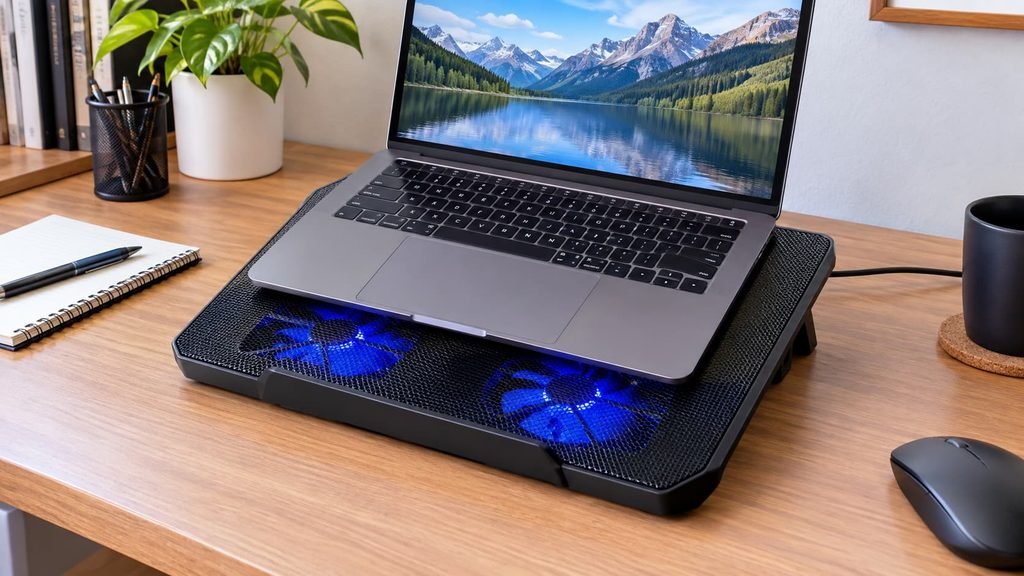
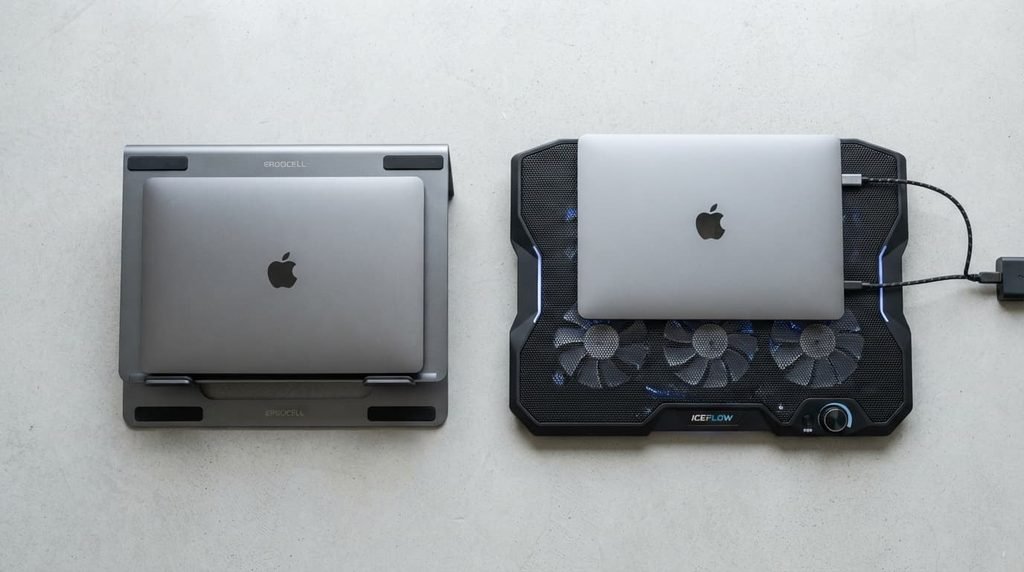
- Power source requirements matching your actual setup. Some cooling pads require their own power connection while others draw power directly from your laptop’s own USB port, and choosing one that matches how many ports you actually have available prevents this becoming an unexpected daily inconvenience.

The single highest theoretical airflow rating is oversold for typical everyday use specifically, and it’s the specification many product listings lead with. For most typical daily use, a moderate, genuinely quiet cooling solution used consistently provides more real-world benefit than a maximum-airflow option that’s noisy enough to discourage actually using it during normal daily work.
RGB lighting and elaborate aesthetic design get more attention in product marketing than they deserve relative to the practical criteria above for typical daily use. These purely visual features provide no genuine cooling or comfort benefit, and prioritising them over actual fit, noise level, and stability serves your daily use considerably worse for comparable spending.
Matching the choice to your situation
If your laptop genuinely runs hot during demanding tasks and you work from one consistent location, prioritise cooling performance and stable positioning more heavily, since your actual need centres on genuine thermal management in a setup that doesn’t require frequent portability.
If you regularly move your laptop between different locations throughout your day, prioritise portability and quick setup over maximum cooling power, since an accessory too inconvenient to bring along provides no benefit on the days you’re working somewhere other than your primary desk.

What to walk away from
Any cooling pad or stand with reviews consistently mentioning it lifting a laptop into a position where the screen becomes uncomfortable to view without also adjusting your keyboard setup, should end your interest regardless of how appealing its cooling specifications appear.
An elevation that improves cooling airflow but creates genuine neck strain from an uncomfortable viewing angle trades one problem for another, since sustained poor viewing posture creates its own real discomfort that can offset or even exceed whatever comfort benefit the cooling improvement itself provides.
The check before you commit
Before finalising any purchase, use the option, if possible, for a genuine extended typing and working session rather than judging comfort and noise level from a brief moment of testing in a shop or from product photos and specifications alone.
This single check reveals genuine daily comfort and actual noise level far more reliably than a brief impression does, since both typing comfort and fan noise tolerance often only become apparent after extended, genuine use, which is precisely the timeframe that determines whether you’ll actually keep using the accessory daily.
Where secondhand or budget options genuinely make sense
A simple, purely passive stand with no fan or electronic components is a genuinely reasonable category to consider a modest, budget-friendly option for, since the underlying mechanism is straightforward elevation and airflow improvement, with little meaningful difference between a premium and a basic version beyond material finish and aesthetic details.
An active cooling pad with fans is a slightly more mixed case specifically – fan quality and longevity can genuinely vary between a budget option and a more established one, so checking specifically for consistent reviews about fan noise and long-term reliability over time is more worthwhile here than with a purely passive stand, where this specific variation matters considerably less overall.

Questions readers keep asking
Do I genuinely need a cooling pad, or does a simple stand without a fan work just as well?
This depends on your specific laptop’s actual thermal behaviour – a laptop that already manages heat reasonably well on its own may only need the elevation and improved airflow a passive stand provides, while a laptop that genuinely runs hot during demanding tasks benefits more from active fan cooling specifically.
Does a cooling pad genuinely extend a laptop’s overall lifespan?
To some degree, reduced sustained heat exposure is generally considered beneficial for long-term component health, though this effect is difficult to quantify precisely for any individual laptop, and it shouldn’t be the sole reason to prioritise cooling if your laptop isn’t currently showing signs of genuine heat-related performance issues.
Should I be concerned about a cooling pad drawing too much power from my laptop’s USB port?
Generally not for typical use – most USB-powered cooling pads are designed to draw a modest amount of power that shouldn’t meaningfully affect your laptop’s own battery life or performance, though checking your specific laptop’s available USB power output is a reasonable precaution if you’re combining several USB-powered accessories simultaneously.
Is it worth buying an expensive cooling pad, or do more affordable options work adequately?
For most typical everyday use, a moderately priced option that fits your specific desk space and provides genuinely stable, quiet operation often serves daily needs just as well as a considerably more expensive option, since the fundamental cooling mechanism doesn’t differ as dramatically as the price range might suggest.