A paid recipe app does four jobs, and holding your recipes is only the first. It also scales quantities and merges a shopping list, then shows the steps while your hands are busy. Alternatives to a paid recipe app keep that first job whole and give up some of the others, which makes the real question which loss you can accept. Three routes follow, then what the third month does to each and the copying job that has to finish before you cancel. The sums assume a family of four with 84 saved recipes, of which 12 are cooked every month.
What survives with alternatives to a paid recipe app
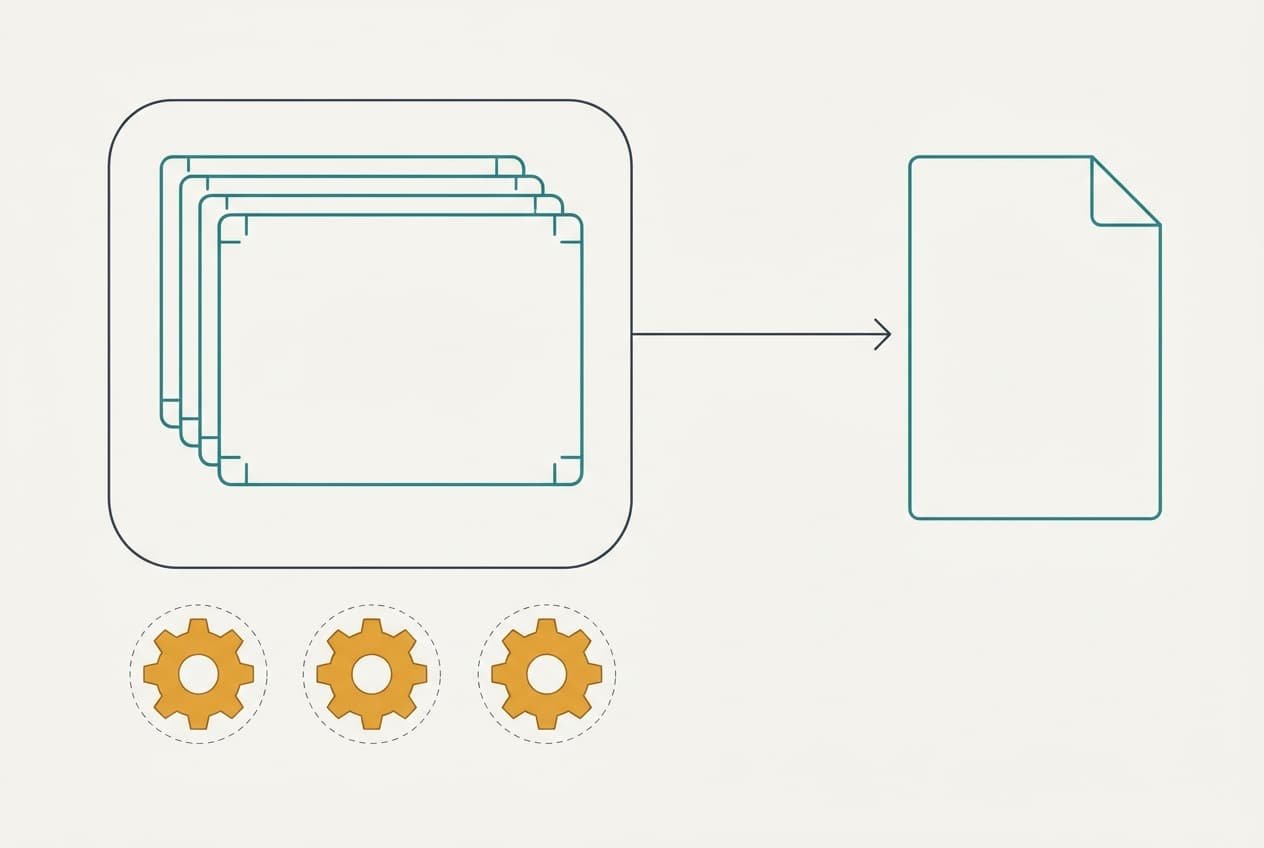
The payload is 84 recipes with your own notes, plus the 12 you cook most, and the app is only one carrier for them. Move the payload and the cooking carries on. The words of each recipe travel as plain text. Your notes travel with them, but only if you copy them on purpose. Many apps keep notes in a separate field that an ordinary copy skips, so check for that before you trust the result.
What stays behind is the machinery. Scaling is arithmetic: a dish for four that uses 300 g of rice needs 450 g for six, and a calculator does that in ten seconds. A shopping list is a merged copy of ingredient lines. Five dinners might list 38 lines and merge into 27 once the duplicates join up. A screen that stays awake over the hob is a convenience, not a recipe.
Notes are the part nobody can rebuild. The pinch of salt you trimmed and the oven that runs hot exist only in the margin.
What to use in place of a paid recipe app
Every route trades one thing for another, so choose by the loss you can accept.
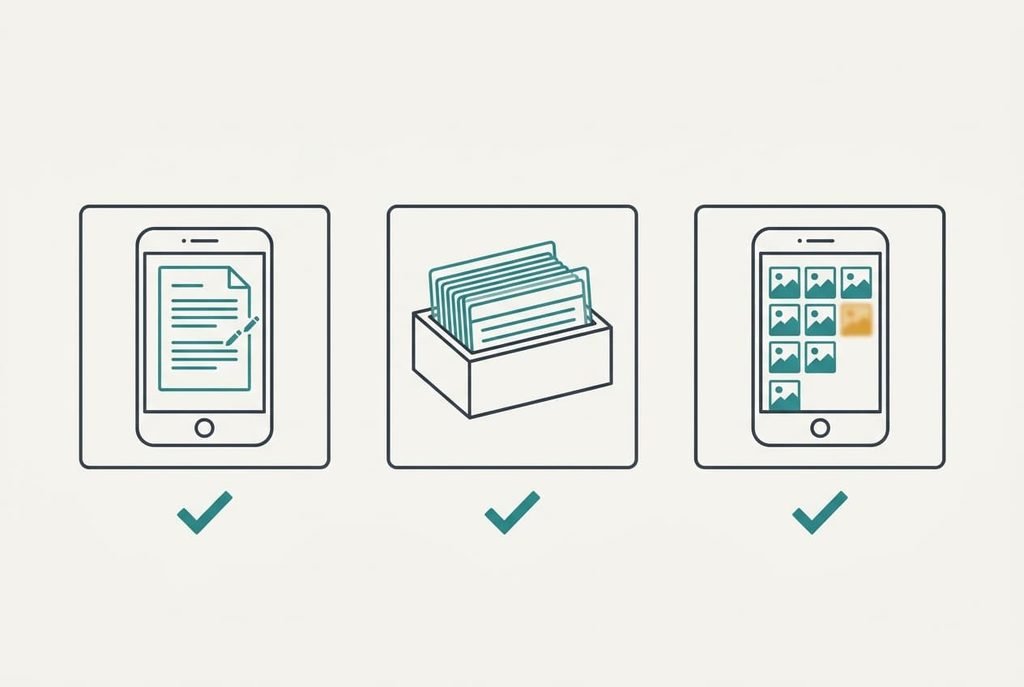
1. Money: keep the recipes in a free notes document shared with the household. Anyone with a notes app on a phone can start today, and the document syncs between family devices at no cost. You lose automatic scaling and the merged shopping list, so a bigger dinner means a little sum at the hob. The payload lands as plain text, and the margin notes arrive with the recipes. Where it breaks: two people edit the same recipe on one evening and the second save overwrites the first. That’s why each dish needs a single editor.
2. Effort: write the 12 regular recipes on index cards and file them in a box. This suits a cook who works with floury hands. A card costs a few pence and needs no battery. Writing 12 takes about 45 minutes, at under four minutes a card. You lose search and the other 72 recipes, which you photograph instead. The payload lands in your own handwriting, with notes in the margin where you’ll read them. Where it breaks: a splash of oil ruins a card, so you’ll want to slip each one into a clear sleeve.
3. Feature loss: store a photo of each page in an album, with one folder per season. It’s the quickest to build, since an hour with a phone covers all 84 recipes at about 40 seconds each. You give up text search and scaling, as well as the shopping list. The payload lands as pictures, so notes survive only if the shot shows them. Photograph the margin along with the page. Where it breaks: a blurred or cropped image, found at the moment you need a quantity, which sends you back to retake it with the book open.
What month three does to the habit
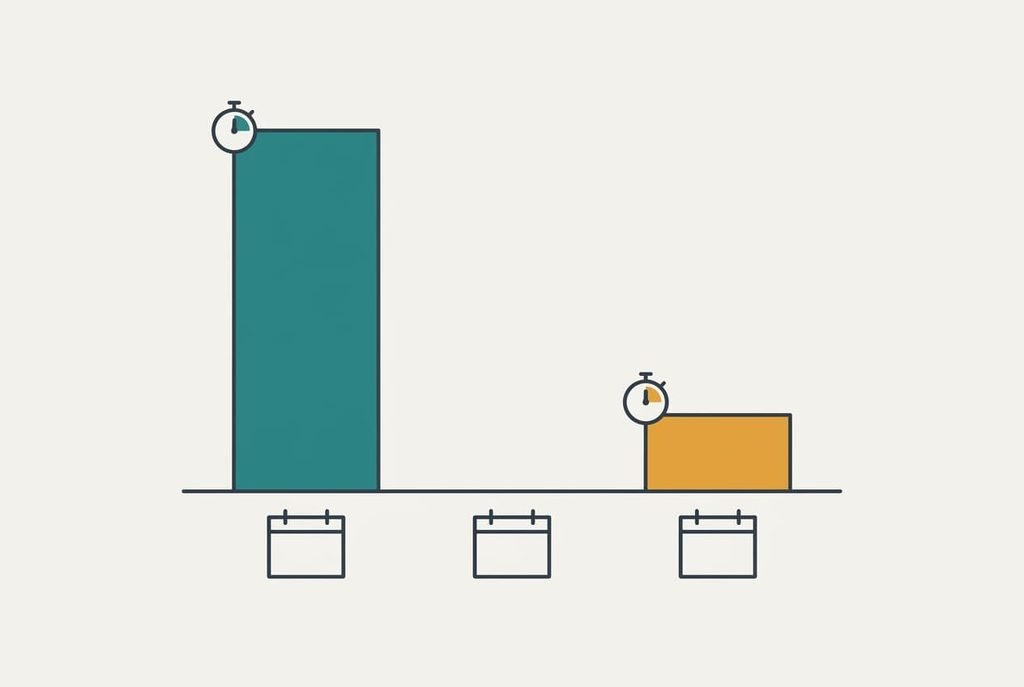
By month three, adding a new recipe has become a chore, and the collection quietly stops growing. In the app, saving took 90 seconds, so you saved most of what you tried. In a notes file it takes four minutes, because you have to type or photograph it, then tidy the result. You try about two new dishes a month. That makes six in three months, which is 9 minutes of effort in the app and 24 minutes without it.
The gap sounds small. It decides whether you record the second dish on a tired Thursday, though. Skip that step often enough and the collection ends up as the 12 regulars and nothing else.
Cards and photos feel this less, since a snapshot takes well under a minute. For alternatives to a paid recipe app, the adding step is the one to test first. Pick the route whose adding step you’ll really do, because the best filing system is the one that gets used.
The order to move things in
Work from the recipes you cook, not the ones you saved. Start with the 12 regulars and copy them into the new home first, notes included. Cook one of them from the new copy that week, so a gap in a quantity shows up at the hob, not in a drawer.
Next, move the rest in batches of ten while the subscription still runs. At 20 seconds each, all 84 recipes take 28 minutes. Leave the old app open for the whole move, and keep the folder order so the new collection reads like the old one.
Cancel last. Wait until the new home has fed the family for a fortnight and nobody’s reached for the old app. A fortnight covers about 14 dinners, which is plenty to expose a gap.
When to keep the subscription
If the scaling and the list do real work every week, keep the subscription. Picture a household that cooks 5 or 6 recipes a week and shops once from a merged list. Scaling for guests adds more sums. It might save 40 minutes a week of arithmetic and copying, which is more than 30 hours over a year, and nothing above replaces that for free.
Stay too if several people cook from one collection on different devices. Sync is the hardest feature to copy by hand, and an app handles it quietly. Weigh the cost against the hours it saves, and keep the app if the sums come out in its favour. If you’re the only cook and the recipes rarely change, the notes route wins easily.
Alternatives to a paid recipe app make sense only after you’ve counted what the machinery does for you.
Export before you cancel
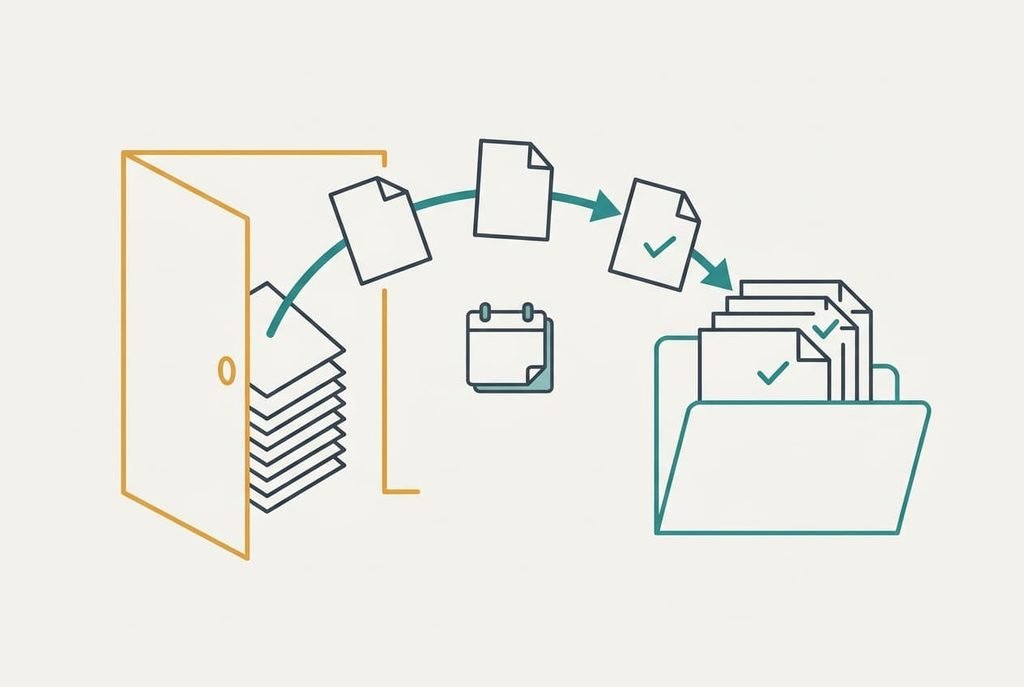
Run the export first, because a cancelled account can close the door on your data. Open each recipe and copy its text along with its notes, or use the app’s own export where it has one. Then open three recipes in the new home and check the notes and quantities. A plain text file per recipe is safest, since any program can read it in ten years.
Do the work in one sitting and save the folder in two places: the phone, plus a spare drive. Keep the account open for a week after the move. Alternatives to a paid recipe app work best when the copying happens before the cancellation, since afterwards the data may be out of reach.
Name each file after the dish, so a search a year from now finds it. Add the date to the top line, which tells you later which version is newer. If you’ve kept the old account open, compare one dish in both places before you let it go. Anything that reads differently needs fixing now.
Questions readers keep asking
Will my recipes transfer when I cancel?
Only the ones you copy or export first. Some apps offer a file download, others let you copy text a recipe at a time. Check which yours does before you cancel, and test the result on three recipes. Notes sometimes sit in a separate field that a plain copy leaves behind.
Is the free route really free?
Yes, as long as a notes app is already installed, though it costs time. Expect about 28 minutes to move 84 recipes and a few more to tidy the regulars. Cards cost a few pence, and a photo album costs only the phone storage it uses.
Is it worth the disruption?
For most households, yes. That’s true when scaling and shopping lists see little use. The move takes an evening. If you cook from the app daily and share it with others, the disruption grows. Staying put may then be the better choice.