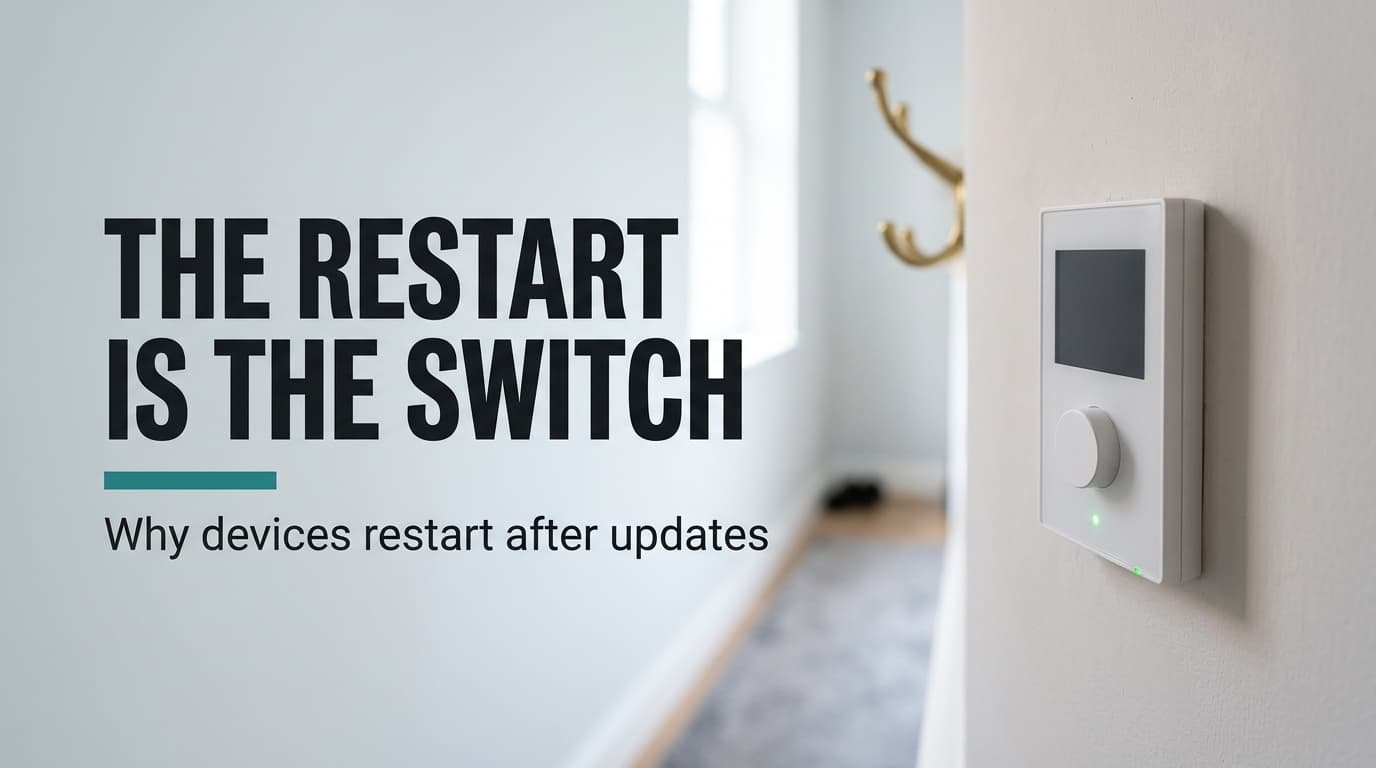
A small wall controller for home lighting keeps its program in a chip smaller than a postage stamp. That program is firmware, the permanent software stored in a device’s own memory that drives the hardware directly. It also explains why the device must restart after an update. Running code can’t safely overwrite itself, so the new copy waits in a spare slot until the next start. The sums below use a made-up controller with a 16 MB chip, and your device will differ. One update is followed from download to first heartbeat. The limits and the beliefs that mislead come after that.
Why a device needs to restart after an update
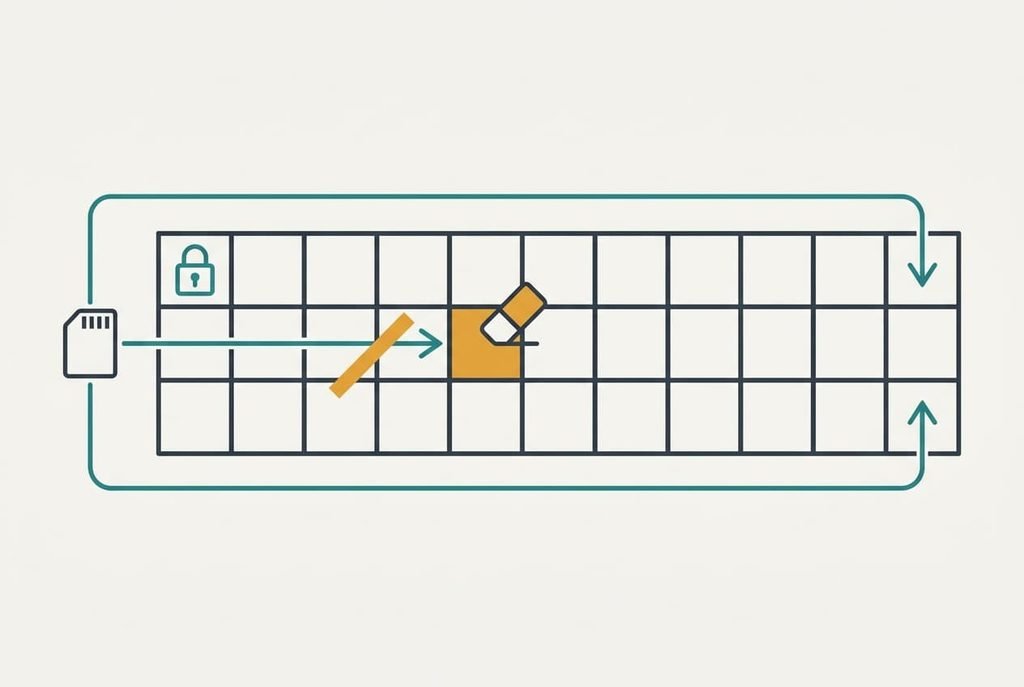
Firmware is the program a device runs from its own flash memory, and an update replaces that program at the next start rather than while it runs. That’s the short answer. The short answer skips how the swap is arranged. The chip holds a tiny first program, the bootloader, whose only job is to choose which stored copy gets control at power-up. Flash memory keeps its contents when unplugged, but it can only be erased in whole blocks. Our controller’s blocks are 64 KB each, so a 6.2 MB image occupies 100 of them. The bootloader sits in its own block, which updates leave alone. A faulty program can’t erase the code that starts it. While one block is being erased, the chip usually can’t be read, and the running program fetches its instructions from that same chip. Rewriting code while the chip is busy fetching it is a race the chip loses, so new code goes only where nothing is running. So the restart after an update is the moment the bootloader switches to the stored copy.
Following an update through the restart, step by step
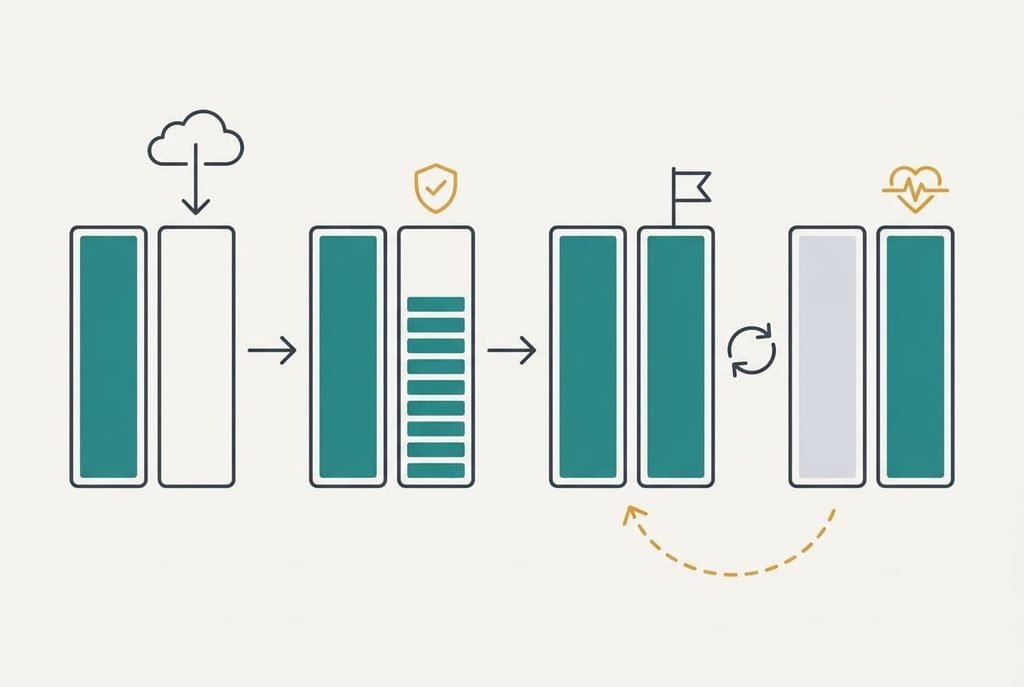
Take the lighting controller with its 16 MB chip. Two MB hold the bootloader and the saved settings. Two slots of 7 MB each hold the program, and slot one runs today while slot two sits empty. The new image weighs 6.2 MB.
The controller fetches it over a 2 Mbit/s link, which takes 49.6 ÷ 2 = 24.8 s while the lights carry on working. It then writes the image into slot two at 200 KB/s. That’s 6,349 KB, so the write takes 31.7 s, and slot one stays untouched throughout. A read-back at 4 MB/s adds 1.6 s. The controller hashes the stored copy and compares the result with a fingerprint published by the maker. It then checks the maker’s digital signature on that fingerprint. A copy that fails either test is erased and the old program carries on.
Next the controller writes one small flag into the settings area, meaning “try slot two once”. That write takes 20 ms. The flag is the whole switch. Nothing runs from slot two yet, so the controller restarts. The bootloader wakes in 0.3 s and reads the flag. Then it hands control to slot two. The new program needs 6 s to start its services and 9 s to rejoin the radio network. The lights ignore you for 15.3 s.
Now the new program has 60 s to report that it’s healthy. When it does, it rewrites the flag to “slot two is good”. When it stays silent, a watchdog timer, a counter that resets the chip whenever nothing feeds it, forces another start. After two failed tries the bootloader flips back to slot one. That worst case costs 2 × 60 + 15.3 = 135.3 s, and the old program is still intact.
Only one stretch can ruin the device: the 20 ms flag write. A single-slot controller has to overwrite its only program, which leaves a 31.7 s window. The two-slot design shrinks the risky stretch 1,585 times.
A recipe card on the kitchen wall, and where it fails
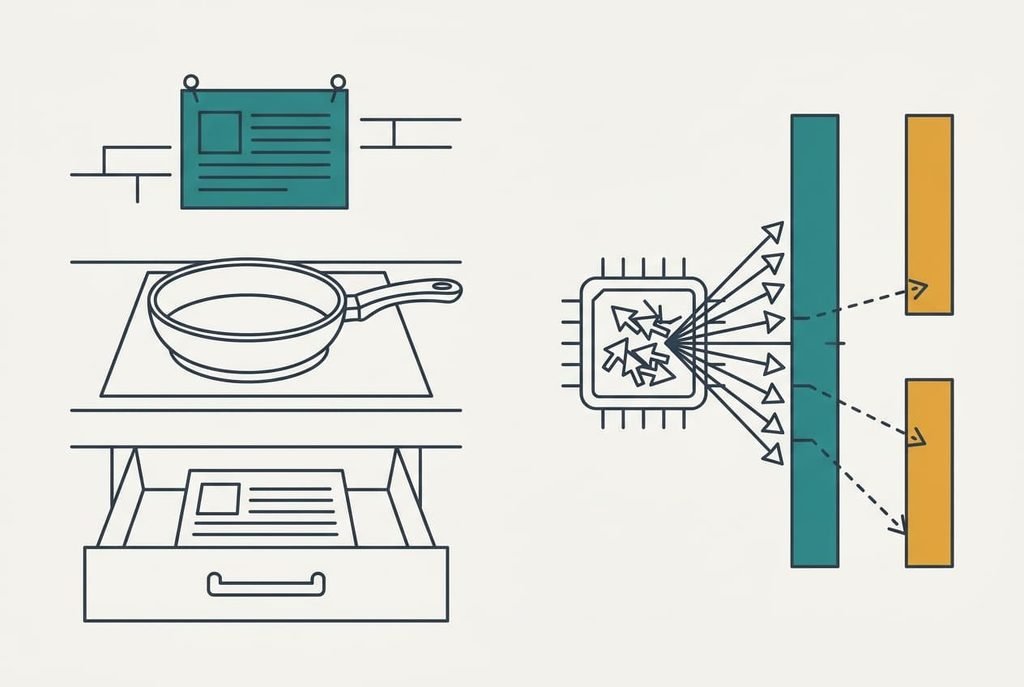
Picture a recipe card pinned above a cook’s hob. The cook reads it while working, and nobody swaps the card mid-dish. To change a recipe you finish the pan, pin up the new card and start the next dish.
The bootloader is the person who pins the cards, and the spare slot is a second card kept in a drawer.
A cook can hold a half-made dish in their head when the card changes. The controller can’t, because its working memory contains pointers to exact positions inside the old program, and the new program has moved those positions. Carrying that state across would need a translator for every pointer. Nor would a cook hand the old card back after one bad dish, whereas the bootloader does exactly that after two failed starts.
What a restart does not tell you
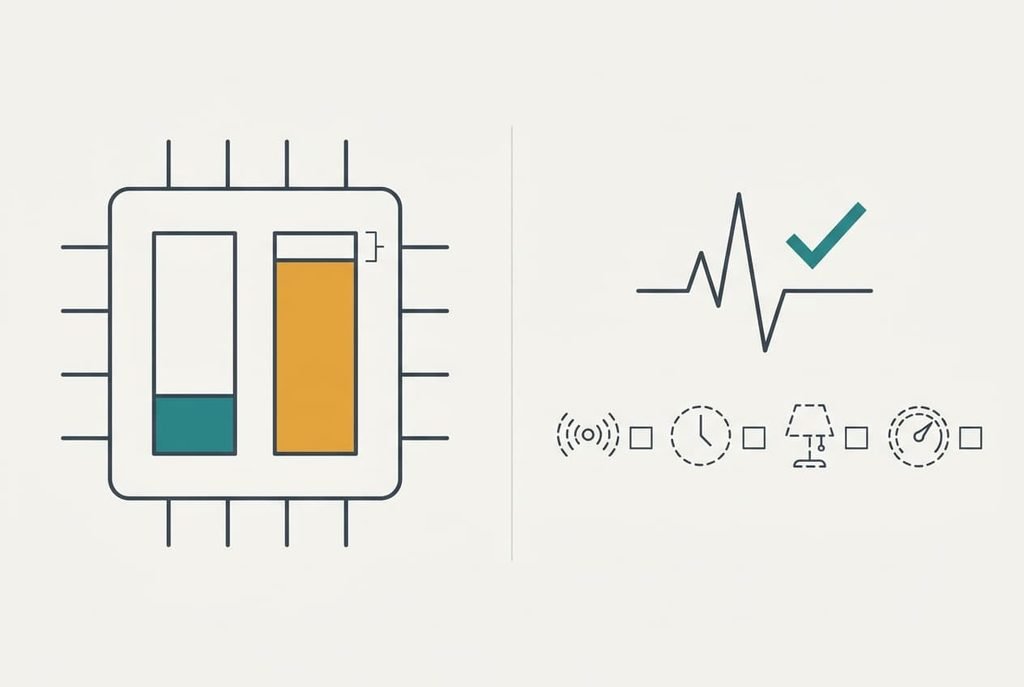
People assume a restart after an update proves more than it does. A clean restart shows only that the new program started and reported itself healthy, and tells you little about the other features. The health report is one message sent from the program’s main loop, so a broken radio driver or a wrong schedule can pass it. Test the features you use within a day.
Two slots also cost space. Our chip gives 14 of its 16 MB to slots. That’s 87.5% of the flash, and a 6.2 MB image fills 88.6% of a 7 MB slot. The headroom is 0.8 MB, so one release that grows past 7 MB can’t be installed in this layout at all.
Some updates need no restart. A change to settings or to an app running on top of the firmware loads while the device runs, since it doesn’t touch the program in flash.
What people get wrong about firmware
Three beliefs travel with firmware. The first says the restart only clears the memory. It formed because a restart does cure many odd faults. Yet in an update the restart is the switch itself, since the old program keeps running until the bootloader reads the flag.
The second says a power cut during an update always ruins the device. That belief grew from older single-slot designs, where the 31.7 s write window was real. With two slots the risky stretch shrinks to the 20 ms flag write. Makers also warn against unplugging, which sounds like proof.
The third says firmware and the operating system are one thing. On a laptop they update together, which blurs them. The label “software update” hides which layer changed. Firmware is the first layer, stored in the chip’s own memory, and an operating system is a larger optional program that it hands control to.
How to decide when your device should update
Count what a 15.3 s blackout costs you. If a gap that long is harmless at 3 a.m., leave automatic updating on, because the device then swaps programs while nobody’s watching. Schedule it for a day when nothing is due to switch. If it runs a timed task you rely on, such as a shop-window lighting schedule, install by hand at a moment you choose. I’d do that even though automatic updates are the safer default for most people. You’ll know when the blackout happens and can check the result at once.
Never cut the power during the 31.7 s write or the 15.3 s start.
Firmware is the program a chip keeps in its own memory, and a device must restart after an update because the bootloader reads its switch only at power-up. Everything else follows from that. The spare slot keeps the old program safe, and the health report decides which slot stays. Check one thing after any update: the feature you use most. A clean start proves only that the program booted, and the first real use tells you the rest.
Questions readers keep asking
Can interrupting an update damage a device?
On a device with one program slot, a power cut during the 31.7 s write can leave half a program. The device then won’t start. On a two-slot design the risky stretch is the 20 ms flag write, so the old program usually survives. You can’t tell which design you own, so keep the power on.
Do I need to install firmware updates at all?
Mostly yes, because the maker can only repair the permanent program by replacing it. A device that works and sits behind your router can wait a few weeks, but one that faces the internet shouldn’t wait long. Read the release note for what it fixes and decide by whether it names something you use.
Is a firmware update the same as an app update?
They differ in where they live. An app sits on top of the firmware and loads while the device runs, so it rarely needs a restart. Firmware is the layer underneath, so the bootloader must swap it at the next start. An app update changes files, and a firmware update changes which program the chip boots.