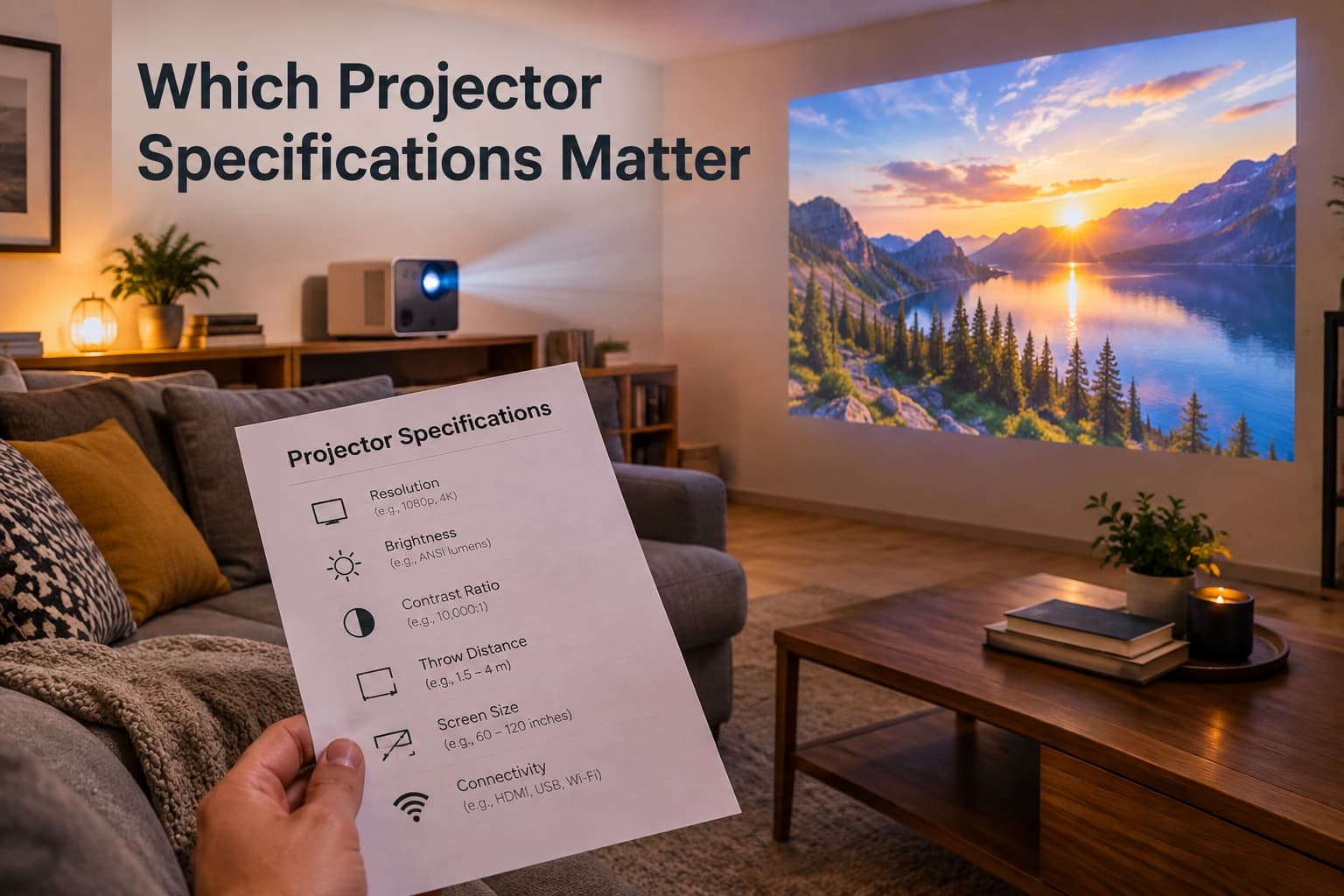
A projector listing can run to forty specifications, and most of them are there to be compared rather than to be understood. A handful decide whether the picture looks good in your room, whether the fan irritates you, and whether the running costs surprise you in a year. This guide ranks the ones that matter and shows you where listings quietly mislead.
Before you shop: measure the room
Every projector needs a certain distance from the wall to fill a given picture size, and your room sets a limit on both. Measure the distance from the wall to where the projector would sit, and decide the picture size you want from your seats. Those two numbers narrow the field before you read a single specification. How the distance requirement works is covered in the comparison of short-throw and standard models.
What actually decides this
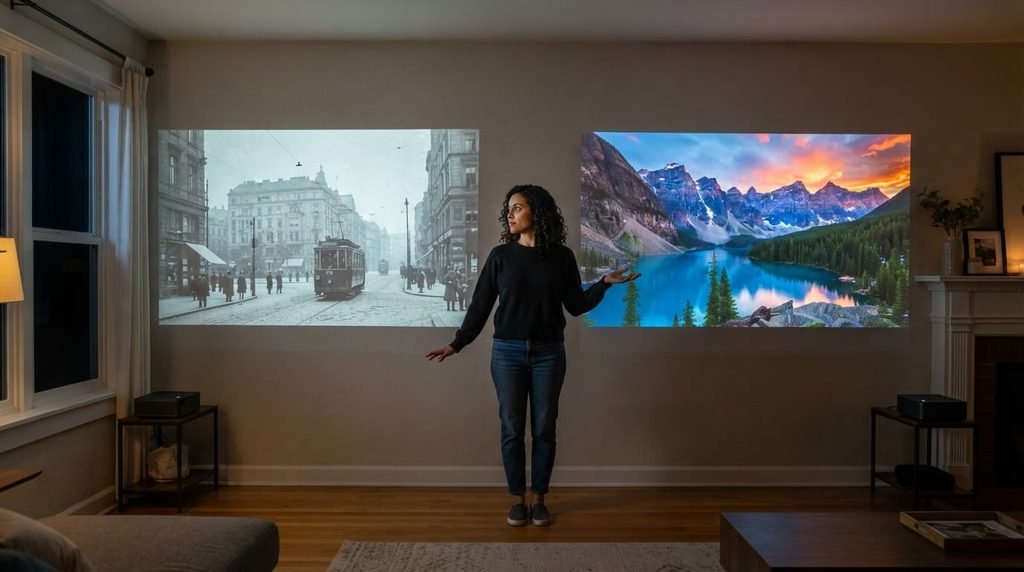
The deciding factor is how the projector performs in your room under your lighting, with the content you actually watch. A specification sheet describes a projector in a laboratory. Your living room has a window, a lamp and a pale wall, and those change which specifications matter.
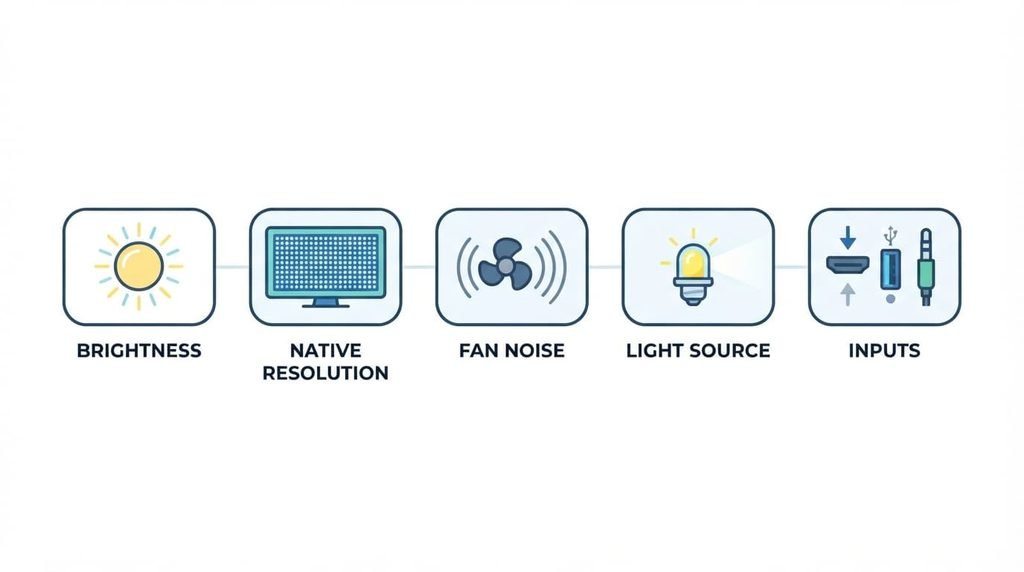
The criteria that actually matter, in order
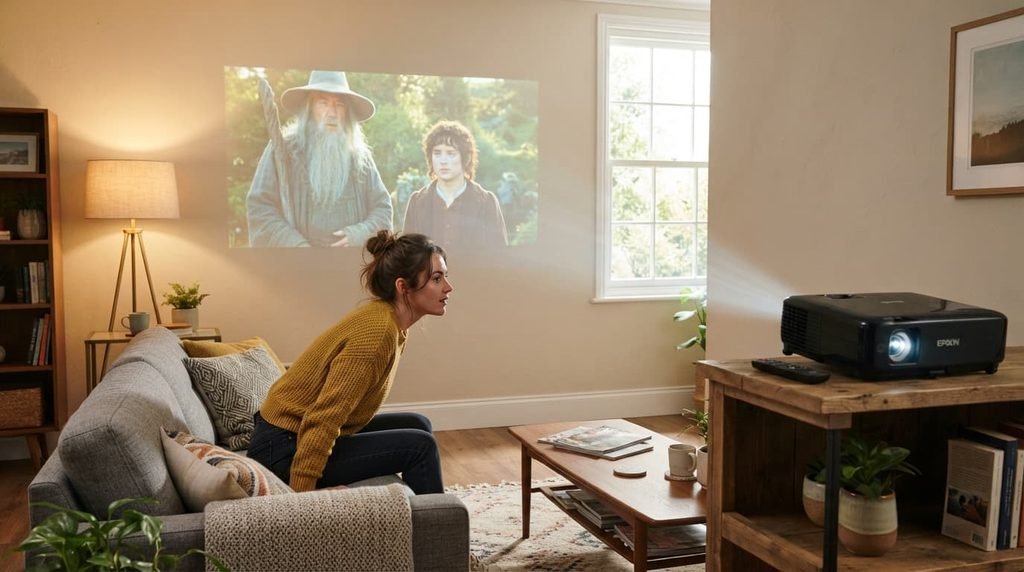
1. Real brightness for the light in your room. Look for a brightness figure given in ANSI lumens, which is a standardised measure. Other lumen figures can be much higher for the same projector and tell you little. A dark room needs less brightness, while a room with daylight or a lit lamp needs much more, and no amount of resolution rescues a washed-out picture. Most projectors also offer an eco mode that lowers both brightness and fan noise, so the highest figure on the sheet is rarely the setting you use every evening.
2. Native resolution, not supported resolution. A listing that says it supports 4K may simply accept a 4K signal and then display a lower-resolution image. Look for the resolution of the projector’s own imaging chip, which is called native resolution. Then ask whether the extra sharpness matters at your picture size and seating distance.
3. Fan noise. A noisy fan is the complaint that survives the longest. Specifications list noise in a normal mode and a quieter mode, and reviews will tell you whether the sound is a gentle hush or a whine. Because the fan runs the whole film, a quiet one is worth more than a slightly sharper picture.
4. Light source and running costs. Lamp projectors need replacement lamps, which cost money and arrive at inconvenient moments. LED and laser sources last far longer and need no replacement during normal use, although the makers’ hour figures are estimates. Add the cost of replacements to the purchase price before you compare.
5. Inputs and response time for gaming. If you will connect a console or a computer, check how many inputs it has and whether it has a game mode that reduces input lag. A projector that looks fine for films can feel sluggish for fast games.
What doesn’t matter as much as it’s made out to
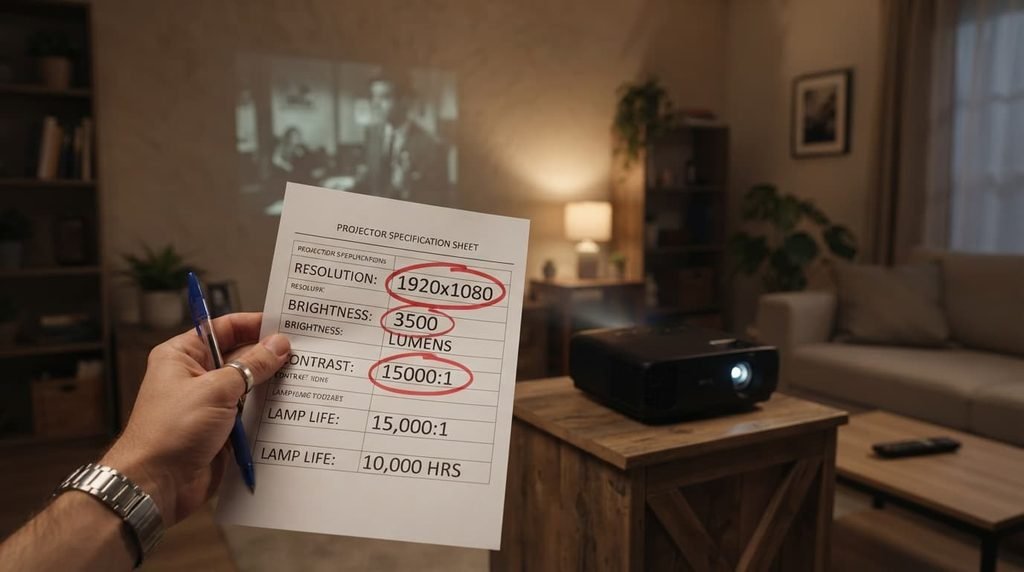
The headline contrast ratio is oversold, and it is often the first number a listing leads with. Contrast figures such as one with five or six digits are measured in ways that vary from maker to maker and rarely predict how the picture looks in your room. Black levels depend heavily on how dark the room is, so judge contrast from reviews and from your own test, not from the number.
Built-in smart apps matter less than they seem. A separate streaming device does the same job and can be replaced when it ages, while the projector itself stays useful. Built-in speakers matter less too, because most people end up using external audio.
Matching the choice to your situation
If you will watch mainly after dark, brightness matters less and contrast and fan noise matter more.
If the room has daylight or lamps on during viewing, brightness comes first, and you may need a smaller picture to keep it vivid.
If you will game, put input lag and the number of inputs near the top.
If you want to move the projector between rooms, weight and a small, quiet unit matter more than a long list of features.

What to walk away from
A listing that gives no ANSI figure for brightness, or that says “supports 4K” without stating the native resolution, should end your interest, however good the price looks.
Those two omissions are the most common ways a listing flatters a weak projector. A seller proud of a bright, sharp unit tells you the standardised figure and the real resolution. If they are missing, assume the numbers are not helpful.
What to look for in reviews
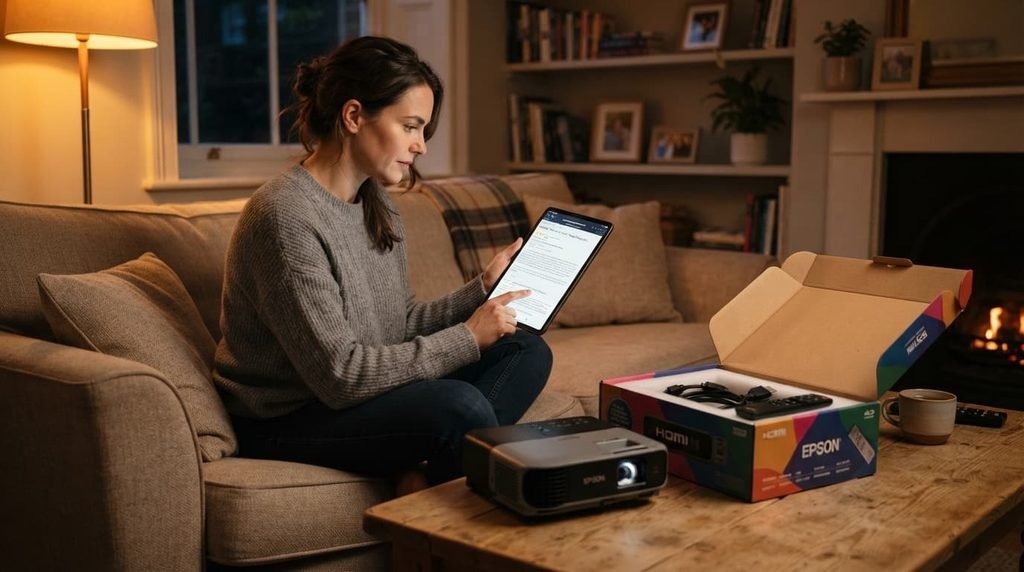
Read reviews for what the sheet cannot tell you. The useful ones describe the room the projector was tested in, whether the lights were on, how loud the fan was in normal mode, and how the picture behaved with dark scenes. Reviews that mostly repeat the specification sheet add nothing. Look for owners who use the projector the way you plan to, such as in a living room with a window, and weight their comments above a lab-style measurement.
The check before you commit
Buy where you can return the projector, and test it in your real room on the first evening. Use your normal lighting, your normal seat, and the content you watch most. Listen to the fan during a quiet scene and look at a dark scene with the room as it usually is. Ten minutes of this tells you more than any specification, and it is the only test that matches how you will actually use the projector. Keep the box and packaging until you are sure, because returns usually depend on them.
What people get wrong
The most common mistake is paying for resolution while ignoring brightness. In a room that is not fully dark, a bright picture at a modest resolution looks better than a sharp but dim one.
The second is forgetting running costs. A cheap projector with an expensive, short-lived lamp can cost more to own than a dearer one with a long-lasting light source.
The third is trusting the numbers in a listing that the maker chose to emphasise. The ones missing from the page often matter more than the ones featured.
Questions readers keep asking
Do I need a 4K projector?
Not always. Whether the extra sharpness shows depends on your picture size and how close you sit, and it matters most on large pictures from near seats. In a bright room, brightness will usually improve the picture more than extra resolution.
Are lamp projectors a bad choice?
No. They can be a good value, but you should add the cost and the nuisance of replacement lamps to the comparison.
Can I use a projector for gaming?
Yes, if it has a game mode and low input lag. Check the manufacturer’s response-time figure and read reviews that test fast games on it.
Does a projector need a special cable?
Most connect through standard video cables, but long runs can need a better cable or a signal booster, so measure the distance to your source before you buy.