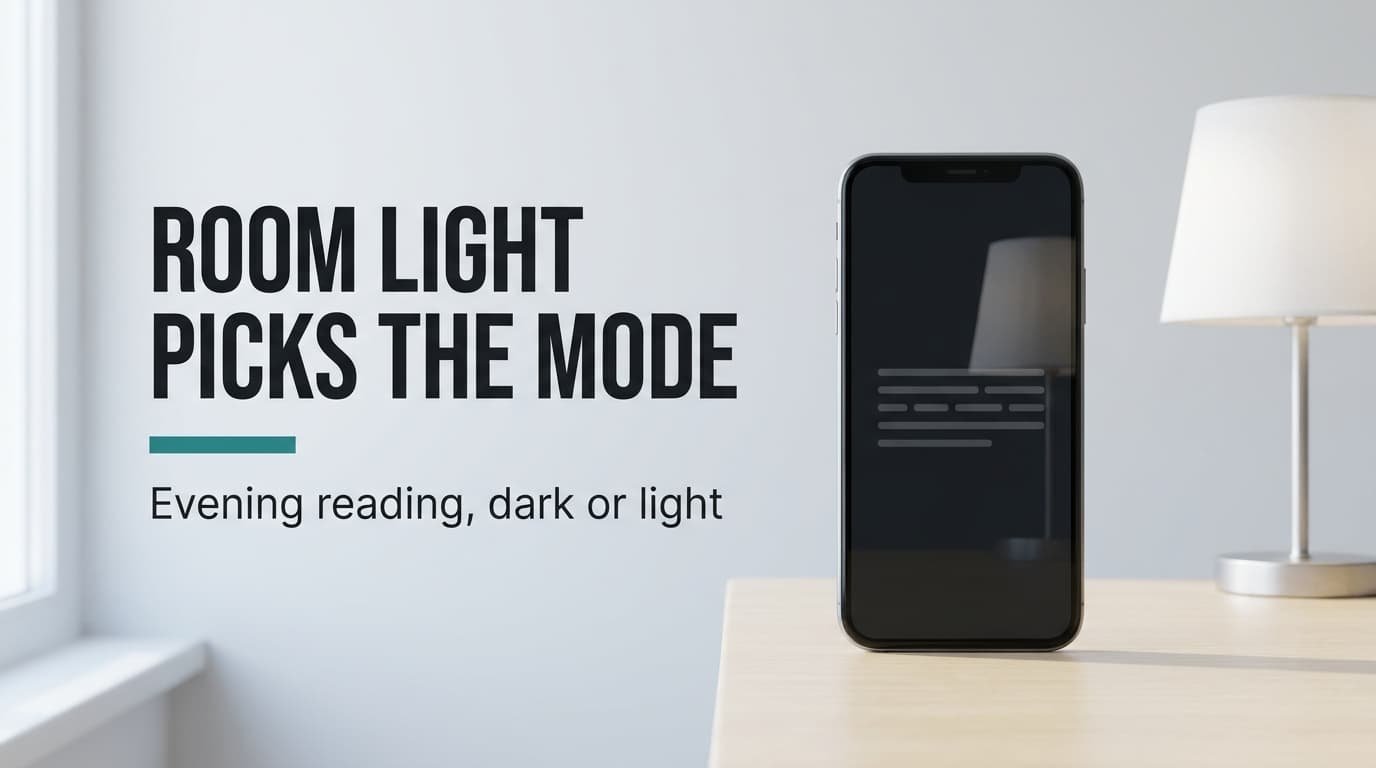
A white page at 10 pm lights up the wall behind your phone, and a black page barely lights anything. That sounds like the whole argument, and it covers only half of it. When you pick dark mode or light mode for reading, the winner is set by how much room light bounces off the glass. In a dim room dark mode wins easily, and beside a lamp light mode catches up and often passes it. The numbers come from an invented phone with rounded values. No product is named anywhere, so you can test every claim with the brightness slider you already have.
What Decides Dark Mode or Light Mode for Reading in the Evening
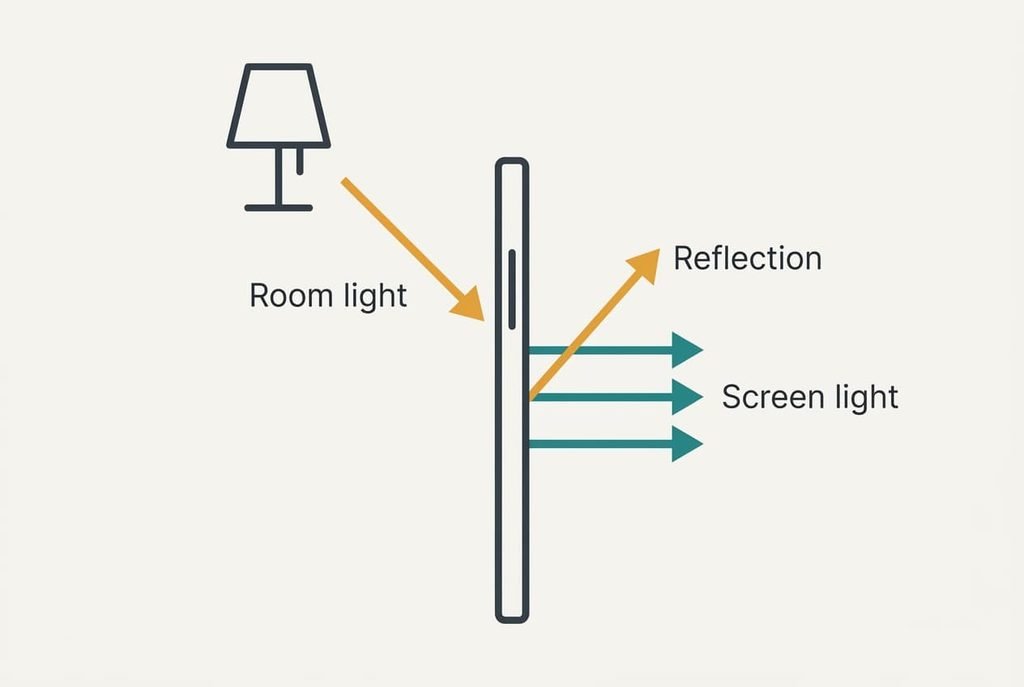
A phone screen makes its own light, and the room adds more by reflecting off the glass. Every letter on the page gets judged against both. In light mode the page is a bright sheet carrying dark letters. In dark mode it flips to a dim sheet carrying bright letters. Each pattern copes with reflected light differently, and that’s where the two modes part ways. That difference matters because the room light reflected off the glass decides which mode reads better, and nothing on the settings screen shows you how much there is.
Put numbers on it. Give the invented phone a white that measures 250 cd/m² at its evening setting. Dark grey text (#1A1A1A) on that white returns about 2.6 cd/m² from the letters, so the page is roughly 97 times brighter than the text. Pale grey text (#E6E6E6) on near-black (#121212) returns 198 cd/m² from the letters and 1.5 from the page. That’s a ratio of about 131. Those ratios describe the screen alone, which is how a phone behaves inside a cupboard. With no reflection, dark mode leads.
Add a lamp and those two ratios stop telling the full story.
What a Lamp Reflection Does to Each Mode
Try each row on your phone, in the room where you read. Contrast here means the brightness of the page divided by the brightness of the letters, so a bigger ratio reads more easily. The table keeps to behaviour that changes between the modes and leaves out what both share, like the typeface.
| Question | Light mode | Dark mode |
|---|---|---|
| Contrast in a dark room | About 97 to 1 | About 131 to 1 |
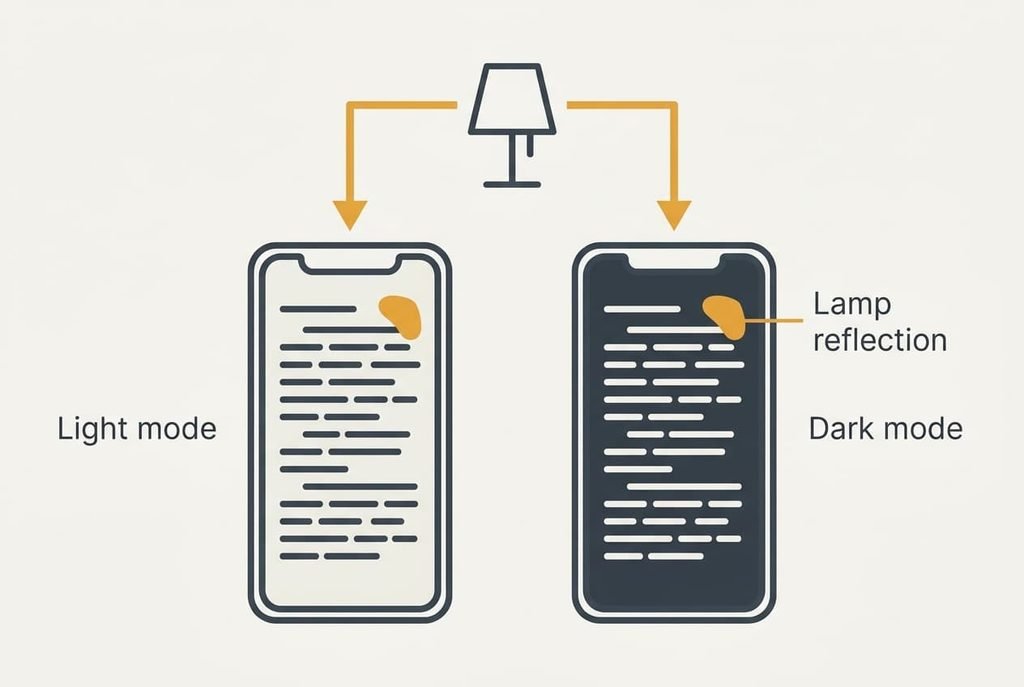
| Contrast with a lamp shade reflected | About 34 to 1 | About 31 to 1 |
| Average light from a page of text | About 220 cd/m² | About 25 cd/m² |
| Screen power on an OLED panel | About 0.89 W | About 0.19 W |
| Screen power on an LCD panel | Unchanged | Unchanged |
| A white page opening inside the app | No change | About 166 times brighter |
Row two looks like a near tie, and that is why dark mode’s lead vanishes in a lit room: a shade glowing at 125 cd/m² sends back 5 cd/m² from glass that returns 4% of the light, which cuts light mode’s ratio by 65% and dark mode’s by 76%. Tilt the phone until the shade leaves the glass and the dark-room ratios return.
Where Light Mode Wins
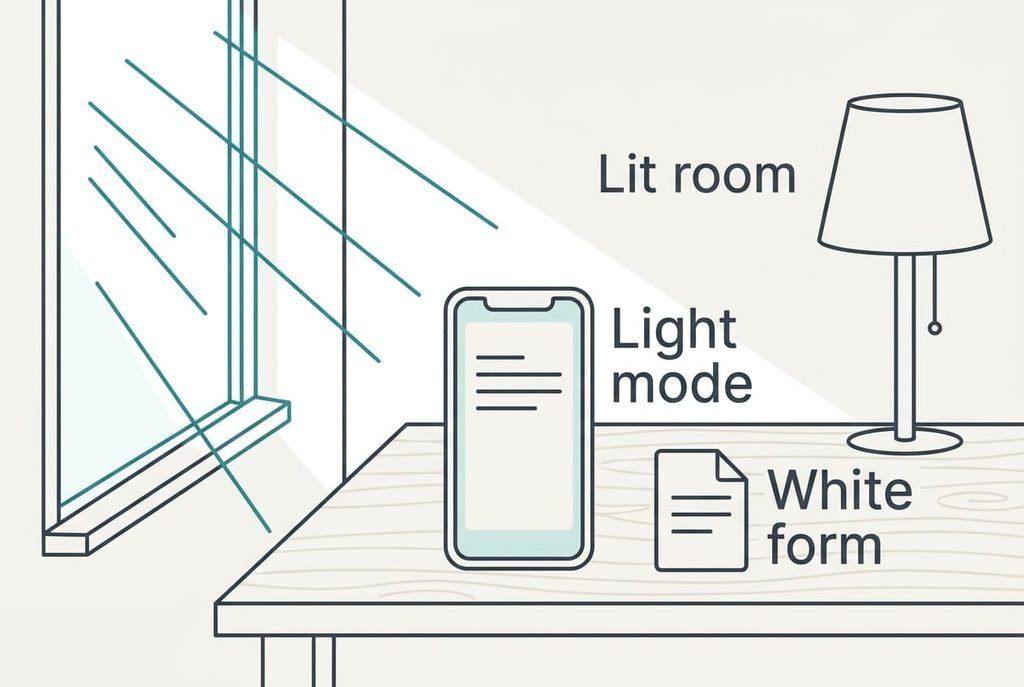
Choosing dark mode or light mode for reading in a lit room goes to light mode. Take a wall glowing at 500 cd/m² behind your shoulder. The same glass sends back 20 cd/m², which drops light mode to a ratio of 12 and dark mode to 10. Both still read, yet light mode keeps a small lead because its bright page swamps the haze.
Small print favours it too. Bright letters on a dark page tend to spread at the edges. Thin strokes at a small size look heavier and softer than they are. Dark letters on a bright page keep a sharp outline. Hold a phone at arm’s length on a train and the difference shows within a minute.
Documents tip the balance further. A form or a PDF arrives as a white sheet whatever the setting. In dark mode that sheet opens about 166 times brighter than the page you were just reading. If you handle such files all evening you meet that flash again and again, and a mode that never flashes is calmer.
Where Dark Mode Wins
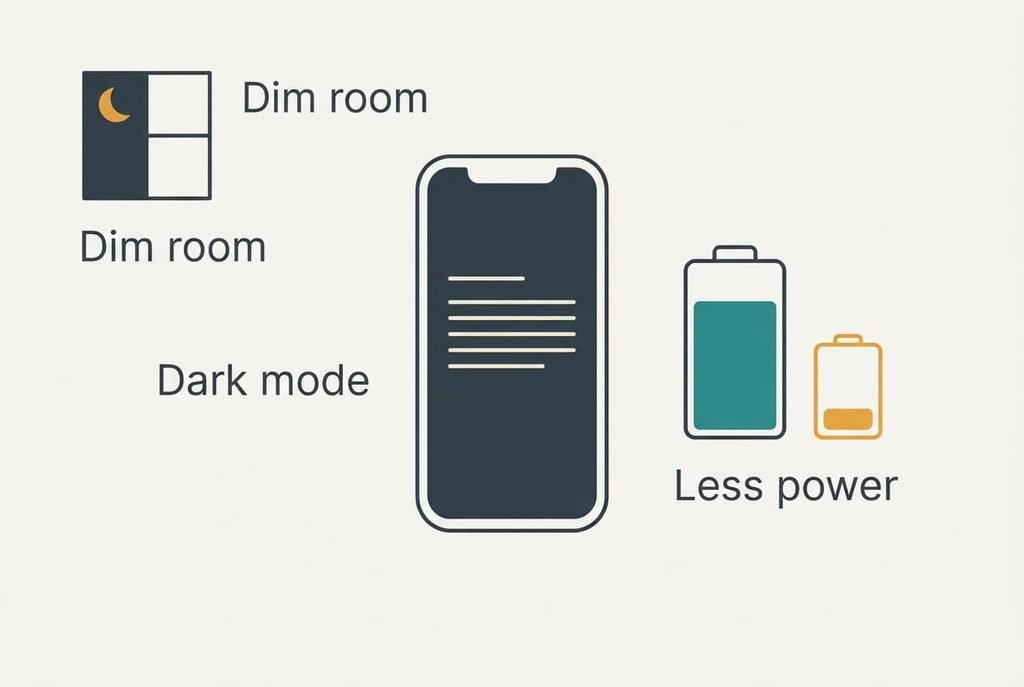
For a dim room the answer to dark mode or light mode for reading flips, because almost nothing reflects. Your page then sends out an average of 25 cd/m² instead of 220. That’s 8.8 times less light thrown at the ceiling and at anyone beside you. It also lets you turn the slider down, since with no reflection the ratio of 131 stays the same at any brightness. Go too low and a stray glow starts to matter more, so keep the lamp off the glass.
It wins on an OLED panel too, where black pixels switch off. Assume 0.1 W for the electronics plus up to 0.9 W for a full white screen. A text page in dark mode then draws about 0.19 W against 0.89 W in light mode, so an hour of reading saves 0.70 Wh. On a 15 Wh battery that’s 4.7% for each hour. An LCD panel doesn’t save anything, since its backlight stays lit behind the black.
Book apps with a proper dark page give you the full benefit and none of the white-sheet flash. Check that yours has one.
Neither Dark Mode nor Light Mode: A Fix for Reading Late
Sometimes the setting isn’t the problem. A lamp glaring off the glass hurts both modes, and switching between them only changes which one suffers more. Reflection comes from whatever sits on your side of the screen. A bright shade behind your shoulder mirrors in it, while a lamp beside you at a steep angle mostly misses.
The cheapest repair is to tilt the phone until the lamp slides out of the glass, so the mirror image lands on a darker wall instead. A wall at 25 cd/m² returns 1 cd/m² at 4%, down from the 5 of the lamp shade. At 1 cd/m² light mode scores 70. Dark mode scores 79. Both read well again and only nine points separate them, so the angle matters far more than the theme.
A lamp moved to the side, or a chair turned a quarter, can beat any setting. The move takes ten seconds, with no settings involved.
A Ten-Minute Test Before You Switch
Two branches cover most evenings.
If you read in a dim room on an OLED phone, choose dark mode. Dim the screen until the page feels comfortable.
When a lamp or a window is in view, or the phone has an LCD panel, stay in light mode and lower the brightness only a little.
Read the same two pages for five minutes in each mode at your usual brightness. Then note how low you could turn the slider before the words got hard to follow. The mode that let you go lower wins in that room. Repeat it in the other room you read in, since the answer can change when the lamp does.
Dark mode or light mode for reading comes down to one habit: look at what the glass reflects before the setting. Pick dark mode in dim rooms on an OLED phone and light mode beside lamps and windows. Switch on a schedule if your evenings change. A change that costs one tap deserves a ten-minute trial, and that trial settles it better than any article.
Questions Readers Keep Asking
How long does the test take?
About 20 minutes in total: five minutes of reading in each mode, with a short pause between them to note the lowest comfortable brightness. Do it once in each room where you read, because a lamp changes the answer. After that you’ll pay one tap, or nothing at all if you set a schedule.
Does dark mode save battery on every phone?
Only on phones with an OLED panel, where black pixels are switched off. On the invented phone here a text page falls from about 0.89 W to 0.19 W, which saves 0.70 Wh in an hour. An LCD panel lights its whole backlight whatever colour the page is, so it saves nothing.
Which mode suits reading on a train after dark?
Light mode usually does better there. Carriage windows and ceiling lights reflect in the glass. A reflection of 20 cd/m² leaves light mode at a ratio of 12 against 10 for dark mode. Raise the brightness a little and tilt the phone away from the strip lights, and the page stays clear all journey.