Your TV lights up at 3 am and nobody has touched the remote. Why does my TV turn itself on at night? Most often a connected device woke it through the HDMI link, and switching that link off usually stops it. Our example is a Sheffield living room where a games console and a streaming box both sit behind one television, with a soundbar beneath it. Every figure comes from one invented week, so write down your own times before trusting any of it. A pencil and a notebook, plus one switch at the wall, are enough tools for the whole job.
What Makes a TV Turn Itself On at Night
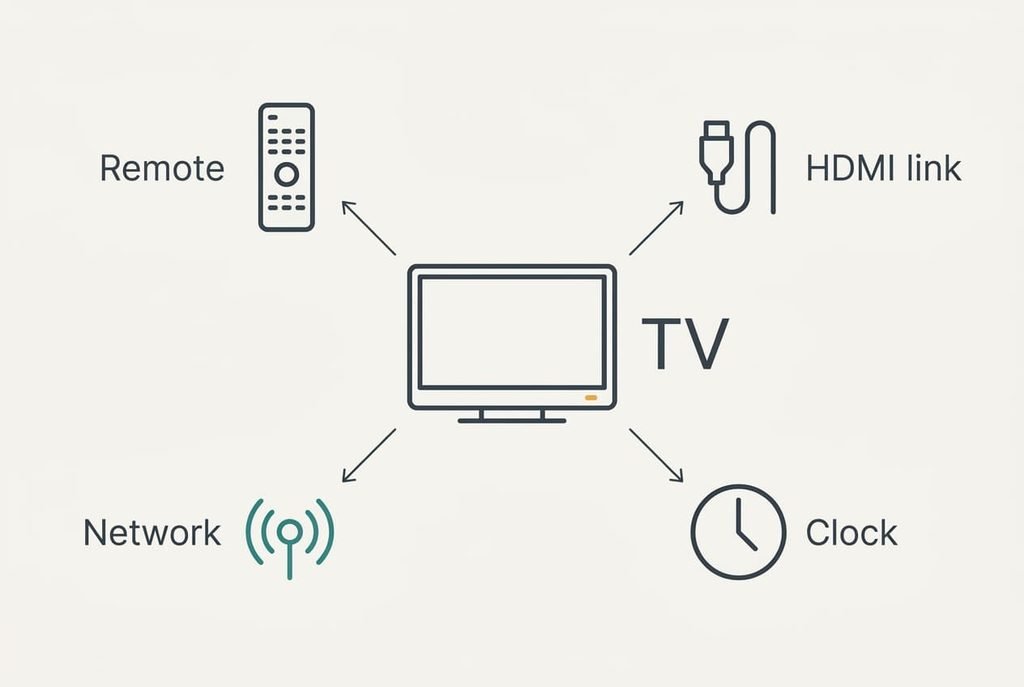
Standby is never truly off for a television. A small circuit stays awake and listens on four channels. The remote’s sensor is one, and the control line inside every HDMI cable is another. The network connection is a third, and the set’s own clock is the fourth. A valid message on any of them switches the picture on.
The control line causes the most night-time wake-ups. A resting console still wakes briefly to check for updates, and as it wakes it tells the TV to power up so you can see it. The TV obeys and shows the console’s picture to an empty room. So why does a TV turn itself on at night with nobody watching? Because a device told it to.
Take the Sheffield week. The TV lit at 03:10, 03:12, 03:09 and 03:11 on four nights and stayed dark on the other three. A random fault would scatter across eight hours of darkness. Four wake-ups inside a window of 3 minutes point at something on a schedule, because a clock fires at the same minute while a stuck button or a mains glitch doesn’t. The console’s rest-mode check runs at 03:08, and the TV lights one to four minutes after it.
The sender decides which fix applies.
When the TV Turns Itself On at Night: Four Tests
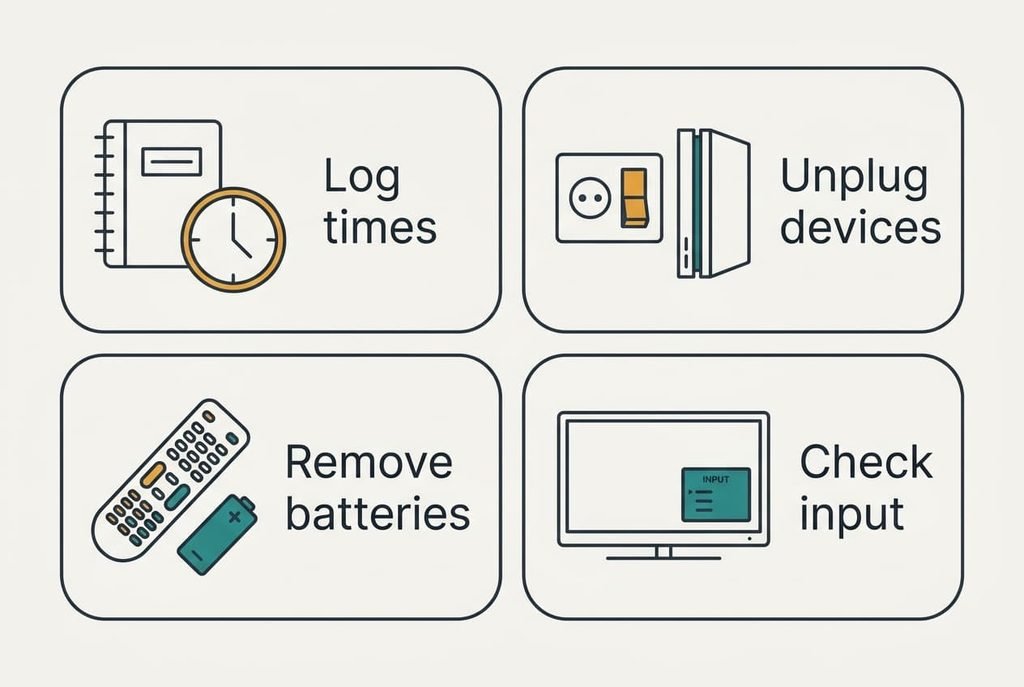
Run these over one week and note what happens each night. No test involves buying anything, and each result names one cause.
1. Log the minute of every wake-up. Times within about 10 minutes of each other mean a schedule or a device on a timer, and ours sat inside a 3-minute window. Scattered times point towards the remote or the network, or possibly the mains supply.
2. Switch the console and streaming box off at the wall for three nights. Leave only the TV and soundbar powered. If the TV stays dark, the HDMI link was waking it. If it still wakes, move on to test three.
3. Take the batteries out of the remote overnight. Wake-ups that stop mean a stuck button or tired cells, and wake-ups that carry on clear the remote.
4. When it wakes, note which input appears. The console’s picture means that device sent the message. The TV’s own home screen or last channel means its internal timer or update check. A dark panel with clicking or flicker points at the power supply.
Tests one and two settle most cases.
Four Fixes for a TV That Wakes in the Dark
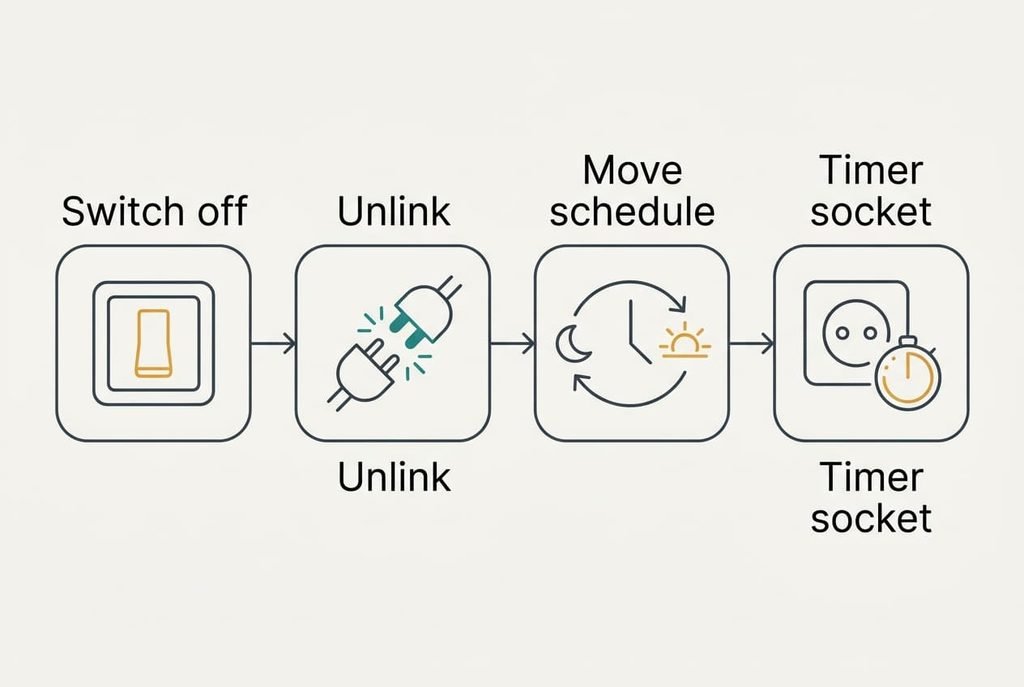
Switch the console and streaming box off at the wall before bed, which cuts the HDMI link at its source and costs 30 seconds a night. It answers the Sheffield cause directly, since a device with no power can’t wake and send its message. The price is the console’s overnight downloads. A large patch now waits until you’re playing, and the first start next morning takes around a minute longer. In the example that means one flick at 23:00 and another at 07:00, so jot the morning start time to judge the delay.
Turn off device linking on the TV and then on the console, a setting that removes the cause for good. Either end can start the message, so both need changing. Makers give the feature different names, though the standard underneath is called HDMI-CEC, so search the menus for the word link or the word control rather than hunting for one label. What goes is the convenience of a single button waking everything, and the soundbar may stop following the TV remote’s volume keys. Allow ten minutes, then retest for three nights, because a setting changed on one device only can be undone by the other. Does the TV turn itself on at night less often after this? Check the log before moving on.
Move the update and timer windows to an hour you’re awake, which answers the scheduled cause. Many TVs and boxes check for updates at a fixed small hour, and an old on-timer set months ago can fire at the same minute. Set the check for 07:30 and delete any stale timer. Treat the box and the TV separately, since each keeps its own schedule. The cost is a week of retesting. You lose overnight installs, so updates now land while you’re home, and you’ll notice a short delay at breakfast.
Put the whole set behind a switched socket or a plug-in timer, the single purchase here, which cuts power to every cause at once, including a flaky supply. Check the load rating printed on the socket against the total of what’s plugged in. You lose standby comforts such as instant start and scheduled recordings. The soundbar’s remembered volume goes too, and the set needs longer to boot each morning. A mechanical timer cutting power from 01:00 to 06:00 covers the Sheffield window with margin. Leave this to the end, since fixes one to three keep those comforts.
If the TV Still Wakes After All Four Fixes
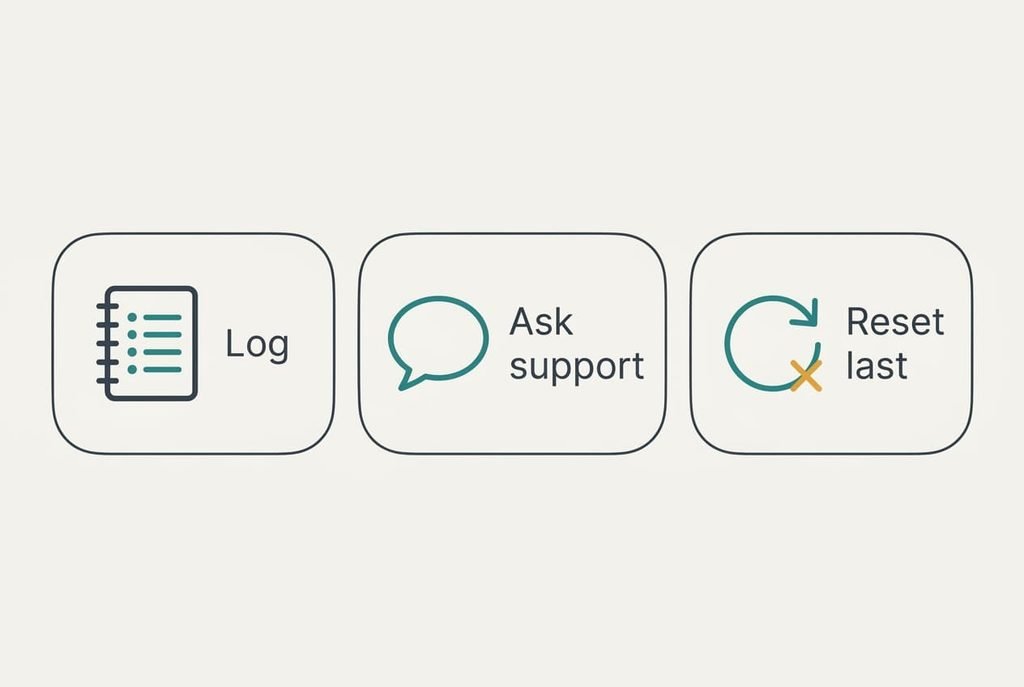
Collect four facts before you ask anyone. Record the wake-up times and the input that appears. Note whether the standby light blinked just before, and whether it still happens with every other device unplugged and the remote’s batteries out.
Put it to the maker’s support: does a known bug match your model, and does a newer version fix it? Quote the log, since they’ll ask for the same details first. Will the TV turn itself on at night again after an update? Only a fresh week of notes can answer that.
Treat a factory reset with care. It wipes app sign-ins and saved Wi-Fi details. Picture settings go as well, and the reset cures a software fault only. Photograph your settings first. Clicking from the panel can point to a failing power board. So can flicker at wake, and so can a start at random minutes with everything unplugged. A repair visit is then the next step.
The Fix That Isn’t Worth Trying
Many people start by taping over the infrared window on the TV’s front panel, and it rarely works. That window receives the remote’s pulses and nothing else, so it plays no part in HDMI messages or network wake-ups, and the clock ignores it too. In the Sheffield week the cause arrived down a cable, and tape wouldn’t have touched it. The remote also stops working for the evening, and you’ll peel the tape off within a day.
The window and the standby light often sit side by side, so tape can hide the one clue that shows when the TV is waking. Buying a replacement remote misses for the same cause when the remote was never involved. Pulling out the network cable fares slightly better, since it removes the phone and app route. It leaves the HDMI link and the clock untouched, so the wake-ups carry on.
A TV that wakes at night is usually following an order from a device or a clock, or else a stuck button. Write down the times this week and run test two, because the pattern usually names the culprit within three nights. Use the free fixes first, add the switched socket last, and keep the log for a call to support if the pattern doesn’t fit.
Questions Readers Keep Asking
Can I fix this at home?
Usually, yes. Switching the connected devices off at the wall for three nights tests the most common cause, and turning off device linking removes it until a reset restores the default. Both are free. Only a failing power board needs a repair visit, and the log you keep tells you early whether that’s likely. Start with the three-night test.
What causes a TV to wake by itself?
Four things can send a valid message to a TV in standby. A connected device can send one over the HDMI link. The set’s own clock can fire a timer or an update check. Across the network, a phone or app can reach it, and so can the remote. The wake-up time and the input shown usually name the sender.
Does it mean the TV is failing?
Rarely. Most cases are messages from a device or a schedule. Failure looks different, with clicking from the panel or flicker at wake. Another sign is switching on at random minutes with everything else unplugged and the remote’s batteries out. If you see those signs, stop adjusting settings. Arrange a repair instead.