Name your files so a search finds them, and a folder of 140 documents becomes something you can use in seconds. One fork decides the route. You can rename every file you own, or you can rename the recent ones and fix the rest when a search misses, and only the second pays back. This walkthrough follows one household folder of bills and tenancy papers. A search for “boiler” found 3 of its 9 relevant files before the work and all 9 after it. Plan on about 40 minutes. The figures belong to one invented folder, so count your own files first.
What to Settle Before You Name Your Files So a Search Finds Them
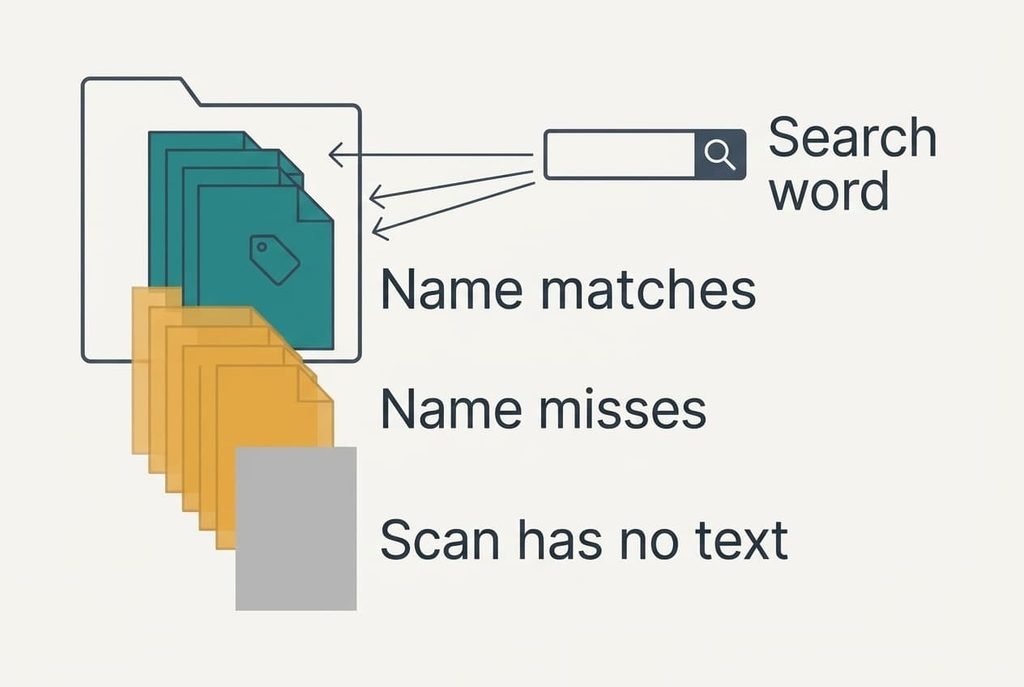
Start with a plain count. Open the folder and note how many files it holds, then search for one word you use often. Our folder held 140 files, and the boiler search found 3 of the 9 that dealt with the boiler. Only those 3 had the word in their names. The rest were called things like scan0042 or Invoice final (2).
Write down the five words you actually search with before you rename a single file, since a name only helps when it contains the word in your head. Look at what you hunted for last month. Our owner’s list ran to five words, from boiler to 2024.
Know what a search reads. Most computers check names first and the text inside documents second. A scanned paper has no readable text at all, so its name is the only thing a search can find. Know the limits as well. Characters such as the slash and the colon can’t appear in a name on every system. Keep them out, and close the folder in other programs before you begin.
Six Steps to Name Files So a Search Finds Them
Every step ends with its own proof, so stop the moment the folder behaves.
1. Recall the last ten searches you ran and write down the words you typed. Look for repeats. Names built from your own words match the way you think, so a search has something to hit. The proof is five words held on a note.
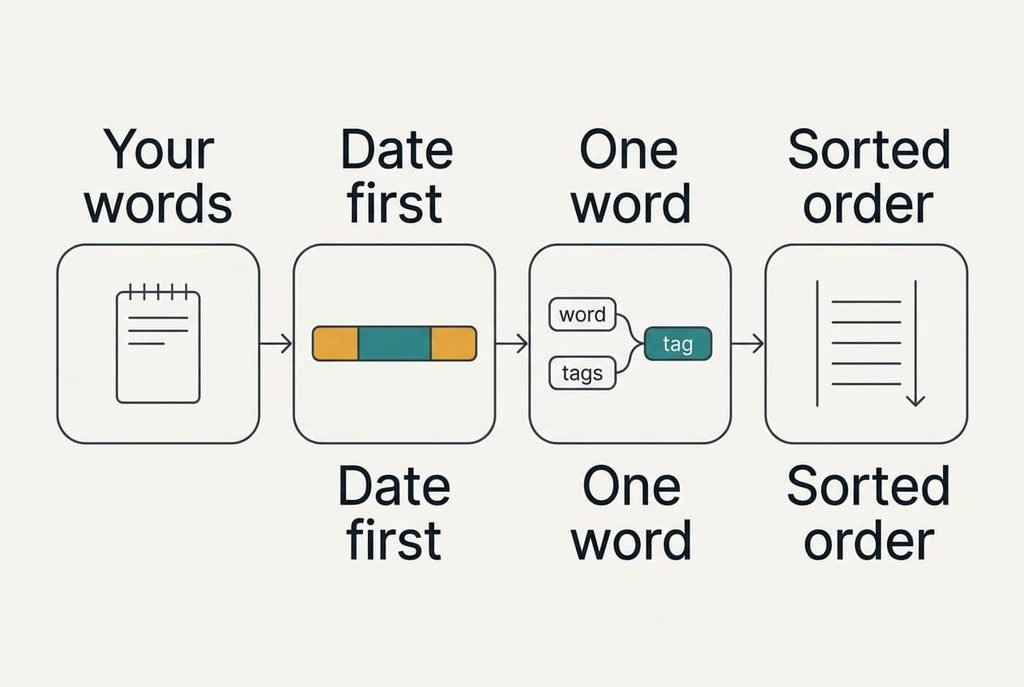
2. Choose one order for every name: date first, then subject, then kind. Look for a pattern such as 2024-03-14 boiler service invoice. The year comes first and no slashes appear. Year-first dates sort into time order by themselves, whereas 14-03-2024 groups every 14th together across the years. The proof is three test files that line up from oldest to newest.
3. Pick one word for each kind of paper. Look for pairs of words in the folder that mean the same thing. Invoice and bill were one such pair. Our owner’s search for invoice found 4 of 11, because the other seven were called bill or statement. Choose one word and use it every time. The proof is a single search returning all 11.
4. Strip out the words that age badly. Look for words like final and copy, and for single digits sitting beside 10. A folder sorts one character at a time, so 10 lands before 2 unless you write 02. Final stops being true at the next edit, so replace it with the date. The proof is a sorted order that matches what you expected.
5. Rename the newest files first. Look for the 60 files from the last two years, which is where most searches land. At about 10 seconds a file the batch takes 10 minutes. Leave the older files alone until a search misses one. The proof is a folder whose top 60 names all follow your pattern.
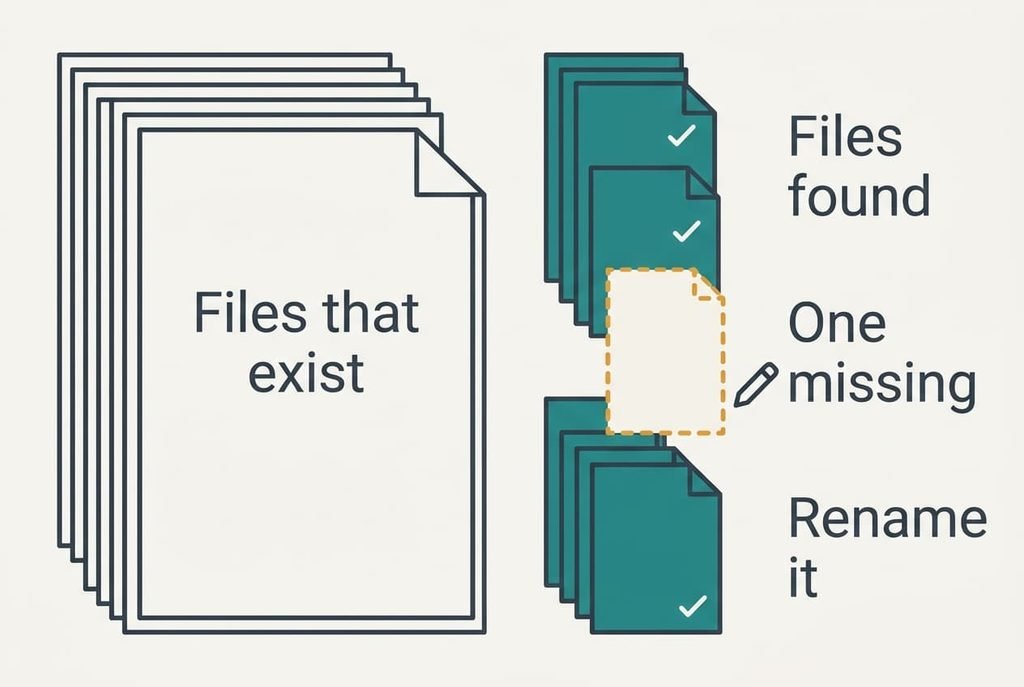
6. Run three searches using words from step 1 and count the results. Look at the number of files that come back against the number you know exist. Our boiler search returned 9 of 9, up from 3 of 9, and the tenancy search returned all 6. A miss means one name lacks the word. Rename that file and search again.
Testing That Your Search Finds the Right File
Search for one word from your note and count the files that come back against the files you know exist, and if every file appears you’ve managed to name your files so a search finds them in seconds. On our folder the boiler search took 2 seconds and returned all 9.
Then ask someone else in the house to find a named paper using only the search box. If they locate it in under a minute, your pattern reads clearly to a stranger. Sort the folder by name and check both ends of the list. The oldest file should sit first and the newest last. Write the pattern in a short note and keep it inside the folder. A later you or a flatmate then follows the same rule.
Keep the note brief enough to take in within ten seconds.
Where the Naming Usually Stalls
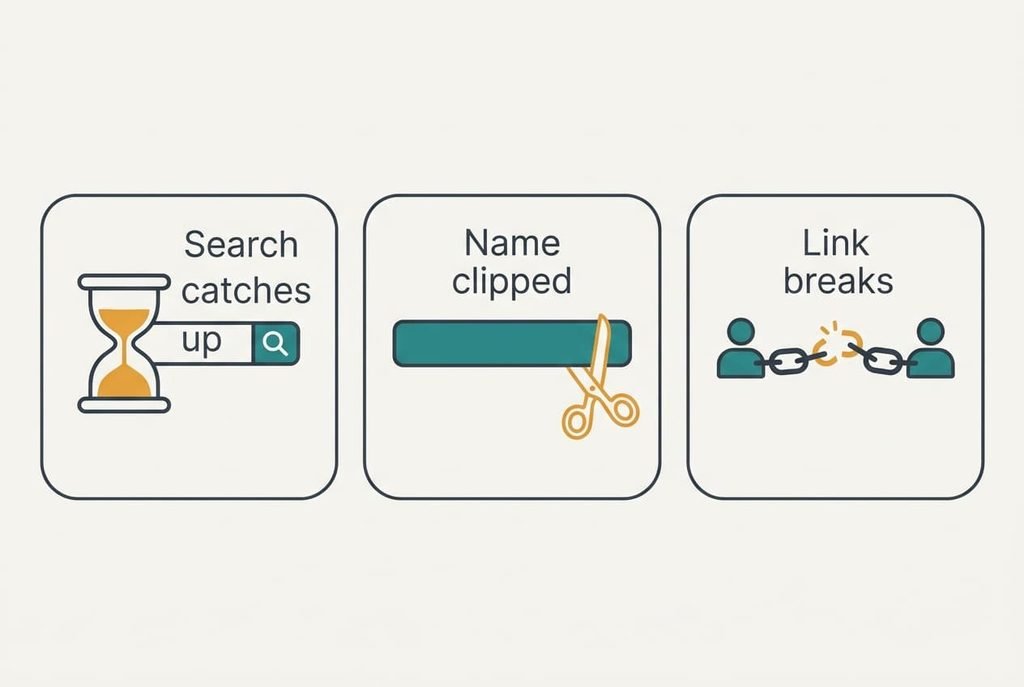
New names sometimes don’t show up in a search at once. A computer refreshes its search list in the background. Straight after a rename a search may still show the old name. Wait five minutes and search again before you decide something failed.
Names can grow too long. Keep them under about 50 characters. Narrow windows and mail programs cut off the end, which is where the kind of paper sits. Put the most searched word early. Our longest name ran to 71 characters and lost its last word in the list view.
Shared files bring the third stall. Renaming a file that someone else has linked or bookmarked can break their link. Ask first, or leave shared files alone. When a few files still hide after all this, the cause is usually one of these three, and it rarely means you failed to name your files so a search finds them.
The Step Not Worth Taking
Resist renaming every file you own in one weekend, because the arithmetic doesn’t favour it. A folder of 1,400 files at 10 seconds each costs nearly 4 hours. Our owner opened only 11 older files in a whole year, and renaming those 11 on demand takes under 2 minutes. Most of the 4 hours would go on papers nobody searches for. There’s a second cost in attention. After the first hundred renames you stop reading the files and start guessing, and a wrong word in a name is harder to spot than a missing one. A search for tenancy then hides the very paper you wanted.
The weekend sweep also tempts you into a longer pattern with extra words and rules, and a pattern you can’t remember is one you’ll stop using. Keep it to a date and a subject, plus the kind of paper. When a search misses an old file, rename only that file. Then move on.
Name your files so a search finds them, and keep the rule short enough to recite. Repeat the three test searches after a month, and again whenever the folder doubles in size. When a result drops, correct that name. Leave the pattern alone. A folder that answers in two seconds is worth more than one with perfect names, and a rule you still remember in six months is the one that survives. Treat the note with your five words as part of the folder.
Questions Readers Keep Asking
How long does the whole job take?
About 40 minutes the first time for a folder of 140 files, with 10 minutes of that spent renaming the newest 60. Later changes take seconds, since you rename a file only when a search misses it. Keep the note with your five words beside you throughout.
Will renaming lose or overwrite anything?
Renaming never changes what is inside a file, and you can rename it back. If two files end up with the same name in one folder, the computer asks before replacing either, so read that question carefully. Links that others hold to the old name can break, so check shared files first.
What if the folder is shared with a partner?
Agree the pattern before you start and write it in a short note placed first in the folder. A date and a subject are enough. Each person renames the files they add, and nobody renames the other’s without asking, because a change can break a bookmark or link they already use.