Take a desk with one monitor, a work laptop on the left and a home desktop on the right. Which features matter in a switch that lets both of them use that screen comes down to two things: whether it carries your monitor’s mode, and whether it keeps the screen present for the computer you aren’t using. Everything else on the box is a convenience at best. The figures below are plain arithmetic on common modes, so swap in the numbers for your own monitor. I’ve left out brand names and prices, since both change on their own schedule.
Which features matter in a switch starts with one number
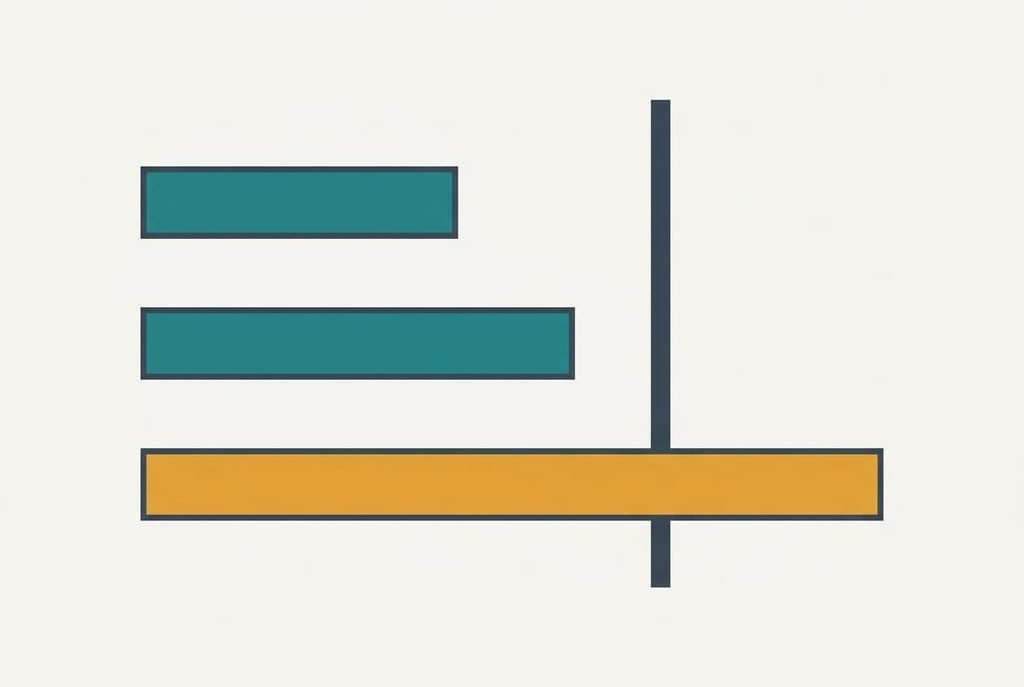
The first criterion is data per second, meaning the amount of picture the switch can carry compared with what your monitor’s mode needs. A mode is a resolution plus a refresh rate. Multiply the pixel count by the refreshes per second and by 24 bits of colour, and you have the data the mode needs.
Four modes show the spread. Full HD, meaning 1920 × 1080 at 60 Hz, needs 3.0 Gbit/s. A 2560 × 1440 picture at 60 Hz needs 5.3, and 3840 × 2160 at 30 Hz needs 6.0. Move 3840 × 2160 up to 60 Hz and the need jumps to 11.9. Real links add about a fifth for timing overhead, so that last figure becomes nearly 14.3 in practice. That overhead is a rule of thumb, so leave some headroom instead of aiming at the exact figure.
Listings state the resolution loudly and bury the refresh rate. A switch can carry “4K” at 30 Hz and still leave a 60 Hz monitor with a black screen or a slower picture, so the number worth reading is the mode.
Four criteria, ranked by daily effect
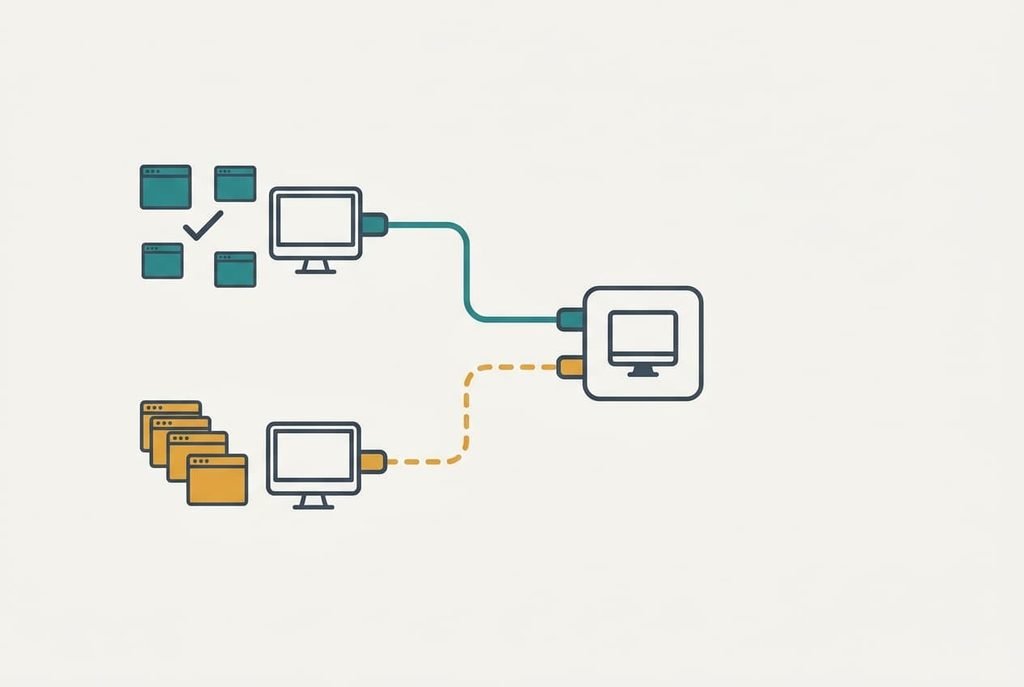
1. Mode match. Look up your monitor’s own resolution and refresh rate, then find the switch listing that names that exact pair. It settles whether the picture looks smooth or stuck at 30 Hz. Judge it against the figures above: 11.9 Gbit/s for 4K at 60 Hz, 3.0 for 1080p at 60 Hz. Pairs such as 1440p at 144 Hz deserve a second look, since they sit near the 4K figure. When it’s wrong, the picture drops to a slower mode or goes black for a second after every switch.
2. Screen memory. A computer notices a monitor only while the monitor answers it. A switch that goes quiet toward the idle computer makes that machine think the screen was unplugged, so its windows collapse onto a default layout and stay there. The feature that prevents this answers on the idle computer’s behalf. Test it by asking whether the listing says it keeps the screen present for both machines. You’ll notice it most when a window lives on a fixed side of the screen. When it’s wrong, every switch rearranges your windows.
3. Keyboard and mouse follow. You press one button and expect the typing and pointing devices to move over together as one set. Count everything you plug in, including small things like a headset that people forget, then check that the switch has at least that many ports for them. Judge it by the port count in the listing against your own count. When it’s wrong, you swap a cable by hand every morning, and the switch has saved you nothing.
4. Cable length. Each computer reaches the switch over its own lead, and a demanding mode tolerates less cable than a gentle one. Measure how far the switch will sit from each computer before ordering, then choose leads rated for your mode. In daily use this shows up as a steady picture or a shimmering one. A lead that works in a short shop test may fail once you route it behind the desk. When it’s wrong, a long lead brings sparkles or dropouts at your mode.
Switch features that matter less than the listing says
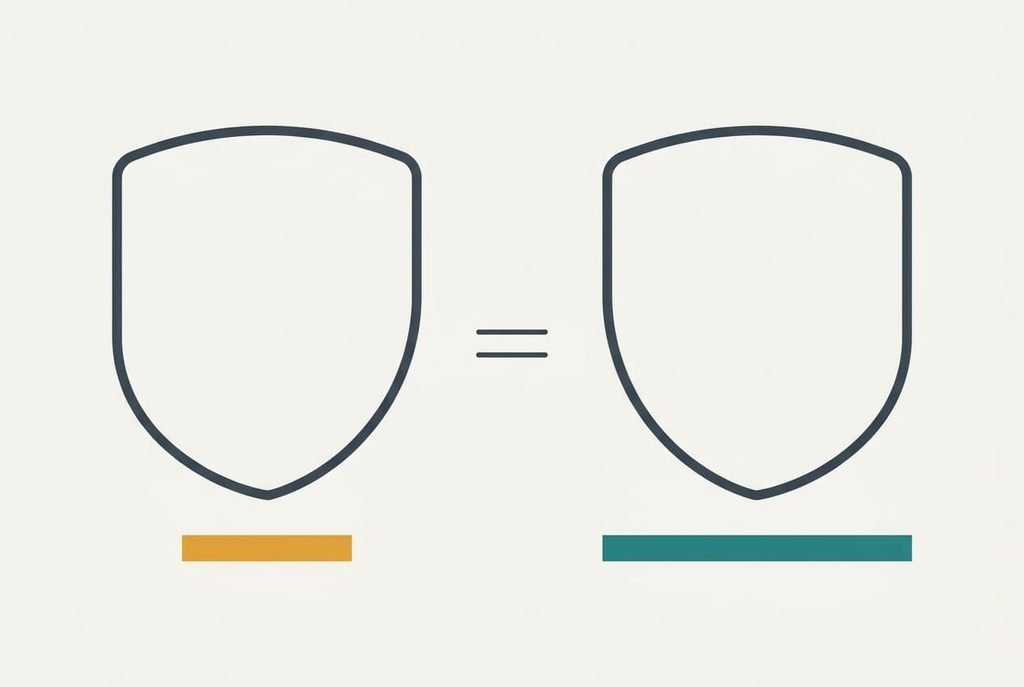
The label to distrust most is a “4K” badge with no refresh rate beside it. Sellers promote it because 4K sounds bigger than 60 Hz, and a refresh rate in small print is easy to skip. It matters because the same badge can mean 30 Hz, which needs about 6.0 Gbit/s, or 60 Hz, which needs 11.9.
Half the data earns the same badge.
Some features matter in a switch far less than their billing suggests. A long list of supported operating systems rarely changes anything, since the switch passes signals along and runs none of your software. Remote-control extras suit an office full of machines, while a desk with two computers needs one button. Hotkeys help when your hands are already on the keys, though a physical button is quicker for most people. Ask what each extra would change on your desk before you pay attention to it. Anything that leaves your morning unchanged is decoration.
Three desks and the order each one needs
Your own answer to which features matter in a switch will shift with the person at the desk. A home worker with a 1080p screen and two machines needs little bandwidth, so mode match looks after itself, while screen memory moves to first place because arranged windows are the whole working day.
A photo editor with a 4K monitor at 60 Hz reverses that order. The mode needs 11.9 Gbit/s plus overhead, so mode match comes first with cable length close behind.
A player with a 1440p screen at 144 Hz sits in the middle. The need, 12.7 Gbit/s, is close to the 4K figure, which surprises people who assume a lower resolution always means an easier load. Read the refresh rate in the listing before anything else.
When to walk away from a listing
Pass on any listing that never names the refresh rate at your resolution, because a seller who gives one without the other hasn’t told you what the switch carries. Ask once, and move on if the answer is vague.
Anyone selling it should be able to answer in one line.
Count your devices before you commit, including the one you might add next year. A keyboard and a mouse are two ports, and adding a webcam makes three, so a two-port model leaves one cable to swap by hand each day. A good listing makes these answers easy to find, and a poor one hides them under adjectives. Walk away as well when the listing gives no sign that the switch keeps the screen present. Without that, windows rearrange at every change of computer, and no setting repairs it afterwards. Check the return terms too, since a switch that fails the test below should be easy to send back.
A two-minute check before you buy
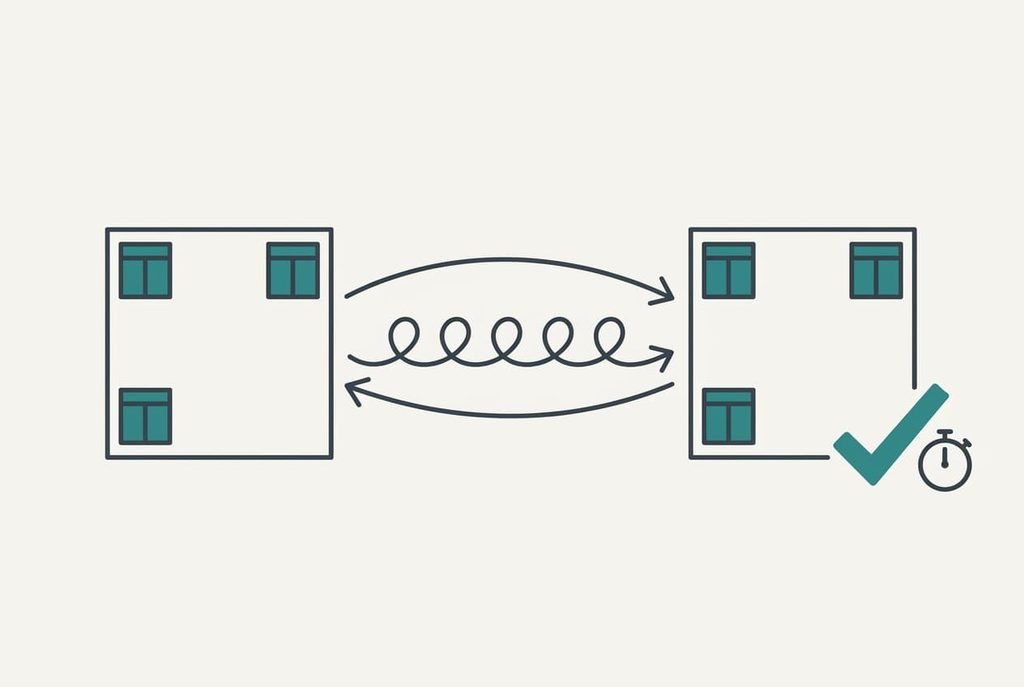
Open three windows on one computer and place them in separate corners. Then switch to the other computer and back five times, checking that the windows stay put and the picture holds your refresh rate. Press keys and move the mouse each time, so you see whether they follow. Note how long the screen takes to come back each time, because a delay of several seconds adds up over a working week. Try this at a shop with a demonstration unit, or at home within the return window. Two minutes shows what a listing can’t, and it costs nothing if the switch passes.
Which features matter in a switch is settled by the mode and the screen memory first, with the port count close behind. A switch that survives the five-switch check should still be doing its job a year from now, and one that fails it will annoy you every single morning.
Questions readers keep asking
What should a switch listing state?
It should state the resolution and the refresh rate together, as a pair that matches your monitor’s mode. A listing that offers only a resolution leaves out the key number. Check too that it says the screen stays present for the idle computer, and that the port count covers every device you plug in.
Is a dearer switch worth it for two computers?
Only when the extra money buys something you will use, such as a higher mode or screen memory. Two computers rarely need many ports or remote extras. Spend more on carrying the mode you run, and less on features that a desk this size never touches.
Will it still work if I upgrade my monitor?
Only if the switch carries the new mode. A sharper or faster monitor raises the data need, and an older switch quietly settles on a slower mode. Pick the switch for the monitor you expect to own in two years, and the answer is usually yes.