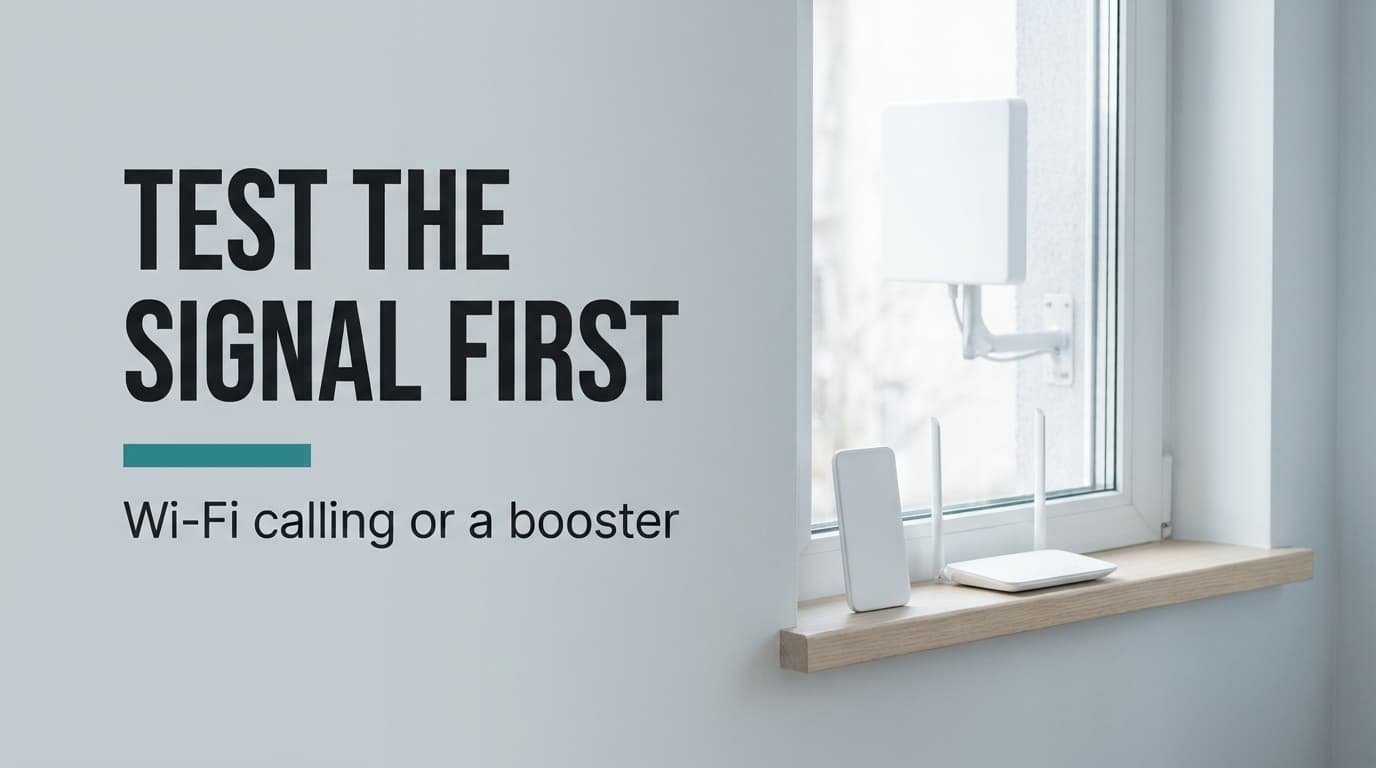
Calls drop in the back bedroom of a thick-walled flat, and two fixes compete to cure it. The question that sorts them is whether a usable radio signal reaches any point on the building. Wi-Fi calling usually beats a signal booster for weak mobile reception when your phone supports it and the broadband is steady, because it needs no outside signal at all. A booster still wins when the phone can’t use Wi-Fi calling, or when every handset in the flat needs covering. Every number comes from a flat I made up, so walk your own flat with a phone in hand before spending anything.
Why a signal booster for weak mobile reception depends on one fact
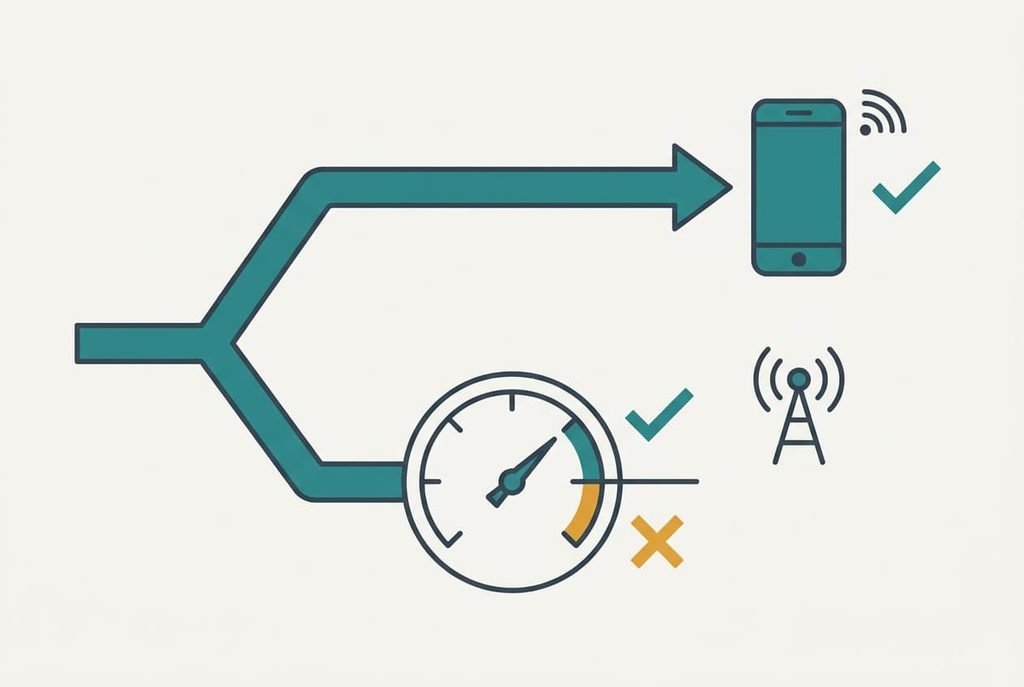
Everything turns on one fact: a booster amplifies a signal that already arrives somewhere on the building, whereas Wi-Fi calling ignores the radio signal altogether. That’s the whole comparison in miniature.
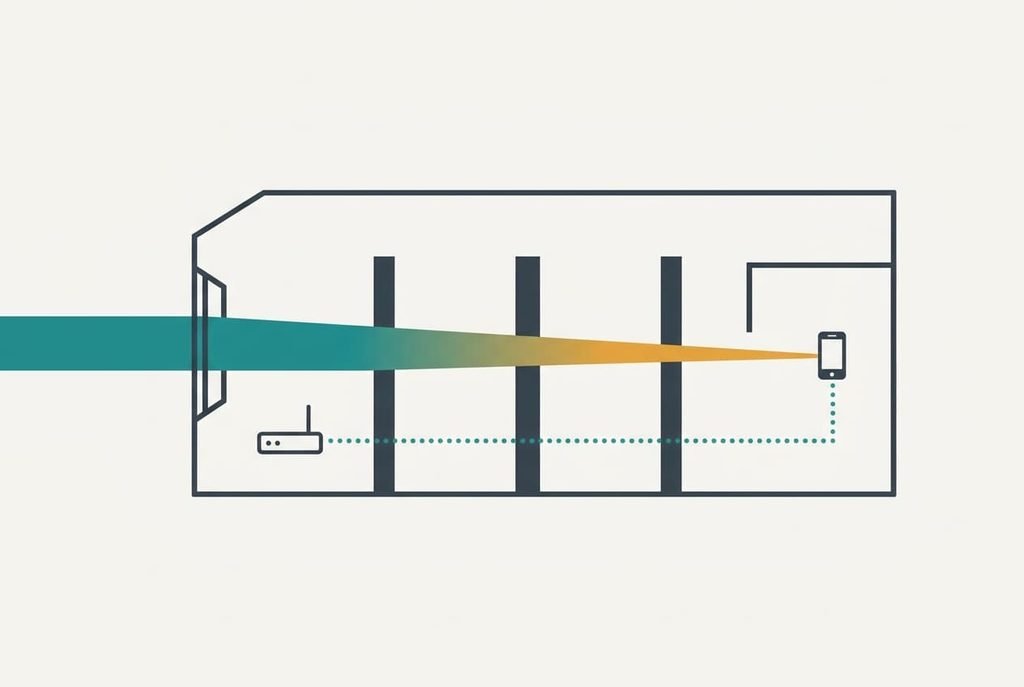
Signal strength is quoted in dBm, and each 3 dB doubles the power. Suppose the front window reads −85 dBm. A brick wall costs about 12 dB, and the back bedroom lies behind three of them, so the loss is 36 dB and the phone there sees −121 dBm. That is roughly 4,000 times weaker than at the window. A phone starts to struggle below about −110 dBm, which leaves the bedroom 11 dB short. The −110 number is only a rough guide, because phones differ, but the shortfall shows the scale of the problem.
A booster collects the −85 from the roof and rebroadcasts it indoors after amplifying it. Picture it as a megaphone that needs someone shouting outside, whereas Wi-Fi calling is a phone line that needs only a connected socket. Closing an 11 dB gap is easy for it, provided an outside signal exists. Wi-Fi calling sidesteps the walls by carrying the call over broadband. A voice call needs under 0.1 Mbit/s, about 0.75 MB a minute, which even a poor line manages.
Everything else in the comparison follows from that single fact.
How the two options compare, row by row
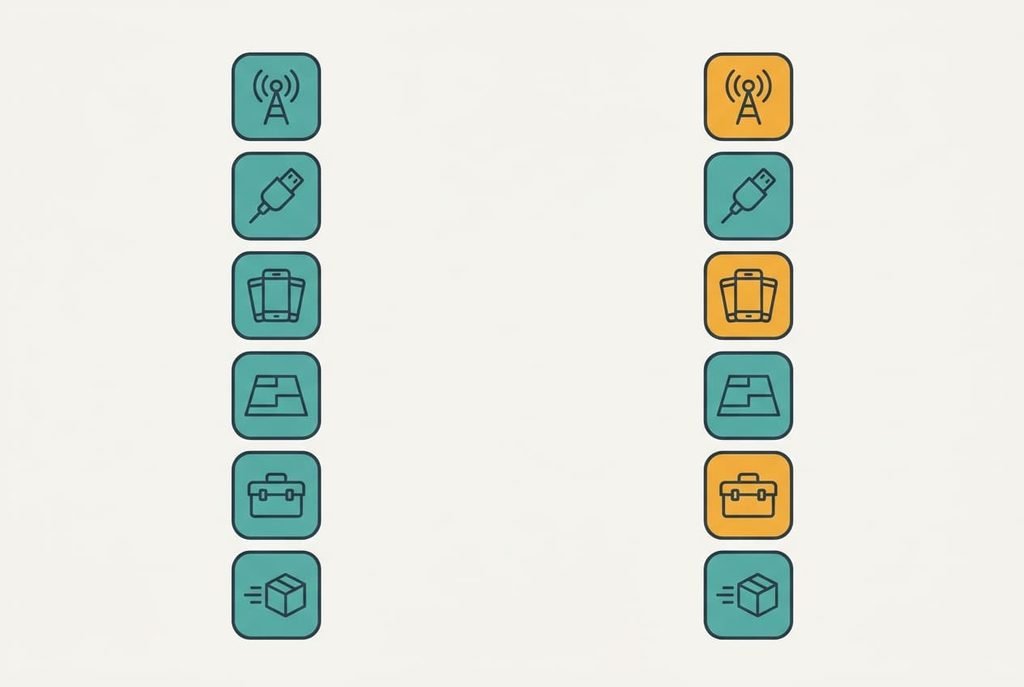
Six rows follow, each true for any phone or operator. The table omits prices and speeds, since they shift with every plan.
| Property | Wi-Fi calling | Signal booster |
|---|---|---|
| What improves | calls and texts only | calls and texts, plus mobile data |
| Outside signal needed | none | a usable reading at one spot |
| Working broadband needed | yes, at home | none |
| Phones that benefit | those with the feature built in | every phone on that operator |
| Area reached | wherever the Wi-Fi reaches | a room or two around the inside antenna |
| Fitting work | none | two antennas and a cable run |
| At the end of a stay | the setting stays on the phone | the antennas come down |
The first row surprises most readers. A booster works only on a signal that exists. With −115 dBm outside, it has almost nothing to amplify and raises the noise along with the voice. Take a reading at the roof or top window before thinking about hardware, since that one number rules a booster in or out. Area is the next surprise: one inside antenna covers a room or two, so a long flat may need a second. Fitting work costs the most time, since two antennas and a cable run take half a day against two minutes for a phone setting.
When Wi-Fi calling wins
Wi-Fi calling wins on effort. One switch in the phone’s settings turns it on, the job needs roughly two minutes, and there’s nothing to buy. A household with one or two modern phones can have the back bedroom sorted the same evening.
It wins on reach as well. A signal booster for weak mobile reception covers the rooms near its inside antenna, but Wi-Fi calling follows the Wi-Fi into every corner, even a basement with no bars at all. The 36 dB of wall loss doesn’t enter the sum, since the call never crosses a wall as radio.
Dependence on the broadband line is its price. If the router is off during a power cut, the call falls back to the weak mobile signal, which in the back bedroom means no call. A call begun on Wi-Fi may also stumble as you step out of the front door, because the phone must hand it over to the mobile network.
Confirm that your phone and plan support the feature before relying on it.
When a signal booster wins
A booster wins when the problem belongs to the whole household instead of one phone. It lifts the signal for every handset on the operator it serves. That covers a guest’s phone as well as an old model without Wi-Fi calling. Nobody sets anything on their device.
It wins on independence too. The broadband line can fail while calls carry on, since the booster takes its signal from the air. Walking between rooms is smooth because nothing is handed over between two networks.
Fitting is its price. The outside antenna goes where the reading is best, usually high on the building. The inside antenna must sit well away, at least 12 m in our flat, so the two can’t feed each other. With 65 dB of separation the amplifier can add about 50 dB, which is the separation less a safety margin of 15 dB. That comfortably closes an 11 dB gap. Fitting takes half a day of cable running, and the building’s owner has to agree to it.
When neither is worth ordering
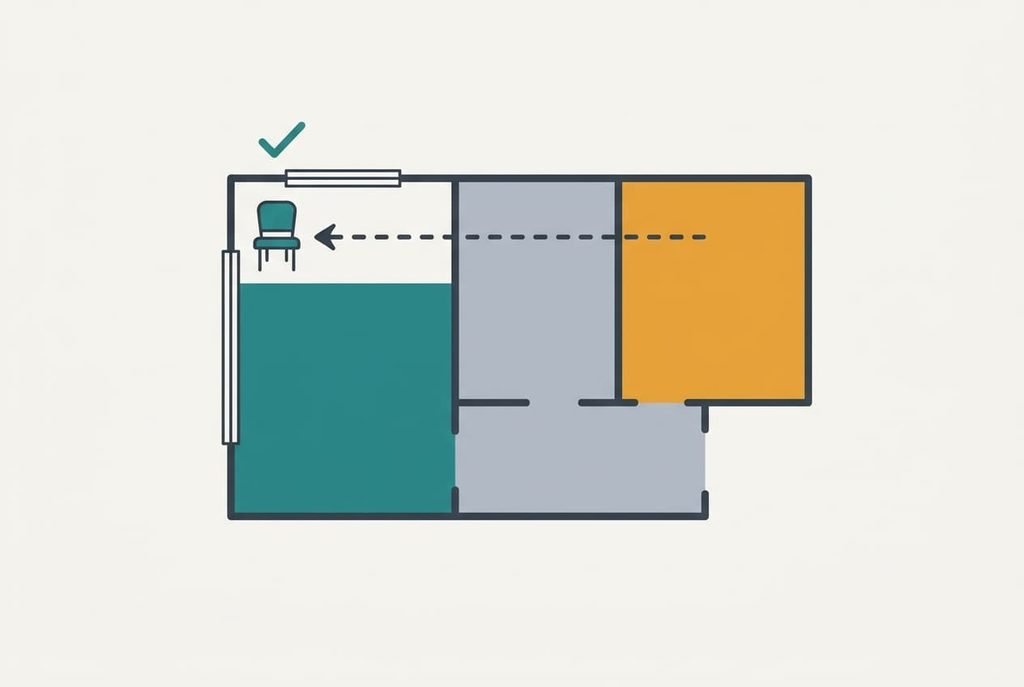
Sometimes only one corner is dead, so the cheapest cure is to move to where the signal already exists. At the front window our flat reads −85 dBm, which is 36 dB better than the back bedroom. A chair or desk by that window costs nothing and beats both fixes.
Walk the flat with the phone’s signal reading open and grade each room on a three-point scale from good to dead. A dead room you rarely use can stay dead, with a ten-minute walk to the window for any long call. Buying a signal booster for weak mobile reception to rescue such a room is poor value. A fix earns its cost only when the dead room is one you live in.
Short stays strengthen the argument. A booster’s antennas must be removed before the keys go back, whereas Wi-Fi calling is a setting that travels in the phone. Begin with the free options in either case.
How to choose a booster for mobile signal when reception is weak
If your phone supports Wi-Fi calling and the broadband is steady, switch it on and call from the dead room. You pay with a reliance on the router, and you gain coverage in every room for nothing. Keep the router within reach of the dead room’s Wi-Fi, since a weak link makes the call stutter too. Stay in the room for five minutes and note whether the call holds.
If the phone can’t use Wi-Fi calling, or every handset in the flat needs covering, read the outside signal first. A reading of about −100 dBm or better somewhere on the building makes a booster worth pricing. Below that, it only amplifies noise. Ask the owner about the outside antenna before ordering anything.
To settle a signal booster for weak mobile reception against Wi-Fi calling, test twice: the outside signal first and the phone’s own setting second. Whichever passes goes in the basket, and the other stays on paper. The tests take an afternoon, while a wrong purchase wastes a weekend of fitting. Keep the readings you took, because they also tell the operator where the trouble lies if you decide to complain.
Questions readers keep asking
How much effort does each take?
Wi-Fi calling needs about two minutes and one switch in the phone’s settings. A booster needs half a day, because the best outside spot must be found and the cable run, then the inside antenna goes a safe distance away. For one dead room, the first is plainly less effort.
What happens when the broadband goes down?
A phone using Wi-Fi calling falls back to the mobile network, which is the weak signal you were trying to escape. A booster doesn’t depend on the line, so calls carry on. If your broadband fails often, that single point favours the booster.
Which suits a rented flat?
Wi-Fi calling, almost always. It needs no antennas and no drilling, so the landlord has nothing to approve, and nothing has to come down at the end. A booster’s outside antenna usually needs the owner’s agreement and has to come off before you leave.