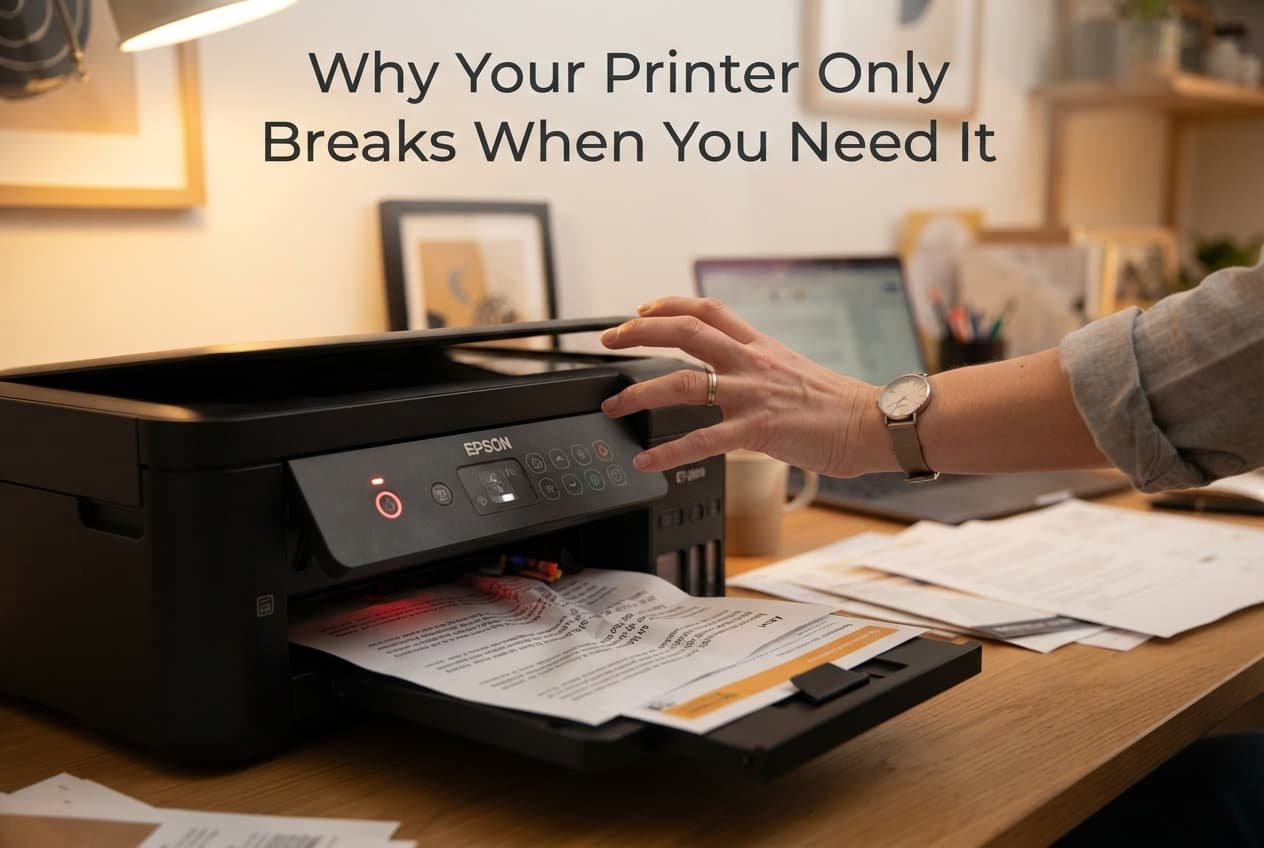
It’s not genuinely bad luck that your printer seems to fail specifically when you need it most urgently – it’s typically one of a small number of specific, checkable causes that happen to surface at exactly this moment, since a printer that sits unused for weeks accumulates exactly the kind of issues that only reveal themselves once you actually try to use it. Understanding which category applies to your specific situation determines whether the fix takes seconds or requires a more involved change.
What is actually happening
A home printer that’s used infrequently accumulates genuinely different problems than one used regularly, since ink can dry within unused nozzles, paper can absorb ambient humidity affecting how it feeds, and software or driver updates can occur in the background without you noticing until the moment you actually attempt to print something. This specific pattern – problems accumulating silently during disuse, then surfacing all at once during actual use – explains why printer failure feels so consistently tied to urgent moments specifically.
Distinguishing between these categories matters because “my printer won’t work” caused by dried ink requires an entirely different response than the same symptom caused by a driver or connectivity issue, which no amount of cleaning or maintenance on the printer itself will actually resolve.
Confirm which pattern you have
Check whether your printer has genuinely sat unused for an extended period before this specific failure, since this points toward ink-related or mechanical issues from disuse rather than a sudden, unrelated technical problem.
Check whether your computer or device recognises the printer at all, or whether it appears connected but simply fails to actually print, since this distinguishes a genuine connectivity or driver issue from a printer-side mechanical problem like dried ink or a paper jam.
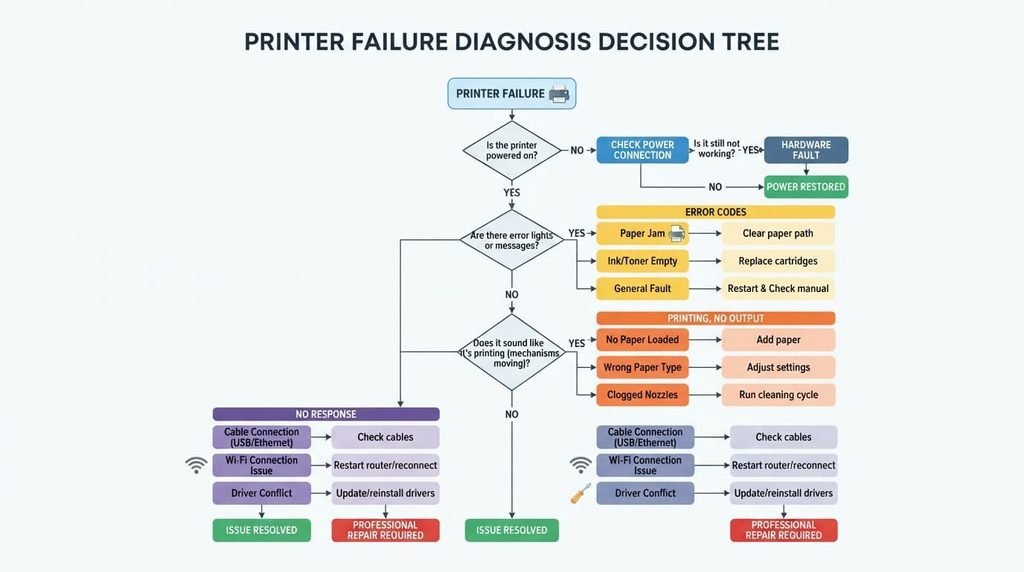
The causes, diagnosed
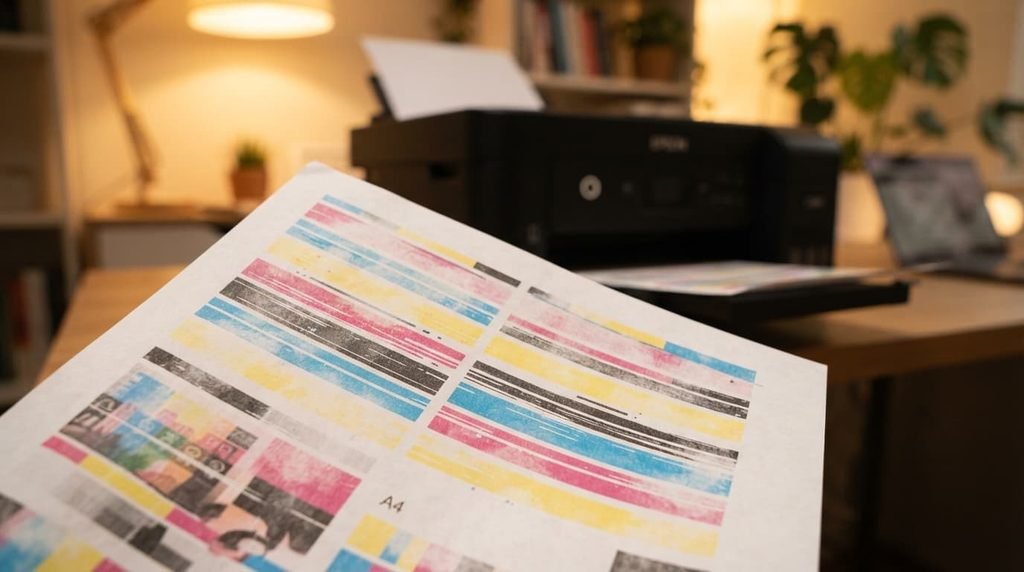
“Printed pages come out with streaky, faded, or missing colours, particularly after the printer sat unused for a while.” This points to dried or clogged ink specifically within the print head nozzles, since ink genuinely dries when a printer goes unused for extended periods, particularly affecting colours used less frequently in your typical printing. The fix: run your printer’s built-in cleaning cycle, often available through its settings menu or accompanying software, which flushes the print head and frequently resolves this specific issue within a few cycles.
“My computer shows the printer as offline or unavailable, even though it’s genuinely powered on and connected.” This points to a connectivity or driver issue specifically, rather than any problem with the printer’s own physical mechanism, since this symptom occurs before printing even begins at the software level. The fix: restart both your printer and computer, and check that your printer’s driver software is genuinely current, since an outdated or corrupted driver frequently causes exactly this specific symptom.
“Paper jams or feeds incorrectly, particularly noticeable after the paper’s been sitting in the tray for a while.” This points to paper that’s absorbed ambient humidity, subtly warping or sticking together in ways that affect feeding, a genuinely common issue for paper left in a printer tray for extended periods between uses. The fix: replace the paper with a fresh stack specifically, and store unused paper in its original packaging to minimise humidity exposure between actual print sessions.
“The printer makes unusual grinding or clicking sounds, but nothing actually prints, or printing stops partway through.” This points to a genuine mechanical obstruction or feeding issue specifically, distinct from ink or connectivity problems, since this symptom relates directly to the printer’s physical paper-handling mechanism rather than the print quality or software connection. The fix: check specifically for small torn paper fragments or debris caught within the paper path, since these are surprisingly common, easily overlooked causes of exactly this symptom pattern.
What people get wrong about printer reliability
The most common misconception is assuming a printer that worked perfectly at purchase should continue working identically regardless of how infrequently it’s actually used, when printers genuinely require some regular use to prevent the specific disuse-related issues covered above from accumulating in the background.
A second common misconception is assuming all printer problems stem from the printer’s own hardware specifically, when a genuinely significant portion of “printer” problems actually originate from driver software, connectivity settings, or paper condition – factors entirely separate from whether the printer’s physical mechanism itself is actually functioning correctly.
What isn’t worth doing
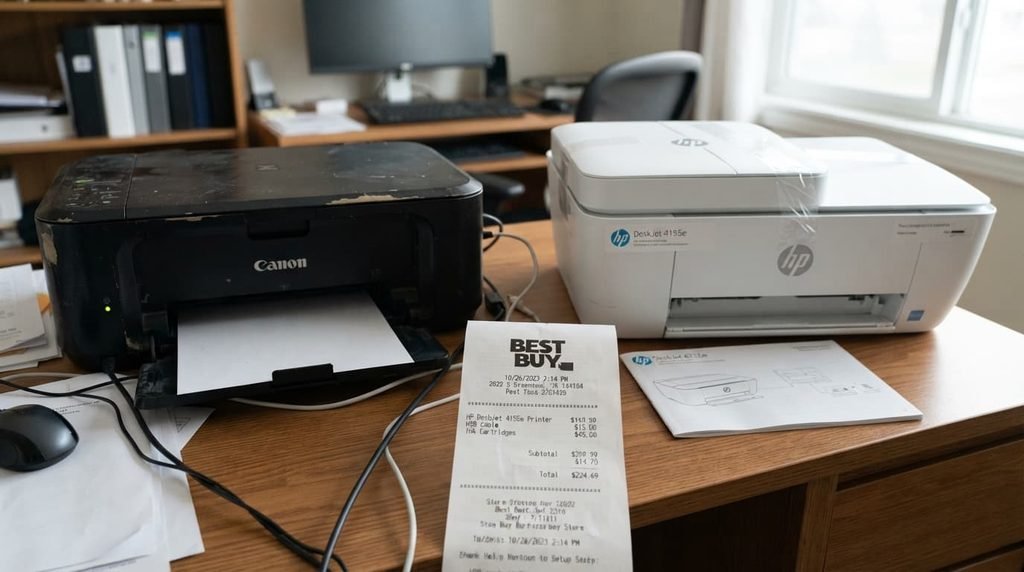
Immediately assuming your printer needs replacing entirely, without first identifying which specific cause above actually applies to your situation, isn’t worth the expense this assumption leads to.
Many common causes of printer failure – dried ink, driver issues, humid paper – are genuinely resolvable without any replacement at all, meaning a new printer purchase often doesn’t address an issue that was never actually about the printer’s fundamental hardware capability in the first place.
When this points to something more serious
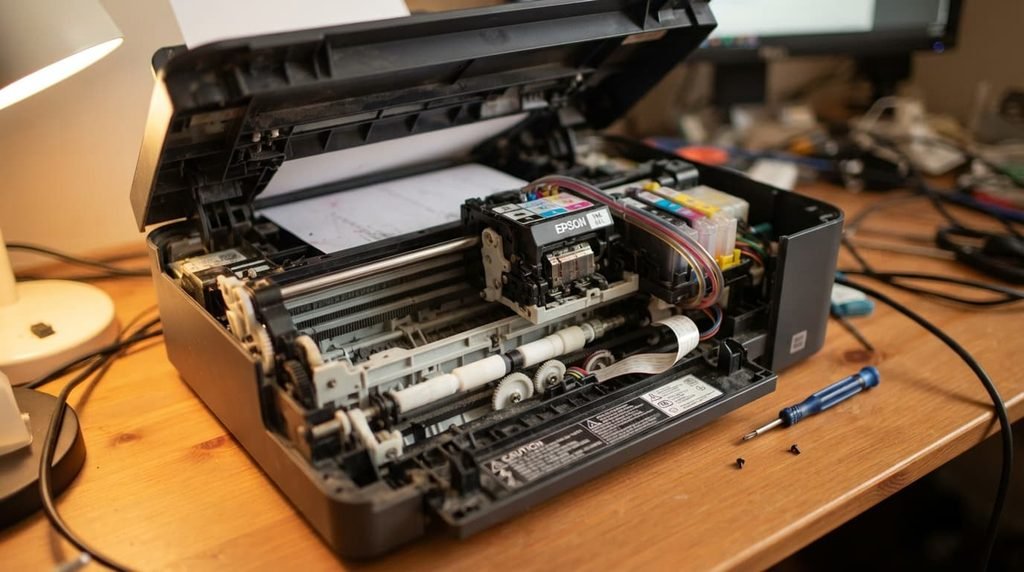
If you’ve genuinely run cleaning cycles, confirmed connectivity, and used fresh paper, and the printer still consistently fails in the same specific way, this points toward a genuine hardware fault – a failing print head, an internal mechanical issue – that these standard troubleshooting steps won’t resolve.
This genuinely matters because a genuine hardware fault, as distinct from the accumulated-disuse issues covered above, may require professional repair or full replacement, particularly if the printer is genuinely older and the specific repair cost approaches what a comparable replacement would actually cost overall.

How to break the cycle for good
Set a recurring reminder to print something small every week or two specifically, rather than only thinking about your printer when an urgent need arises, since this proactive habit directly prevents the disuse-related accumulation that causes most of the frustrating failures covered above.
Keep your printer’s driver software genuinely updated as a routine habit, rather than only checking when something’s already gone wrong, since many connectivity issues stem specifically from outdated software that a few minutes of proactive maintenance would have prevented entirely.
Questions readers keep asking
How often should I actually use my printer to avoid these accumulated issues?
Printing something small, even just a test page, every week or two genuinely helps prevent ink from drying within the nozzles, making this a reasonable preventive habit specifically for printers that otherwise sit unused for extended periods between actual needs.
Does the specific type of ink cartridge affect how quickly this drying issue develops?
Yes, meaningfully – some cartridge formulations are genuinely more prone to drying during disuse than others, so checking your specific printer manufacturer’s guidance on ink longevity can help set realistic expectations for your particular model.
Does running a cleaning cycle too often actually waste ink unnecessarily?
Yes, somewhat – cleaning cycles do use a measurable amount of ink each time, so running them only when genuinely needed, rather than as a routine habit regardless of actual print quality, avoids unnecessarily depleting cartridges faster than your actual printing needs would otherwise require.
Is it worth keeping a printer specifically for rare, occasional use, or would a different solution serve better?
If your actual printing need is genuinely rare, considering a local print service for occasional documents, rather than maintaining a printer that predictably develops these disuse-related issues between uses, can sometimes serve infrequent needs more reliably than home ownership does.