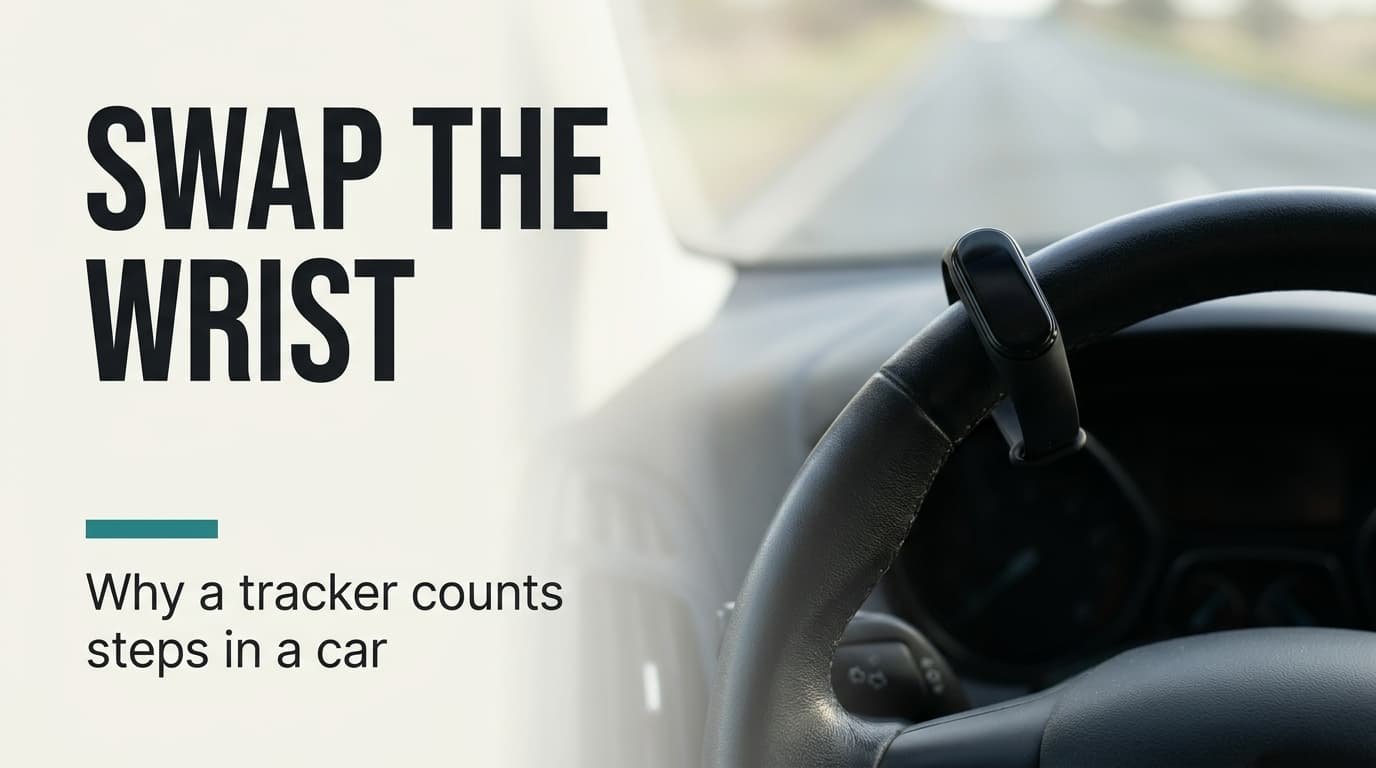
A tracker counts motion, and a car gives it plenty. Why does my fitness tracker count steps while I am driving? Usually because your steering hand or a tapping finger repeats a movement at walking pace. The quickest fix is to wear the tracker on the other wrist. The sums and tests below use a British commute of 45 minutes each way and a wrist-worn tracker. All figures here are guesses to overwrite with your own. No brands or menu paths appear, since menus change faster than the cause does. You’ll get three tests that take one commute each, a ladder of four fixes, and a plan for the case where nothing helps.
What makes a fitness tracker count steps in a moving car
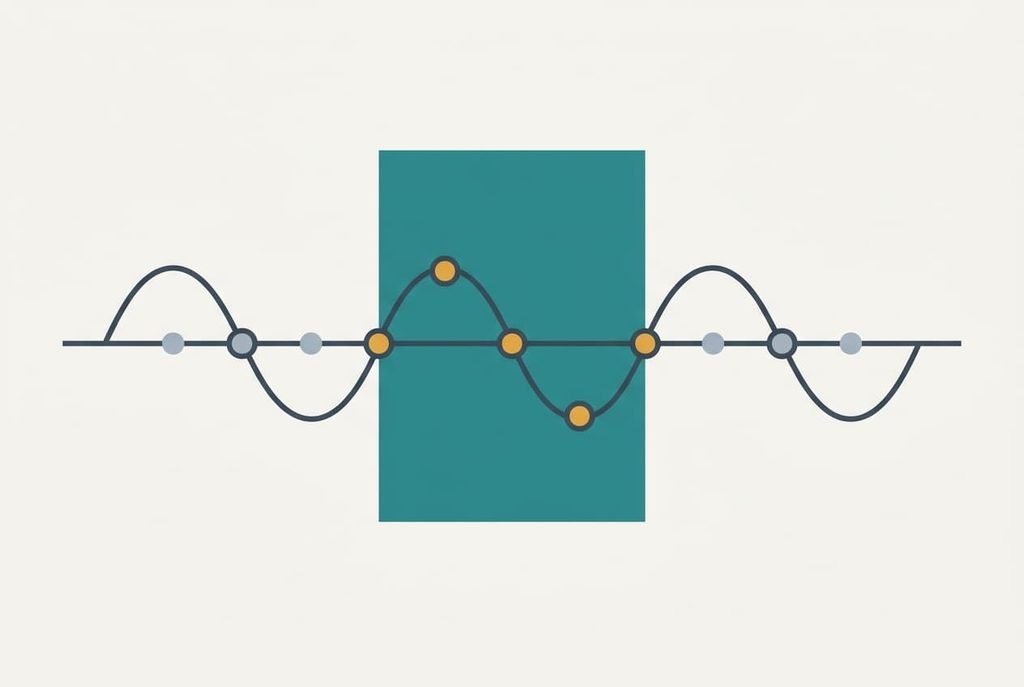
The phrase “fitness tracker count steps” sounds like a bug. The software is doing exactly what it was built to do. An accelerometer in the tracker measures movement many times a second. A program then looks for a repeating pattern with a walking rhythm. Three conditions have to hold. The rhythm must sit in a band of roughly 1.4 to 2.5 repeats a second, which is 84 to 150 a minute. Each movement has to be big enough to clear a threshold. The pattern must also last several cycles before counting starts.
A drive meets those conditions more often than you’d expect. Tapping the wheel to music at 120 beats a minute gives 2.0 repeats a second, which is the middle of the band. A swinging forearm on a rough road adds jolts that line up with it. The tracker can’t tell whether the rhythm comes from your legs or from your wrist, because it senses only the wrist’s own motion and has no view of your feet or of the road beneath the car. Assume the pattern is accepted for 6 of every 100 steps’ worth of rhythm, giving 6 phantom steps a minute. Over 90 minutes that’s 540 steps a day, or 6.8% of an 8,000-step goal.
Tests that show why a fitness tracker counts steps in the car
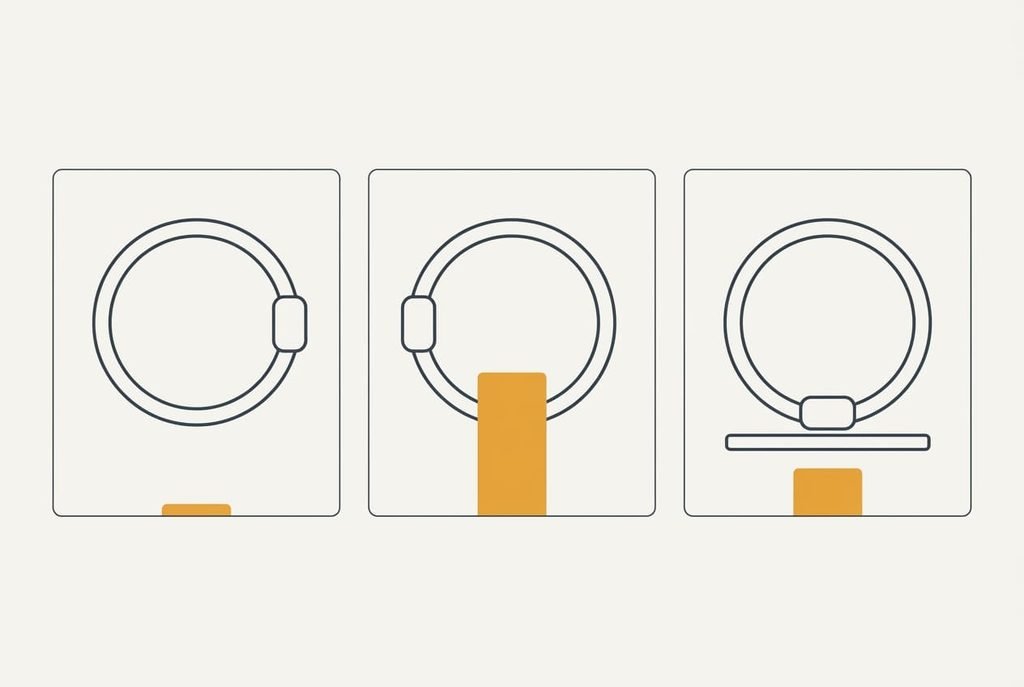
Run three drives that each change one thing, and note the phantom count at the end of each. First, wear the tracker on the other wrist for one commute. Phantom steps falling from about 540 to under 100 means your steering arm is the cause. Second, drive the same route with the radio off and your hands resting on the wheel. A count near zero points to tapping or gesturing along with music. Third, ride as a passenger with your arm in your lap. If steps still pile up, road vibration is to blame, and the later fixes below suit you better. Keep the route constant and the hour too, and leave the settings alone, so that only one thing moves at a time. If your phone has its own step counter, note its total as a second opinion. A phone in a bag or a pocket won’t swing with the steering arm. Put each result next to its test and compare all three in one evening.
One result is enough to pick your first fix.
The fixes, in order
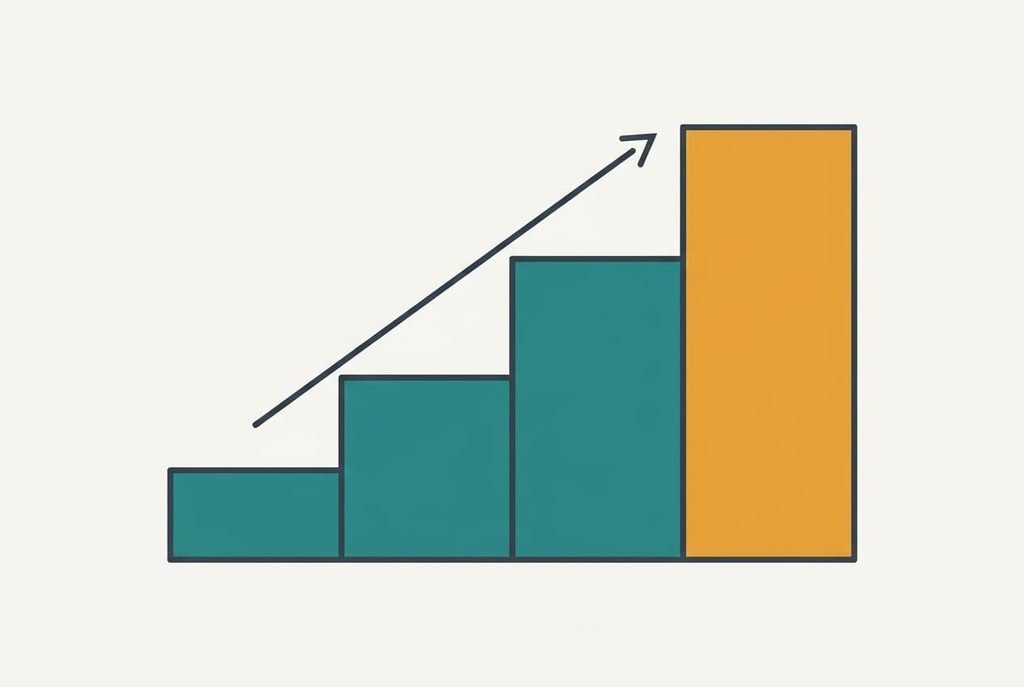
People who search “fitness tracker count steps” while commuting rarely need more than the first two fixes. Each entry says what it addresses and what it costs, then names what it gives up.
Wear it on the other wrist for a week, which addresses the steering arm, the usual cause. Expect the 540 to fall to about 90 if the arm is the cause, a drop of 83%. It costs nothing, and swapping back undoes it. The loss is convenience. Your usual wrist is the one you glance at, and the new side feels awkward for a few days.
Switch on the vehicle-detection setting if your model offers one, which addresses the motion itself. The tracker, or the phone beside it, can see you’re moving at 60 km/h. The software then ignores a rhythm that shows up at that speed. It costs nothing, though it needs the phone nearby and location use, which drains the phone’s battery a little. It also loses genuine steps taken during a short stop, such as a walk to a ticket machine. If detection lingers for a minute after you park, a two-minute walk at 100 steps a minute would lose about 100 steps.
Log the drift for two weeks, then subtract it, which addresses whatever error remains and trades time for accuracy. Note the phantom count on three drives, about 540 on a 90-minute day. Then take that off the daily total in your head or in a spreadsheet. It costs ten seconds a day. Across five weekdays the drift is 2,700 steps, so a single weekly subtraction replaces the daily one. The loss is precision, since each drive differs by 100 steps or so.
Move to a tracker worn at the waist or in a pocket, which addresses the cause at its root. A hip sensor doesn’t swing with the steering arm. It costs a new device and gives up the wrist display. Only buy one when the three cheaper fixes still leave an error over your tolerance, say 10% of the day’s total. A pocket unit miscounts too when it rides in a bag instead of on your body, so wear it where it moves with you.

If the steps keep coming after all four
Collect evidence before you do anything drastic. Log three drives with the start time, the route, the count at each end and the wrist you wore it on. Note the software version shown in the device information, since a fix may already exist in a newer one. Add a photo of the daily summary after each drive. Then pass the log on to the maker’s support team. Ask two plain questions: does this model filter steps by speed, and is a newer version available?
Evidence beats complaints when you write to support.
Leave a reset until nothing else is left. It erases the history stored on the device and breaks the pairing with your phone. Sync first, and don’t reset to chase a one-off count. A reset also clears your goals and alarms, so write those down before you start.
The fix that is not worth doing
The advice that tops searches for “fitness tracker count steps” is taking the tracker off for every drive. The sums say it’s a poor trade. Phantom steps of 540 are 6.8% of the day, and ordinary counting error on an 8,000-step day is easily 10%, or 800 steps. You’d be chasing a number smaller than the noise. Each removal also leaves a gap in the day’s record. Each time you forget to put it back, a morning is lost. Wrist swaps and a weekly check do more for less. A check takes two minutes on a Sunday. Compare the week’s total with how active you felt, and note any day that looks wildly off. Leaving the tracker on also keeps the other 22 hours of the day in the record, which is where its real value sits.
Pick the fix that matches your test result and give it a fortnight. A tracker that counts a little extra on the drive is behaving as designed, and a small, steady error is fine for tracking trends. Watch the weekly total instead of the daily one. A steady 540 shifts every day by the same amount, so the pattern stays readable. Fix it if it bothers you, and leave it if it doesn’t.
Questions readers keep asking
Can phantom driving steps be fixed at home?
Mostly, yes. Swapping wrists and switching on vehicle detection cost nothing and settle most cases within a week. A spreadsheet note of the drift covers what’s left. A new tracker is only worth buying when the three cheaper fixes still leave an error over about 10% of your daily total.
What causes a tracker to count steps in a car?
The tracker senses wrist motion and looks for a walking rhythm of 84 to 150 repeats a minute. A tapping hand or a swinging forearm can fit that pattern, and so can road jolts. Software can’t tell where the rhythm came from, so some of it gets counted as steps.
Does counting steps in a car mean the tracker is faulty?
No, it’s normal behaviour. A faulty tracker would miss walking steps or count hundreds of them while the wrist stays still on a desk. If your tests show steps only on drives, the sensor is working as designed and the fixes above will help.