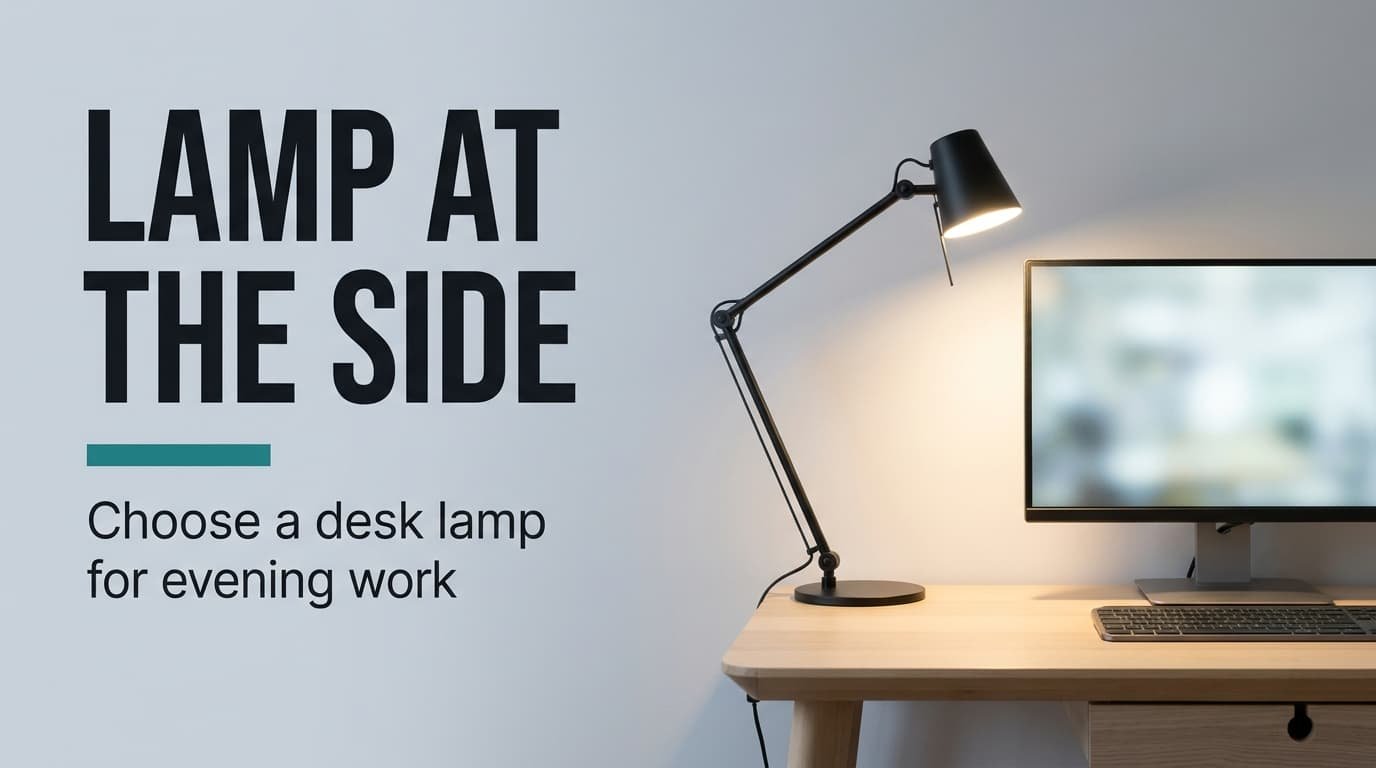
Your lamp comes on and a bright copy of it appears in your screen, so you nudge the head. The copy returns. That’s an angle problem, and with a desk lamp for evening computer work the angle outranks every other feature. Reach is the first test, then beam spread, then the dimmest setting, with colour last. The desk here belongs to a flat in Britain and runs 140 by 70 cm, with one matt monitor 60 cm from your eyes. The numbers are round illustrations, so substitute your own. We skip brands and prices, which date quickly.
What decides a desk lamp for evening computer work
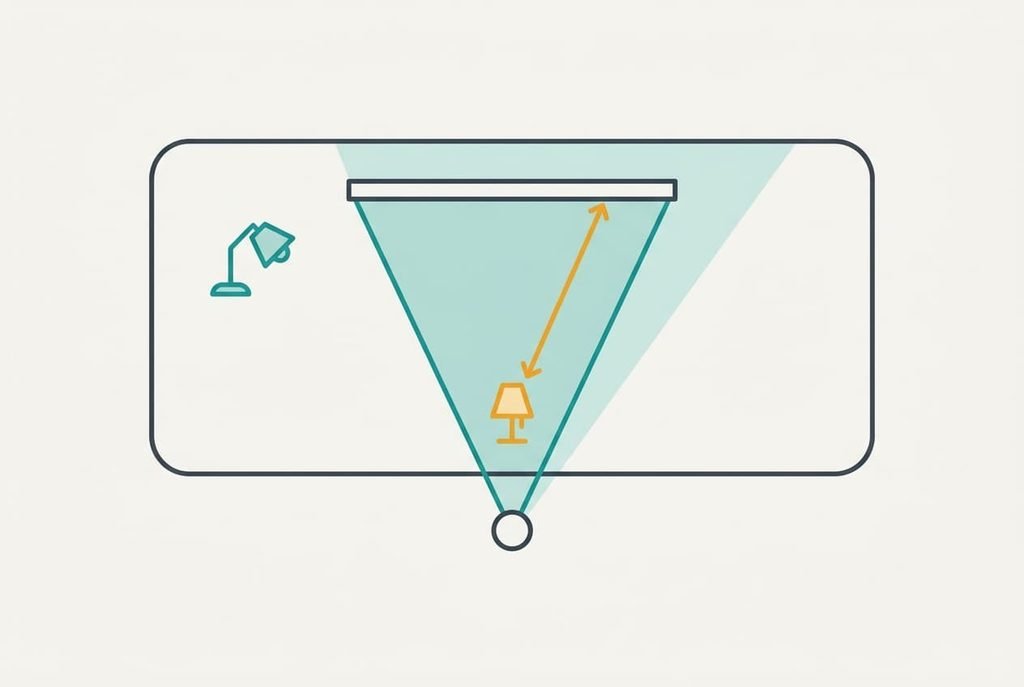
A screen is a weak mirror. Light that hits the glass and bounces towards your eyes shows up as a pale veil. Whether yours does comes down to the angle at which the lamp’s light meets your screen.
Try the geometry. Your eyes sit 60 cm from the screen and the screen is 60 cm wide, so it reaches 30 cm each side of its centreline. A ray reflects into your eyes when the lamp lies on the path between your eyes and the glass. At y cm out from the screen face, that zone extends 30 × (1 + y ÷ 60) cm each way. A lamp level with the face (y = 0) reflects only when it lies no more than 30 cm from the centreline, so one 55 cm to the left stays clear. Put a lamp on a shelf 120 cm out from the face, which is 60 cm behind your chair, and the zone widens to 30 × (1 + 2) = 90 cm, so a lamp 40 cm to the left sits inside it.
Matt coatings thin the veil without clearing it, and each criterion below grows out of this zone.
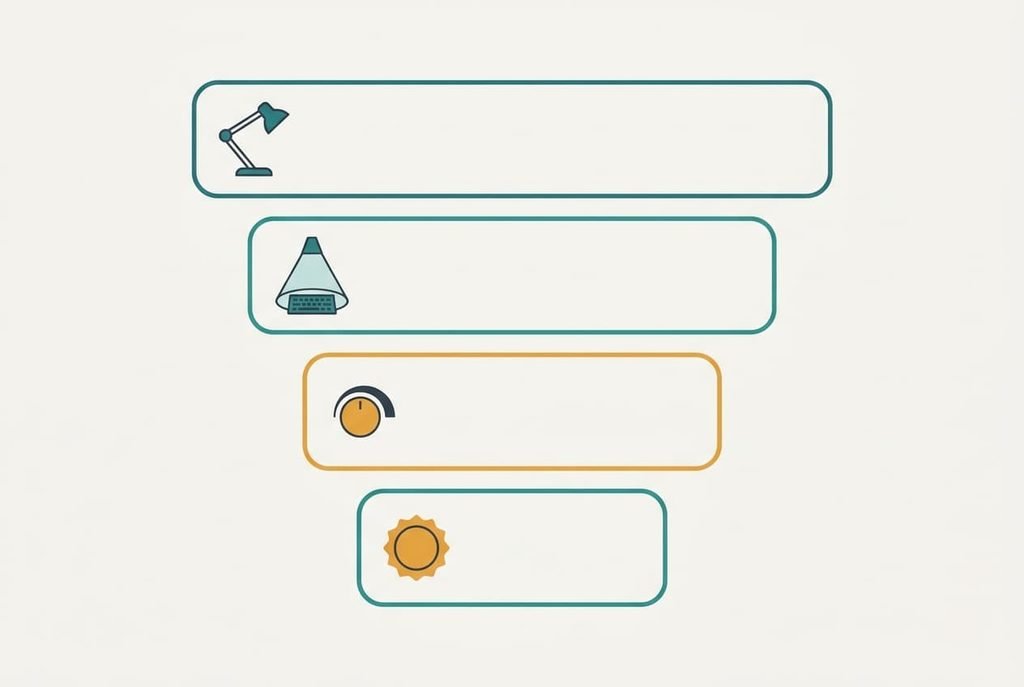
What to look for in a lamp, in order
1. Reach and head movement. This is how far the head can travel from its base while still pointing at the desk. It decides whether the lamp stays outside the zone or drifts over your shoulder. Measure from the screen’s edge to the desk’s flank, which is 55 cm on our desk. Arm reach plus head swing must cover that distance sideways, with the head about 40 cm up and aimed at the keyboard. When reach falls short, the lamp creeps behind you and the veil returns.
2. Beam spread. This is the cone the light fills, quoted as an angle. A wide cone lights the whole keyboard zone, while a narrow one lights a patch the size of a coin. With the head 40 cm over the desk, a 60° cone covers 2 × 40 × tan 30° = 46 cm across, enough for a keyboard 45 cm wide. A 30° cone covers 21 cm. Look for a stated beam angle. When the spread is wrong, you keep nudging the lamp or the light spills onto the screen.
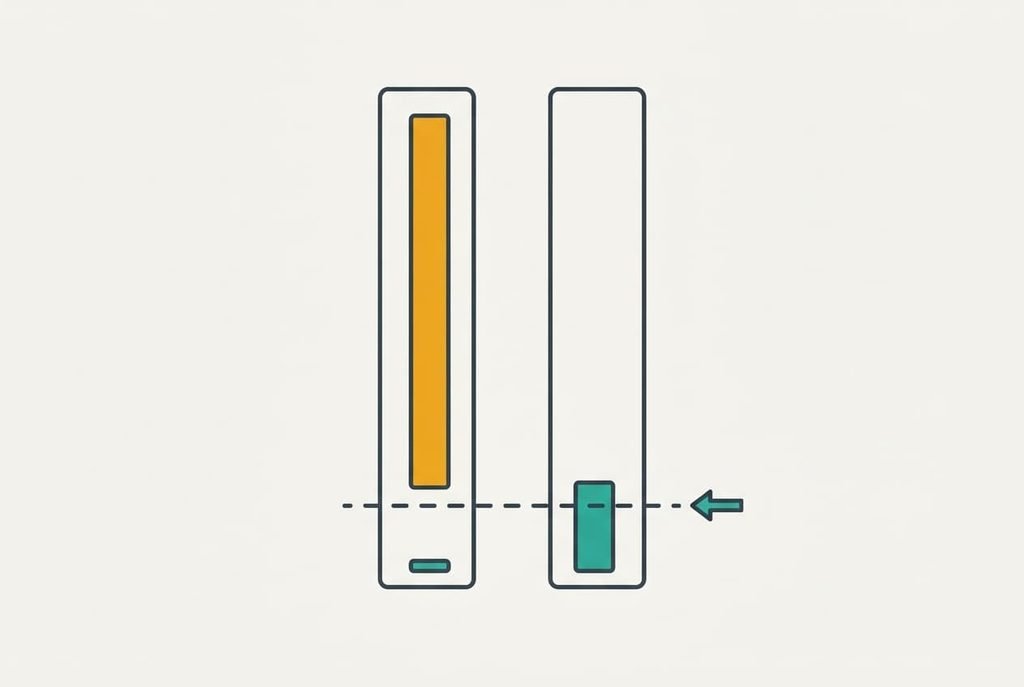
3. The dimmest setting. Few buyers look at it. Assume 250 lux suits the keyboard in the evening. The 46 cm patch has an area of 0.166 m², so it needs 250 × 0.166 = 41 lm, and with half of the output reaching the desk the lamp must emit about 83 lm. A lamp of 800 lm that dims to 10% gives 80 lm. One whose lowest step is 50% gives 400 lm and about 1,200 lux, almost five times the target. Look for a range that starts at or below 10%. When the floor is high, the lamp glares at its lowest step and you fall back on the ceiling light.
4. Colour temperature. This is the warmth of the light, measured in kelvin. Assume the room lights sit near 2,700 K. A lamp at 6,500 K then makes a blue-white patch against a warm room. Choose one whose warm end reaches 3,000 K or lower, stated in kelvin on the listing. When the colour is wrong, the desk looks pasted onto the room.
What the box oversells
A very large maximum brightness figure headlines almost every listing, and a desk lamp for evening computer work gets little from it. A large figure prints easily and compares at a glance. Our sums need only 83 lm, so an 800 lm lamp uses 10% of its range and a 1,600 lm lamp would need 5%. A higher ceiling makes the dimming floor matter more, and nobody prints the floor.
Named colour presets are oversold too. Presets called warm and cool are two points on a range you’ve already checked, and the label adds nothing. App control comes third. It adds a connection that can fail, and a dial does the job in half a second while showing the step you’ve chosen without a screen. Wireless charging pads in the base make a fourth, since they put a phone where the keyboard needs room on a desk only 70 cm deep.
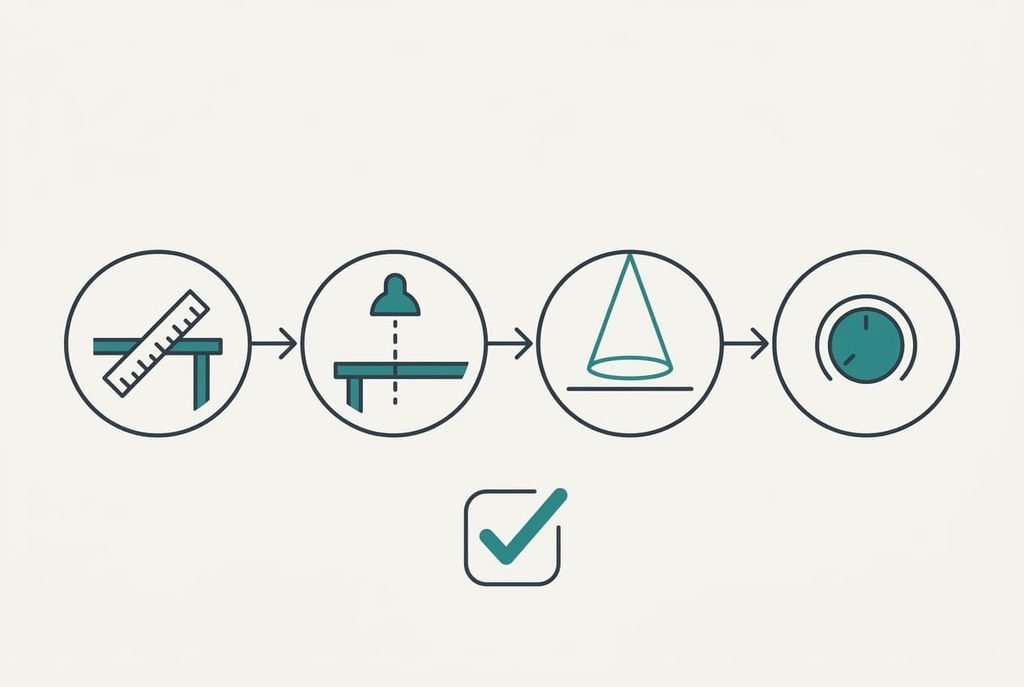
Matching a desk lamp to evening computer work
Three kinds of reader reshuffle the order while the criteria stay put. A left-handed reader mirrors the sums, because the lamp belongs on the right and the arm must travel 55 cm that way. The base then sits on the right, which also keeps the cable clear of the mouse hand. Someone on a glossy laptop screen puts reach first by a wider margin, since a glossy panel shows the veil across its whole width. A reader sharing a room with someone watching television moves beam spread up, because a narrow 30° cone keeps light off the shared wall. Each reader still begins with reach. A shorter listing with a long arm beats a longer one with a stiff head, whichever reader you are, because the arm settles where the light can go.
Check which side the arm bends from before you order.
What to walk away from
A lamp with a fixed head and no stated dimmest setting rules itself out, since it can’t leave the zone and can’t dim to the keyboard’s needs. Any listing that quotes only a maximum lumen figure joins it, because you can’t place that lamp on the scale starting at 83 lm. Putting the base in the centre of the desk suits 70 cm of depth badly too, because it eats the room the keyboard needs. A cable shorter than 150 cm limits the lamp’s placement as well.
Skip any desk lamp for evening computer work that has plastic arm joints. They loosen with use, and the head sinks into the zone a little more each week. Choose a retailer that accepts a return after a week of evenings, since a sinking head shows only with real use. No dimmer repairs a head that won’t hold its position.
The two-minute check before you commit
Measure from your screen’s edge to the flank of your desk, then set that against the arm’s reach and swing. Next, check that the head can hang 40 cm over the desk. Read the beam angle and work out the patch: twice the height times tan of half the cone. Then find the dimmest setting and see whether it sits at or below 10% of the maximum. Write the four numbers on one line, and keep that line with you in the shop. A single bad answer sends you to another listing, and the check needs only a tape and a calculator.
A desk lamp for evening computer work is settled by the angle, and a tape measures it. Take your sideways distance and the dimming floor today, because those two figures decide most of the purchase. A listing that withholds its beam angle or its dimmest step is out, whatever else it offers.
Questions readers keep asking
How bright does the lamp need to be?
Less than most listings suggest. In our sums the keyboard patch needs about 83 lm of output for 250 lux, so a lamp that dims to 10% of 800 lm is ample. Check the lowest step first, because a lamp that can’t go that low glares however good its top setting is.
How much should I spend on a desk lamp?
Pick a mid-priced lamp and put the saving towards a long arm and a wide dimming range. The cheapest lamps print no beam angle, and the dearest add presets that you’ll never touch. Check the reach and the lowest step before the price, then compare lamps with similar arms.
Will one lamp suit both a laptop and a monitor?
Usually, if the reach is long and the head swings freely. A laptop sits closer than a monitor, so its reflection zone is narrower. A lamp that clears the monitor’s 30 cm zone will clear the laptop’s as well. Test the position with the lamp on before you commit.