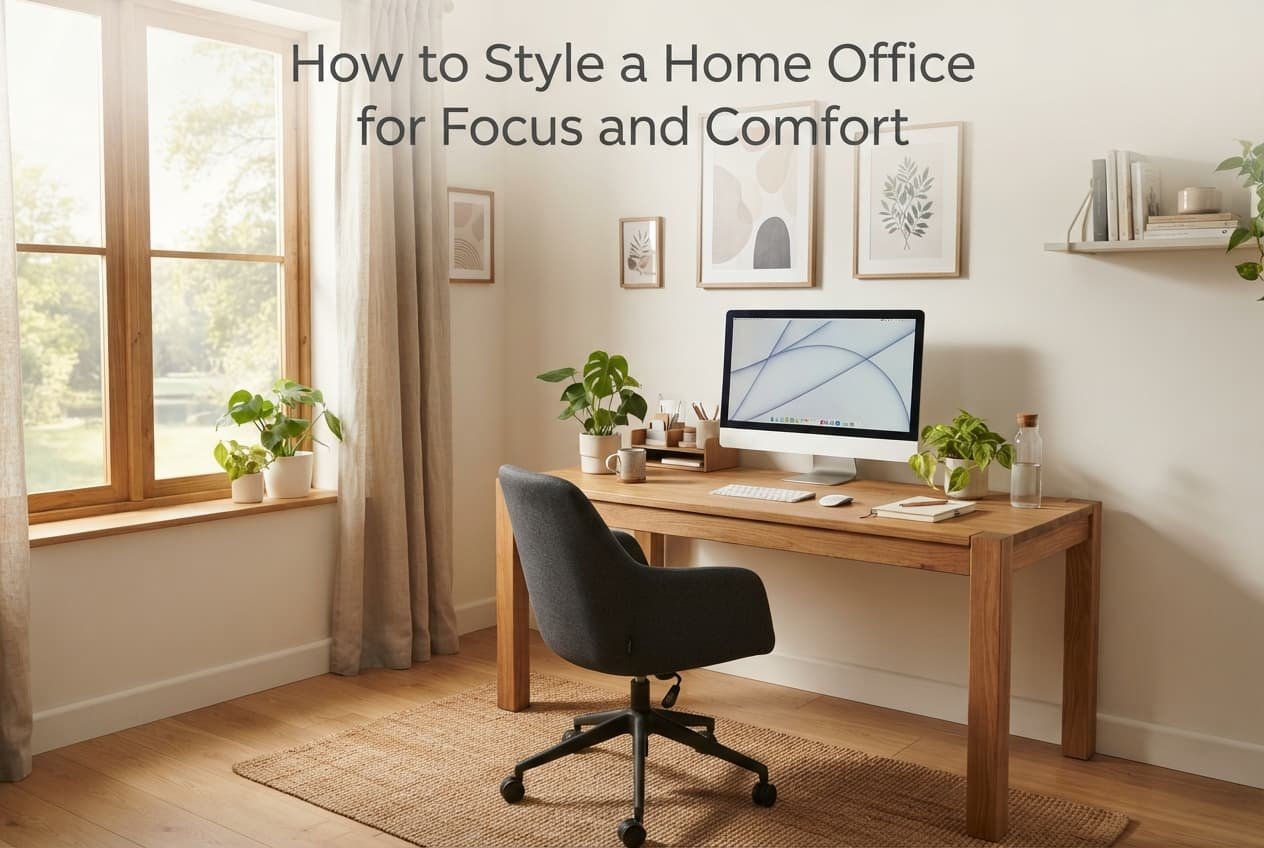
A home office styled purely around visual appeal often ends up genuinely uncomfortable to actually work in for extended periods, since a space arranged for how it photographs rather than how it feels after several hours of use tends to undermine the concentration it’s actually meant to support. Styling a home office for genuine focus and comfort means prioritising the specific elements that support sustained daily work, with visual appeal following naturally from that functional foundation rather than competing with it.
The one decision that shapes this room
The deciding factor is whether the desk and chair genuinely support extended sitting without discomfort, not simply whether they look coordinated or attractive. A home office with a visually striking desk and chair that become uncomfortable after an hour undermines the actual focus the space is meant to enable, regardless of how well the overall room is styled around them.
This single capability – genuine physical comfort during actual extended work, not just an attractive setup for occasional brief use – should guide nearly every choice below, more than any specific style trend or desk arrangement convention.
Getting the workspace genuinely functional
Position the desk to minimise glare on your screen from windows or overhead lighting specifically, since persistent glare causes genuine eye strain during extended screen use regardless of how comfortable the seating itself is, undermining focus in a way furniture quality alone can’t compensate for.
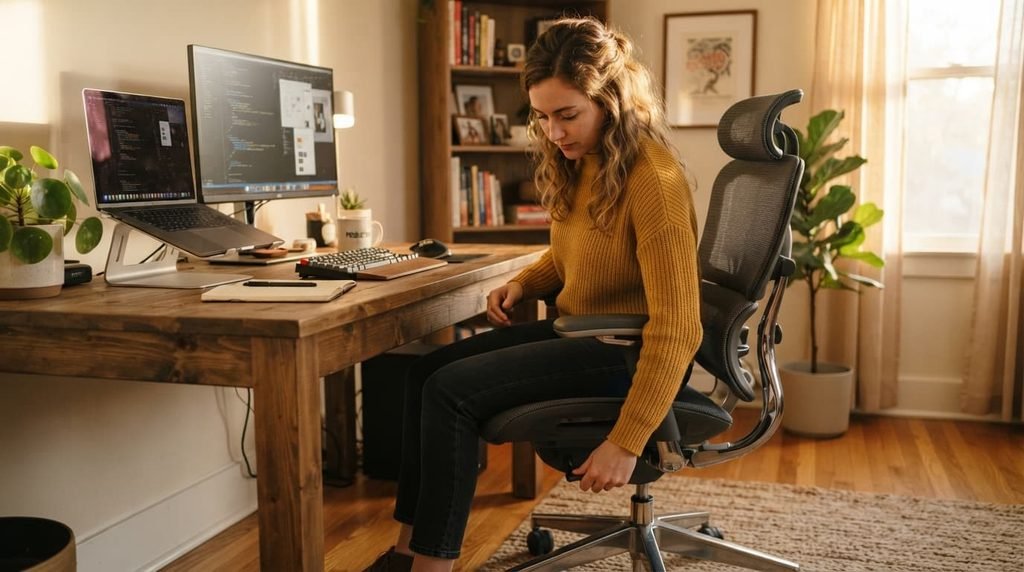
Choose a chair with genuine adjustable support for your specific body and desk height, rather than selecting purely for visual coordination with the room’s aesthetic, since a chair that doesn’t actually fit your body causes discomfort that compounds considerably over a full working day.
Keep your most frequently used items within easy reach of your seated position, rather than positioned for visual balance across the room, since needing to repeatedly get up for commonly used items breaks concentration in a way that adds up meaningfully across a working day.
What the lighting is actually doing
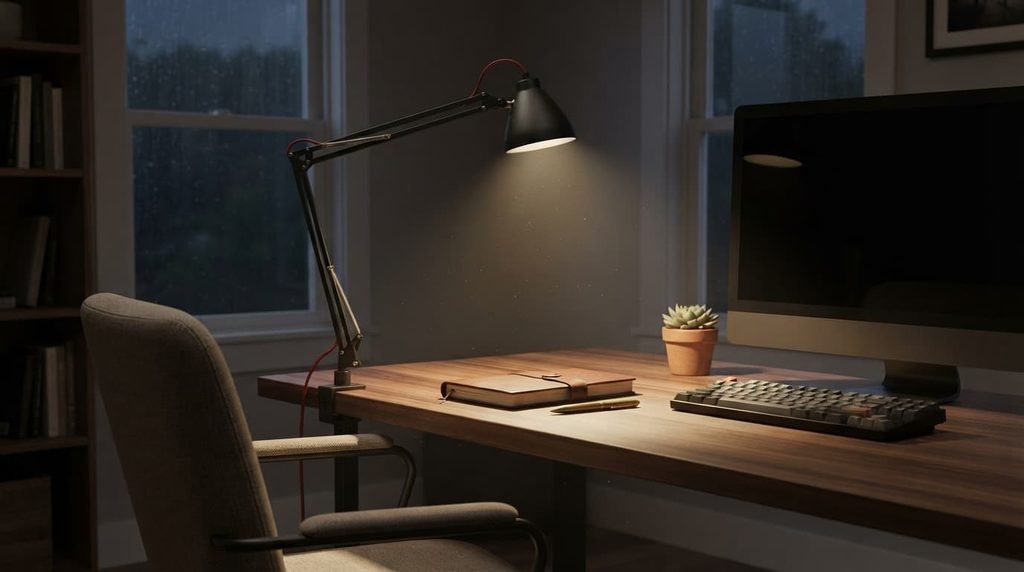
Add a dedicated task light positioned specifically to illuminate your actual work surface, rather than relying solely on general room lighting, since focused task lighting reduces eye strain during close work in a way ambient room lighting alone often doesn’t fully achieve.
Choose a light source with a colour temperature suited to daytime focus specifically, since overly warm, dim lighting can contribute to drowsiness during work hours in a way that undermines the alertness a home office actually needs to support.
Choosing colours and materials that support concentration
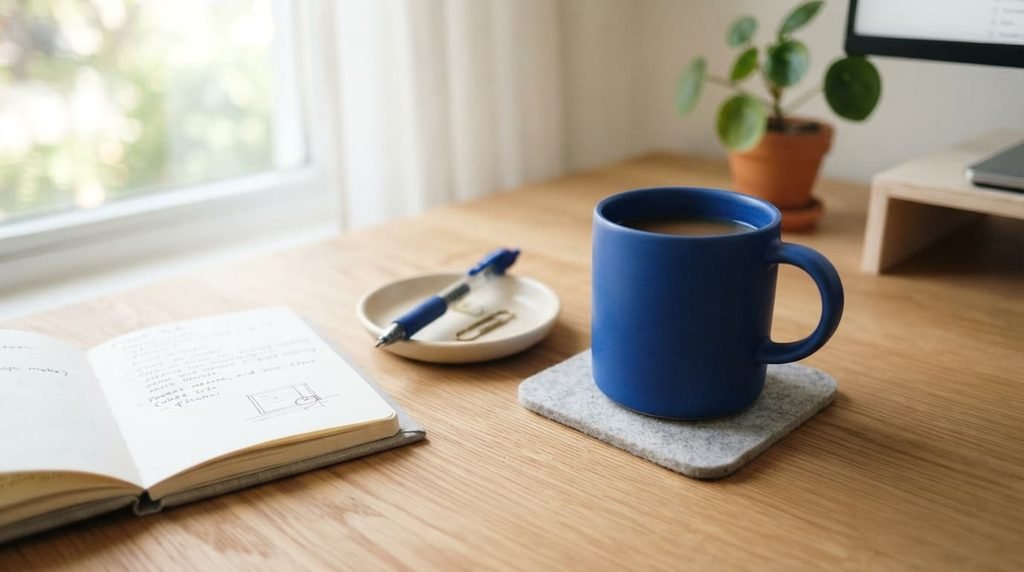
Favour a genuinely calm, uncluttered colour palette for the walls and larger surfaces within your direct line of sight, rather than a bold, visually stimulating scheme that might work well in a living room but can become genuinely distracting during sustained focused work. This doesn’t mean the space needs to be entirely neutral or clinical – a considered accent colour or two adds character without undermining the calm baseline that supports actual concentration.
Choose materials for your desk and immediate surroundings that feel genuinely pleasant to interact with daily, since you’ll have direct physical contact with these surfaces for extended periods each working day, making tactile comfort a genuinely practical consideration rather than a purely aesthetic one.
What isn’t worth prioritising here
An elaborate, purely decorative shelving display isn’t worth prioritising over genuine workspace functionality, despite how commonly this gets recommended for home office styling.
Decorative shelving adds visual interest but contributes nothing to the actual focus and comfort that determine whether the space supports genuine daily work, and can even introduce visual clutter that competes with concentration rather than supporting the calm, functional environment sustained work actually benefits from.
Matching the approach to your situation
If your home office is used for video calls regularly, prioritise the background and lighting visible on camera specifically, since this affects how you’re perceived professionally in a way that matters more here than in a home office used purely for solo focused work without video presence.
If you share the space with other household activities outside working hours, prioritise elements that can be easily reset or tidied at the end of the day, since a space that must transition between work and other household use benefits from this flexibility more than a dedicated, permanently work-only room does.
Managing cables and visual clutter
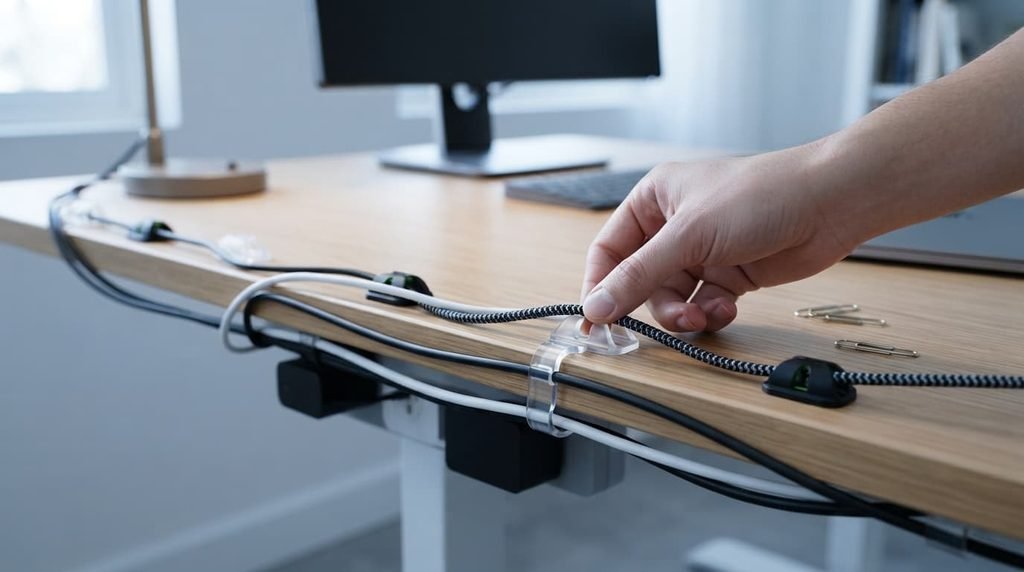
Route cables along desk edges or through simple concealment specifically, rather than leaving them tangled across the visible work surface, since a cluttered visual field in your direct line of sight during work contributes to a subtle but real drain on sustained focus throughout the day. This is a modest, low-cost change that meaningfully affects the room’s actual daily functionality far more than its cost or effort would suggest.
Choosing a desk surface that supports actual work
Prioritise a desk surface large enough for your actual equipment and typical daily tasks, rather than selecting primarily for a minimal, visually striking footprint, since a desk too small for your genuine daily needs creates ongoing friction regardless of how well it photographs. Measure your actual current setup – monitor, keyboard, any paperwork you genuinely use – before finalising a desk size, rather than assuming a standard size will automatically be sufficient for your specific work.
Consider your storage needs honestly before committing to a desk without any, since a desk with no storage at all often results in items accumulating loosely around it instead, undermining the clean, functional environment the desk itself was meant to support in the first place.
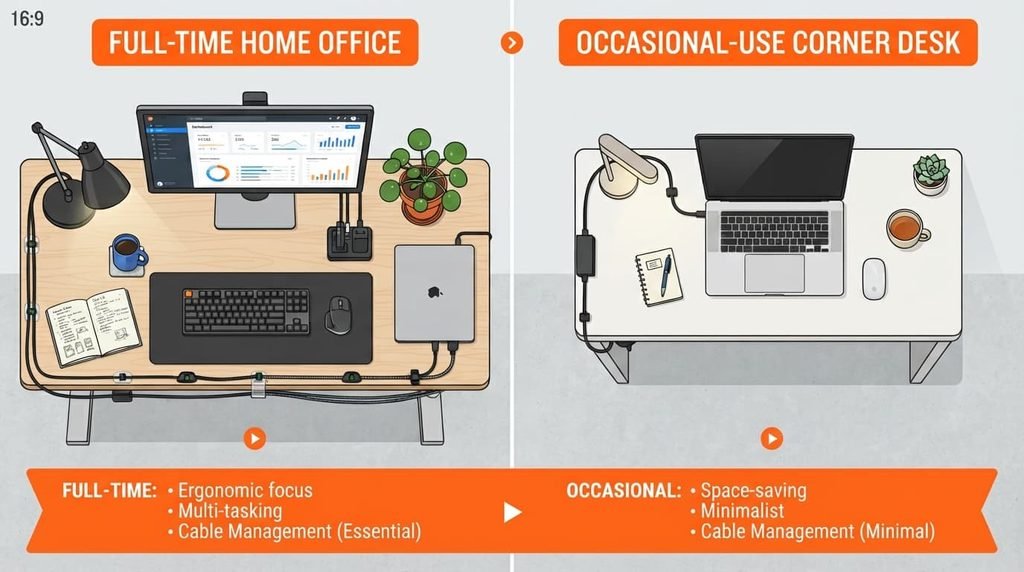
What changes if you work from home full-time versus occasionally
If you work from this space full-time, prioritise the ergonomic and lighting fundamentals covered above more heavily than you might for occasional use, since the cumulative effect of minor discomfort compounds considerably across daily, sustained use in a way it simply doesn’t for a space used only occasionally.
If you use the space only occasionally, a more modest setup focused on the essentials – adequate lighting, a reasonably comfortable seat – may reasonably suffice without requiring the same level of investment a full-time home office genuinely benefits from.
Should I invest in a standing desk for a home office?
This depends on your own specific work pattern and any physical comfort needs you have – a standing desk or converter can genuinely help some people avoid extended sitting discomfort, though it’s not a universal requirement, and a well-chosen seated setup with good ergonomics works perfectly well for many people without one.
Questions readers keep asking
Do I need an expensive ergonomic chair for a home office to be genuinely comfortable?
Not necessarily an expensive one specifically, but genuine adjustability – seat height, back support – matters more than price alone, since a moderately priced chair with proper adjustment for your body often outperforms an expensive one that doesn’t actually fit you correctly.
How much natural light does a home office actually need?
Enough to avoid feeling dim without creating glare on your screen specifically – positioning your desk perpendicular to a window rather than directly facing or backing onto it typically balances these two competing needs reasonably well.
Is it worth having a completely separate room for a home office if space is limited?
Not necessarily – a well-defined corner or dedicated nook within a larger room can support genuine focus just as effectively as a separate room, provided the actual comfort and functionality principles above are genuinely addressed regardless of the space’s overall size.