Most guides tell you to back up before you sell. Counting what you backed up protects the photos far better, because a copy nobody has checked is only a hope. To move your photos off a phone, you copy every original to a computer and reconcile the file counts against the library. Only then do you sign out and erase. Plan on about 21 minutes of copying for 38.4 GB at 30 MB a second, plus ten more for the counts. The one fork is where your originals live: on the phone itself, or partly in an online account. The numbers below belong to one invented UK phone, so swap in your own.
Before you move your photos off a phone: what has to be true
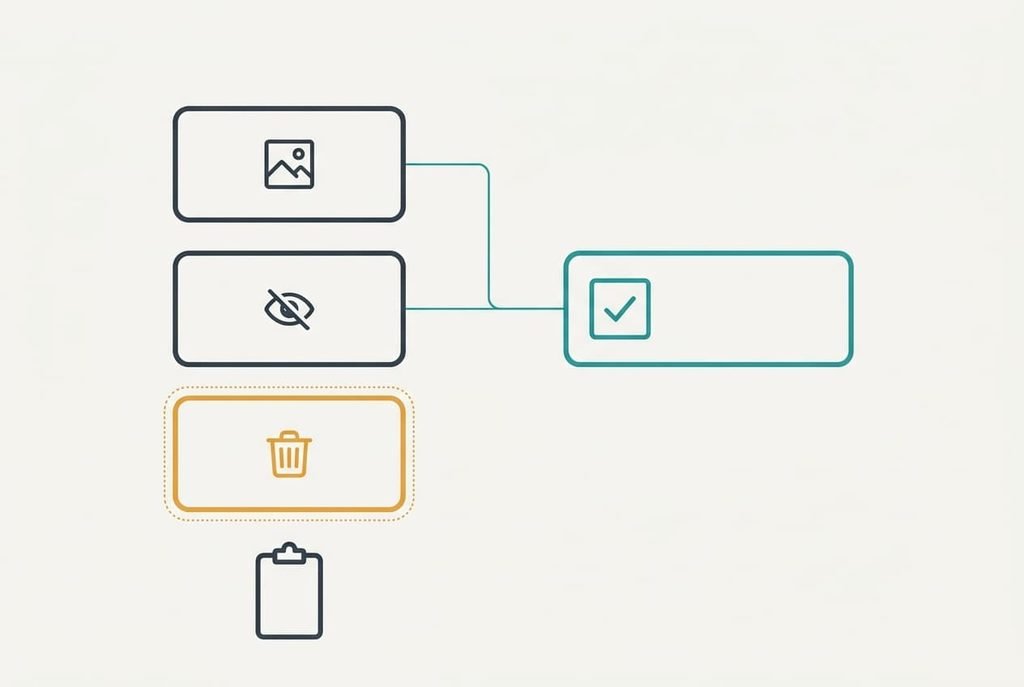
Two things must be in place before step one. The phone needs power for the whole job. The computer needs a gap at least as large as the library. You also need the library’s own counts written down before you touch anything. Most people skip that last item, and it’s the one that matters. Without it you can’t tell a complete copy from one that’s missing a few hundred files, and you won’t find out until the buyer has the phone.
Our phone gives these counts. The main view shows 4,812 photos and 236 videos, which makes 5,048 items. A hidden album holds 14 more, and many people forget it exists. A recently deleted album holds 9 that the phone will purge on its own schedule. The size line reads 38.4 GB, so a computer with 40 GB free is enough. Check that gap now. A copy that stops at 90% leaves a folder that looks finished and isn’t. Write all four counts on paper rather than trusting yourself to remember them an hour from now.
The procedure to move photos off your phone
1. Write down four numbers in the photo app: the photos and videos, then the hidden album, then the recently deleted one. You’re looking for figures on paper, since the copy has to match them. Restore anything in recently deleted that you want to keep. The phone purges that album, and those items vanish for good. In our case we restore none of the 9, so they stay out of every later count.
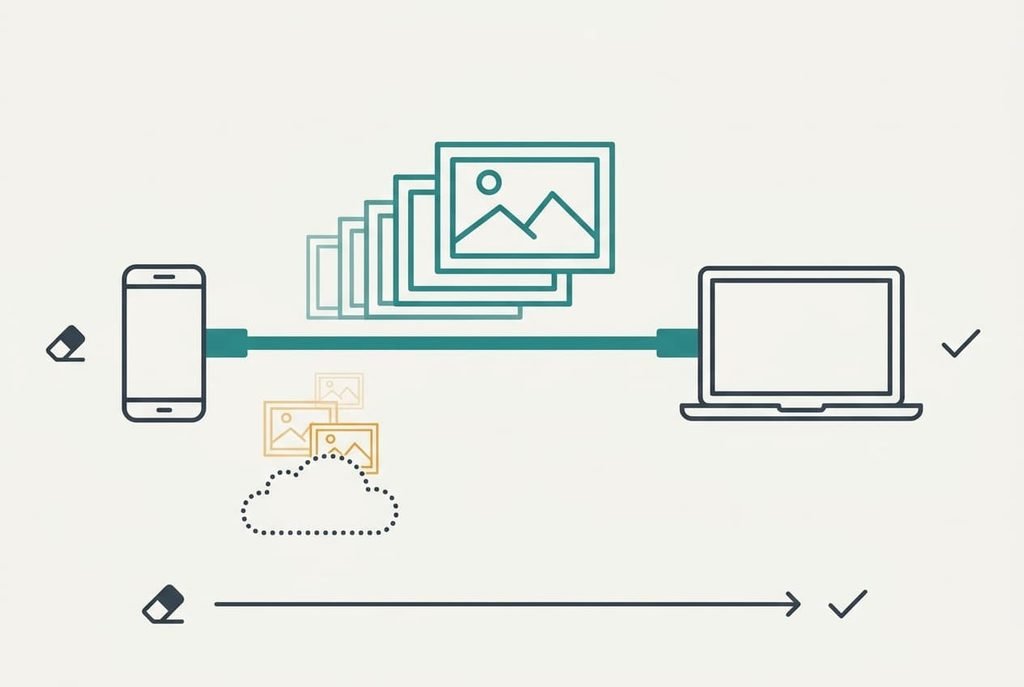
2. Connect the phone to the computer with a cable and allow the computer to see its files. A cable beats wireless for 38.4 GB, since a wireless transfer takes far longer and may drop halfway. Success looks like the phone appearing as a device you can browse. Its photo folder should list files with dates on them.
3. Copy the originals, not previews. Many phones keep small versions locally and the full files in an online account. Ask the phone to download full-size files first if it offers that choice. A copy about 8% smaller than the size line is the sign of previews. The originals still sit online. Let the copy finish before you touch the cable, because pulling it early leaves a folder that looks complete.
4. Reconcile the counts. A Live photo is a still plus a short clip, so it makes two files for one item. With 310 Live photos, our 5,048 items plus 14 hidden give 5,062 items and 5,372 files. A folder showing 5,372 is complete. A folder showing fewer has a gap, and the gap tells you which album to recheck.
5. Open ten files at random from the copy. Include the largest video and one Live photo. You want each one to open at full size on the computer. That proves the files are whole rather than empty names with a date on them. Ten files take about two minutes and catch the most common silent failure.
6. Sign out of every account on the phone, then erase it with the factory reset. The reset destroys the key that decrypts the storage, so what remains is unreadable, and nothing can undo it. Skip the sign-out and the buyer receives a phone that’s still locked to your account. The sale then falls through.
Check that the copy is complete and the phone is clean
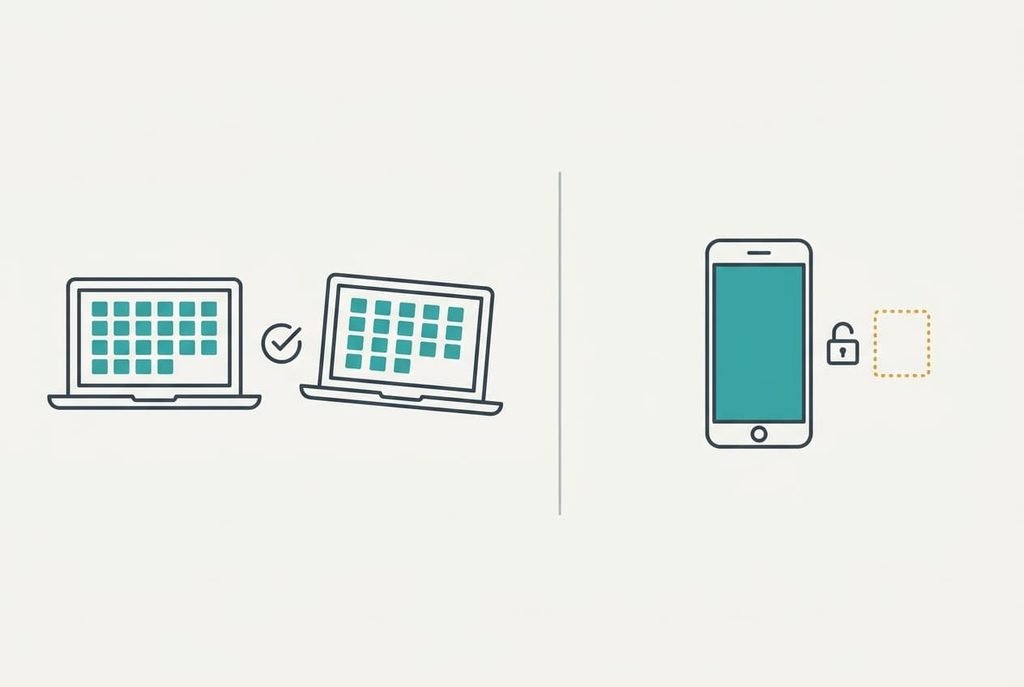
If you move your photos off a phone and want to trust the result, test both ends. First open the copy on a second computer. Then switch the phone on and confirm it starts from a blank welcome screen. The copy should show the same file count and open at full size on a machine that never saw the phone. The phone should name no previous owner or account anywhere on its setup screens.
If either test fails, hold the phone back. A second computer matters because the first one may be showing files from its own cache, and a clean welcome screen matters because a half-finished reset can leave an account prompt behind. Each test takes about three minutes, and together they turn a hopeful sale into a checked one.
If a step did not work
Why does the folder show fewer files than the library? Usually the phone keeps some originals online. When you move your photos off a phone in that state, the copy holds previews for those photos. Download them to the phone, then copy again. Compare the new total with 5,372 before you trust it. The second pass runs quicker, because the earlier files are already there.
Crawling speed is the next snag. A worn cable or port may manage only 10 MB each second, and that stretches 21 minutes to about 64.
Try another cable before you blame the phone.
The third is a sign-out that asks for a password you’ve forgotten. Recover it from the account’s own page first. A reset without sign-out leaves the phone locked and worthless to the buyer. Allow a quarter of an hour for that, since recovery codes sometimes arrive late and a second device may be needed to approve the request.
The step not worth taking
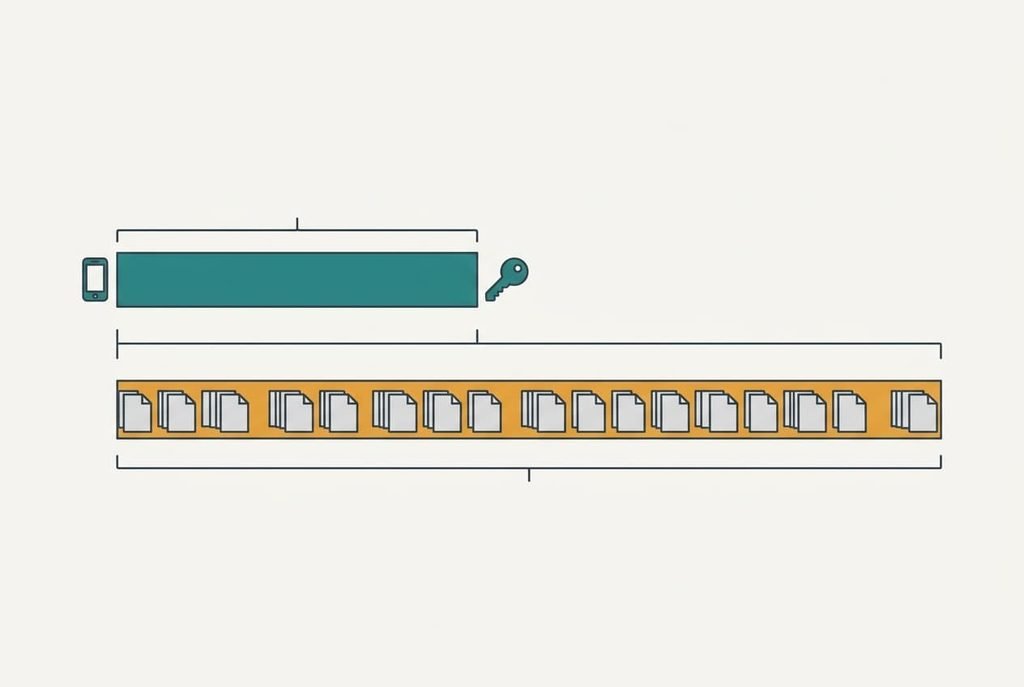
Filling the phone with junk files before the reset looks like extra care, and it adds only time. At 30 MB a second, writing 128 GB takes about 71 minutes. That’s more than three times the copy itself. The factory reset already destroys the key, so the junk protects nothing further. A phone packed to the brim can also stall during the reset. You then wait at a frozen screen.
An hour of copying clutter isn’t a safeguard.
A related belief says the buyer will wipe the phone anyway, so you can skip your own erase. Don’t count on that. A buyer who finds your account still attached may simply return the phone, and the delay lands on you. Do the erase yourself and photograph the welcome screen as your record. The counts are the real protection, and they cost ten minutes.
You now hold a copy that matches the library file for file, and a phone that starts from a blank welcome screen. Keep the copy somewhere you can find it in a year. Note on the folder which phone it came from and the date of the sale. If you ever doubt it, count the files again against 5,372 and you’ll know within a minute. When you move your photos off a phone this way, the sale takes one evening and loses nothing at all.
Questions readers keep asking
How long does it take?
About half an hour for a typical library. At 30 MB a second, 38.4 GB copies in about 21 minutes, and reconciling the counts takes ten more. A weak cable can push the copy past an hour. Use a good cable and keep the phone plugged in while it runs.
Will the buyer see any of my photos after a reset?
Not if you sign out first and then erase with the factory reset. The reset destroys the key that opens the storage, so the old data is unreadable. Skipping the sign-out is the real risk. It leaves the phone tied to your account and locks the buyer out.
Can I keep the photos online instead of copying them?
Yes, as long as the online copy is complete. Compare the account’s count with the phone’s, and download the originals if it holds only previews. Then keep one copy on a computer too. An account can be locked or closed, and a file you hold can’t be.