Every morning after a power cut the same line comes from the kitchen: the speaker can’t connect, while the router glows happily beside it. That’s why your smart speaker keeps saying it can’t connect. The speaker has a fixed number of tries, and the router needs longer than they last. I’d treat this as a race and not a fault. Everything below assumes a UK flat holding a single router and a single speaker, and every number is a round example. Time your own router before you trust any of them. Skim the schedule below before you change anything.
Why your smart speaker keeps saying it can’t connect
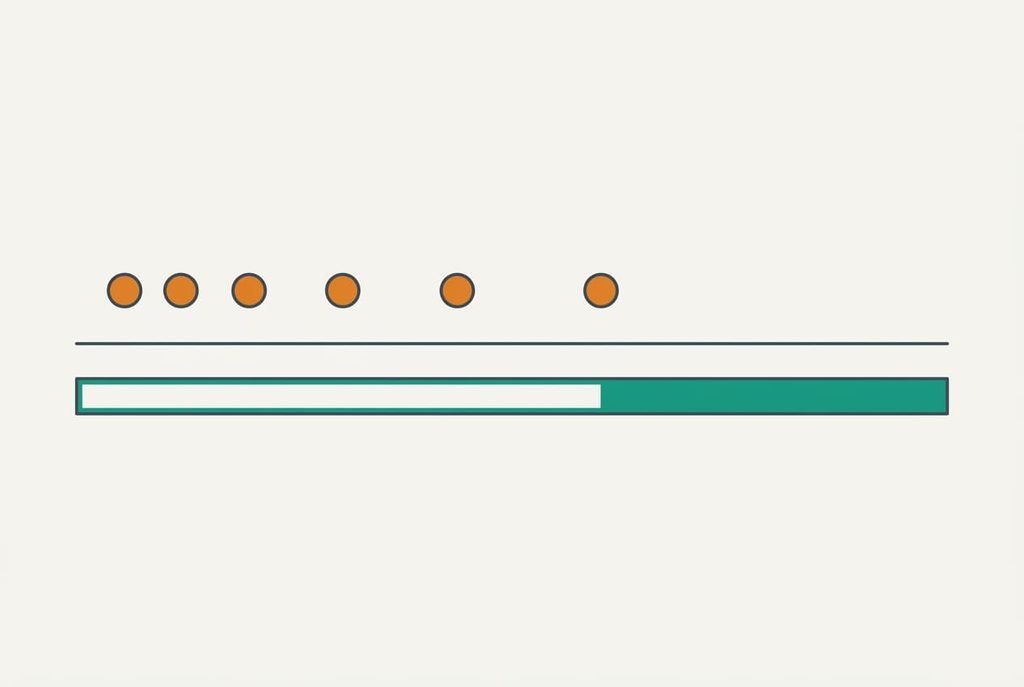
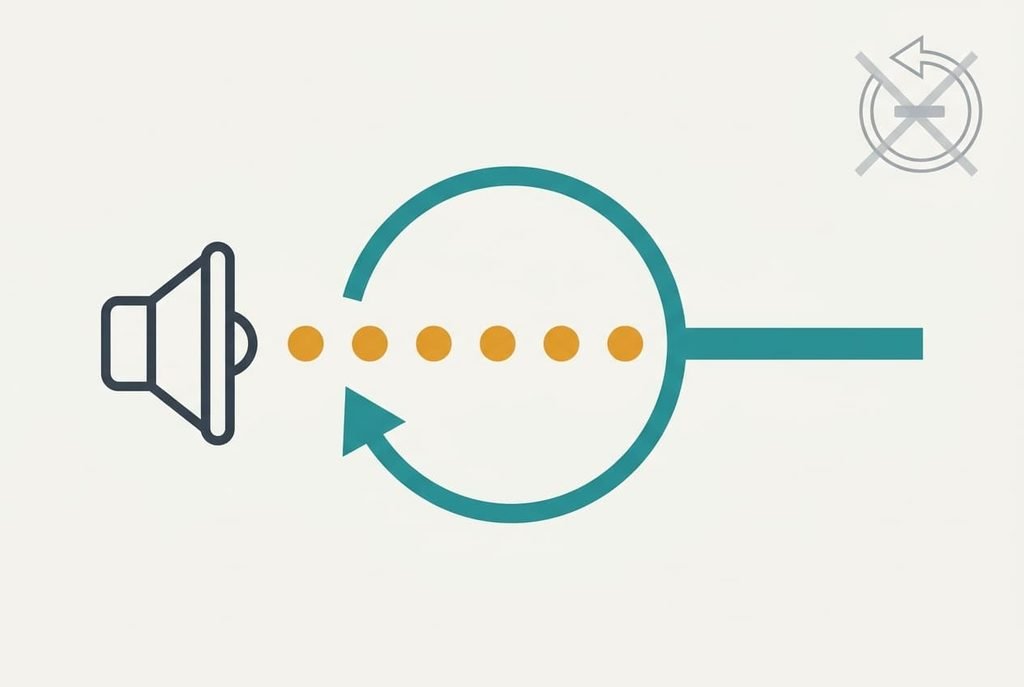
A speaker doesn’t try forever. It retries on a schedule that doubles the wait each time, and the schedule ends. Suppose the first retry comes 5 seconds after power returns and each wait doubles, ending at 160 seconds. Add the six waits together and the sixth, last try lands 315 seconds after the plug goes in.
Now picture the router. After a power cut it has to start its radio and log in to your provider. Say that takes 330 seconds before the first page can load. Each of the first five tries meets a router that can’t answer yet. The sixth arrives at 315 seconds, which is 15 seconds too early. At that point the speaker announces that it can’t connect.
The margin is the uncomfortable part. A router that boots in 300 seconds on a good morning lets the sixth try succeed, while one that spends an extra 30 seconds on a firmware check fails it. That’s why the fault appears and vanishes with no change on your side.
The speaker did nothing different; the router simply ran 30 seconds slower.
Four checks when your smart speaker keeps on saying it can’t connect
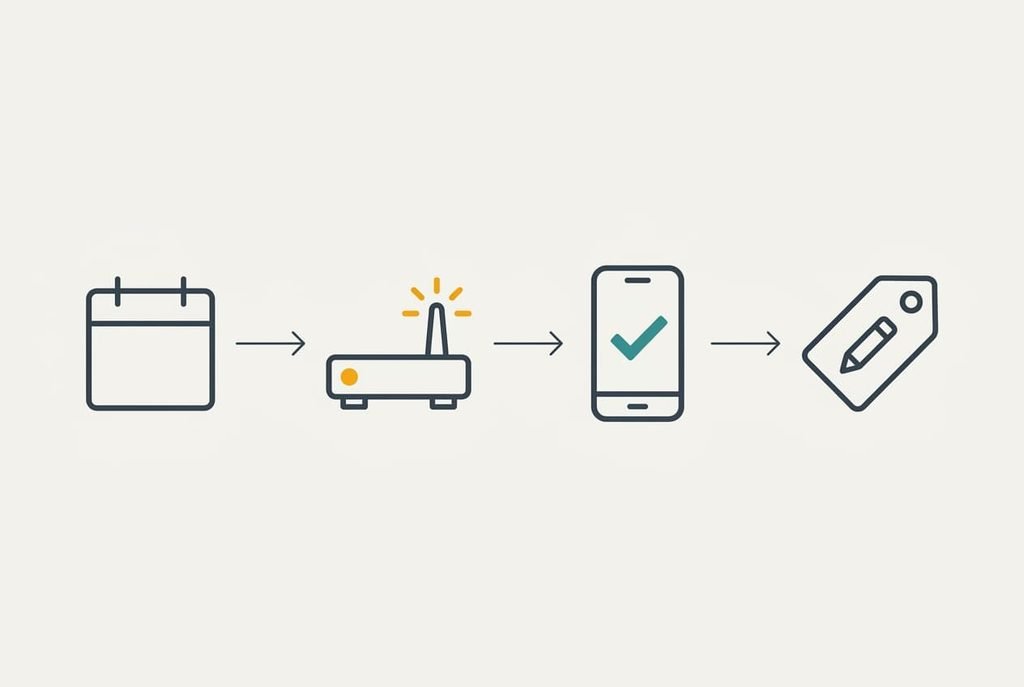
Each check has a yes-or-no answer. Run them in order and record each one, using a single stopwatch throughout.
Start with the date. Did the complaint begin after a power cut, or after a router restart overnight? If so, the race is the likely cause. If nothing restarted, jump to the fourth check.
Then look at the router while the speaker is complaining. A blinking light means the router is mid-start and the speaker came too early. A steady light means the router is ready and the race is over. Note how long the light took to settle, since that time is what you’ll set against 315.
Next, connect your phone to that network. A phone that loads a page proves the router works and the speaker has given up. A phone that can’t load one points upstream, where no speaker fix will help.
Finally, compare the app’s saved network details with the router’s label. A renamed network or a changed password makes every try fail, however long the speaker waits.
The four fixes, in order
Alter a single setting, then rerun the checks before the next change. If your smart speaker keeps saying it can’t connect once you’ve changed something, go down a step.
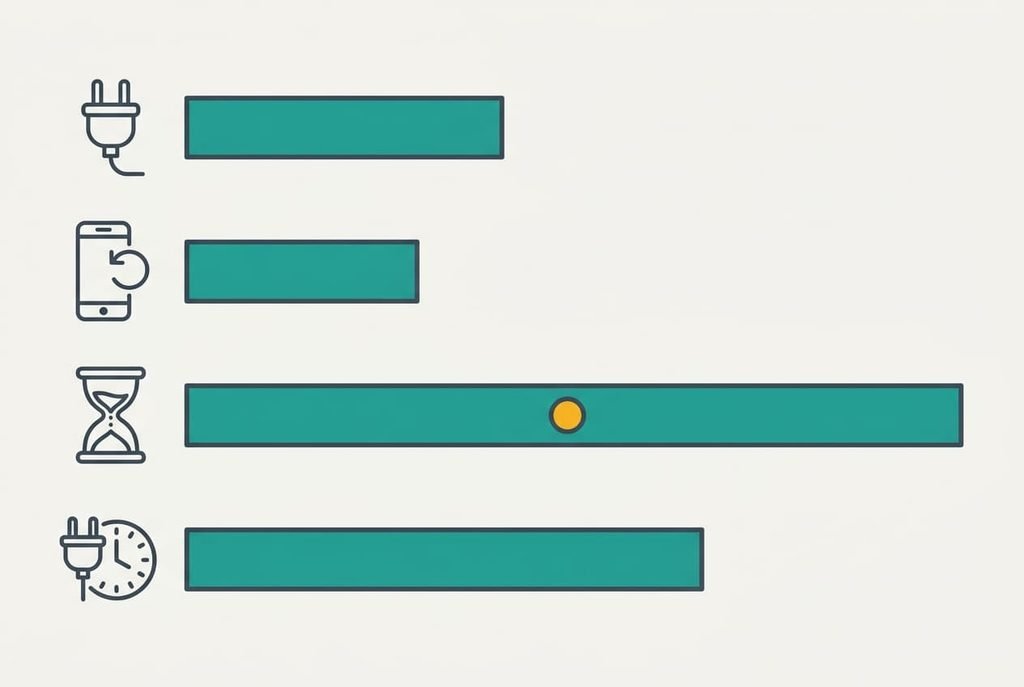
Power the router first and the speaker second is free and takes as long as the router’s start-up, 330 seconds in the example. Wait for the steady light, then plug the speaker in. Its first try comes 5 seconds later against a router that’s ready, so it connects at once and no margin matters. The loss is a habit to keep. After a cut you have to be there to plug the speaker in, which is awkward when it sits behind a shelf. Try it first, because success also confirms the race.
Re-adding the network from the app is a setting, and about two minutes of tapping. Tell the app to join the network again once the router’s light is steady. The speaker starts a fresh schedule at its first try, so six more tries are available instead of none. It repairs the morning’s problem without unplugging anything. You pay by repeating it after every outage, and nothing prevents the next one. Choose it when the speaker is out of reach or the router restarted by itself overnight.
Waiting out the slow cycle costs about ten minutes and no effort. Many speakers keep trying, only more slowly, after the sixth miss. Suppose yours tries again 600 seconds after giving up, at 915 seconds. The router has been ready since 330, so that try succeeds, 585 seconds after the ideal moment. The loss is the wait, and every button you press restarts the clock. A speaker that stays silent until you restart it has no slow cycle, so skip this one. Check once by waiting a quarter of an hour.
A plug with a delayed start costs money, and it settles the power-cut case for good. Set the delay to 360 seconds, 30 seconds longer than the router needs. The speaker wakes after the router, and its first try succeeds at 365 seconds. It costs one plug and a few minutes of setup. It does nothing when only the router restarts, because the speaker stays powered and its schedule begins the moment the Wi-Fi drops. Time the router first, since a router that boots in 90 seconds needs no plug.
If none of that worked
Say your smart speaker keeps saying it can’t connect even after all four changes. Then the race has been ruled out, and the next job is evidence. Keep a log for a week. Write down the date, whether anything restarted, how long the router’s light blinked and whether your phone joined the network when the speaker complained. Note the model printed on the router’s label, since support will ask for it first. Photograph the router’s light at the moment the speaker complains, since a dated photo settles most arguments with a support agent. Then ask your provider whether your line dropped at those times and whether the router updated itself overnight. Two answers matter most. One is whether the router restarted without you. The other is whether it started slowly each time. Both separate a speaker problem from a line problem within minutes, and your stopwatch times make the answer harder to dispute.
The fix that isn’t worth doing
Factory-resetting the speaker is the usual panic move, because a device that keeps failing feels broken. It eats a quarter of an hour and erases the saved network along with the linked account. It also sends you through setup again, an hour of work that leaves the 15-second miss exactly where it was. Afterwards the speaker starts with the same six tries, 315 seconds in all. The router still needs 330. The next power cut puts you back at the same 15-second miss. A reset that appears to work, because the router happened to be fast that morning, teaches you the wrong lesson. I’d never do it before timing the router. Buying a new speaker costs more and changes little, since the new one arrives with a similar schedule.
A reset repairs the wrong thing.
Your smart speaker keeps saying it can’t connect because its tries run out before the router wakes. Time the router first. On later mornings power it first, and add the delay plug only if the numbers demand it. Keep the stopwatch log, because the next outage gives you a second data point to set against the first one, and 315 against 330 is the whole diagnosis.
Questions readers keep asking
Why does it connect on some mornings and not others?
The margin is tiny. In the example the last try lands at 315 seconds and the router is ready at 330, so a router that starts 30 seconds faster succeeds and a slower start fails. Nothing about the speaker changes between mornings, which is why the fault looks random until you time the router with a stopwatch.
Is the router or the speaker at fault?
Join the network from your phone while the speaker complains. If the phone loads pages, the router works. The speaker has simply given up too early. A phone that fails too blames the box or the cable, and no speaker fix will help. Look at the router’s light first, because a blinking one means it’s still starting.
Will a plug with a delayed start really help?
After a power cut, yes. A 360-second delay in the example puts the speaker’s first try at 365 seconds, after the router is ready. It does nothing when only the router restarts, because the speaker stays powered. Time your router first, because a router that starts in 90 seconds doesn’t need a plug at all.