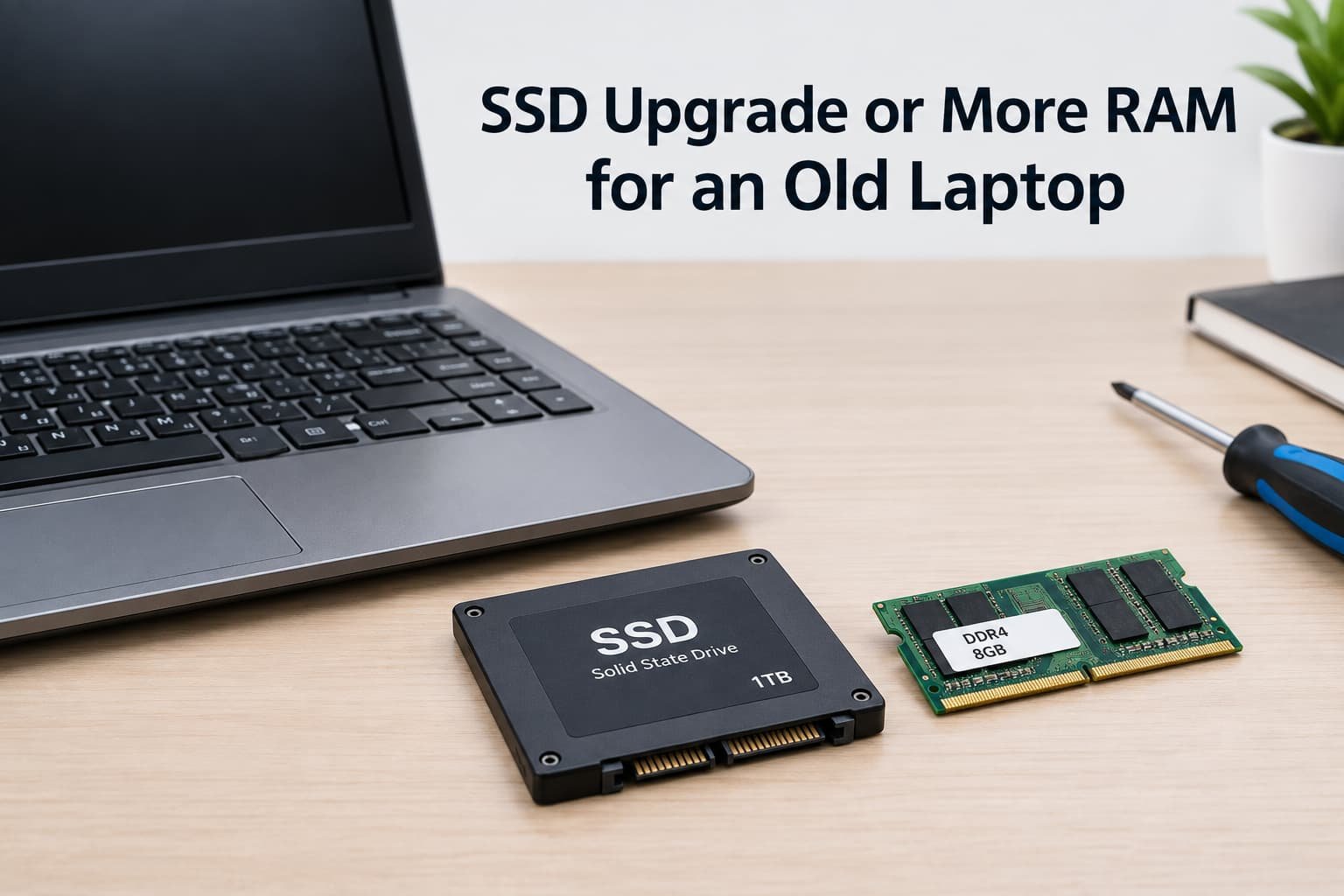
The right upgrade for an old, slow laptop isn’t decided by which one sounds more technically impressive – it’s decided by which specific bottleneck is actually limiting your particular laptop’s performance once you identify it. An SSD upgrade and additional memory solve genuinely different performance problems, and choosing based on general advice alone misses what actually determines which upgrade delivers a noticeable improvement for your specific situation.
The one property that decides it
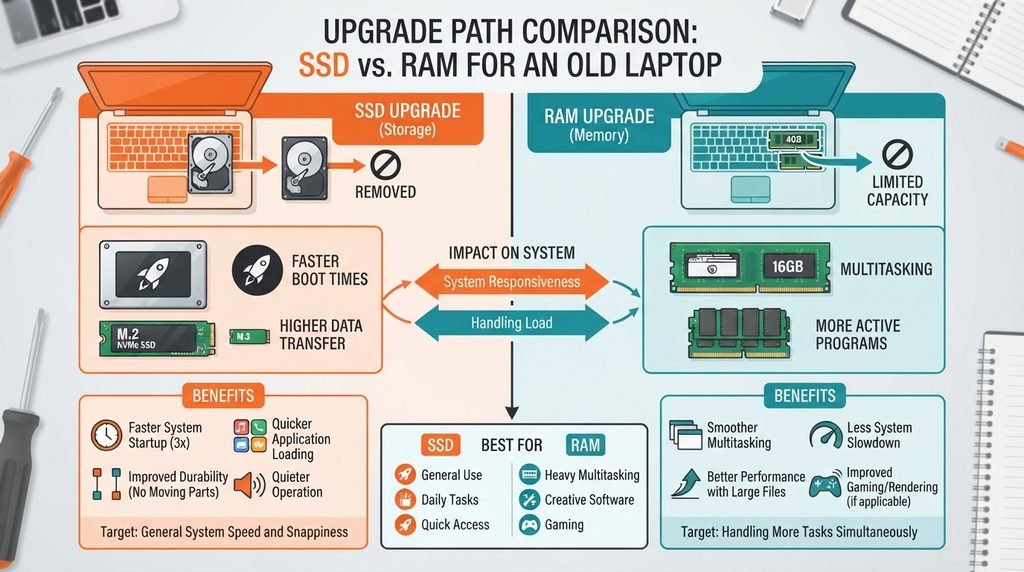
The deciding factor is which specific resource your laptop actually runs short of during typical use, not simply which upgrade is more commonly recommended in general advice. An older laptop still using traditional mechanical storage benefits enormously from an SSD upgrade specifically, since this addresses a fundamental storage-speed bottleneck; a laptop already using faster storage but genuinely running short of memory during typical multitasking benefits more from additional memory instead.
This matters because these two upgrades address entirely different bottlenecks, and installing the wrong one for your specific situation – additional memory when storage speed was the actual limitation, or vice versa – delivers considerably less improvement than correctly identifying which resource is genuinely constraining your particular laptop’s performance.
Head to head
| SSD Upgrade | More Memory | |
|---|---|---|
| Addresses storage speed | Directly, often dramatically | Not directly |
| Helps with multiple apps | Not directly | Directly |
| Boost on old hard drives | Very noticeable | Limited |
| Boost when RAM is tight | Limited | Very noticeable |
| How hard to install | Moderate | Often simpler |
| Value for money | Often excellent value | Varies by need |
The row that surprises people most is which upgrade addresses which specific symptom. Many assume more memory is always the better general upgrade, but a laptop still using older mechanical storage typically sees a considerably larger improvement from an SSD specifically, since storage speed limitations affect nearly every task, while memory limitations only become the primary bottleneck during genuinely memory-intensive multitasking specifically.
Where an SSD wins
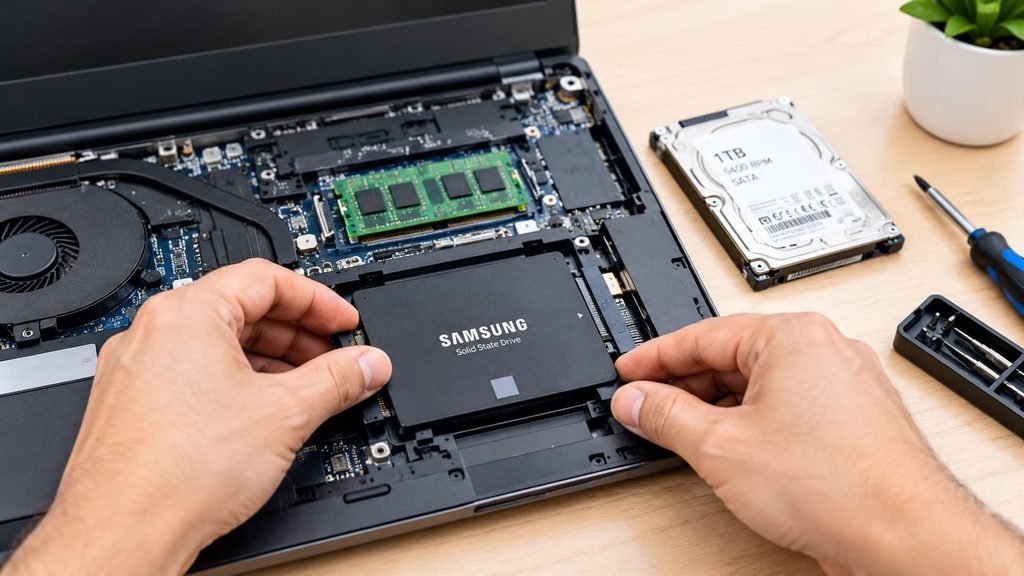
Anyone still using a laptop with genuinely older mechanical storage benefits enormously from an SSD upgrade specifically, since this single change typically addresses the single largest performance bottleneck such laptops commonly have, affecting everything from startup time to general responsiveness in a way that’s often dramatically noticeable. The unglamorous reason: an SSD upgrade also tends to be more forgiving of a limited budget relative to the improvement it delivers, since even a modest-capacity SSD upgrade often transforms overall responsiveness more than a considerably larger investment in additional memory would for this specific starting situation.
Anyone regularly waiting on their laptop to open files or launch programs also benefits from this same storage-speed improvement in a different way, since these everyday, frequent interactions are precisely where storage speed limitations show up most noticeably in daily use, regardless of how much memory is technically available.
Where more memory wins
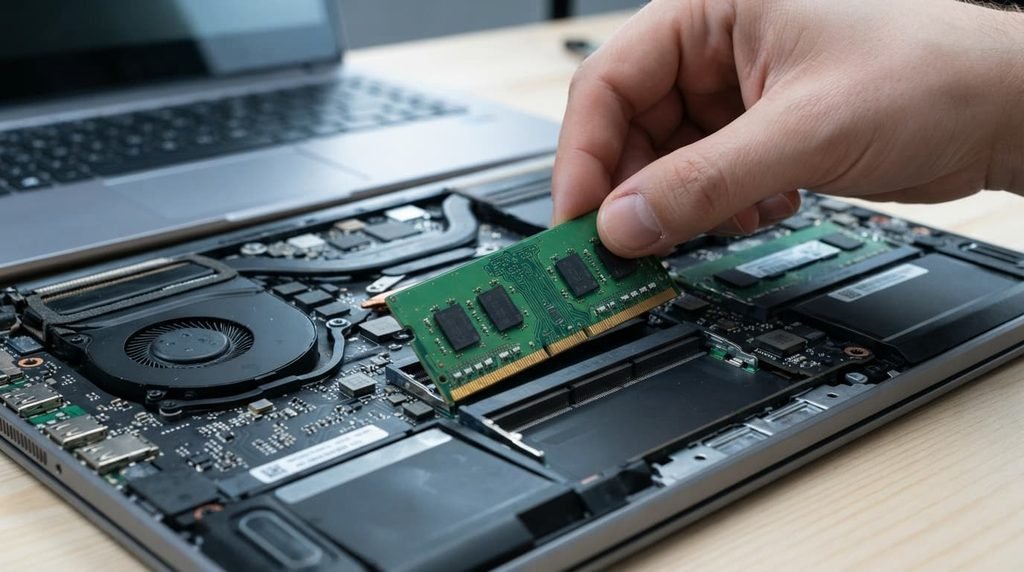
Anyone genuinely experiencing slowdown specifically during multitasking – many browser tabs, several programs open simultaneously – while already using reasonably fast storage benefits more from additional memory, since this directly addresses the actual bottleneck their laptop is experiencing during that specific use pattern. The unglamorous reason: additional memory installation is also often mechanically simpler than a storage upgrade, since it frequently doesn’t require transferring your existing operating system and files to a new drive the way an SSD upgrade typically does.
Anyone who regularly keeps many browser tabs or several demanding programs open simultaneously benefits from this same multitasking capacity in a different way, since this specific usage pattern is precisely where memory limitations become the actual bottleneck, regardless of how fast the underlying storage itself happens to be.

When neither is right
Assuming either upgrade will meaningfully help a laptop whose actual limitation is its processor specifically, without confirming this first, is worth ruling out regardless of which upgrade you’d otherwise consider.
A laptop whose processor is genuinely the limiting factor for your specific tasks sees limited improvement from either storage or memory upgrades, since neither addresses processing power directly. Confirming which specific resource is actually constraining your laptop’s performance before purchasing either upgrade prevents spending on an upgrade that won’t meaningfully address your actual bottleneck.
How to decide in thirty seconds
If your laptop still uses genuinely older mechanical storage, choose an SSD upgrade first. Its direct impact on storage speed typically addresses the single largest bottleneck such laptops commonly have.
If your laptop already uses reasonably fast storage but struggles specifically during multitasking, choose additional memory. Its direct impact on multitasking capacity addresses a limitation storage speed alone doesn’t solve.
What changes the answer later
Already having completed an SSD upgrade but continuing to experience slowdown specifically during heavy multitasking shifts the calculation toward additional memory, since the storage bottleneck has already been addressed and memory limitations may now be the more relevant remaining constraint.
Taking on genuinely more memory-intensive tasks than your laptop was originally used for – more demanding software, considerably more simultaneous browser tabs – is worth reconsidering the choice at, since your actual bottleneck can shift as your typical usage pattern itself changes over time.
It’s also worth noting that some laptops, particularly newer or smaller models, have memory soldered directly to the motherboard rather than in a removable, upgradeable format, meaning a memory upgrade genuinely isn’t possible for every laptop regardless of how much it might otherwise help. Checking your specific laptop’s actual upgrade compatibility before purchasing either component is worth doing, since not every laptop supports both upgrade types equally, or at all.
Questions readers keep asking
Can I do both upgrades – SSD and more memory – if my budget allows?
Yes, and for a genuinely older laptop specifically, both upgrades together often provide more comprehensive improvement than either alone, since they address different bottlenecks that can both genuinely be present simultaneously in an ageing system.
How do I actually check which specific resource is limiting my laptop’s performance?
Checking your task manager or activity monitor during typical use reveals whether memory usage consistently runs near its maximum capacity, which points toward memory as the limitation, versus general sluggishness across most tasks, which more often points toward storage speed as the primary bottleneck.
Does the type of SSD matter, or are they all roughly equivalent?
Different SSD technologies do vary somewhat in speed, though even the slower categories typically still represent a dramatic improvement over older mechanical storage, so this distinction matters more for someone already using a fast SSD considering a further upgrade than for someone upgrading from mechanical storage for the first time.
Will more memory help if I’m not actually multitasking heavily?
Not significantly – if your typical usage genuinely stays within your laptop’s current memory capacity comfortably, additional memory provides limited benefit regardless of how much you add, since the upgrade specifically addresses a constraint that isn’t actually present in this particular usage pattern.
Is it worth upgrading a very old laptop at all, rather than simply replacing it?
This depends on your specific laptop’s other capabilities and your budget – a laptop that’s otherwise capable but limited specifically by storage speed or memory can see genuinely worthwhile improvement from a modest upgrade, while one limited by processing power or other core capabilities may not benefit enough to justify the upgrade cost relative to replacement.