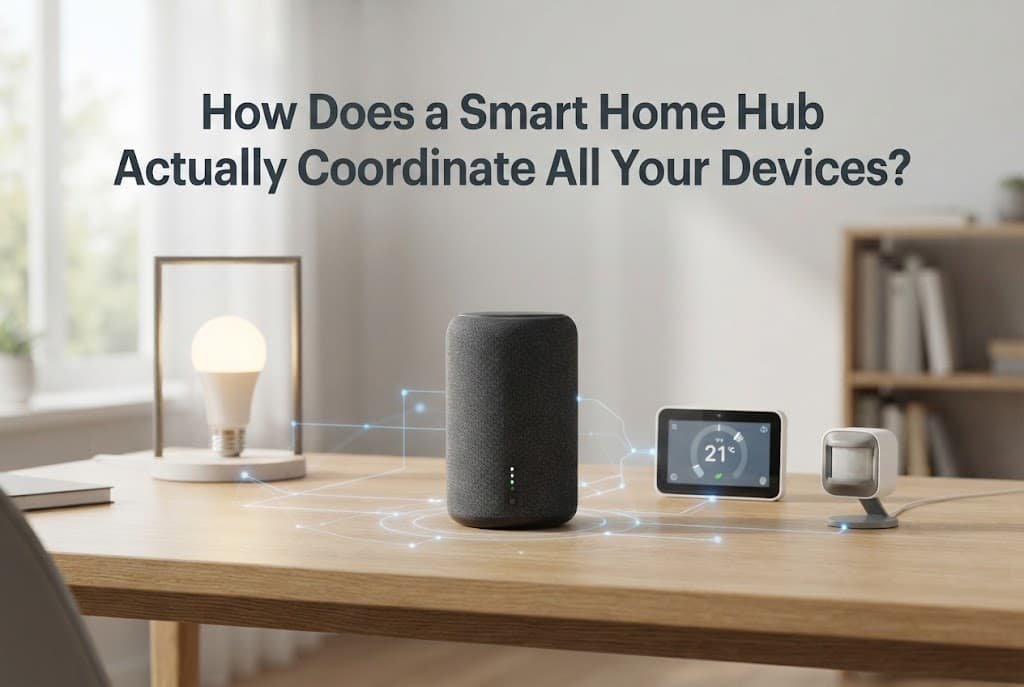
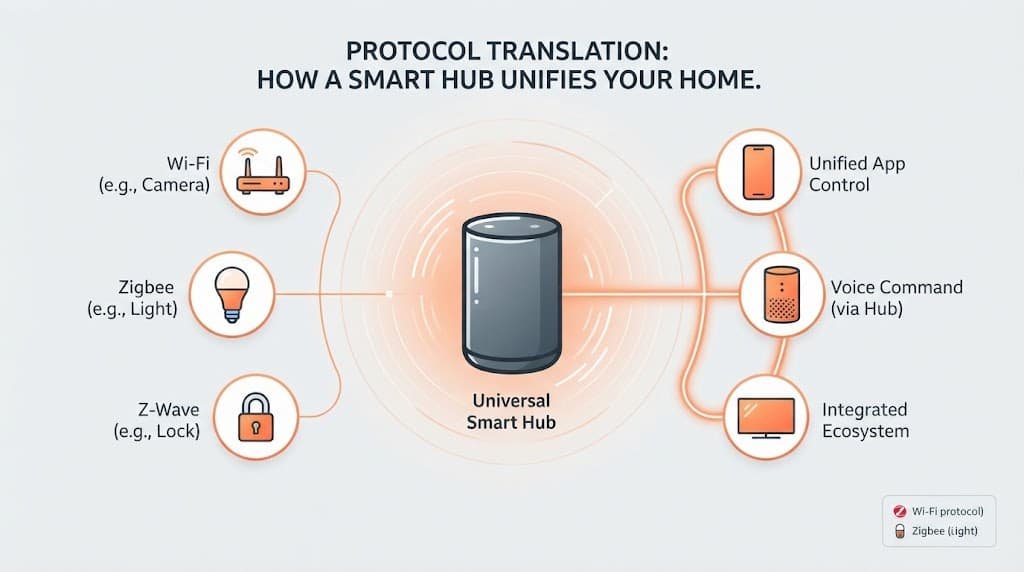
A smart home hub isn’t simply a central remote control – it’s a translation layer that lets devices speaking genuinely different technical languages actually communicate with each other and with a single unified app. Understanding this translation role explains both why a hub is often necessary at all, and what specifically happens when it fails to coordinate devices correctly.
The short answer, and what it leaves out
A smart home hub works by receiving commands from your app or voice assistant, translating those commands into the specific protocol each individual device actually understands, and then relaying the device’s response back in a format the app can display consistently.
What that leaves out is why this translation is necessary in the first place – many smart home devices from different manufacturers use genuinely different underlying wireless protocols to communicate, meaning a device speaking one specific protocol simply can’t understand a command sent directly in another, which is exactly the gap a hub exists to bridge.
How it actually works, step by step
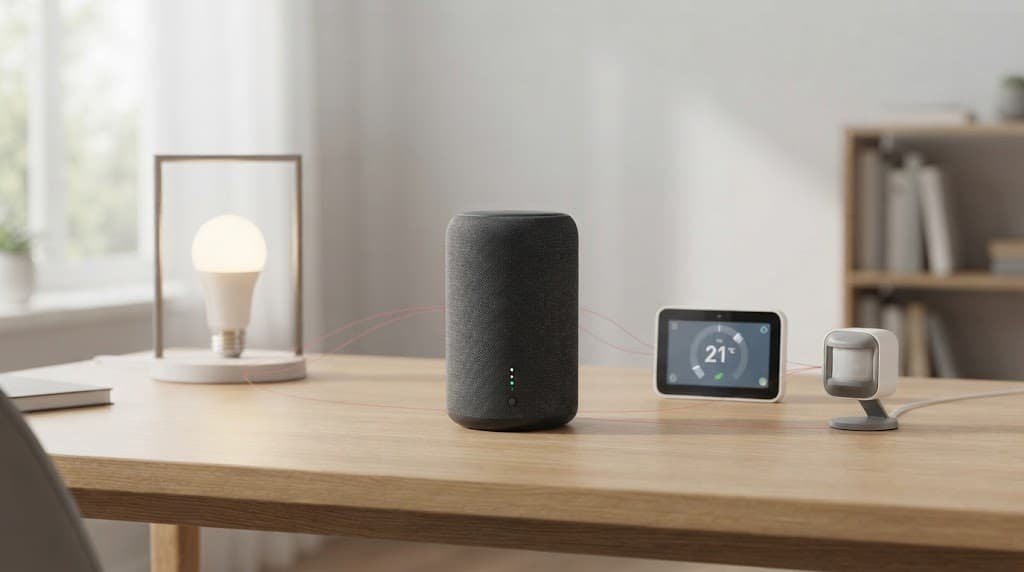
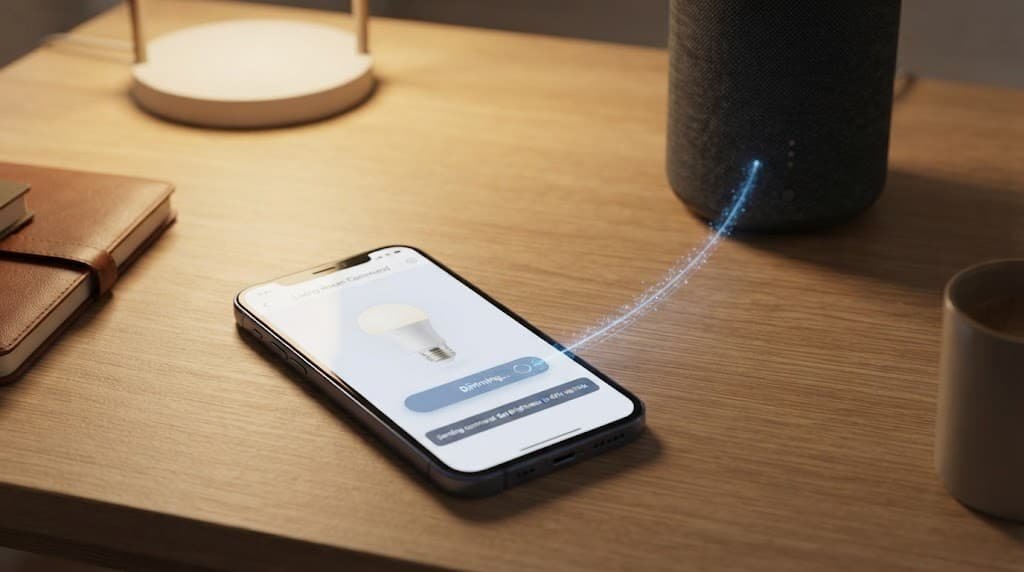
When you send a command – turning on a specific light, for instance – your app first sends that request to the hub rather than directly to the device itself. The hub identifies which specific device you’re addressing and which underlying protocol that particular device actually uses.
The hub then translates your general command into that specific protocol’s exact technical format, since different protocols structure commands in genuinely different ways even when the underlying instruction – “turn on” – is conceptually identical. This translated command is then sent out to the actual device using that device’s own native protocol.
The device executes the command and sends a confirmation back, again in its own native protocol, which the hub receives and translates back into a format your app can display consistently, regardless of which specific device or protocol was actually involved in that particular interaction.
This entire round trip typically happens quickly enough that the small delay is genuinely imperceptible during normal everyday use, though the translation step does add a small amount of processing time compared to a device communicating directly with an app over standard Wi-Fi without any intermediary. This is part of why some devices are specifically designed to skip the hub entirely for basic on-off commands, reserving hub-mediated translation for more complex, cross-device interactions instead.
The analogy, and where it breaks
A smart home hub is sometimes compared to an interpreter facilitating a conversation between people who don’t share a common language – the interpreter doesn’t change what’s being communicated, but makes it possible for two parties to actually understand each other despite speaking differently.
The analogy holds for the basic translation principle – a hub genuinely doesn’t change your intent, just makes it understandable to devices that wouldn’t otherwise comprehend it directly. It breaks because a human interpreter can adapt to context and nuance, while a hub can only translate protocols it’s actually been specifically programmed to understand – a device using a protocol the hub doesn’t support remains entirely unreachable through that hub, no matter how similar the underlying command concept might be.
What this does not explain
The translation-layer explanation clarifies why a hub enables devices to work together, but it doesn’t explain or prevent every possible coordination failure – a hub can become a genuine single point of failure for your entire smart home system, since if the hub itself goes offline or malfunctions, every device depending on it for translation stops responding to app or voice commands simultaneously, even though each individual device might be functioning perfectly well on its own.
It also doesn’t explain what happens when two devices from different manufacturers are meant to trigger each other automatically – a motion sensor turning on a light, for instance – since this specific automation logic often lives in the hub or app itself, not in either individual device, meaning a hub failure can break not just individual device control but also these automated interactions between devices entirely.
What people get wrong about it
The belief that any smart device will automatically work with any hub, regardless of brand or protocol. This forms because “smart home” is often marketed as one unified category, but a hub can genuinely only translate protocols it’s specifically built to support – a device using an entirely unsupported protocol simply won’t appear or respond through that particular hub, regardless of how “smart” both individually are.
The belief that having a hub is always strictly necessary for smart home devices to function at all. Some devices connect directly to your home Wi-Fi network and communicate straight with the manufacturer’s cloud service, without requiring a separate hub at all – a hub specifically becomes necessary primarily when you’re combining devices using protocols that don’t communicate directly over standard Wi-Fi.
Where the popular explanation oversimplifies
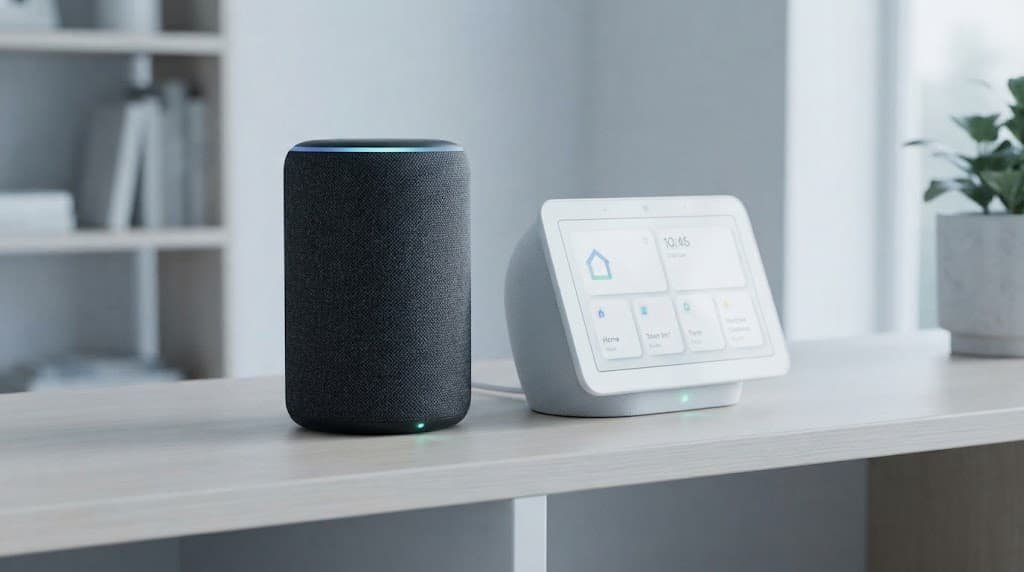
Advice describing a smart home hub as simply “the brain” of your smart home glosses over the meaningful difference between a hub’s actual translation function and genuine decision-making, treating the hub as though it independently decides what devices should do rather than accurately reflecting its real role as a protocol-translating intermediary.
This distinction matters practically: understanding that a hub translates rather than independently decides helps explain why complex automations – “if this happens, then do that” – are often actually configured and executed by a separate app or cloud service working through the hub, not by some independent intelligence residing within the hub device itself.
A smart home hub works by translating between the genuinely different wireless protocols various devices use, specifically making cross-brand coordination possible – not by independently understanding or deciding anything on its own. Understanding it as a translation layer bridging protocol differences, rather than as an independently intelligent central brain, is the detail most explanations skip, and it’s the one that actually explains both its value and its specific limitations.
Questions readers keep asking
Do I need a hub if all my smart devices are from the same single brand?
Not necessarily – many single-brand smart home ecosystems already use a consistent protocol across their own devices, meaning they can often communicate directly without requiring a separate hub, though this varies by the specific brand and device lineup involved.
What happens to my automations if the hub goes offline temporarily?
Automations depending on that specific hub for coordination typically stop working until it comes back online, though individual devices not requiring hub translation for basic function may still respond to direct app or voice commands during that outage.
Can one home have multiple hubs from different brands working together?
Yes, and this is fairly common in practice – multiple hubs can coexist in the same home, each handling devices using protocols that specific hub supports, though this does mean managing more than one app or system rather than everything unified in a single place.
Does the hub itself need to be connected to the internet to work?
It genuinely depends on the specific function – basic local device control often continues working even if internet access is temporarily lost, since the hub can still translate and relay commands within your home network directly, though voice assistant integration and remote access from outside your home typically do require an active internet connection to genuinely function.
What a hub actually stores and remembers
Beyond real-time translation, a hub typically maintains a record of which devices are registered to it, their current known status, and any automation rules you’ve configured involving them. This stored information is why a hub restarting after a brief power interruption usually reconnects to your existing devices automatically, rather than requiring you to reconfigure everything from scratch each time.
This local storage also explains why some basic automations can continue functioning even during a temporary internet outage, provided the automation itself doesn’t depend on a cloud-based trigger or a voice assistant that requires online access to interpret commands.