Why does my voice echo on video calls only when I use speakers? Your microphone is hearing the loudspeakers and sending the other person’s own voice back to them. Lower volume and a shorter distance to the microphone fix most cases. Here’s the odd part: you rarely hear the echo yourself, because it plays on their side. It’s a feedback loop with a delay in it, and the delay turns a muddy sound into a clear echo. Our worked case is a laptop in a UK living room on a call with a round trip of 180 ms. All numbers here are rounded guesses that your own setup will change.
What makes your voice echo on video calls when speakers are on
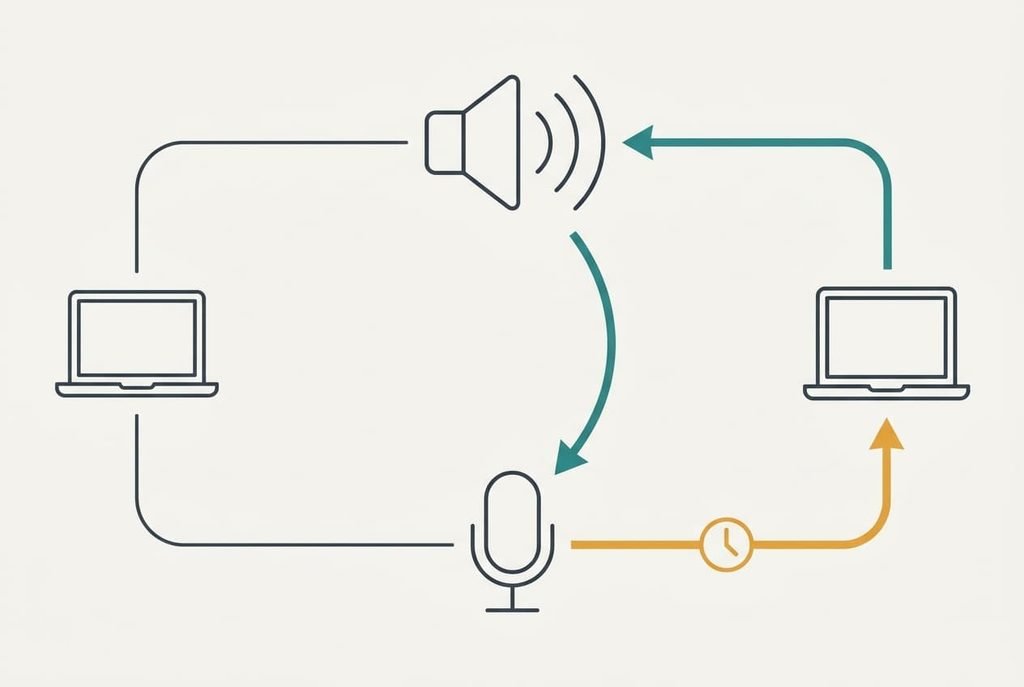
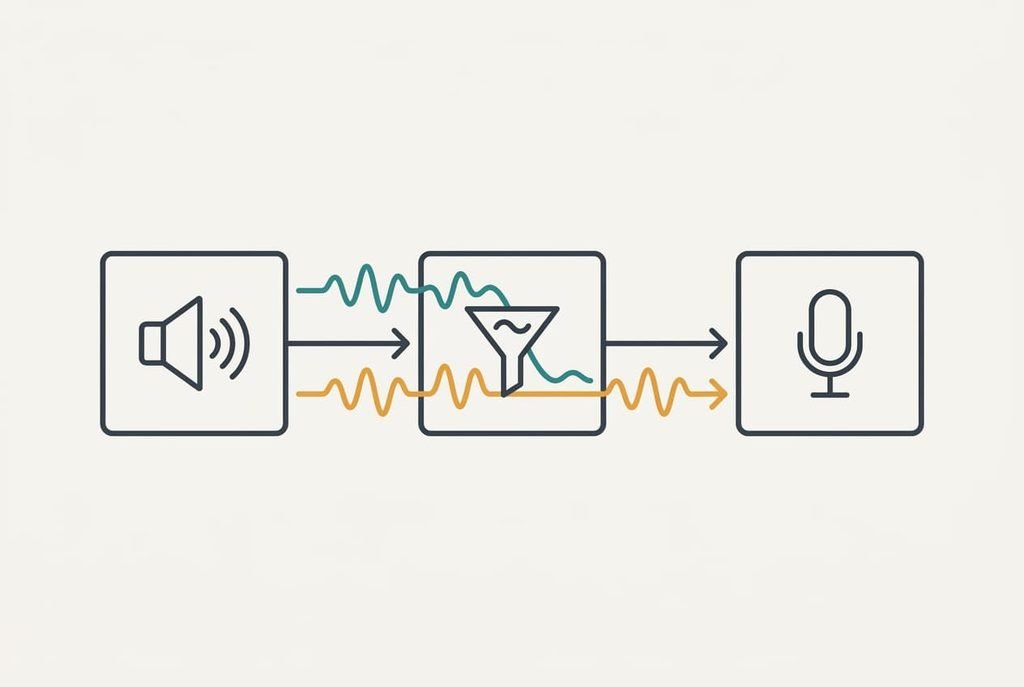
Think of the call as a loop. The other person speaks, and their voice leaves your speakers. It reaches your microphone about a millisecond later. The call app sends that sound back to them, so they hear themselves after 180 ms in our example: 60 ms each way, plus 30 ms of buffering at each end of your device. Your microphone re-sends the other person’s voice to them a moment too late, and they hear it as an echo of themselves.
Software tries to break the loop. An echo canceller keeps a copy of what your speakers played, and it subtracts a filtered version of that copy from what the microphone hears. It never removes everything. We’ll assume it removes 25 dB. At 62 dB from the speakers and 60 dB from your voice at 40 cm, the echo starts 2 dB above your voice. The canceller leaves it at −23 dB.
The far end notices an echo at long delays when it sits less than about 30 dB below the voice. So −23 dB is audible. Headphones cut the loop entirely, and that’s why the problem appears only with speakers.
Four tests to run when your video calls echo your voice back
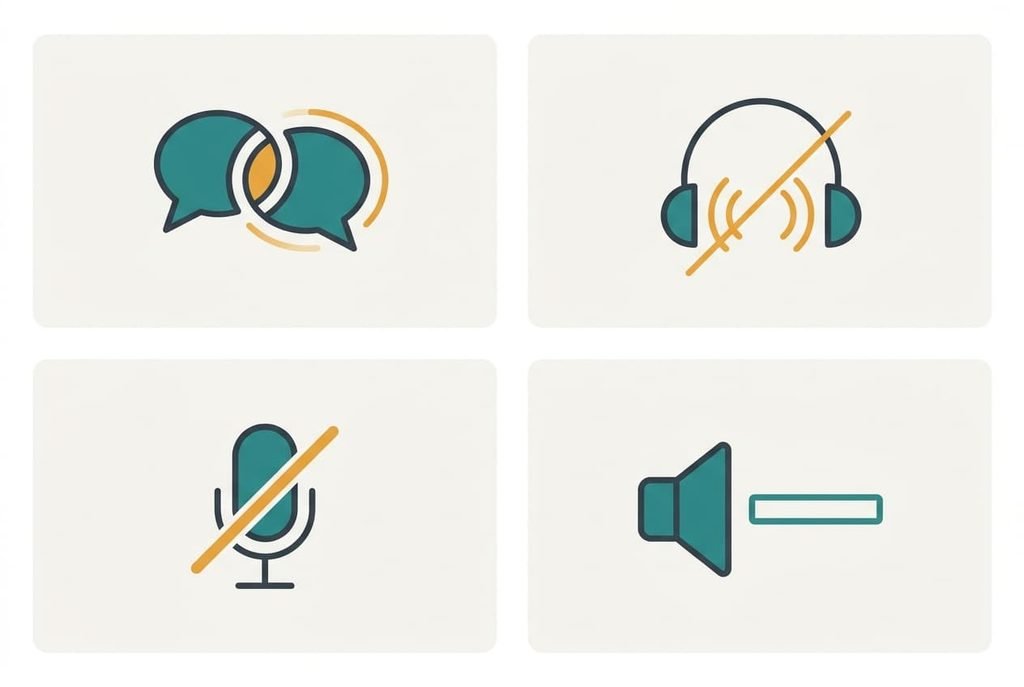
Run these in sequence and record what each shows. First, ask whether the other person hears their own voice, and check whether you do. The echo you cause is on their side, so a report from them confirms that the loop is yours. If both of you hear it, the cause may sit on their side as well. Ask them roughly how late it returns, since an echo that comes back after a third of a second points to a longer path than your room.
Second, wear any headphones for one call. If the echo disappears, the cause is acoustic coupling from your speakers. If it stays, the loop lies elsewhere, perhaps at their end.
Third, mute yourself while they speak. If they stop hearing themselves, your microphone was re-sending them. If they still do, their own speakers are the source, and nothing on your side will cure it.
Fourth, set your volume to zero for a minute while they talk. The echo should vanish at once. If it persists at zero volume, your speakers aren’t the cause.
Nothing here needs a purchase.
The four fixes, in order
Why would your voice echo on video calls even after you turn the volume down a little? A small cut isn’t enough, because the canceller needs the ratio to move by tens of decibels. Alter a single variable per call and check with the other person each time.
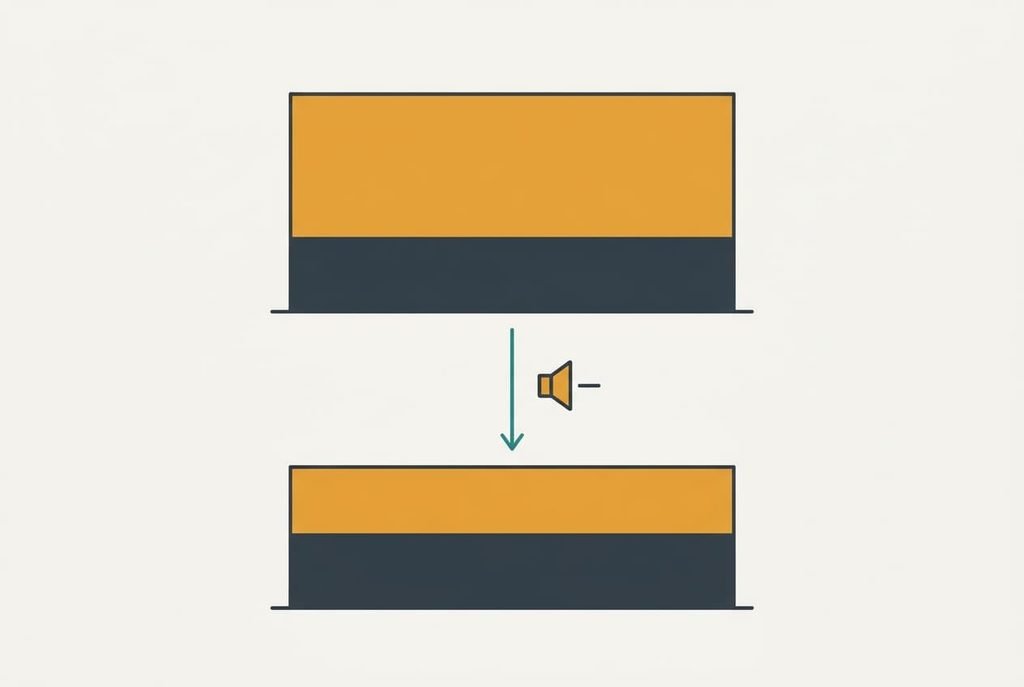
Lower the speaker volume and move nearer the microphone is the free fix. It shrinks the echo that reaches the microphone relative to your voice. Dropping 10 dB takes the echo from 62 to 52 dB, and halving the distance to 20 cm lifts your voice by 6 dB to 66. The ratio moves from +2 to −14 dB, and after the canceller it sits at −39, which nobody hears. The loss is volume: others in the room may struggle to hear the call, so a shared room needs a different fix.
Switch off every extra sound enhancement and keep one echo canceller is a setting change. The call app’s canceller holds an exact copy of what the speakers played. A second one in the sound driver alters the audio first, so the app’s copy no longer matches what the speakers produced and the subtraction leaves more behind. It takes about ten minutes and a test call afterwards. You lose any bass boost or surround effect the enhancement added, which matters for music but not for speech.
Soften the room takes an hour. Reflections that arrive after about 200 ms fall outside what a typical canceller models, so bare walls leave a tail it can’t remove. In a bare room that decays 60 dB in 0.8 s, the tail is still 15 dB down at 200 ms. With curtains and a rug at 0.4 s, it’s 30 dB down. Clap once and listen to how long the ring lasts, then add soft furnishings until it shortens. You lose the bare look.
Wear a headset or use headphones costs money, and it fixes the cause outright. No sound leaves a loudspeaker, so no loop can form and the canceller has nothing to do. You lose the convenience of a free room, and a wired headset avoids battery and pairing worries. Choose it last, because the earlier fixes cost nothing and often work.
If none of that worked
If you’ve done all four, the loop may sit at the far end or inside the device. Collect the times the echo happened and note which person heard it. Add what each test showed, then have them run the first two tests from their side. Both sets of notes together tell a support desk far more than the word “echo” does. Also ask whether they use speakers too, since two open loops can feed each other and each of you will blame the other.
What makes your voice echo on video calls with only one particular app? Try a second app for one call. If the echo vanishes there, the first app’s canceller is failing, and its maker needs the times you wrote down. Before you reset audio settings, note which microphone you use. Note the speaker too, because a reset clears both.
The fix that is not worth doing
Turning noise suppression up to its strongest level is a common remedy, and a weak one. Suppression is built for steady background hiss, and the echo is speech, which has the same shape as your voice. It passes straight through at −23 dB while the processing takes 10 dB off a fan you never complained about. Meanwhile it starts to clip the quiet ends of your words, so you trade one problem for a clearer one. Voice-isolation modes can behave the same way, because an echo of a person looks to the software like a second person talking, and many of them are tuned to keep voices.
A louder fix makes the echo worse.
Buying more powerful speakers does the same, because it raises the echo level at the microphone. Only the ratio and the room matter, and headphones remove both.
Your voice echo on video calls follows one rule. The loop and the delay are always there. Only the level and the room are yours to change. Cut the speaker volume by 10 dB and sit 20 cm from the microphone, and the echo falls from −23 to −39 dB. Keep one canceller, soften the room if the tail remains, and wear a headset when nothing else is enough.
Questions readers keep asking
Can I fix voice echo on a video call at home?
Yes, in most cases. Lower the speaker volume by about 10 dB and sit closer to the microphone. That moves the echo ratio from audible to well hidden for free. If it persists, switch off duplicate sound enhancements, and use headphones when you need the speakers to stay loud for the room.
Why does the other person hear echo and I don’t?
Because the echo is your microphone re-sending their own voice, and it plays on their side after about 180 ms. You hear only your own room. Ask them to report it, and run the headphone test yourself to prove the loop is yours.
Does an echo mean my microphone or speaker is broken?
Rarely. Both usually work perfectly, since the echo is simply the loop between them. Suspect hardware only if the echo persists with headphones on, or if you hear crackling at low volume. A second app and a second device will tell you which part is faulty.