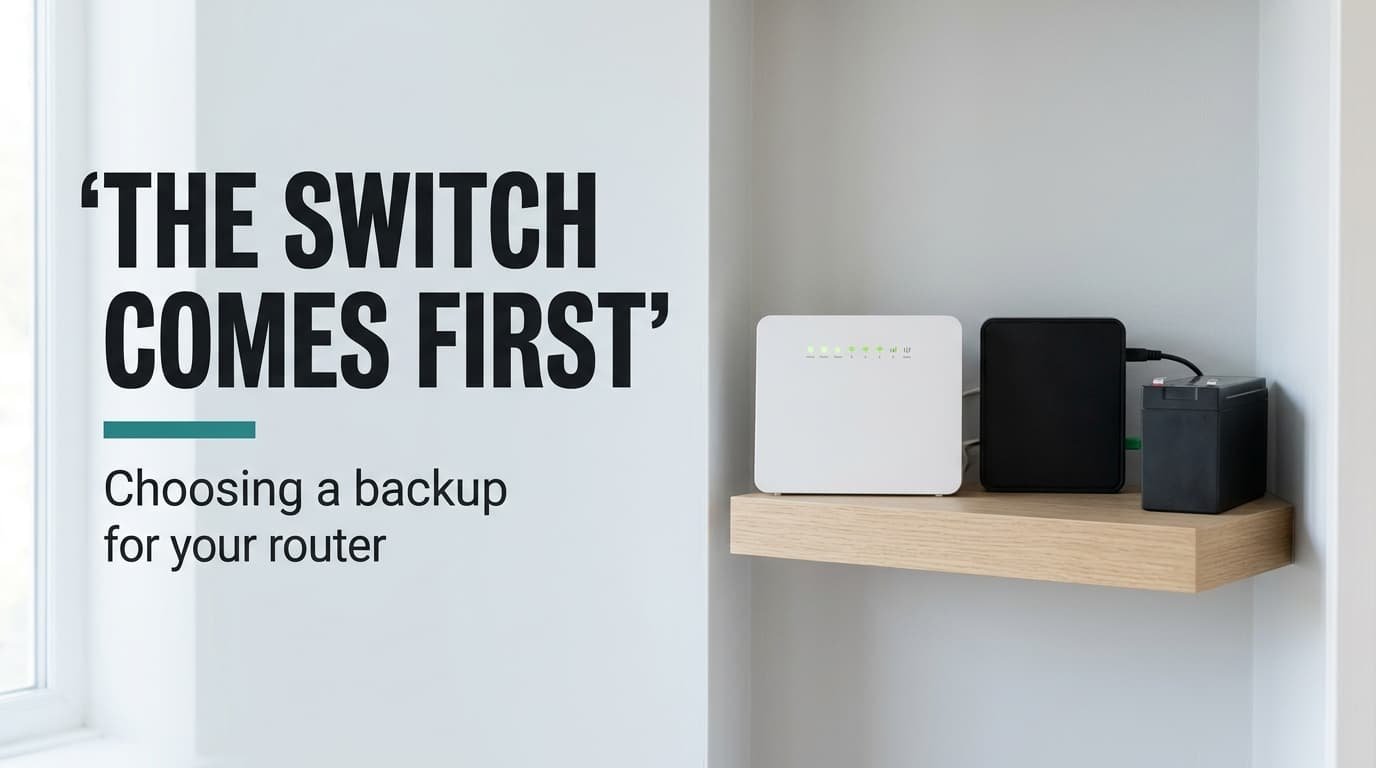
Judging a router backup by its runtime is like judging a lifeboat by its length: the first question is whether it launches before you go under. Check how it takes over before you check how long it lasts, because a backup that switches slowly reboots your router anyway. A battery backup for a home router earns its place by never letting the connection flicker. Runtime comes second, and the battery’s upkeep comes last.
The home here is British: a flat with a fibre terminal and a router that together draw 19 W. The figures are assumed and round. You’ll find no brand or price below, so check your own labels before trusting any number.
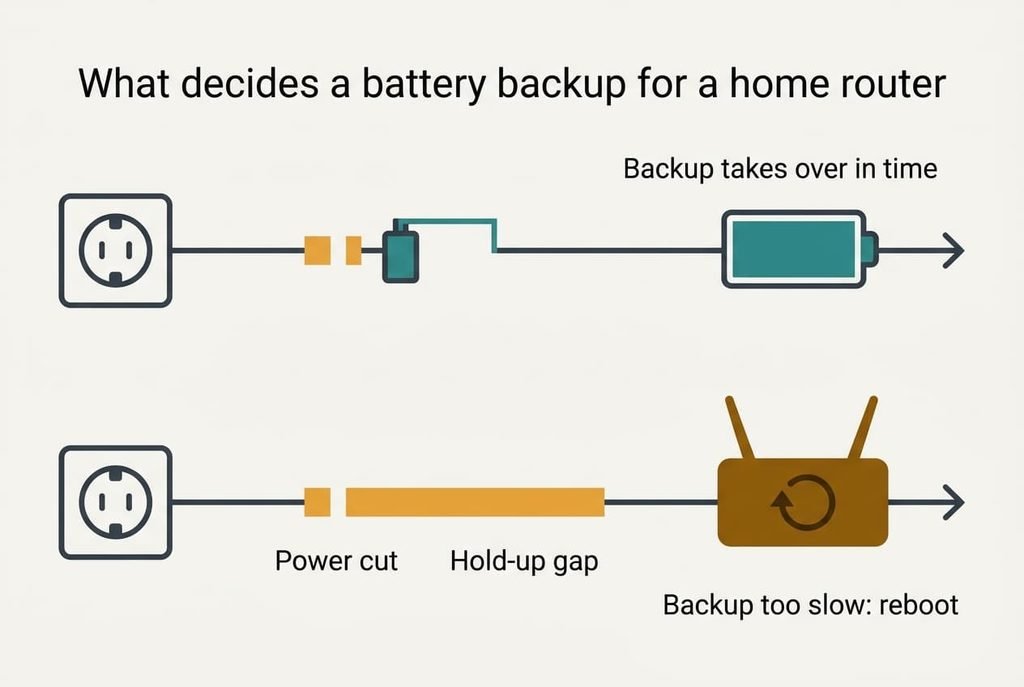
What decides a battery backup for a home router
Every router and fibre terminal has a power supply with a capacitor inside it, and that capacitor keeps the output alive for a short gap when the mains vanishes. Call it 15 ms in our example. If the backup takes over inside that gap, the devices never notice. If it takes longer, the electronics reset. They then boot from cold.
A cold boot is slow. Our router needs about 150 seconds to start and another 90 for the line to sync. That makes 240 seconds, or 4 minutes. A backup that holds for 80 minutes but switches in 30 ms still gives you those 4 minutes of silence at the start of every cut, the same as owning no backup at all.
So the switchover has to finish inside the hold-up time of your slowest device, and the runtime figure only matters after that. Some designs avoid the question entirely. A DC unit sits in parallel with the supply. Power never switches, so the gap is zero. A mains-type unit has to swap, and its datasheet should say how fast.
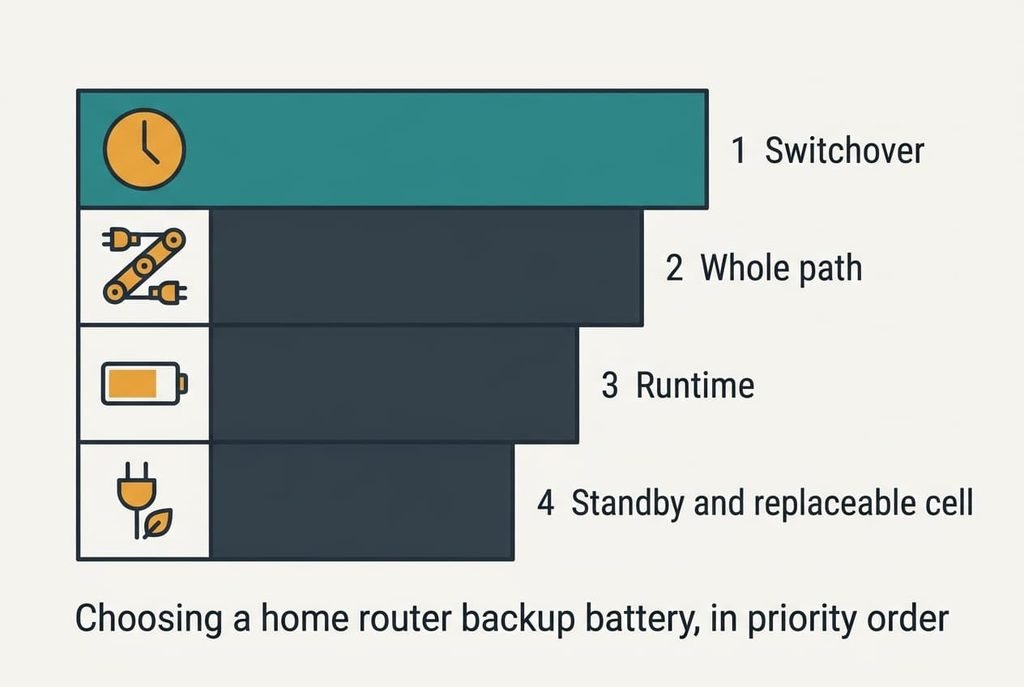
Choosing a home router backup battery, in priority order
1. How it takes over. This is the switchover, the moment the backup starts carrying the load. It decides whether a half-second flicker in the street costs you nothing or costs you 4 minutes. Look for a stated transfer time. Wording such as “no break” or “continuous” also counts. A good answer is at most half the 15 ms hold-up. That means 7 ms or less, or zero for the parallel design. If it’s slower, the router reboots in every cut. The battery never gets to help.
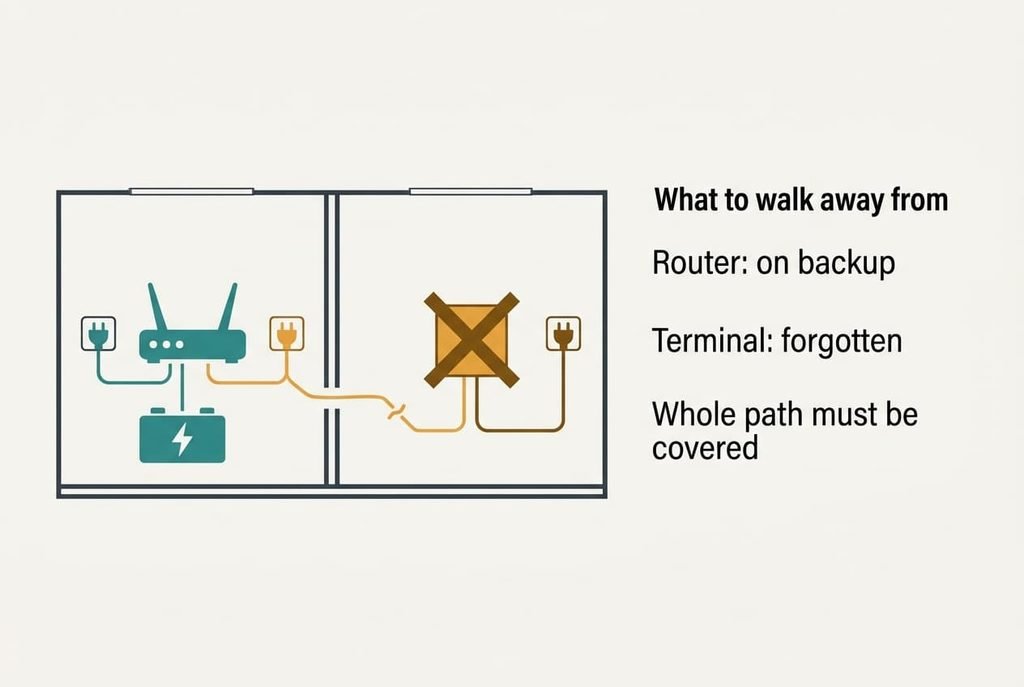
2. Coverage of the whole path. Add the watts of everything between the wall and your devices: the fibre terminal at 7 W and the router at 12 W make 19 W. Every item must sit on the backup, because one device left on the mains takes the whole chain down. Check each label for voltage and plug shape. Look for a continuous rating of at least 1.5 × 19, which is 28.5 W. Most buyers never check the terminal, which often has its own adapter tucked behind a skirting board or in a cupboard.
3. Runtime after the losses. Multiply the pack’s watt-hours by the share you can use and by each conversion step, then divide by the load. A mains-type unit of 84 Wh uses half, loses 30% in its inverter and 15% in your adapter, so 84 × 0.5 × 0.70 × 0.85 is 25.0 Wh. That’s 79 minutes at 19 W. A DC pack of 36 Wh uses 80% and loses 10%, which gives 25.9 Wh and 82 minutes. Ask for watt-hours and not for a battery’s amp-hour figure.
4. Standby draw and a battery you can replace. The unit draws power while it waits. An assumed 4 W idle is 35 kWh a year, which adds 21% to the 166 kWh your devices use, while a 1 W unit adds 5%. Cells also wear out unused, so look for a pack you can swap yourself, and test by cutting the mains for a minute each season.
What does not matter as much as they tell you
A capacity quoted in milliamp-hours is the headline figure on many listings, and it says little. It’s promoted because the number is large and the maker prints it at the cell’s own voltage. A pack labelled 10,000 mAh and 3.7 V stores 37 Wh. The same energy at a 12 V output is only 3,083 mAh. Two packs with the same mAh figure can store energies that differ threefold.
Compare watt-hours and ignore the rest.
A pure sine-wave output is promoted because it sounds premium and costs the maker more to build. A router’s adapter is a switch-mode supply, which usually runs happily from a stepped wave, and the grade matters far more for motors. If your router’s label reads 12 V DC and the backup outputs 12 V DC at enough current, the wave shape never reaches the device at all. The number of sockets is the third item. A battery backup for a home router serves two devices, so six outlets add size and idle draw and no use.
Matching the choice to your home
For a flat with one fibre terminal and a router, a DC unit makes the best battery backup for a home router. It has no switchover gap and a low idle draw. It also runs for 82 minutes from 36 Wh. Criteria one and four rise in importance.
A house with a cable modem and two switches or a powerline pair might draw 31 W in all. Criterion two moves to the top, since one forgotten device kills the chain, and runtime shrinks to 50 minutes on the same pack.
For someone working from home, runtime climbs above standby draw. What the line outside your building does in a cut is hidden from me. Ask your provider before you count the minutes.
What to walk away from
Walk away from a backup that states no switchover time. If the maker doesn’t print it, assume it’s slower than your router’s hold-up, and expect a reboot at every flicker. The battery then does nothing for the first 4 minutes of any cut.
Walk away from a sealed battery with no way to replace it, since the whole unit lives or dies by its cell. A cell wears whether the power fails or not, so a pack you can’t swap turns the whole unit into a disposable, and it fails quietly on the day you need it. A further trap is a unit with one output when the fibre terminal and the router sit in different rooms, each on its own adapter. The backup then covers half of the path and the line still drops. Measure the distance between the two devices before you buy.
Both are design decisions that can’t be repaired after purchase.
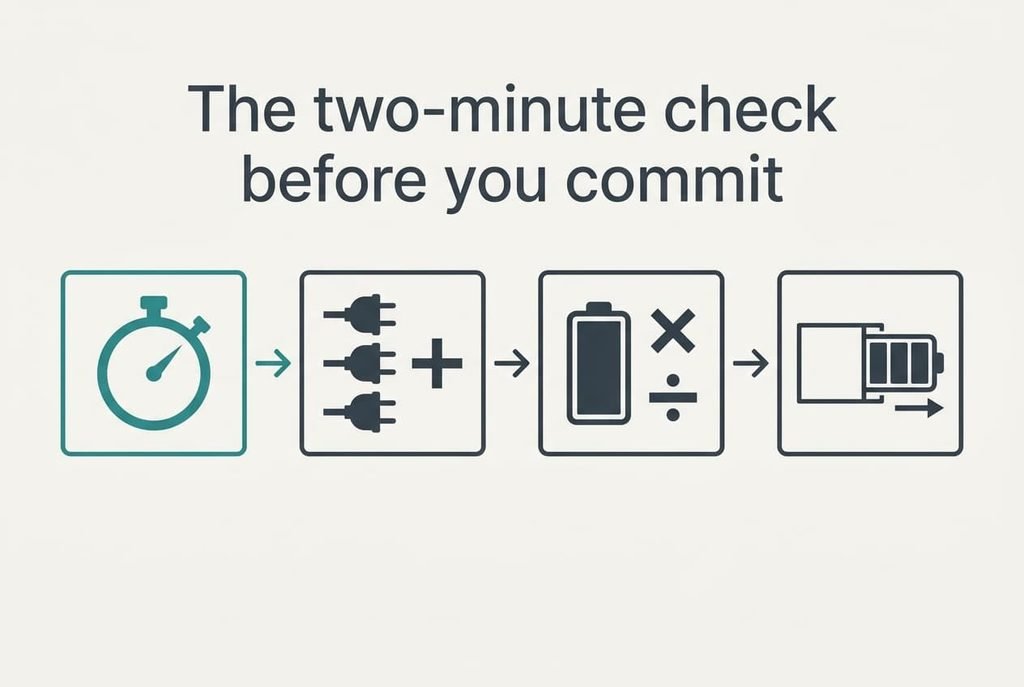
The two-minute check before you commit
Find the switchover time first. Hunt for a figure in milliseconds, or for wording about a continuous supply, and put the listing aside if neither appears. Next, add up your watts from the labels and compare the total with the continuous rating. Then multiply the watt-hours by 0.3 for a mains-type unit or 0.7 for a DC unit, and divide by your load to get hours. Finish by checking that the cell can be swapped without tools. The whole check fits in two minutes with a pen and the labels in front of you, and it eliminates most of what the listings offer.
A battery backup for a home router is chosen by how it takes over. Runtime takes thirty seconds to calculate, while a slow switchover can’t be fixed at home. Reject any unit that states no transfer time, then buy for the load you counted. Test it once it’s installed, and again each season.
Questions readers keep asking
How many watts do a home router and modem use?
Read the label on each power adapter. Volts times amps gives the most it can supply, and real draw is usually lower. Our example is 19 W in total. Add every device in the path, including the fibre terminal. Use that sum rather than a guess when you size a backup.
How much should I spend on a router battery backup?
Spend on switchover and a replaceable cell, and little on anything else. A small DC unit that carries two devices is usually cheaper than a large mains-type unit built for a computer. Extra sockets and a larger battery cost more and add little for a 19 W path.
How long does a backup battery last before it needs replacing?
Cells wear with age and heat even when the power never fails, so any figure in years from me would be a guess. Cut the mains for a minute each season and note how long the router stays up. When that time falls by about half, replace the pack.