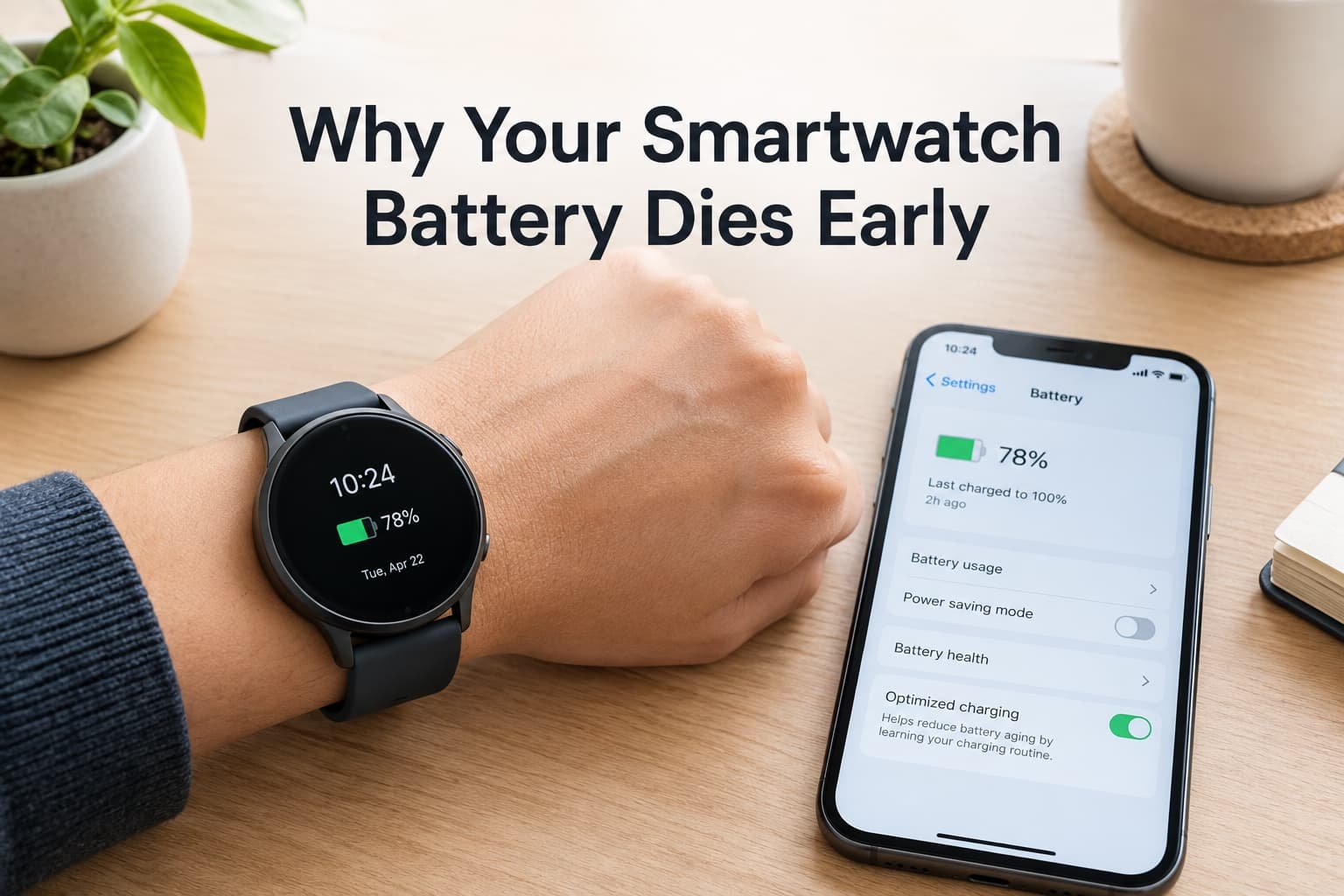
A smartwatch that needs charging at four in the afternoon is rarely a faulty watch. It is a small battery being asked to power a bright screen, several sensors and a couple of radios all day, and in most cases one or two of those jobs are using far more than their share. Finding which ones is quicker than it sounds, and the fix is usually a setting, not a repair.
What is actually happening
A smartwatch battery is tiny compared with a phone’s, so every feature that runs continuously shows up in the day’s total. The screen is usually the biggest single user. After it come the sensors that measure heart rate and movement, the radios that talk to your phone or to a mobile network, the location chip when it is switched on, and the motor that vibrates for notifications.
Most days, one of these is working much harder than the others. The aim is to find it, not to switch everything off.
Confirm which pattern you have
Open the battery section on the watch or in its companion app, which on most watches lists what has used power. Then run a simple comparison.
Compare a quiet day with a normal one. Wear the watch for a day with the screen mostly off and no workouts, and note how far the battery falls. Then compare a normal day. The gap shows how much your habits cost.
Check overnight. Note the level before bed and in the morning. A large overnight fall points to something running in the background, such as a sleep tracking feature, a connection that keeps dropping, or a mobile network search.
Watch for when it drops. Does the level fall in steps during workouts, or steadily across the day? The shape tells you which pattern below fits.
The causes, diagnosed
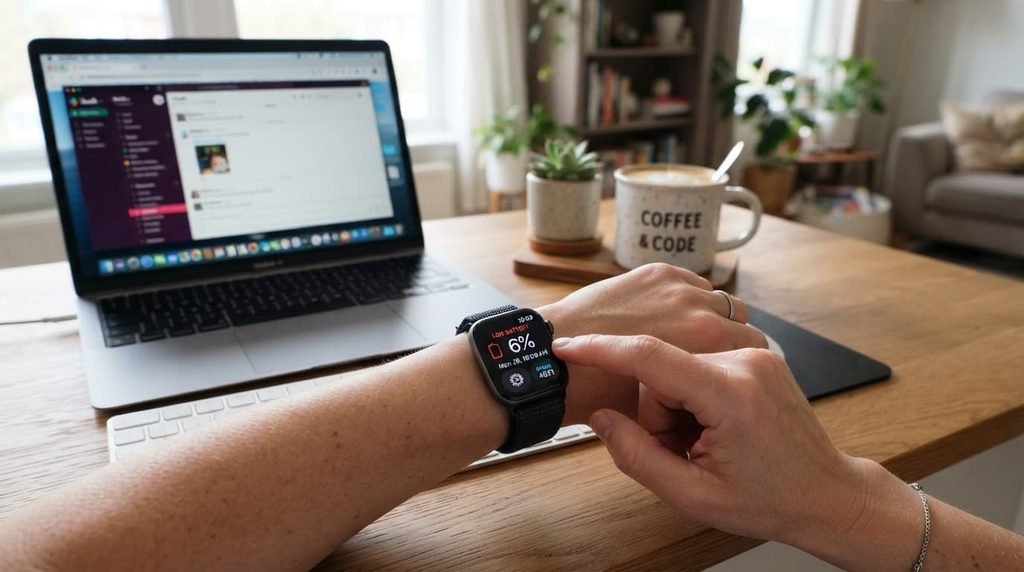
“The battery falls steadily even when I am barely using the watch.” This points to the display. An always-on screen, high brightness, a long screen timeout and a very sensitive wrist-raise setting each keep the display lit more than you need. On screens that light every pixel individually, a bright, colourful watch face costs more than a dark, simple one. The fix: turn off the always-on display or lower its brightness, shorten the screen timeout, reduce the wrist-raise sensitivity, and choose a darker, simpler watch face.
“It drops sharply during a workout or after a walk.” This points to location and continuous sensing. Tracking with the watch’s own location chip, together with constant heart-rate measurement, is one of the most demanding things it does. A workout left running after you finish quietly drains the battery for hours. The fix: use your phone’s location when the phone is with you if the watch allows it, end every workout properly, and lower the frequency of continuous sensing for activities where it adds little.
“It drains quickly on days with many notifications, or when my phone is not nearby.” This points to the radios and the vibration motor. Every alert lights the screen and runs the motor, and a watch that keeps losing and searching for its phone, or for a mobile network, burns power while it hunts. The fix: limit notifications to the apps that matter, reduce vibration strength, keep the phone within range, and on a watch with its own mobile connection, turn that off when the phone is with you.
“It lasted all day when it was new, but it has got worse over months.” This points to the battery itself. Every rechargeable battery loses some capacity as it ages, and a watch with a worn battery runs out faster no matter how you set it up. Cold weather can also lower the available charge temporarily. The fix: check the battery health figure if your watch offers one, make sure the software is up to date, and ask the maker or a qualified repairer about a battery replacement if the loss is large.

A one-day test that finds the culprit
Change one thing at a time. On the first day, turn off the always-on display and leave everything else as it is. On the second day, if that was not enough, tighten the notifications. On the third, look at how workouts are set up. Changing everything at once may fix the problem, but it teaches you nothing about which setting mattered, and you will be tempted to switch them all back on later. Note the battery level at the same time each evening so the comparison stays fair. A few days of notes is usually enough to see which change helped.
What isn’t worth doing
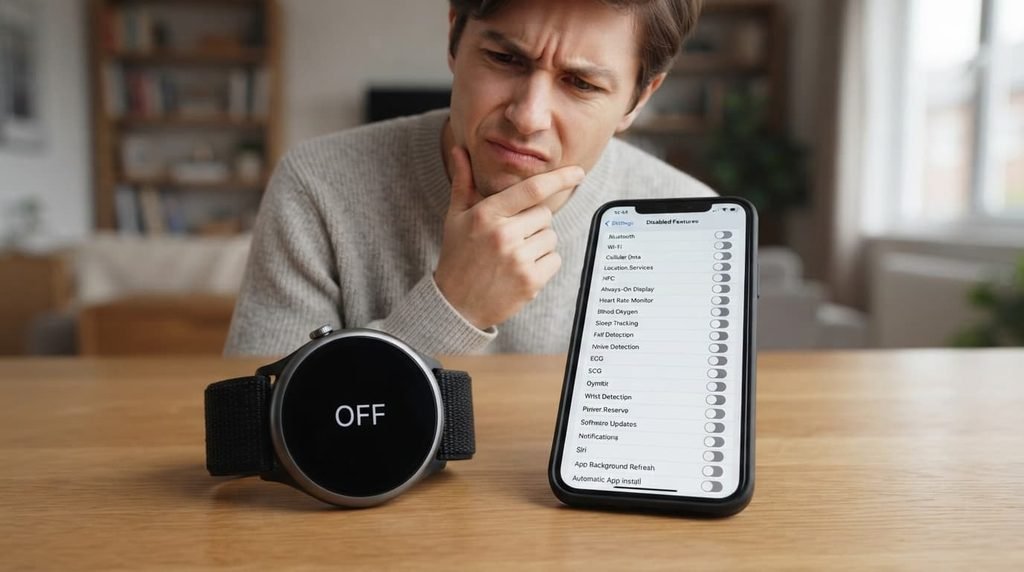
Turning off every feature to save power isn’t worth doing.
A watch with the screen off, no sensors and no notifications is an expensive bracelet. The better approach is to find the one or two heaviest users from the comparison above and adjust them, which usually recovers most of the lost hours while keeping what you bought the watch for.
When this points to something more serious
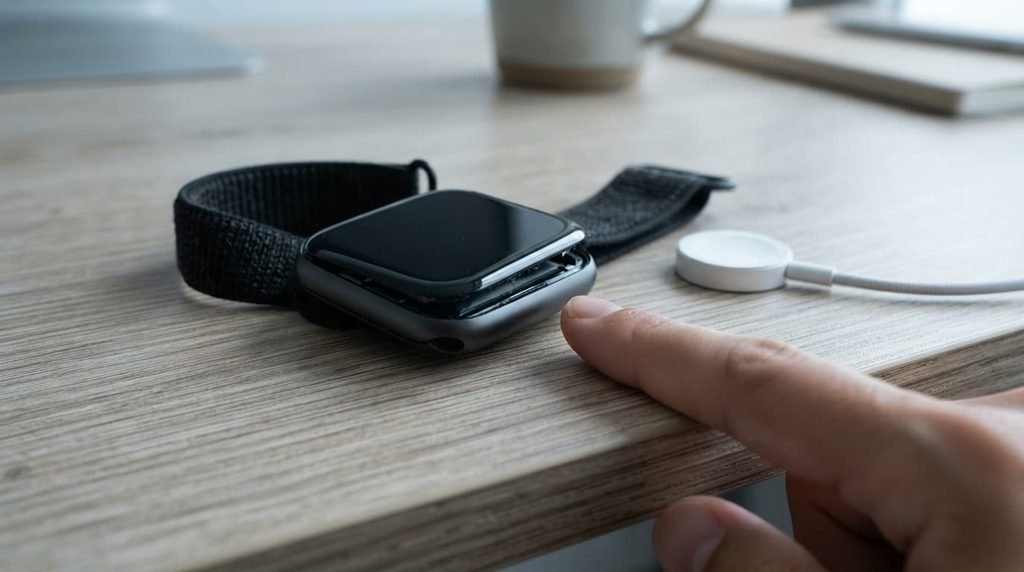
Stop using and charging the watch, and have it checked, if the case looks swollen, the screen is lifting from the body, the watch becomes hot while charging, or the battery drops from a healthy level to nothing within minutes. These can be signs of a failing battery, and that is a job for the manufacturer or a qualified repair technician, not for you to open the watch. A sealed watch should not be prised apart at home.
How to prevent this from recurring
Keep the software up to date, because updates often improve power use. Recheck the battery list once a month, so a new heavy user is caught before it becomes a habit. Keep a short note on your phone listing which settings you changed and why, so you can undo any change that did not help. Avoid leaving the watch to charge in a hot place, and avoid leaving it at empty for long periods.
If sleep tracking is the reason for a low morning level, charge the watch at a different time of day, such as while you shower or work, instead of overnight.

Questions readers keep asking
Is it normal for battery life to shrink as the watch gets older?
Yes, gradually. A rechargeable battery wears with use, so a watch that lasts noticeably less after a couple of years is behaving normally. A sudden change is different and worth checking.
Does the watch face really matter?
On many smartwatches, yes. A dark, simple face uses less power than a bright animated one on screens that light every pixel individually, and an always-on display multiplies the difference.
Will turning off the heart-rate sensor fix it?
Rarely on its own. Continuous sensing uses some power, but the display and workouts usually cost more. Check those first, and change sensor settings only if the comparison points there.
Why does it die faster in winter?
Cold temporarily reduces the battery’s available charge, so a watch worn outdoors in cold weather can drop quickly. The level normally recovers when the watch warms up.
Does charging in short top-ups hurt the battery?
No. Lithium batteries cope well with partial charges, and topping up a little during the day is gentler than regularly running the watch to empty. What does harm is heat, so keep the watch and its charger away from hot places.