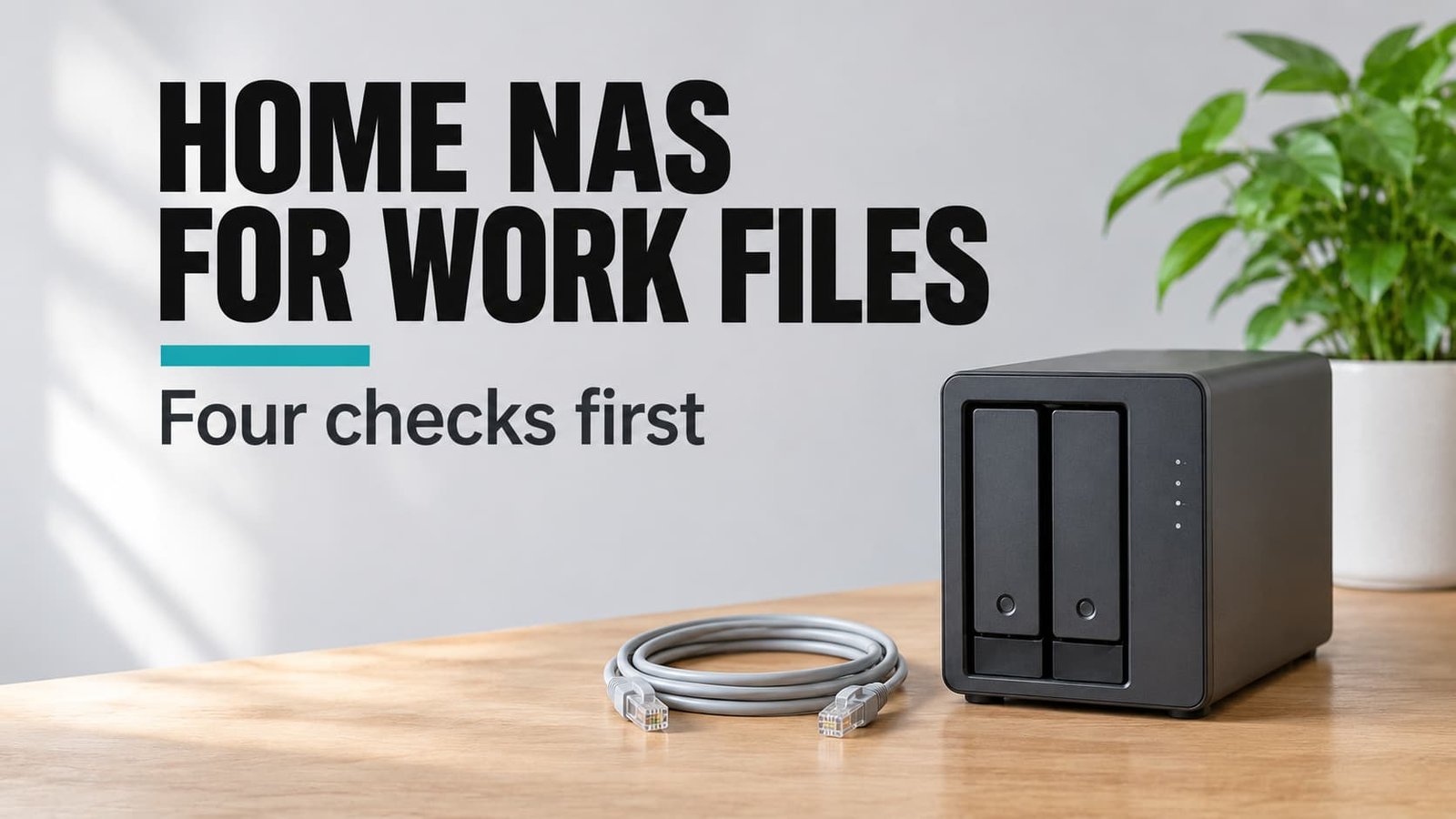
When you’re buying a home NAS for shared work documents, count the drive bays before anything else, because bays decide whether a second drive can hold a live twin of the first. Without that twin, one failed drive takes every file with it. Amir and Jo, two freelance translators in Leeds, keep 60 GB of client files and want one place that three laptops can reach. Four checks are ranked below by how much a mistake would hurt, followed by the headline claims that sell harder than they deliver. All figures are invented samples. No brands or money figures appear.
What Decides a Home NAS for Shared Work Documents
A NAS is a small computer built to hold drives and share them across your network. Boxes come with a single bay or with several. Only the multi-bay kind can mirror at all, and bigger models with four bays or more offer other layouts. Those suit offices holding far more than Amir and Jo’s 60 GB. How much failure a box survives is set by how many drives it holds and what it does with them. With one bay, every file sits on a single drive. When that drive stops, the files stop with it.
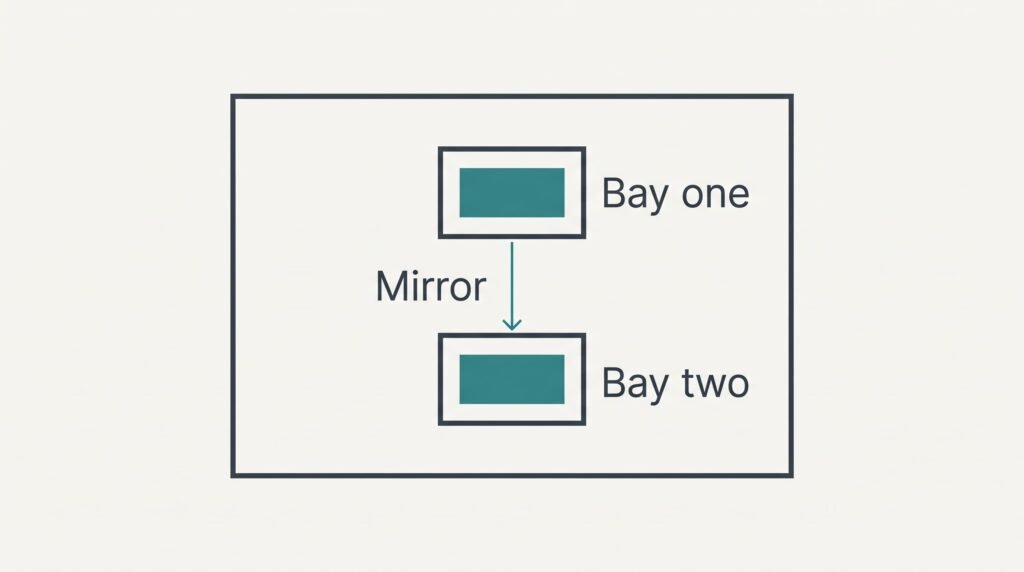
With two bays, the box can write each file to both drives simultaneously. That arrangement is called mirroring. If one drive fails, the other carries on. Amir and Jo keep working while a replacement is fitted.
Mirroring costs space. Two sample drives of 4 TB each give 4 TB of usable room, since the second drive holds a copy instead of extra files. The bay count decides how much failure the box can absorb, and you can’t change it after purchase.
A mirror is a spare drive, not a second copy.
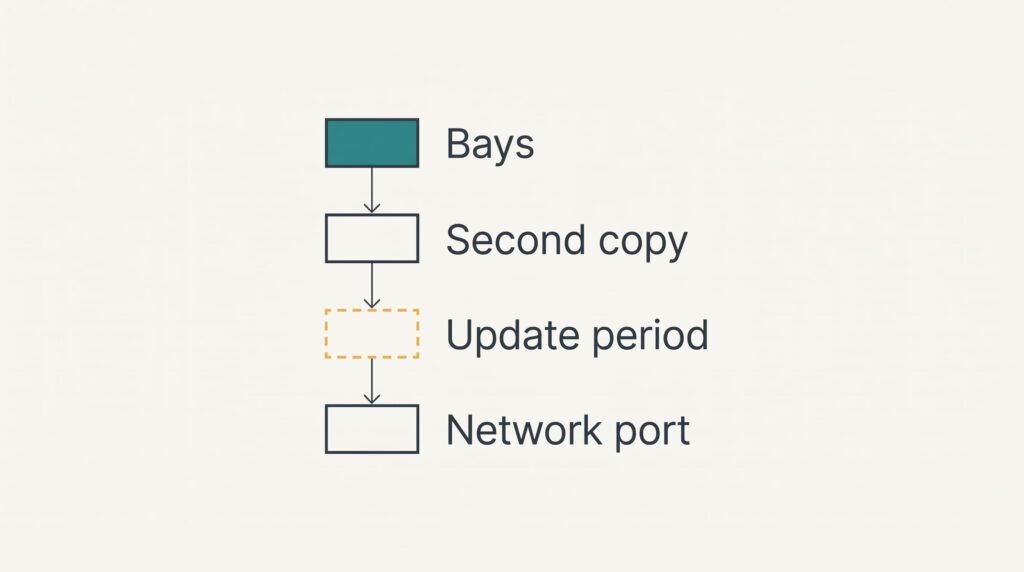
Four Checks in Order of Priority
1. Bays and the mirror. The bay count on a home NAS for shared work documents sets how the box behaves when a drive dies. With two bays and mirroring, sometimes labelled RAID 1, a failure raises a warning and work carries on. With one bay it stops the office. Day to day, you’d barely notice the second drive, which hums along writing every file twice. Find the bay count in the specification list, then look for the word mirror or RAID 1 in the feature text. A wrong choice leaves no upgrade path, because a one-bay box can’t grow a second bay. The remedy is a new box and a weekend of moving files.
2. Another copy elsewhere. A mirror repeats every change, even an accidental deletion. It guards against a dead drive but not against a mistaken click or a burglary. This feature runs unseen overnight. Look in the description for scheduled copies to an external drive or an online store. Amir’s 60 GB takes roughly ten minutes at a sample rate of 100 MB per second, which makes a nightly run easy to fit. Skip it and a deleted client folder vanishes from both drives.
3. A stated update period. Few shoppers ask about this one. The box sits on your network holding client files, and its software needs security fixes throughout the box’s working life. You’ll never see the work being done, which is why a gap goes unnoticed. Look for an end date on the maker’s page. Say it promises five years and you buy in year two: three years of fixes remain, after which the box becomes a liability to replace.
4. Network port against your files. Documents are small, and a standard wired port is plenty. Files of a few megabytes open in a moment. The one slow job is the first copy of 60 GB, which needs about 10 minutes wired and about 40 minutes at a sample 25 MB per second over Wi-Fi. List your biggest regular job to judge it. You’d notice a wrong choice only during that first copy, and a cable fixes it.
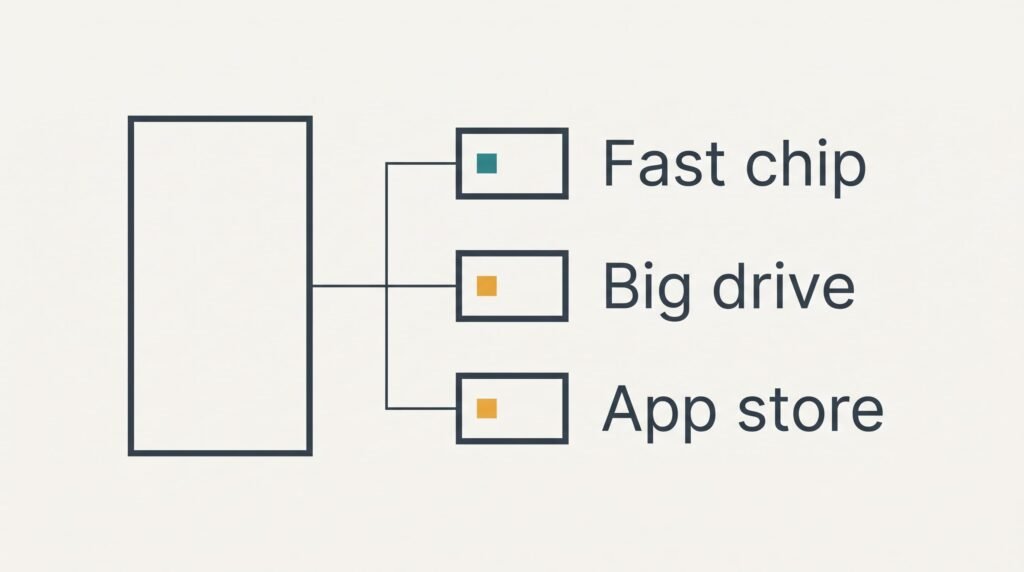
Headline Specifications That Add Little Here
A faster processor gets the loudest promotion because it sounds like power. It matters for converting video or running many add-on apps. Opening a contract or saving a spreadsheet barely taxes a modest chip. A box that serves documents spends most of its day idle. The extra speed sits unused while you pay for it.
Capacity comes next. Amir’s 60 GB grows by about 15 GB a year, which means a single sample drive of 4 TB lasts decades. Put money into the second drive for the mirror before putting it into a larger first one.
A very fast network port is third. It helps only when large files move all day, and your laptops’ own connections would limit it anyway. Even then, one laptop’s cable speed caps what it can take.
An app store is last. Each add-on is another program that needs updates, and that raises the importance of the update period, not lowers it. Pick apps you’ll truly use and ignore the rest.
Shared Work Documents and a Home NAS: Three Readers
Amir and Jo are the plain case. Bays come before everything else, then the extra copy. A two-bay box with a nightly copy to an external drive covers both.
Lena runs a three-person bookkeeping office, and one colleague logs in from home. Opening the box to the internet raises the stakes on the update period. Check 3 moves to the top for her. She should also ask whether remote access works without leaving her network exposed.
Ben works alone and wants only a second place for his files. Check 2 matters most to him, since he can accept a one-bay box if the nightly copy is reliable. A plain external drive might do the same job with less fuss.
Reasons to Close the Tab
Close the tab if a listing states no update period, because you can’t tell when the box turns into a risk. A page that boasts about speed and stays quiet about fixes has chosen what to show you. One that spells out its bays and support period plainly is respecting your time.
A silent listing answers the question for you.
Also drop any box whose drives can’t be read elsewhere. Ask whether they can be fitted to an ordinary computer if the box itself dies. A maker who can’t answer wants you to trust a single device with every client file.
Think twice about a one-bay model when two people depend on it for their living. The money saved on one drive isn’t worth a lost morning for both of you. Three questions settle most listings: how many bays, how long the fixes last, and whether the drives can leave the box. A home NAS for shared work documents should survive a failed drive.
A Two-Minute Test Once the Box Arrives
Copy a dummy file onto the box from one laptop, then open it from a second. Delete the dummy and restore it from the second copy, and time how long that takes. Write the result down. A home NAS for shared work documents that passes has proved both its sharing and its backup. Then open the status screen and confirm that both drives are listed as working. Don’t pull a drive to test it, because the box isn’t meant to be handled that way. A missing drive or a failed restore means sending it back within the seller’s return window.
Bays decide how much failure the box absorbs, while the second copy decides how much of your own error it forgives. Write the update period on the receipt before you pay. Note the purchase date beside it, because that’s the day the clock on your fixes starts. Keep the receipt with both.
Questions and Answers
Does a faster network port matter for office documents?
Rarely. Documents are small, and a standard wired port opens them almost instantly. The port matters during the first big copy, which takes about 10 minutes wired for 60 GB in our sample. After that, your laptops’ Wi-Fi is usually the slower link.
How much should go on the drives rather than the box?
Plan on roughly half. A two-bay box needs two drives of the same size. The drives are a big part of the spend. Buying a bigger box for future growth is rarely needed when your files grow by about 15 GB a year.
How long before I regret a one-bay box?
You’ll regret it on the day the drive fails, which may come after some years of use. Until then it works fine. If clients’ files are on it and a colleague relies on it, a two-bay mirror plus a second copy removes that single point of failure.