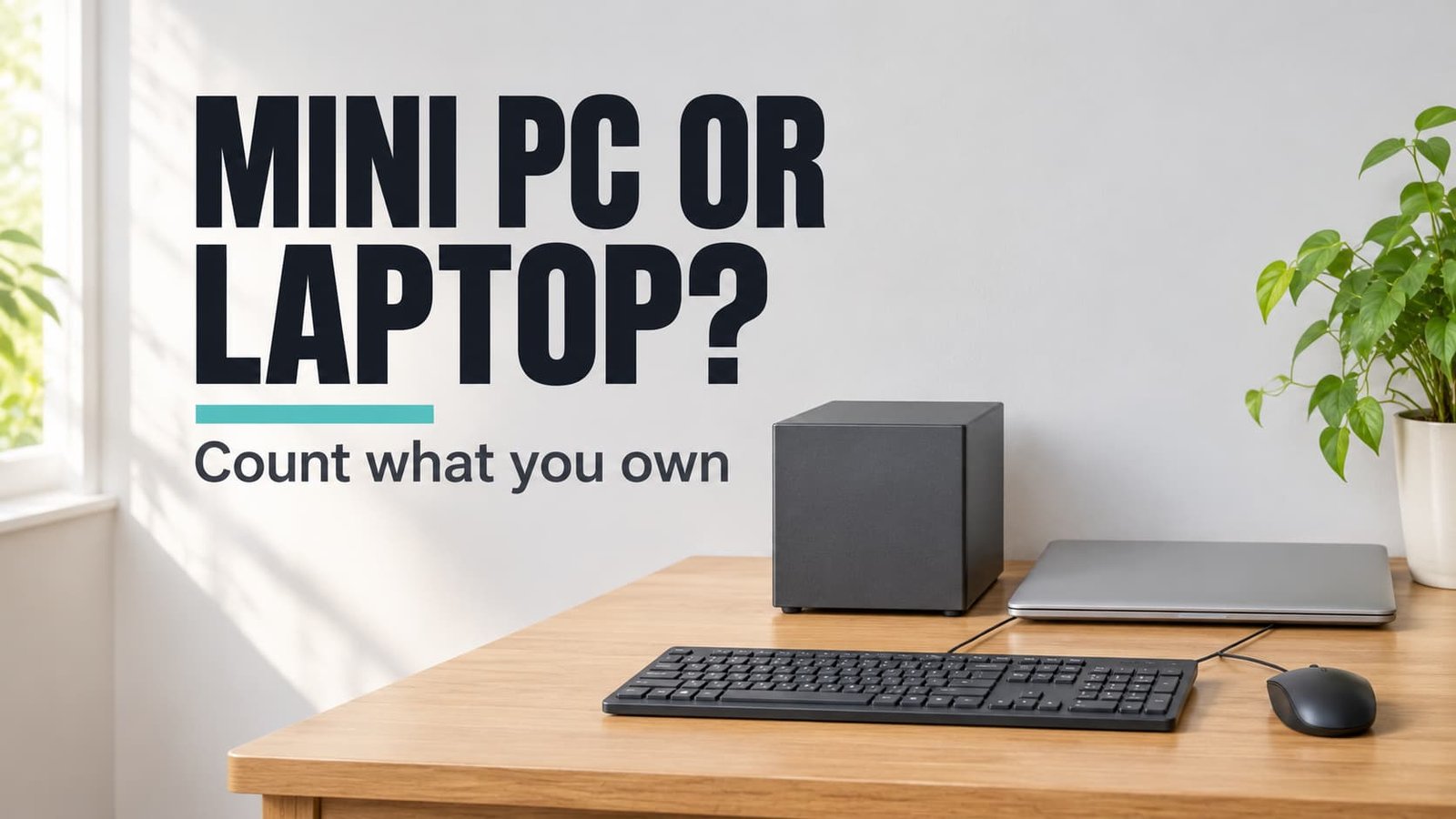
Pick the mini PC when at least three of the four parts you need already work, and pick the laptop when fewer do. That settles a mini PC or a laptop in a family that shares one machine at a fixed spot. One property decides it, which is the count of parts you already own, because a laptop holds every part in its lid and base while a mini PC holds none. Our sample family of four lives in Leicester and owns a desk whose top covers 7,200 cm². All figures are rounded sample values. No brands or costs appear.
The one property that decides a mini PC or a laptop
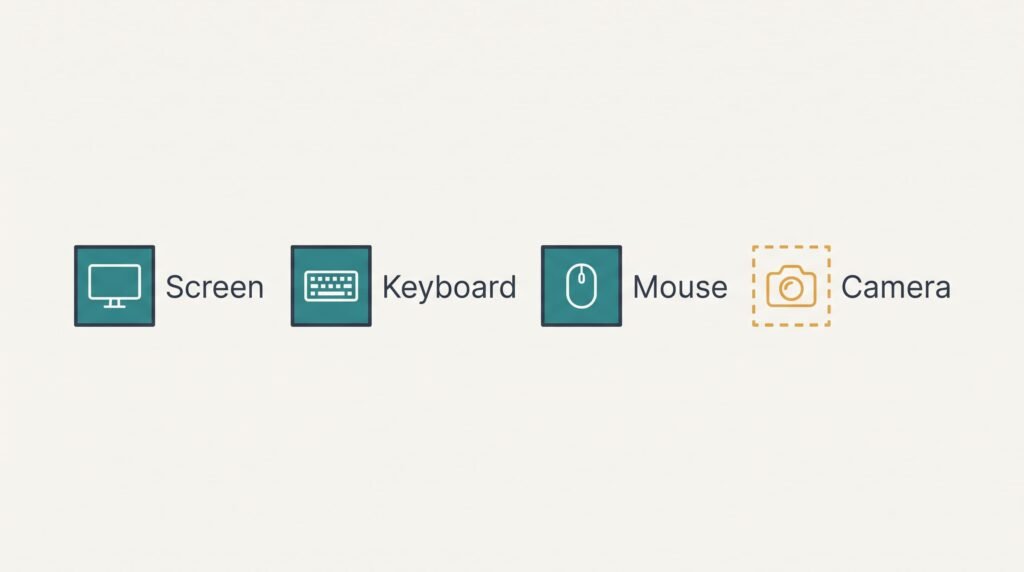
Using a computer takes four parts. Two of them face you: the screen, and the camera with its microphone. The other two sit under your hands: the keyboard and the mouse.
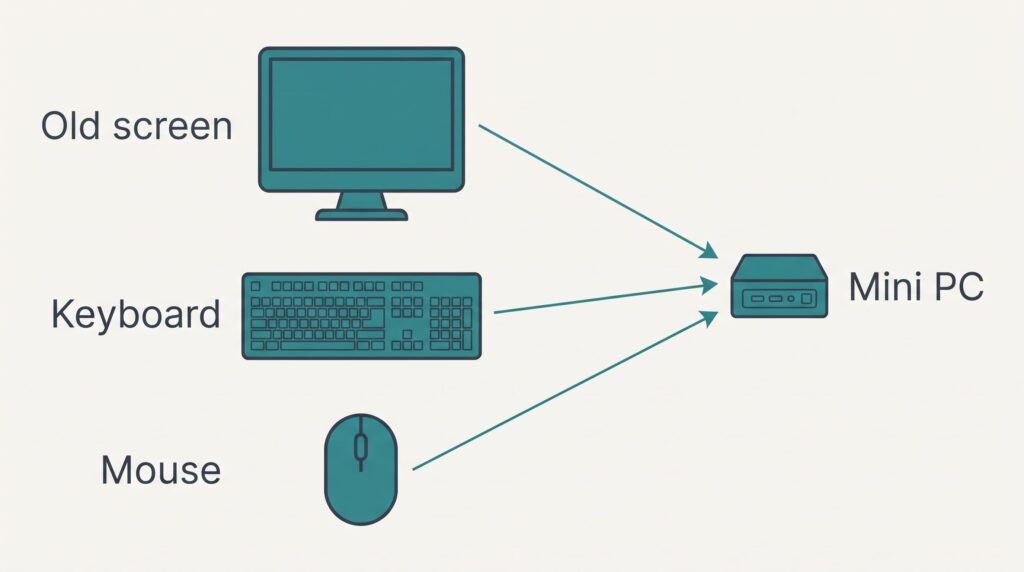
Speed doesn’t usually decide this, because current models of both kinds cope with everyday family tasks. A laptop builds all four parts into its lid and base, whereas a mini PC ships with none of them and every missing part must come from the old setup or from a shop. The old tower in our sample leaves behind one 24-inch monitor with a working video cable. A wired keyboard and mouse came with it too. Old towers rarely had a camera, which leaves the mini PC short by exactly one item, and a clip-on unit supplies it.
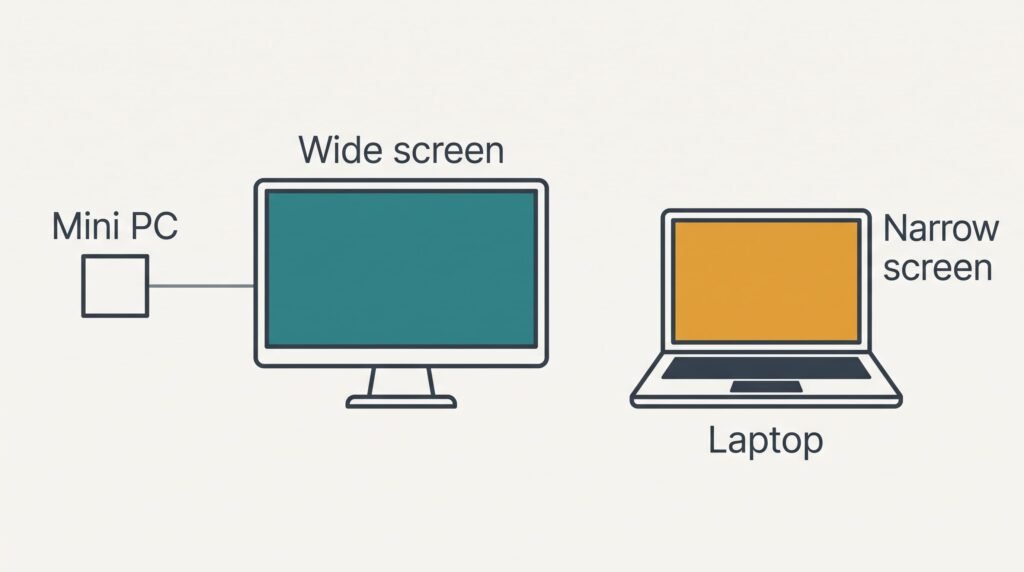
The laptop lacks nothing, yet it would leave that monitor unused, and width shows why this matters. That monitor is 53 cm across, whereas a laptop with a 14-inch panel offers about 31 cm. Two windows of 25 cm each need 50 cm in total. The big screen holds both with 3 cm spare, and the laptop manages one with 6 cm spare.
Count the parts, then compare the widths.
Six rows side by side
Below are six measurable rows for a mini PC or a laptop on the Leicester desk. The mini PC column assumes that you reuse the 53 cm monitor and add a small camera, and the laptop column assumes the laptop works alone. Power figures use 15 W for the box, 20 W for the monitor and 12 W for the laptop, run for 4 hours a day over 365 days, which is 1,460 hours. Footprint is width times depth: 12 cm by 12 cm for the box and 31 cm by 22 cm for the open laptop.
| Question | Mini PC | Laptop |
|---|---|---|
| Parts you must own or buy | 4 of 4 | 0 of 4 |
| Screen width | 53 cm | 31 cm |
| Footprint of the computer itself | 144 cm² | 682 cm² when open |
| Power in use, and yearly energy at 4 hours a day | 35 W, 51.1 kWh | 12 W, 17.5 kWh |
| Moving it to another room | Needs the screen and cables | One charger |
| What a fault usually means | One part swapped alone | The whole body repaired |
Power holds the surprise. The box draws only 15 W, but the 20 W monitor beside it lifts the pair to 35 W, nearly three times the laptop’s 12 W, and across 1,460 hours that gap comes to 33.6 kWh a year.
Where a mini PC wins
Choosing a mini PC or a laptop starts with reuse, and reuse is the mini PC’s strength. When the old screen and its keyboard with mouse still work, nothing you already own sits idle. Three of the four parts are ready from day one. The camera is the single gap, and one clip-on unit closes it.
A wide screen helps a shared machine more than people expect. At 53 cm it holds two 25 cm windows side by side. A parent can follow a school portal while a child reads a worksheet beside it. A lid of 31 cm shows only one of them.
Breakdowns stay small too. A dead monitor can be swapped by itself, and the box can be renewed after several years while the old keyboard and mouse carry on. Tidiness helps as well. The 144 cm² box takes 2% of the 7,200 cm² desk, against about 9% for an open laptop, and it can stand behind the monitor out of sight.
Where a laptop wins
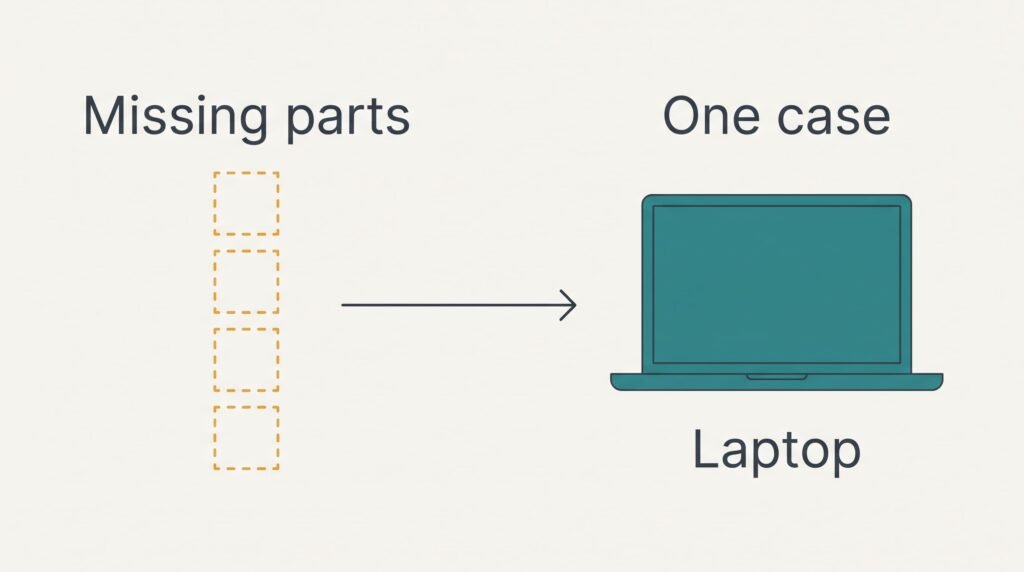
A laptop wins when the old parts are missing or worn out. Picture a monitor with a flickering cable and a keyboard with sticky keys. Each repair adds one part to the mini PC’s list, and a bare desk adds all four. The laptop brings the full set in one case. The count stays at zero.
Calls work on day one, because the lid already holds a camera and a microphone. The mini PC has to wait for its clip-on camera to arrive and then needs a spot on top of the monitor for it.
Movement is the second win. Children can carry the laptop to the kitchen table for homework and carry it back, and its single charger is the only cable that travels. A mini PC stays put, because it can’t move without its monitor.
A mini PC setup runs three cables to the desk, which are two mains leads and one video lead, against a single charger for the laptop.
When neither is right
An all-in-one computer suits a household that has no monitor worth keeping and never carries the machine around. It puts the screen and the computer into one case. A 24-inch panel is 53 cm wide, which matches the reused monitor, and the mains lead is the only cable that matters.
Check what is in the box. A keyboard and mouse are sometimes included and often absent, and the listing says which. Many designs carry a camera in the frame, which closes the gap that a mini PC leaves open. There is also no separate box to hide. The desk needs only a flat space under the panel.
The cost appears when something breaks. A failed screen takes the whole computer with it, just as a laptop’s would, and the case is awkward to carry upstairs. A mini PC or a laptop creates a gap for a family with no old monitor and one fixed spot, and this third route fills it.
How to choose between a mini PC and a laptop with one count
Name the four parts on a card, then tick off every one that works today. Test the video cable as well, because a worn one makes a sound monitor look dead.
If three or four parts work and the computer stays at one desk, take the mini PC and add whichever part is missing. If two or fewer parts work, or the computer has to travel between rooms, take the laptop and let the old monitor go.
The cut-off sits at three for a reason. Three working parts leave one missing, which is a single purchase. With two working, the mini PC needs two purchases, and its reuse advantage has mostly gone.
Do the count at the old desk before ordering anything, then measure the space the new setup will fill. A household that owns the parts gets the wider screen from a mini PC. A household that owns none gets the whole kit from a laptop. The card needs a minute and replaces a lot of guessing. You’ll then know why you chose it, and a later upgrade doesn’t change that reason.
Questions and Answers
How much effort is it to set up a mini PC?
Expect about 30 minutes when the household already has a screen with a keyboard and mouse. You join the box to the screen and the mains. Then you add the input devices. Signing in and copying files takes the rest. Allow extra time for any missing part to arrive, because the box does nothing until a screen shows it.
What usually goes wrong with each one?
With a mini PC the common cause is the video cable, which gives a black screen that looks like a dead computer. Check it before blaming the box. A laptop wears as one unit. A tired battery or a loose hinge affects the whole machine. Ask how the model is repaired before you buy.
Which suits a family that does homework in the kitchen?
The laptop, because its one charger is the only cable that has to travel. A mini PC wins only if the homework happens at the old desk. When the work moves between rooms, the laptop wins. Its built-in screen and camera save you from carrying a monitor between rooms.