A phone can be set so that only the calls that matter ring overnight, and the whole job needs roughly 15 minutes. The result is a quiet window from 22:30 to 06:30 in which up to five chosen people get through. A second call from anyone within three minutes also rings. Alarms still sound. The fork comes at the start: you can allow people or allow apps, and this guide allows people, because people are who you’d get up for. The steps suit an ordinary phone in the UK, and menu names differ a little between models, so look for the idea rather than the exact label.
Before you start: how only the calls that matter get chosen
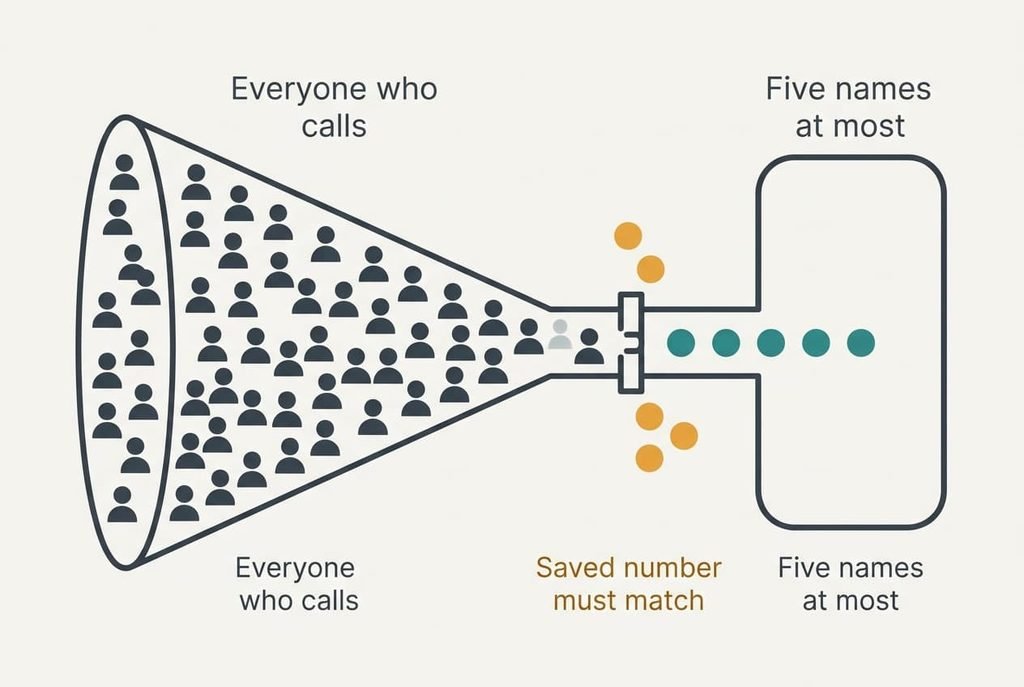
Gather the facts first, since the setup is short and the thinking is not. You need a list of the people who may ring you at night. A longer list defeats the purpose, because every extra name is one more reason for the phone to light up at 02:00.
Five names is a hard ceiling here.
Think about who would really call after 22:30 with something that couldn’t wait. Partners and parents usually qualify, as does an on-call colleague. A friend who rings to chat doesn’t, however close.
Next, confirm the numbers. A caller whose number isn’t saved as a contact can’t be matched, so a relative who rings from a work line will stay silent. Open your contacts and check that each name carries the number they actually use. Some people have two numbers, and the phone only knows the ones you’ve saved. Most phones let you allow a whole group such as family as one entry, but a group quickly grows past five names, so keep an eye on the count. That check is quick and heads off the commonest failure later.

Six steps to make the calls that matter ring
1. Write the allow list on paper before opening any settings. Look for five names or fewer, with one number against each. The reason is that a settings screen invites you to tick everyone, and a written list stops that habit. The proof is that the whole list fits on a sticky note without crowding. Keep that note, because step 3 uses it again.
2. Choose the window from your real routine, such as 22:30 to 06:30. Look for the hour you actually stop answering and the hour you start again. A window longer than you need silences morning calls that you’d happily take, which is what a lazy setting costs. Check that the schedule screen lists both times and the days it repeats. Anyone on a rota should anchor the window to the shifts and not to the clock.
3. Mark the five contacts as allowed during quiet hours. The phone matches an incoming number to your contacts, so each name needs the right number saved, and a name entered twice should be merged first. Saving a missing number adds it to your address book and to any account that syncs it, which is a small cost worth knowing. Every allowed name should now carry a marker in the quiet-hours list.
4. Switch on the repeated-call rule, which lets a second call from the same number within three minutes ring. Urgent callers tend to try twice, and that gap is how the phone tells them from a sales call. The cost is that a persistent cold caller who rings twice also gets through. Confirmation is simple: the option reads as on.
5. Check that alarms and timers are exempt. Some phones silence everything in a quiet window, including the alarm that wakes you, which is the worst surprise this setup can give. Start the window two minutes from now, set an alarm for five minutes ahead and listen. You should hear it at full volume inside the window.
6. Send everything else to wait. Messages and app alerts should arrive without sound or light, then sit in a summary for the morning. The screen waking at night is the second source of interruption after sound, and it’s easy to overlook. Silent delivery keeps every message, so nothing is lost. You simply read them later. Expect a dark screen when a message from outside your list arrives.
Testing the finished setup with five calls
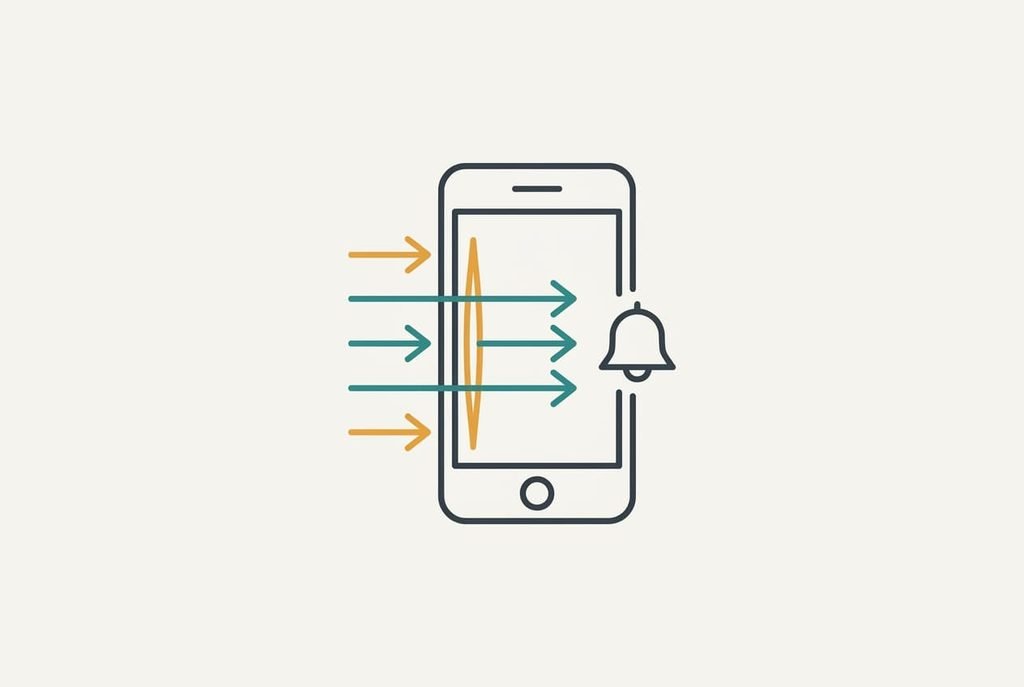
Run a five-call test one minute after the window begins, using another handset or a helpful friend. Call once from an allowed number, which should ring. Then call from a number that isn’t on the list, which should stay silent. Call again from that same number within three minutes, which should ring on the repeat. Send a message from a group chat, which should leave the screen dark. Finally, let the alarm go off, which should sound as normal.
Note every outcome beside its line. If all five behave, the setup holds. From tonight only the calls that matter will ring. If one fails, the section below names the usual cause. Keep the second phone beside you for a minute after the last call, since a late ring sometimes arrives after a short delay and you don’t want to log it as a failure.
If the setup stalls: three common snags
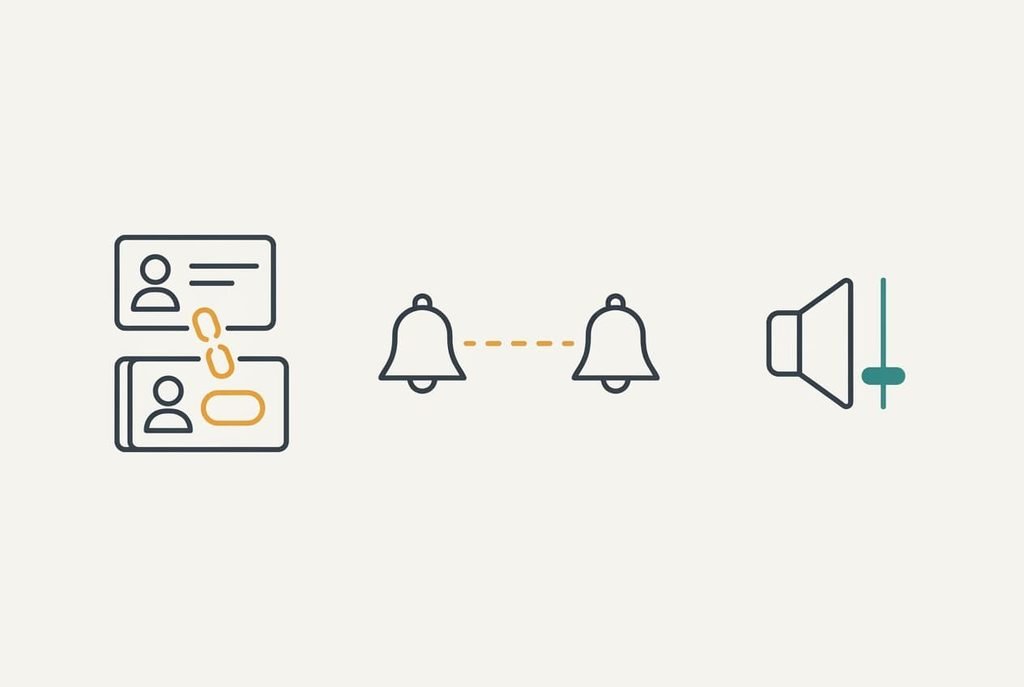
A listed person still doesn’t ring. The number they used is the culprit nearly every time, because it’s stored in another format, such as 07 against +44, or saved twice under different names. Open the contact, add the second number to the same entry and test again. Until that works, only the calls that matter on paper will ring, and the real ones won’t.
The repeated call stays silent. Either the interval between the calls was longer than three minutes, or the rule was off. Redo the test with a stopwatch, calling back within two minutes, and watch the first call end before you dial again.
The alarm is quiet. Some phones keep a separate alarm volume that a quiet window leaves alone, but others lower it too. Check the alarm volume on its own screen, and raise it above the ringer level.
The step that isn’t worth taking
Switching the phone off or into flight mode overnight looks like the tidy answer but removes every call you wanted. The alarm may also fail on some models. Muting the ringer with the side switch has the same drawback, since it silences the allowed callers too. An on-call colleague or a parent then has no way to reach you, and you’ll find out only when the missed message arrives at breakfast. Flight mode blocks the allowed callers as firmly as the sales calls, which defeats the whole point of an allow list.
Count the cost honestly: one missed call from a relative at night outweighs a month of quiet mornings. Quiet hours do the same job without that cost. The phone stays on, the five names get through, and everything else waits until morning.
The phone stays on, and that’s the whole trick.
Set the window and run the test once, then leave it alone. Revisit the list if someone moves house or changes number. With a short list and a tested rule, only the calls that matter reach you at night, and the rest waits in the summary. A quarterly glance at the allow list keeps it honest. People drift in and out of the circle that deserves a night-time ring, and a refresh takes only two minutes of your time.
Questions readers keep asking
How long does it take to set up?
About 15 minutes the first time, most of it spent on the list and the number check. The settings themselves take five minutes. The five-call test adds another five if you have a helper nearby. After that, nothing needs doing unless a person on your list changes their number.
Will it overwrite my current schedule?
It can, because many phones keep one quiet-hours schedule. If you already use one for focus time, the new window replaces it, and the old times are lost. Write down the old hours first so you can restore them, or build the new window as a separate mode where the phone allows.
Can I use different hours at weekends?
Yes. Most phones let a schedule repeat on chosen days only, so you can set 22:30 to 06:30 on weeknights and 00:30 to 09:00 on Fridays and Saturdays. Add the second schedule after the first one passes its test, and run the five-call check again to be sure the allow list carried over.