Your calendar shows meetings an hour off after the clocks change because the event carries a fixed offset instead of a named place, so it never learns the seasonal rules. The quickest repair is to set that event’s zone to a city such as London and let the calendar do the sums. This guide explains why the shift happens, how to test which of four causes you’ve got, and four fixes ordered from free to irreversible. It’s written for a UK user whose calendar syncs between two devices, and every step is free. Nothing below calls for extra software or a support ticket.
Why your calendar shows meetings an hour off: the mechanism
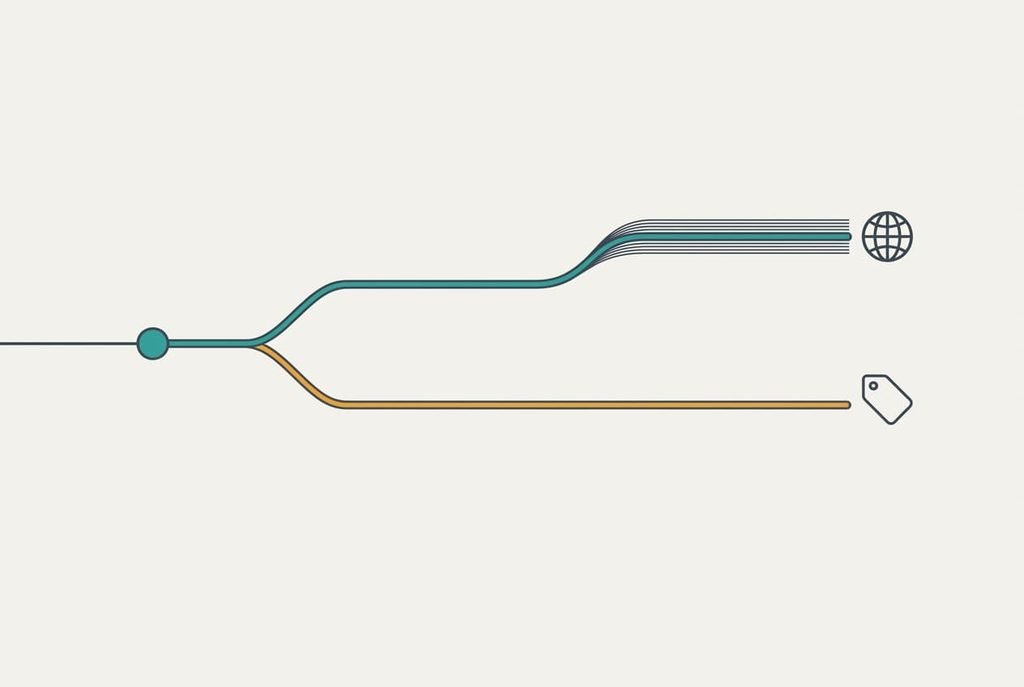
An event holds two facts. The first is an instant, such as 09:00 UTC, and the second is a label that says how to display it. Everything that goes wrong after the clocks change goes wrong in the label. A label of a named place such as London carries the whole rule book, so the offset moves from +0 to +1 and back on the correct weekends. A fixed label such as UTC+1 carries one number and keeps it all year.
Here’s the arithmetic. A meeting set for 10:00 in summer under London’s rules is 09:00 UTC. Under a fixed UTC+1 label it stays at 09:00 UTC all year. When winter arrives, London drops back to +0, so your screen shows 09:00 where you meant 10:00. That’s one hour, every time, for every event carrying the same label.
Invites add a second route. The UK and the US change on different weekends, which leaves a gap of a week or more when a transatlantic meeting sits an hour out of step on one side. The instant never moves, so only the label can be wrong.

How to check whether your meetings run an hour late
Four short checks separate the causes, and you’ll need two devices that show the same calendar. Begin by opening one meeting on both devices. If both show the wrong hour, the event’s own label is at fault. If only one does, that device’s zone setting is at fault. Then read the zone field in the event details. A named city means the rules are present, while a bare offset such as UTC+1 means you’ve found the culprit.
Next, find a meeting from before the change and one from after, both at the same hour on the same weekday. If the older one is right and the newer one is an hour out, the label froze at the old offset. Finally, look at who sent the wrong ones. When every wrong meeting comes from one sender or one subscribed feed, the fault sits with that source, and your own calendar is behaving correctly.
Note each result in a line, because the fix you pick depends on which test failed. If your calendar shows meetings an hour off for every event at once, the first test almost always points to a device setting.

Four fixes, from free to irreversible
Correct the zone on one event. Open an affected meeting and change its zone from a bare offset to a named city. It tackles the label fault from the second test and costs about a minute. You lose speed rather than data, because the edit repairs a single event, so ten wrong events mean ten edits. It also teaches you which zone name your calendar offers, which helps later. Choose this first whenever only a handful of meetings are wrong, since nothing else in your calendar is touched.
Switch the device to automatic zone. Turn on automatic zone detection in the date and time settings and clear any manual zone. This answers the first test, when one device alone is wrong, and it takes two minutes. What you give up is a pinned home time: the device now follows you abroad, so on a trip every meeting shows in local time, which can muddle a shared plan. If you travel often, note the home time somewhere before you leave. Otherwise the change is invisible, and it fixes every event on that device at once.
Rebuild the recurring series. Delete the series and recreate it with a named zone. The third test points here, because the label froze. The job takes about twenty minutes per series. Attendees get a fresh invitation, and you lose the reply history and any notes attached to the old one. Rebuild the series with the earliest meeting on a Monday morning so the new start time is easy to check, and warn the attendees first so the new invitation doesn’t look like a cancellation. Weekly series suffer most, because one bad label repeats fifty-two times a year.
Remove and re-add the subscribed feed. Delete the subscribed calendar and add it again from the feed’s address. This answers the fourth test and takes around ten minutes. The step can’t be reversed. Everything you set on that feed is lost, from its colours to its local edits. Copy the feed’s address somewhere safe first, because a feed you can’t re-add leaves you with no calendar at all from that source. Use this fix last, since it changes the most.
If none of the fixes worked
Gather three details before you change anything more. Write down the zone shown on two devices. Add the zone the organiser used. Then note the date of the first wrong meeting. If your calendar keeps showing meetings an hour off at that point, ask the organiser to send a fresh invite from a named zone, which settles most remaining cases. Keep the old invite until the new one lands, so you’ve a record of what the first one said when you compare them.
Take care with a full account reset. Removing and re-adding the whole account re-downloads every event, but it erases any event saved only on that device, so export those first. A reset also clears saved alert times, so write down the ones you rely on. Treat it as the final move, once the facts are recorded and the organiser has had a chance to reply.
A reset is the last resort and never the first.
The fix that isn’t worth doing
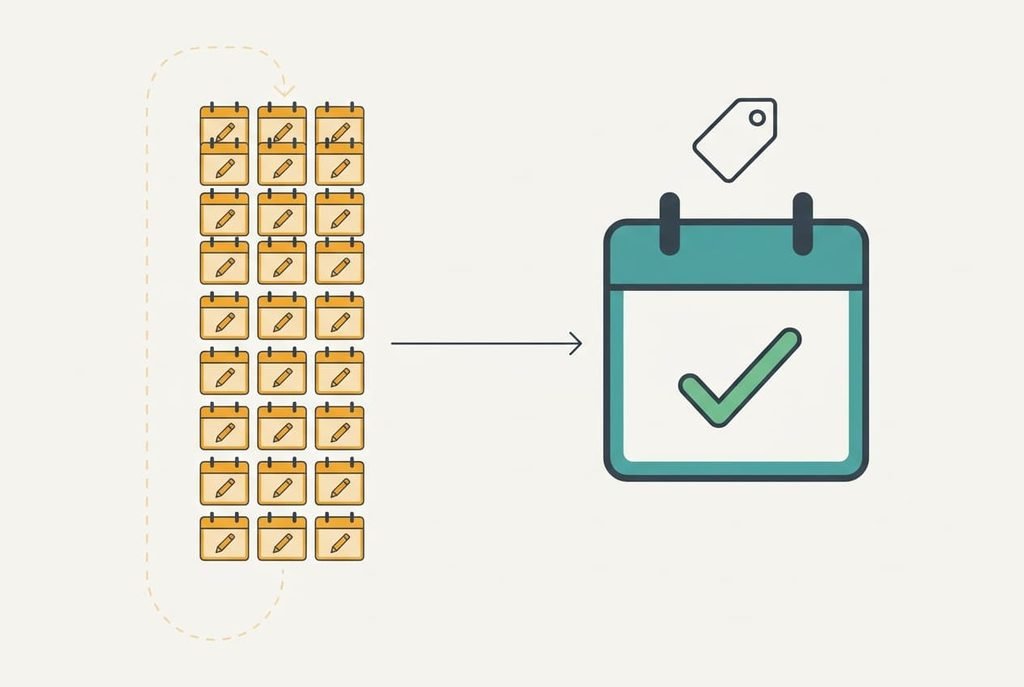
Editing every wrong meeting by one hour looks like the quick repair but breaks again at the next change, because the label underneath is still fixed. Say you have 40 events and each edit takes 20 seconds. That’s about 13 minutes of tapping now, and the same job again in six months. Worse, if you later correct the label itself, every hand-edited time jumps an hour the wrong way, so you pay twice for one fault. The effort buys you nothing that a single label change wouldn’t give. A shared calendar makes it worse again, because each person who edited a copy of the same event now has a different time.
Fix the label once and the calendar will move every event itself, on the right weekend, for as long as that account exists.
If you still see meetings an hour off after all four fixes, check the last place you haven’t looked. the cause nearly always lies in a source you don’t control. The usual suspects are a feed or a colleague’s calendar. Ask them for a named zone and the problem usually vanishes the same day, without another edit on your side. Note the feed’s name so you know whom to ask next time.
Questions readers keep asking
Can I fix this at home?
Yes, in nearly every case. The cause is a label or a device setting, and both are editable without tools or a purchase. Start with the free correction on one event, then move down the list only if the same tests keep failing for the same meetings.
Why does the hour go wrong only twice a year?
Because the instant is stored correctly all year round. Only the label’s rules change when the clocks move, so a fixed offset matches reality for about half the year and misses for the other half. That’s why the fault feels sudden and then seems to fix itself.
Does this mean my phone is failing?
No hardware fault is involved. A failing phone shows other signs. Random restarts and a clock that drifts by minutes within a week are two of them. An exact one-hour shift on certain events points to a stored label, so there’s no reason to replace the device.