Your podcast app has dropped the feature you used most, and leaving it feels risky because 38 shows live inside it. Start your search for alternatives to your podcast app by asking what the app holds beyond the shows themselves, because that answer decides which routes are safe. A subscription list moves in minutes. Listening history and half-played episodes mostly stay behind, which is where people get caught. The counts below describe an imaginary British household with a full phone. Redo every sum with figures taken from your own library. Nothing here names a product or quotes a price.
What has to survive when you look for alternatives to your podcast app
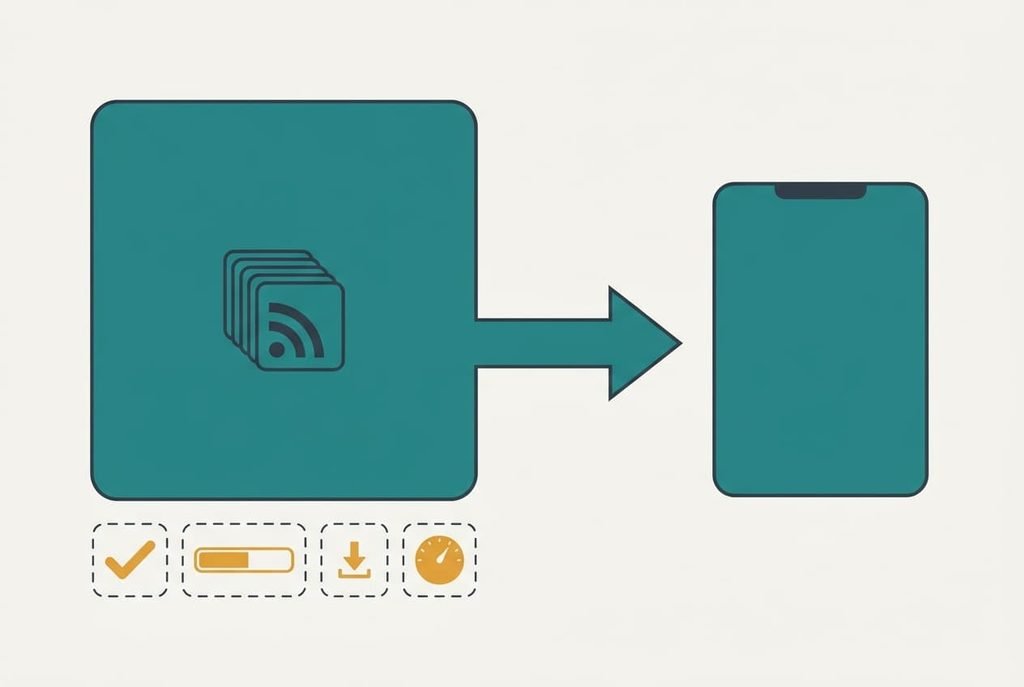
An app stores five things. The list of feed addresses is the first, and it’s what makes a show a show. Played marks come second, showing which episodes you’ve heard. The third is your place inside an episode that you started. Downloads are the fourth, and the fifth is per-show settings such as playback speed.
In our household that makes 38 shows and about 2,100 episodes sitting in their feeds. Add 62 downloads, then 6 episodes half heard. Only one of the five moves reliably. The list travels as a small subscription file that any other app can read. The rest stay in the old app, since no common format carries them. What needs guarding is the list of feed addresses, since it rebuilds the whole library within minutes and costs nothing to keep.
The other four are conveniences you can recreate. A lost list is different. Without it you’d need to remember 38 show names and find each one again by hand.
Nobody mentions that difference when they advise a switch.
Which alternatives to your app suit you, and what each costs
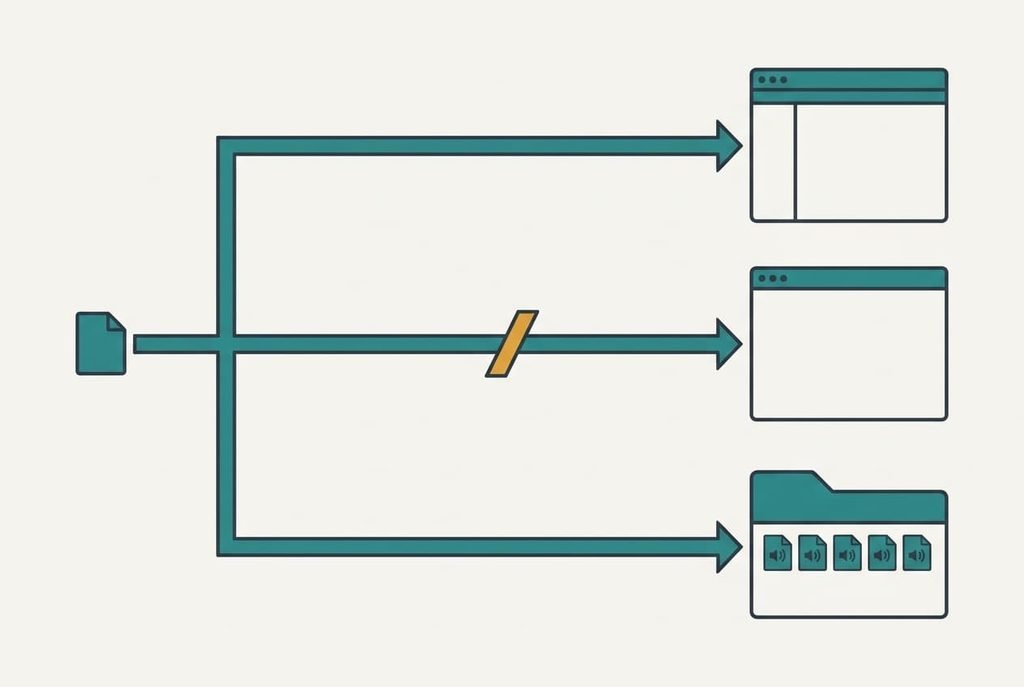
1. Another full podcast app that reads the subscription list. This is the quickest route, and it suits a listener who wants a play-next queue on both phone and laptop. Money isn’t the issue, since most of these apps cost nothing to start with. The trade-off is trust in the import. Assume it takes 2 minutes to import and 3 to count the shows. That makes 5 in total. All 38 shows arrive, with every episode marked unplayed and the six half-played ones back at zero. Failure comes when a show whose address has changed drops out silently. Count the shows against your list before you delete anything, and keep the old app installed until the numbers match.
2. A general feed reader that also plays audio. This route costs nothing extra, and suits someone who already follows news and blogs in one place, so alternatives to your podcast app need not be audio-only. Assume 20 minutes to import the list. Another few go on gathering the shows in one folder and picking a refresh time. The list arrives intact, though speed controls disappear along with queues and downloads. Failure shows up on a phone, where the audio often stops once the screen locks. That wrecks a commute, and no setting inside the reader fixes it.
3. A folder of audio files and a plain music player. This is the slowest route, and it suits a listener who wants everything stored locally and nothing tied to an account. Assume 5 minutes a week per five shows, or about 38 minutes weekly for the full list. The shows arrive as files, so the list never lands anywhere and new episodes come only when you fetch them. Failure is a quiet one. You miss an episode because nothing tells you it exists, and a favourite show can go stale for months before you notice the gap.
The cost that turns up in month three
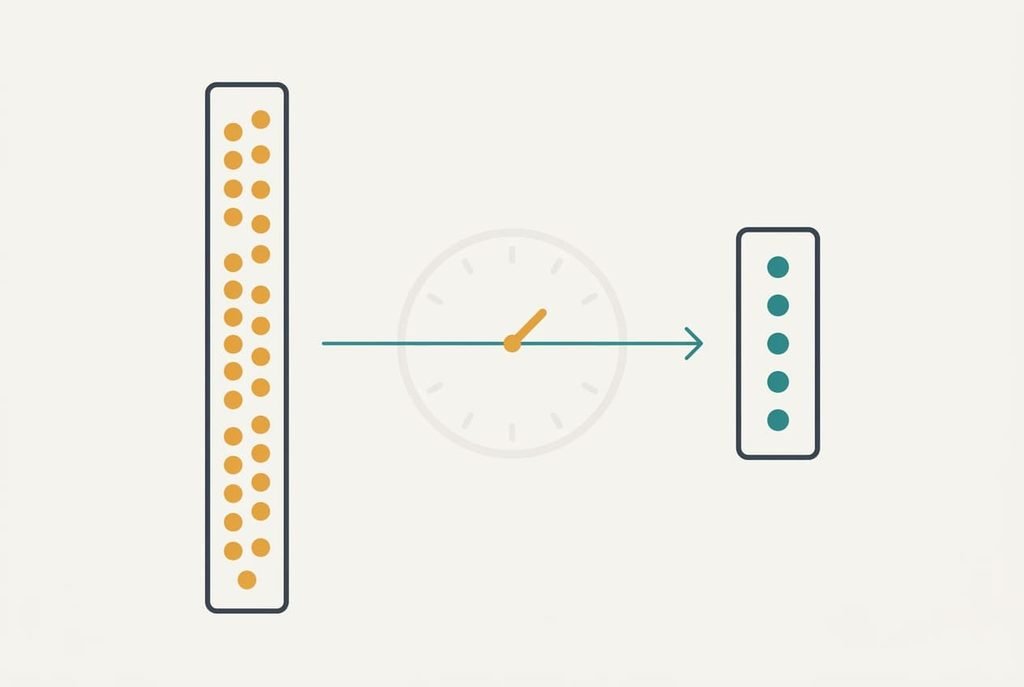
The trade-off appears quietly, and it shows up as played marks that never travelled. Every one of the 2,100 episodes in the feeds counts as unplayed in the new app. Clearing a show takes one tap and about 20 seconds, so 38 shows cost 38 × 20 s = 12.7 minutes, and it’s a job you’ll face again every time a new show joins.
The half-played episodes are the sharper loss. Finding your place in six of them takes around 4 minutes each, which is 24 minutes in all. That isn’t long, but nobody warns you about it, and the old app gets blamed for failing to hand it over.
A new app also ships with its own defaults. If it downloads every new episode automatically, 38 shows can fill several gigabytes within a month. Set a limit of three recent episodes per show on day one.
How to move without losing a subscription
Export the subscription list first, and leave the old app exactly as it is. Changing a setting there now can alter what the export contains. Open the file in a plain text viewer and count the entries. If it holds 38, the list is whole. Then import it into the new app and count the shows again.
Next, deal with the backlog. Mark every episode in every show as played, then leave only the latest two unplayed in your favourite shows. That takes the 12.7 minutes calculated above. Finish the half-played episodes in the old app before you retire it, because that app still knows where you stopped.
Keep both apps for a fortnight. New episodes land in each of them, which lets you compare. Delete nothing in the old one until a whole fortnight of listening has gone smoothly in the new one.
When to stay put
Remain with the old app as long as it exports the list and the missing feature isn’t critical. A feature that’s gone may return, and a move made in anger costs the same 25 to 40 minutes whenever you make it. The alternatives to your podcast app will still be there in a month, and the import will take the same time then. If the app exports a list, you hold a free exit, so the choice can wait for a calmer week.
Staying wins when the app still exports its subscription list, because that single file keeps every option open. The old app stays your listening home, with the saved file as your insurance. Neither costs a minute beyond the monthly check.
Make that check a calendar reminder. Each month, export the list again. Compare its count with your shows.
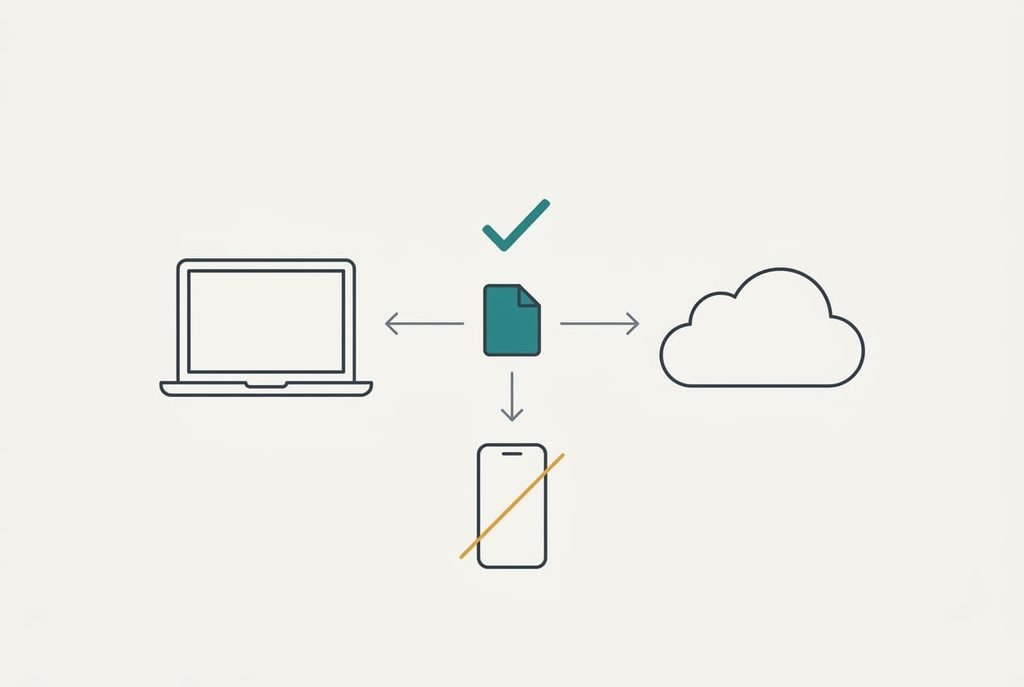
The export that protects everything
Before you compare anything, export the subscription list and save a copy somewhere other than the phone. That file takes under a minute to make. Open it in a plain text viewer and count the entries. A figure of 38 means the list is whole. Every route above reads that file.
Test the file once. Import it into a spare app and check that all 38 shows appear. A copy you’ve never opened is a guess. One that loaded properly is evidence, and it costs you three minutes.
Store it twice, once in your cloud folder and once on a laptop, so a lost phone can’t take the library with it.
Alternatives to your podcast app all begin from that same file, so saving it comes first and takes less time than reading the rest of this page. Once the copy is safe, choose whichever route suits your patience. Run both apps for a fortnight. Retire the old one only when the new one has earned your trust.
Questions readers keep asking
Will my listening progress move with the shows?
No, not in any common format. The list moves. Played marks and the places inside episodes stay in the old app. Plan to finish half-heard episodes before leaving, and expect to clear the backlog of unplayed marks in the new app.
Does leaving cost money?
Usually it costs nothing in cash. The cost is time, which comes to roughly 25 to 40 minutes in our household. That covers the import itself. It also covers the backlog and the half-played episodes. A route with downloads, such as a folder of files, costs the most time because nothing automates it.
Is the disruption worth it?
Only if the feature you lost mattered daily. When the old app still exports the list, waiting costs you nothing. It also shows whether the feature returns. Keep a fresh copy of the file in the meantime, so a sudden shutdown never leaves you rebuilding 38 shows by hand.