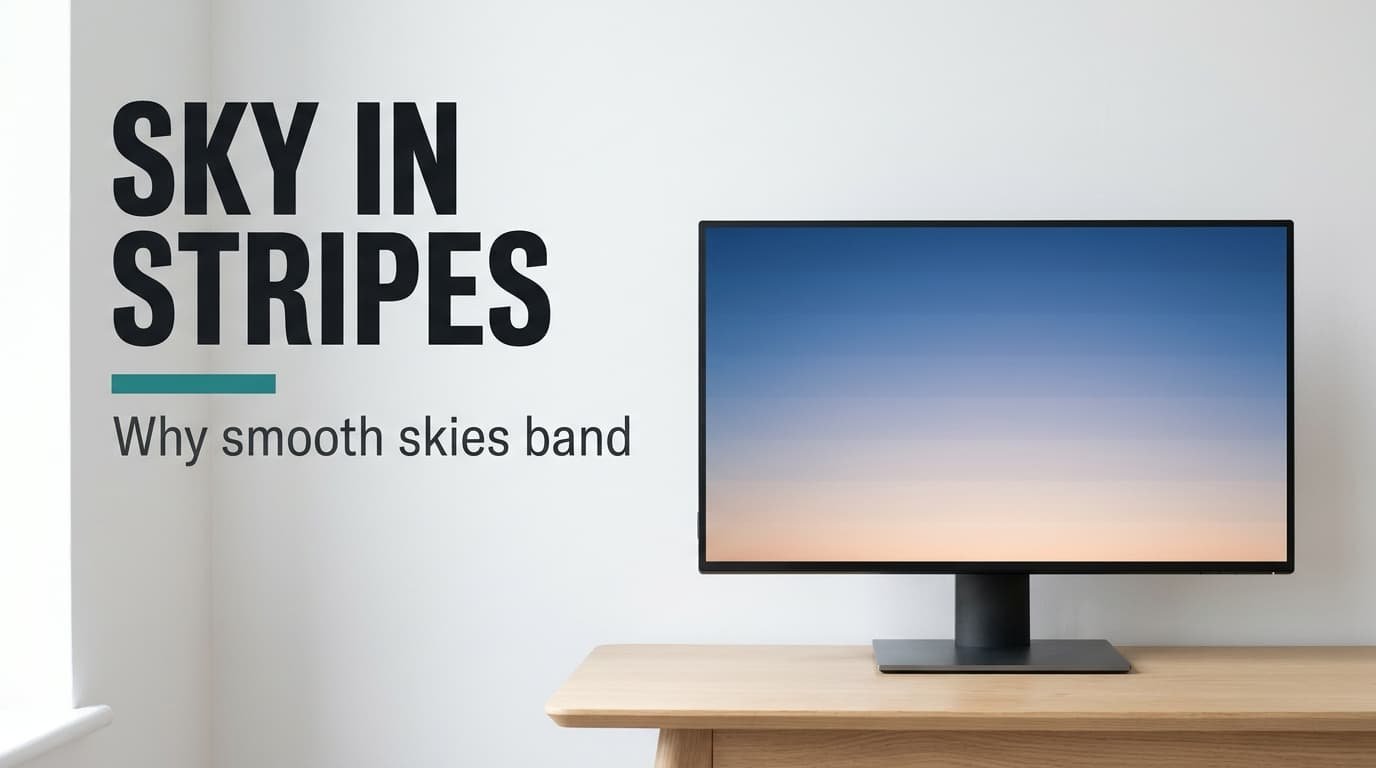
Colour banding in a smooth sky appears because each colour channel on a screen can hold only 256 brightness levels. A gentle gradient that asks for more shades than that gets cut into flat strips. Your eye then picks out the edges between them. The strips are real and they sit in the data, which is why a sharper screen can’t make them vanish. Below we follow one evening sky across a 1080 pixel high picture. Then we look at what more bits can and can’t fix. The numbers here describe one invented picture, so test your own.
What Causes Colour Banding in a Smooth Sky, in Short
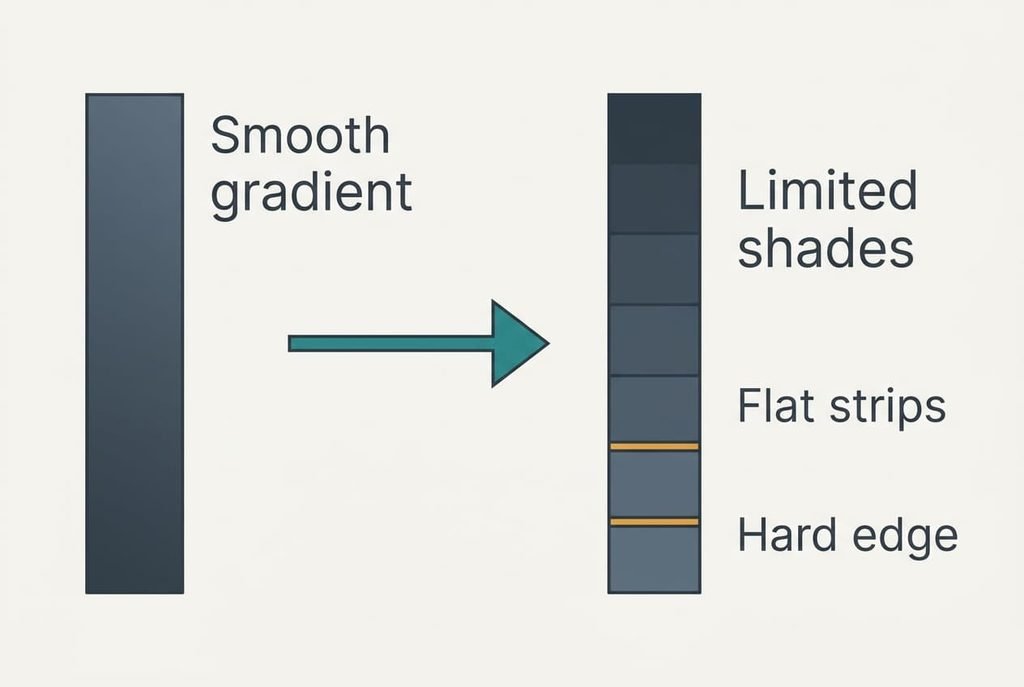
A screen stores each pixel as three numbers, one per primary colour. Each number runs from 0 to 255, so a channel offers 256 steps between darkest and brightest. One step is 1 ÷ 255, which is under 0.4% of the whole range.
That sounds fine-grained, and across a busy photo it is. A slow gradient needs more shades than the channel holds, so neighbouring rows are forced to share one value, and the result is a flat strip with a hard edge on either side.
Short answers leave things out. They don’t explain why a strip is visible when its neighbour differs by so little. Nor do they say why the same photo looks smoother on another screen. Two ideas fill that gap. The first is that your eye magnifies edges. A long straight boundary stands out even when the change across it is faint. The second is that screens and software treat the leftover rounding differently. Read on to follow one sky from file to screen, and both ideas will make sense.
One Evening Sky, Row by Row
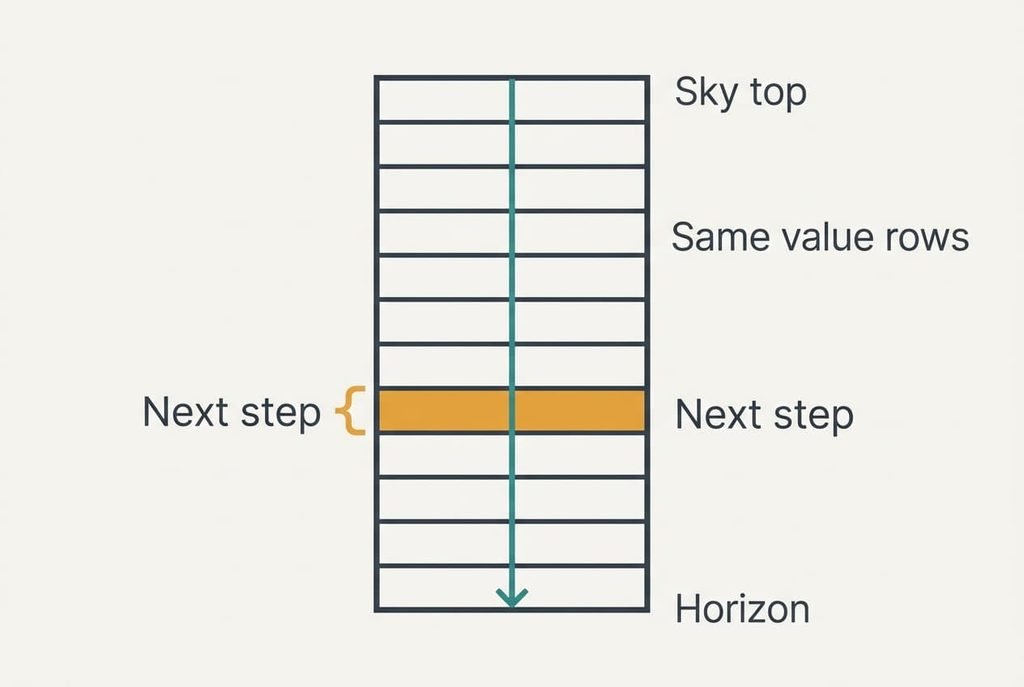
Take a picture 1920 pixels wide and 1080 pixels high. The blue channel climbs from 150 at the top edge to 190 at the horizon. We’ll ignore red and green, which makes the sky simpler than a real one. In a real sky those two channels climb as well. Their steps land on different rows, so the edges blur a little. A clear blue sky tends to show the clearest stripes because one channel does most of the changing.
The climb is 190 − 150 = 40 steps spread over 1080 rows. Each value therefore holds for 1080 ÷ 40 = 27 rows. A strip is 27 rows tall and 1920 pixels wide, which is 51,840 pixels all showing the same blue. The next strip is exactly one step brighter.
The file holds 40 distinct blues and nothing in between. Your eye is quick to notice a long straight edge, even when the change across it is tiny. Nothing interrupts these edges, because a clean digital sky has no texture to hide them. A photo with film grain or sensor noise would mix a level or two of random variation into every row. The edges would dissolve.
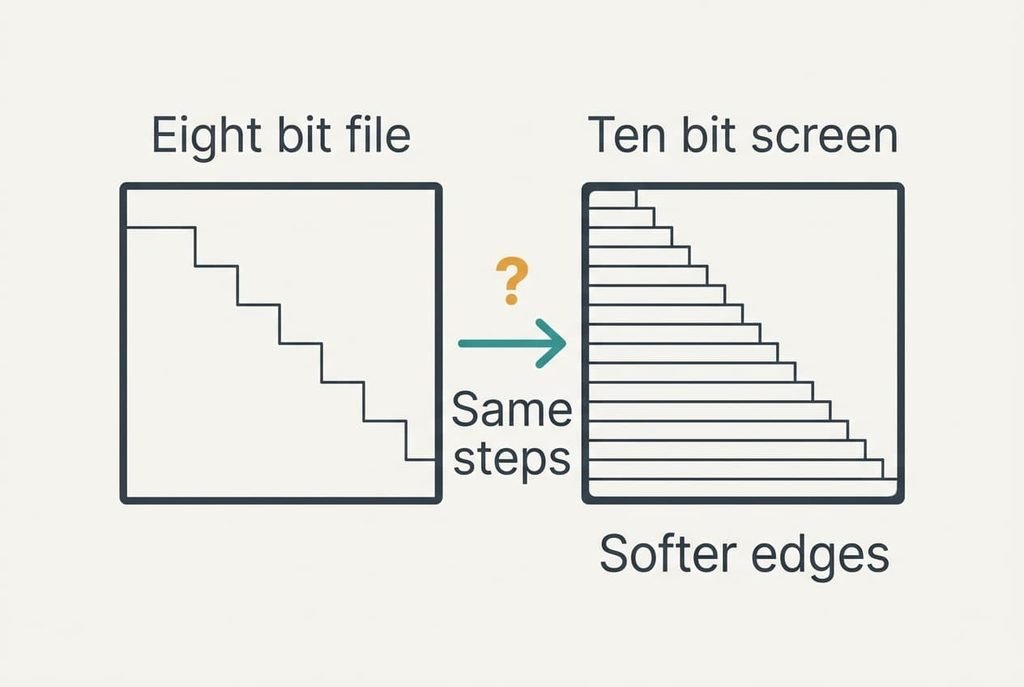
Think about what the screen does with this. It reads the stored value for each row and drives that row to exactly that brightness. It can’t show a shade the file doesn’t name. Now store the same sky with 10 bits per channel, on a screen that can show them, so each 8-bit step splits into four finer ones. The same climb spans 40 × 4 = 160 steps, and each strip shrinks to 1080 ÷ 160, about 7 rows. Each edge now changes the colour by a quarter of what it did before, and the sky reads as smooth.
Colour banding in a smooth sky is therefore a matter of how many rows share a value, not of how sharp the display is.
The Terraced Hillside, and Where It Breaks
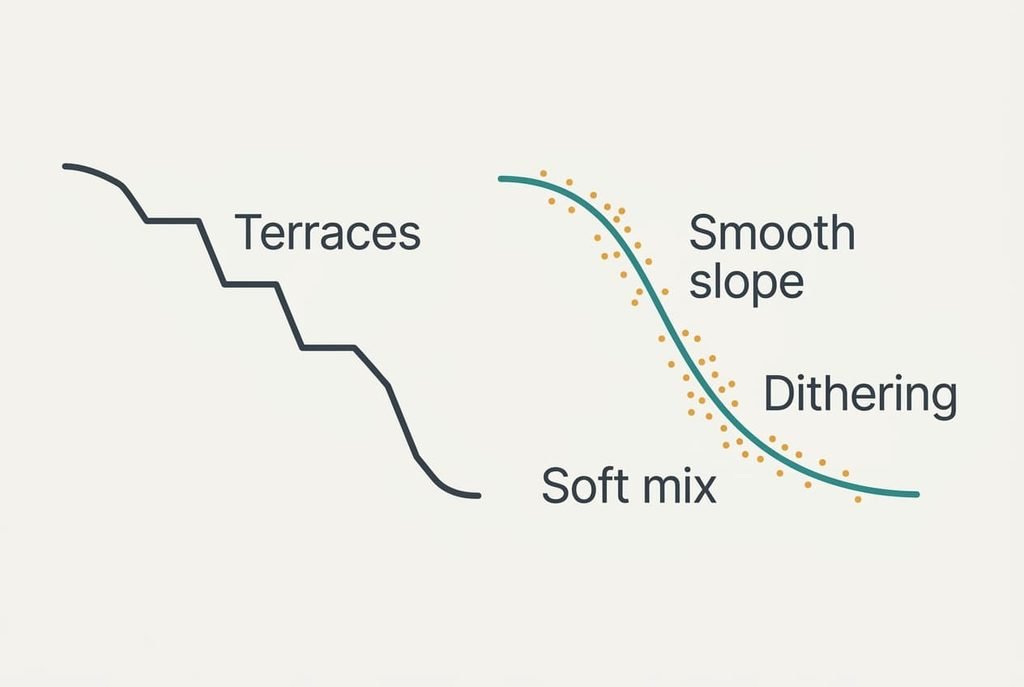
Picture a smooth hillside cut into flat terraces. From a distance you see the long level lines where one terrace ends and the next begins. Make the terraces narrower and the hill looks smoother, which is what extra bits do for the sky.
The comparison fails in two ways. First, a terrace wall is a drop you could feel with your foot. A band edge changes the colour by less than 0.4% of the range. You notice the line, not the height. Second, a hill can only be smoothed by cutting more terraces, whereas a screen has a cheaper trick. It can add a pinch of random variation, called dithering. Rows near an edge then swap values unpredictably, and the hard line turns into a soft mix.
Why a Smooth Sky Still Shows Banding in Colour
More bits help only when the picture holds them. A photo saved with 8 bits per channel contains the same 40 steps in our sky, whatever screen shows it. A 10-bit screen can’t invent steps the file never stored, so the stripes survive. At best the screen’s software blends the edges, which softens them without restoring the lost shades.
Dark areas suffer most. Stored values are spaced evenly. Your eye is far more sensitive to small differences in dim tones, though. A one-step change in a night sky reads as a bigger jump than the same step in a bright one.
Heavy compression can widen the bands too. A video squeezed hard tends to flatten gentle gradients into fewer values. Bands that were 27 rows tall in the original may stretch to 50 or more. How far they widen varies with how hard the video was squeezed, and a sample from the same clip gives better evidence than any rule.
Three Beliefs About Banding, and Where They Come From
“The screen must be faulty.” Colour banding in a smooth sky looks like damage. It forms because the same photo looks smooth on one screen and striped on another. Screens round levels in different ways, so the same file can look different without any damage.
“A sharper screen will fix it.” Resolution cures jagged diagonal lines, so people expect it to cure every visible edge. It doesn’t, because the problem is the count of shades and not of pixels. Double the resolution on the same sized screen. Each band simply grows to twice as many rows, 54 in our sky instead of 27.
“Only cheap screens band.” It’s an easy conclusion, because screens that accept 10 bits often look smoother. But the file still decides the shades. A cheap and a costly screen showing the same 8-bit sky display the same 40 steps. The costly one merely blends the edges better.
The rounding happens before the screen ever sees the picture.
A Rule for Deciding Whether You Need More Bits
When you see stripes, open the same file on a second screen before you change anything. Stripes on both screens mean colour banding in a smooth sky is baked into the file. Re-export it from the original, ideally one with more than 8 bits, and add a touch of grain if the sky is clean. Stripes on one screen only point at that screen.
You need a 10-bit screen when you edit long gradients for print or video, since only then do the extra steps reach the output. For viewing and sharing ordinary photos, the 256 levels you already have are enough.
Keep one original and test any change against it. One side-by-side comparison takes a few minutes. It shows whether the file or the screen is to blame, so you fix the right thing. The screen that was never at fault can stay on your desk, and your next sky comes out clean from the start. Store the two photographs together in one folder, because they make the next comparison quicker and show how far a re-export really helped.
Questions Readers Keep Asking
Can banding be removed once a photo is saved?
Only partly. You can hide the edges by adding a little grain before you save again. The shades the file lacks can’t be restored. The reliable cure is to re-export from the original, or from a master with more bits, at the highest quality your editor offers.
Do I need a 10-bit screen for everyday viewing?
Usually not. Most photos and videos you watch contain 8 bits per channel, so a 10-bit screen shows the same steps. It pays off for editing gradients, where finer steps survive into the finished file. For casual viewing, a second screen test costs you nothing and answers the question.
Is banding the same as blocky patches in a compressed photo?
No. Banding is long stripes, caused by too few shades across a gradient. Blocky patches are small squares, caused by compression rounding detail away inside each tile. They can appear together in a heavily compressed sky. The cures differ, since banding needs more shades and blockiness needs a gentler save.