A router that stalls every third day is running out of something, and it’s rarely the radio. That’s what makes a router need restarting every few days, and the cheapest relief is usually a shorter idle-connection timeout. Four causes fill the router’s memory at different speeds, and the remedies go from no-cost to a single purchase. It suits anyone whose internet works perfectly until it suddenly doesn’t, then returns after a power cycle.
The figures assume a UK home with 14 devices and a router that tracks up to 16,384 connections at once. Those limits and rates are round examples, so read your own router’s status page for the real ones.
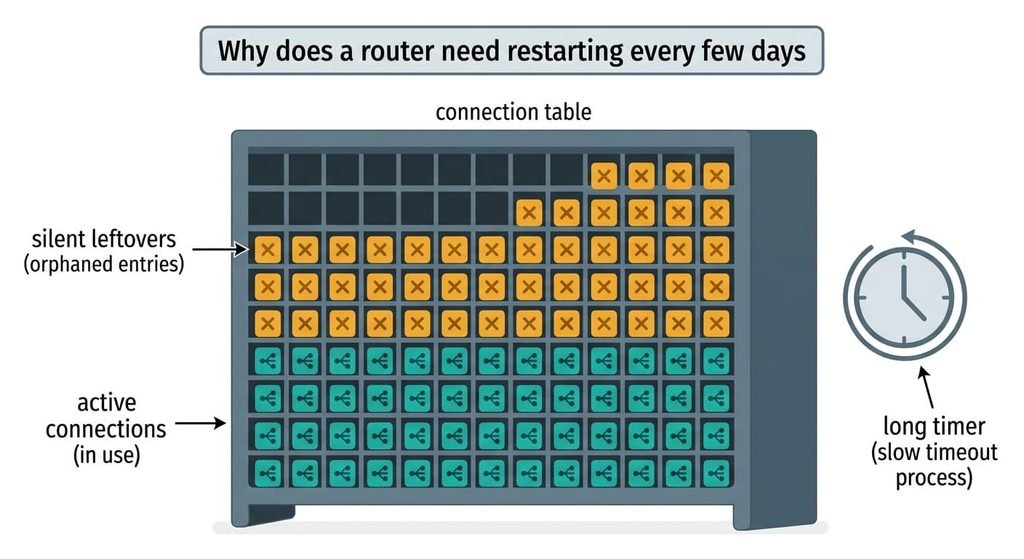
Why does a router need restarting every few days
A router tracks every connection that crosses it in a fixed-size table, and a silent connection stays in that table until a long timer runs out. Most connections close politely and vanish within two minutes. A connection abandoned by a sleeping phone or a roaming tablet never says goodbye, so its entry lingers. Some firmware keeps an idle entry for up to 5 days, which is generous when the table only has room for 16,384 rows.
Say the home leaves 220 such entries an hour. Six phones and tablets leave about 90. A smart TV adds 40 and two cameras add 50, while the backup client adds the last 40. That’s 5,280 entries a day, or 32% of the table.
At that rate the table is full after 16,384 ÷ 220, which is about 74 hours or 3.1 days. New connections are then refused. Pages hang while the router’s own page still loads. A restart empties the table and the count starts again from zero, which is why the stall feels like a schedule rather than a fault. None of this needs a broken device, only ordinary gadgets behaving normally and a timer that was set for a quieter decade.
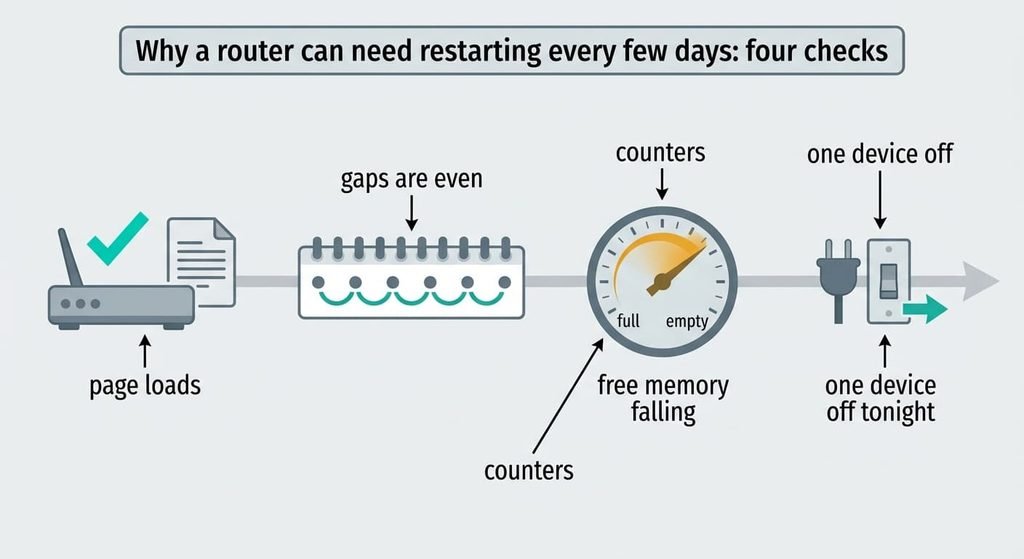
Why a router can need restarting every few days: four checks
Every check below gives you a figure or a yes-or-no, and none costs money. Run them across one full cycle, from a restart to the next stall.
First, test at the stall. Open the router’s own page, using the address on its label. A quick load while websites hang means the router is alive but not forwarding. A full table or a failed line is then the cause.
Second, log the gaps. Write down the days between stalls for a month. Gaps that stay near 3 days mean something fills at a steady rate. Gaps that wander from 1 day to 3 weeks point at heat or the line.
Third, read the counters. Many status pages show the number of connections and the free memory. Note both after a restart and again 24 hours later. A connection count climbing by about 5,000 a day confirms the table. Free memory falling from 60 MB toward zero by roughly 14 MB a day points to a software leak. Last, switch off one suspect device overnight each week and see how the gap moves.
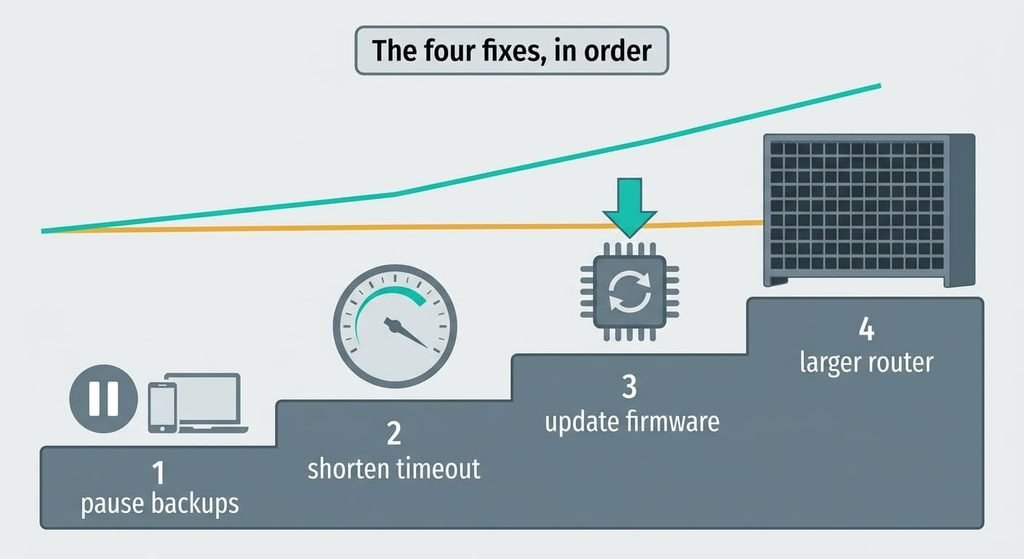
The four fixes, in order
Any one of these causes can make a router need restarting every few days. Alter a single setting per week, then read the counter again.
Pausing the backup client when it’s idle removes one source of silent entries, and it costs nothing. That drops the 220 entries an hour to 180, so the table fills in 16,384 ÷ 180, which is about 91 hours or 3.8 days. You lose overnight syncing, and the client has to be restarted by hand next time you want it. Switch it off for one night first and read the connection count in the morning, because a drop of 40 entries an hour proves it was a real contributor.
Cutting the idle-connection timeout targets the long timer, which is the root of the build-up. It’s a router setting that takes a few minutes, provided yours exposes it. Cutting 5 days to 1 hour holds the steady state near 220 × 1 = 220 entries, or 1.3% of the table. The price is that an hour of silence, as with a paused remote session, now ends the connection and forces a reconnect. If the page offers no such setting, leave it alone. Write down the old value before changing anything so you can undo the edit.
Updating the firmware answers a software leak, the third cause. It takes about 10 minutes, then a week of watching the free-memory figure. A leak of 14 MB a day empties 60 MB in 4.3 days, and a fix stops the fall. Back up the router’s settings first, since an update can wipe them, and an ISP-supplied router may update only on the provider’s schedule. Note the version number on the status page before and after, so you know the update actually took.
Swapping the router for one with a larger table is the purchase, and it’s the least reversible. A table of 65,536 entries holds four times as many, so the gap stretches from 3.1 days to about 12.4. It still fills eventually, only more slowly. You also give up the provider’s remote support if the old unit was theirs. Compare the connection-table size on the maker’s specification sheet rather than the speed rating, because a faster router can still have a small table.
If none of that worked
Log the gaps and the counters for two full cycles, and note which devices were on. Two cycles is about six days at the 3.1-day rate, which is long enough to separate a steady build-up from a one-off. Jot down the hour of every stall as well, because a stall at the same hour every day points at a scheduled task rather than a filling table. Phone the provider and ask if the line logged errors at the times of the stalls, because a flaky line can also make a router need restarting every few days and mimic a full table. Ask for a replacement unit if the router is theirs, since a unit that restarts on its own at random intervals can be faulty. A factory reset erases the saved login and the line details, so copy those down first.
Snap the sticker on the underside with your phone before you start.
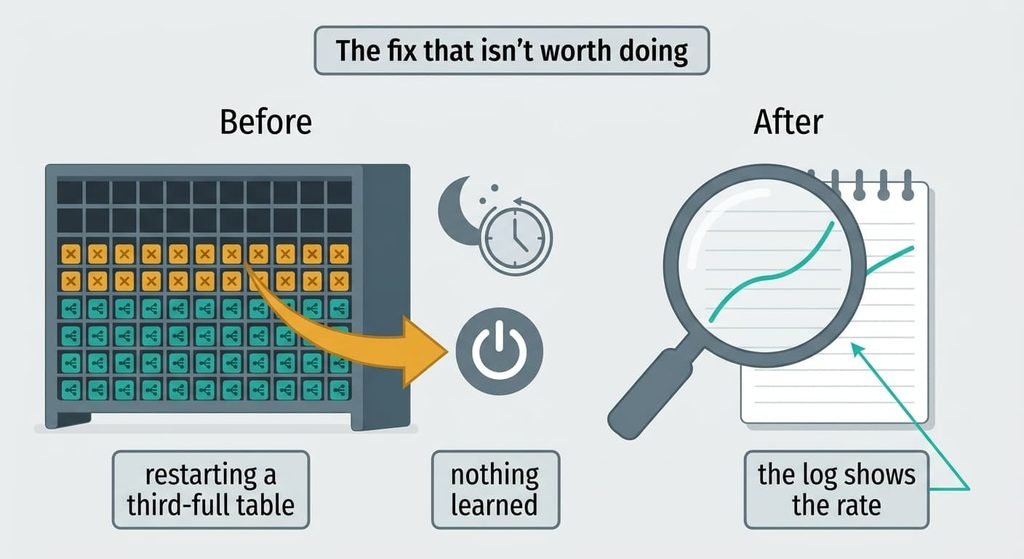
The fix that isn’t worth doing
A nightly scheduled restart is the common workaround, and it treats a symptom that hasn’t happened yet. A table that fills in 3.1 days stands at 32% after one. The restart empties it at 4 am, when it holds 5,280 harmless entries. That cuts every download and backup running at that hour. A restart in the small hours also drops any camera recording for that minute and a half. The router also takes about 90 seconds to boot, which adds up to 9 hours of dropped connection a year.
It also hides the real rate.
Without a log you can’t see whether the build-up is getting faster, and you’ll never learn which device is the noisy one. A restart is worth doing once, to confirm the diagnosis. Keep the timer for the week you’re measuring, and drop it once you’ve found the cause.
What makes a router need restarting every few days is a table that fills faster than it empties. Start with the check at the stall, then read the counters, then shorten the timeout if your router lets you. Treat the new router as the last step. Re-read the counter following each tweak, and stop when the table stays under half full for a week. A week of readings is enough to tell.
Questions readers keep asking
Can a router that keeps needing a restart be fixed at home?
Often, yes. Pausing an idle backup client and shortening the idle timeout cost nothing, and together they held the example table to about 1% full. A firmware update fixes a leak. Only a larger router costs money, and it only makes sense after the free steps have been tried and measured.
Why does a router run fine for days and then stall?
Silent connections pile up at a steady rate, so nothing seems wrong until the table is full. In the example that took about 3.1 days at 220 entries an hour. Then new connections are refused, and the router’s own page still loads while websites hang. A restart clears the table, so the cycle begins again.
What signals a failing router rather than a full table?
Stalls at random gaps, from hours to weeks, point at the unit itself, or else at the line. So does a router that restarts by itself, or a stall that survives a restart. If the connection count stays flat and the free memory stays steady, look at the unit itself, then have the provider test their line.