Does your voice sound like a bathroom on every call? In a home office that echoes on every video call, the room is usually the cause, and the fastest remedy is to bring the microphone closer to your mouth. Two different things get called echo, and they need separate fixes. They run from free to one professional job.
Our test room is Dutch, 3.0 by 3.6 m and 2.5 m high. The walls are plasterboard and the floor is laminate. Absorption values are round textbook figures, so treat every result as an estimate and clap once in your own room to check it.
Why a home office that echoes on every video call sounds hollow
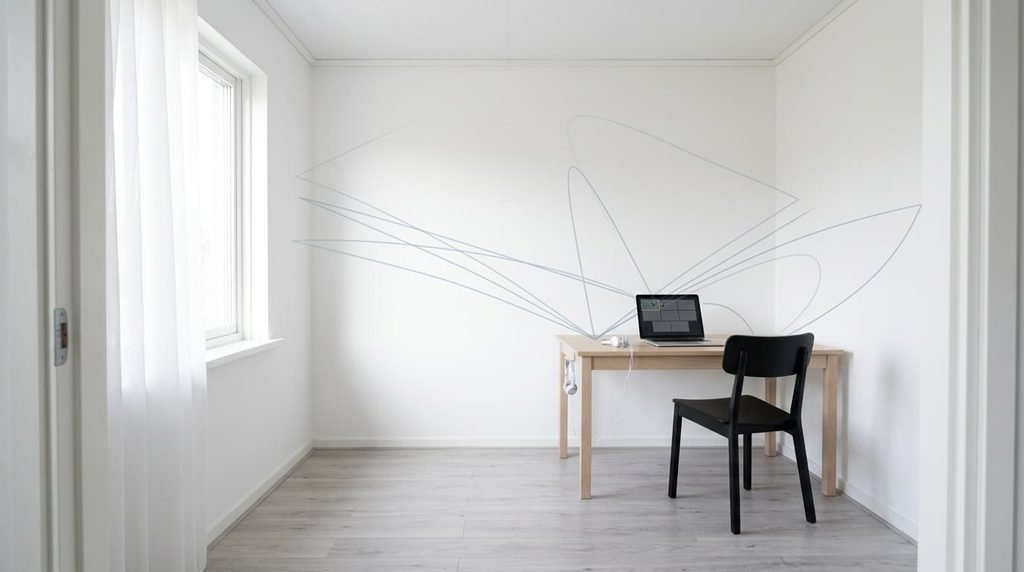
Two effects share one name. The first is reverberation, where each syllable lingers after you’ve said it. Its length depends on the room: reverberation time in seconds equals 0.161 × volume ÷ absorption. The room holds 27 m³ and its surfaces plus furniture absorb about 2.85 m² of sound, so every syllable hangs in the air for about 1.5 s. Speech stays clear when the figure sits near 0.5 s. Absorption is area times a coefficient: 33 m² of wall at 0.03 gives 0.99, the ceiling at 0.03 gives 0.32, the laminate floor at 0.05 gives 0.54, and furniture adds about 1.0.
Your mic hears the mix of your voice and the room. Beyond a critical distance of 0.057 × √(27 ÷ 1.5) = 0.24 m, the room’s sound outweighs yours. A laptop mic 60 cm away sits at −7.9 dB against it.
The second effect is a loop. A colleague’s voice leaves your speakers and reaches your mic, then returns to them after the call’s delay. At 150 ms each way they hear themselves 300 ms late, and the ear takes anything beyond about 50 ms as a separate echo.
The two effects need different cures.
Which echo you have: why a home office echoes so much on every video call
Three short checks separate the two effects, and none costs anything. Do the clap test before any purchase, because it sets the baseline you’ll compare against later.
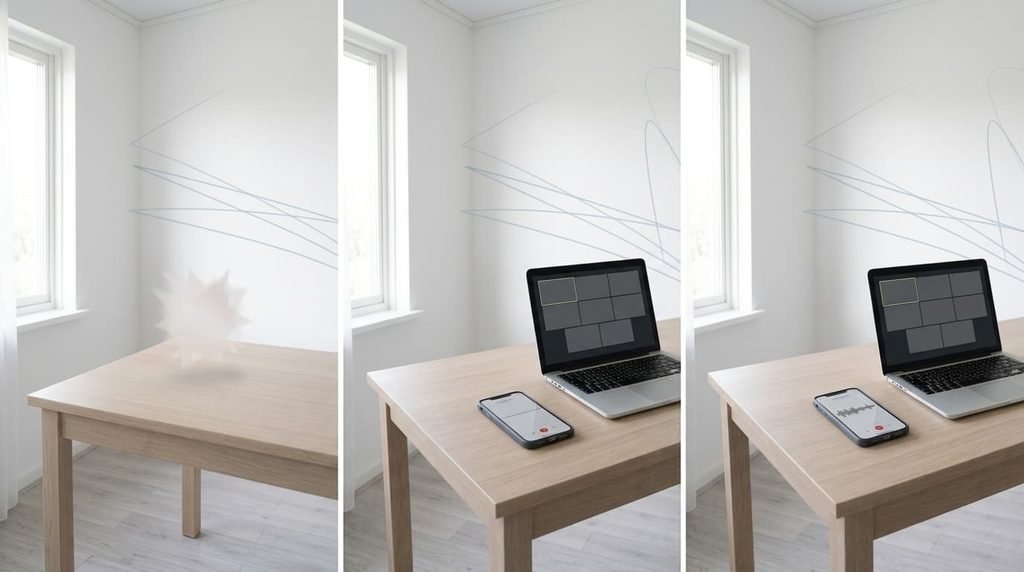
Clap once at your desk and listen to the tail. A ring lasting a second or more points to reverberation. A short, dead clap rules it out. Clap again with the curtains drawn, since a change in the tail shows how much the window matters.
Ask the other person what they hear. If they say they hear their own words come back a moment later, that’s the loop. Repeat the call once with speakers and once with headphones: a complaint that stops with headphones was the loop. If they say you sound distant, as if from a bathroom, that’s the room.
Finally, record ten seconds of speech on your phone at 60 cm, then again at 10 cm. A close recording that sounds clean while the far one sounds boomy confirms that distance to the mic matters most. When both recordings sound boomy, the room has more to answer for.
The four fixes, in order
Every fix below attacks a separate reason a home office echoes on every video call, so try them in order. Each is measured against the 1.5 s baseline.
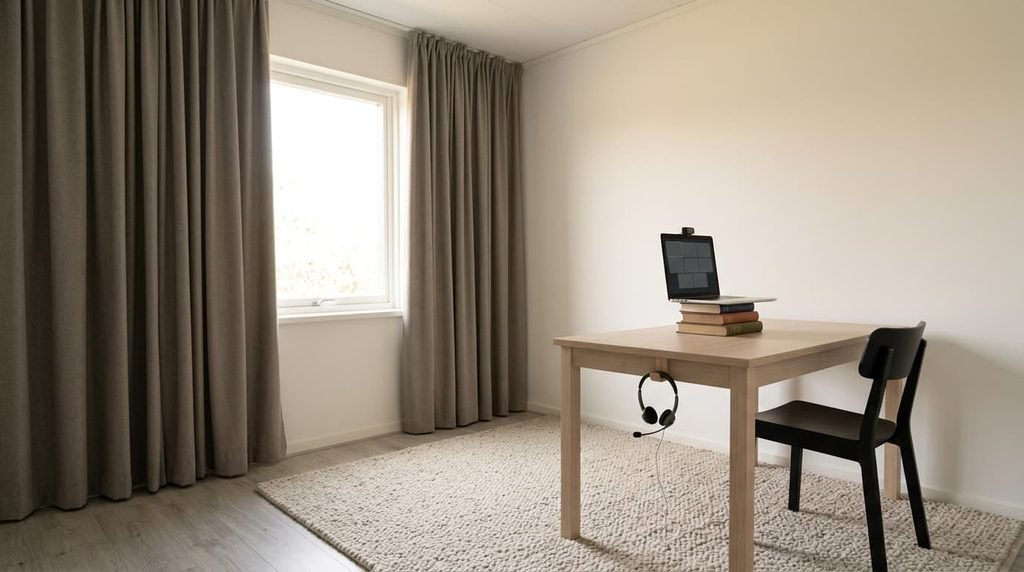
Moving the microphone closer fixes the ratio of your voice to the room. It costs nothing. Halving the distance gains 6 dB, so 30 cm instead of 60 cm lifts you from −7.9 to −1.9 dB. A headset boom at 5 cm sits 13.7 dB above the room. Prop the laptop on a stand or books so the microphone points at your mouth, and a phone held 30 cm away can stand in for it. Test it with a short recording before you trust it. You’ll sit closer to the laptop, and the screen fills more of your view.
Wearing headphones breaks the loop. Earbuds you already own cost nothing, and a new pair is a purchase. Sound from the call no longer reaches the microphone, so the 300 ms return vanishes. Check the call app’s output setting so the sound really goes there. What stays is your own voice, which still carries the room’s tail, so headphones fix what others hear of them and leave what they hear of you. Wired earphones with an inline microphone cost least and bring the microphone to about 15 cm.
Adding a rug and heavy curtains raises absorption. Both are purchases. A rug of 2.0 × 1.4 m with a thick pile absorbs about 0.70 m² more than the floor, and lined curtains over 3.3 m² of window add about 1.52 m². Total absorption rises from 2.85 to 5.07 m², and reverberation falls from 1.5 s to 0.86 s. Curtains must be lined and fall in folds at about twice the window’s width, because thin voile absorbs far less. They have to stay closed during calls, and a rug on a laminate floor needs a grip pad. Lay it between the desk and the bare wall behind you.
Hanging an absorber over the desk adds more where the sound meets the biggest bare surface. A 1.2 × 2.4 m panel fixed to the ceiling, 10 cm down, adds about 2.50 m², and a carpenter can build it in an afternoon. Together with the rug and curtains, reverberation falls to about 0.57 s. Its core is usually 5 cm of mineral wool wrapped in fabric. A panel fixed overhead needs a ceiling that holds screws, which the landlord must answer, and it works over the screen as well as over you.
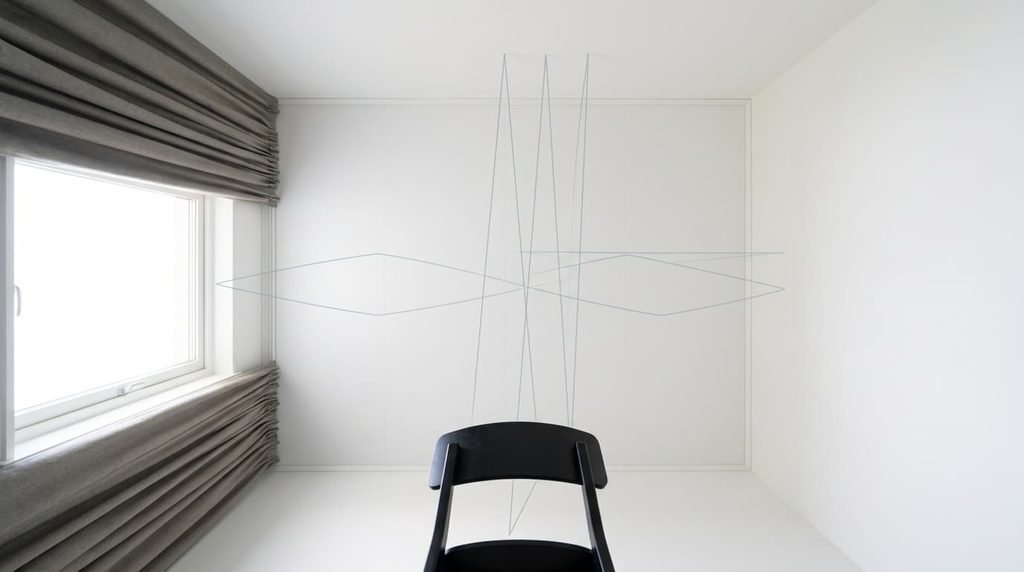
What this room won’t let you change
Part of why a home office echoes on every video call is built into the room. The volume stays at 27 m³, and that sets the ceiling on what treatment can do. Absorption has to grow roughly in step with volume, so a bigger room needs proportionally more material.
The window’s 1.5 m² of glass absorbs almost nothing and stays, so the curtains do its work. The room’s shape stays too. Floor and ceiling face each other 2.5 m apart, and the walls are 3.0 m apart, so sound bounces between them. A bounce between the floor and ceiling repeats about 69 times a second, a fluttering buzz that absorption damps but never removes.
A whole wall of panels, 9 m² at 0.8, would add 7.2 m² and bring the bare room to 0.43 s on its own. Few rented rooms allow that.
The fix that isn’t worth doing
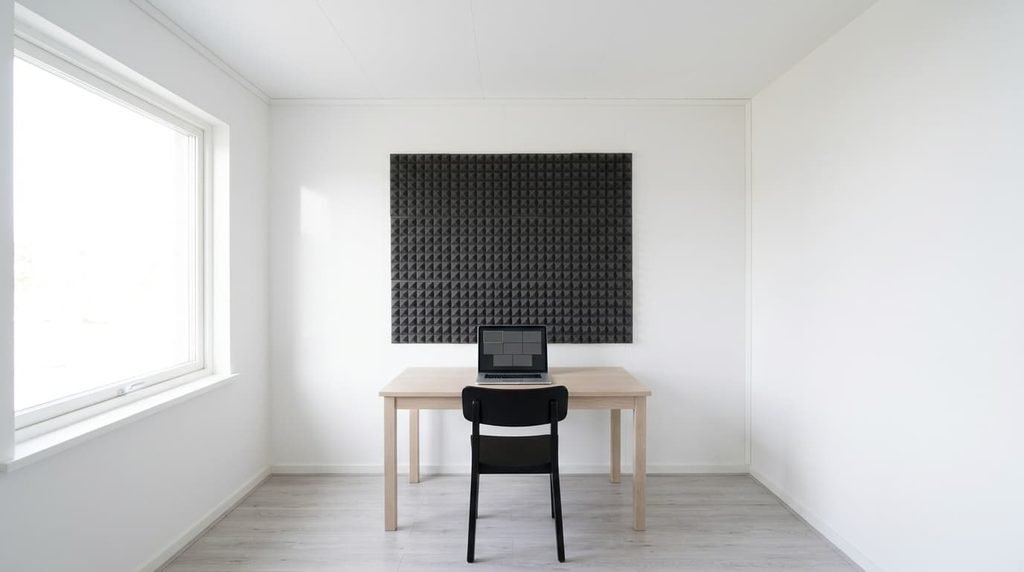
A few foam tiles behind the screen gets suggested constantly, yet it barely registers. Twelve tiles of 30 × 30 cm cover 1.08 m². Thin foam absorbs only about 20% of speech-range sound, so the tiles add about 0.18 m² after subtracting the wall they cover. Absorption rises from 2.85 to 3.03 m², and reverberation drops from 1.5 s to 1.43 s, a change of about 6%.
A tile wall is a decoration with a nice finish.
Thin foam stops high-pitched hiss, the part that wasn’t bothering you. A 200 Hz tone has a wavelength of 1.7 m, and 2 cm of foam hardly slows it. The low and middle tones that carry speech pass straight through. Anything under about 5 cm of porous material is closer to decoration than treatment for speech. Spend the effort on soft mass and distance first.
A home office that echoes on every video call needs more absorption or a closer microphone, and ideally both. Move the mic first. It’s free, and it gains 6 dB at once. Add the rug and curtains next, and treat the ceiling only if 0.86 s still sounds hollow. Clap again after each change, and stop when the tail drops under half a second.
Questions readers keep asking
Can any home office be made free of echo?
Mostly. Small rooms respond well to a closer mic and soft furnishings, which took the example from 1.5 s to 0.86 s. The shape of the room stays, so a faint flutter can remain. For calls that’s rarely audible once the mic sits near your mouth.
Is it worth fitting acoustic panels?
Only after the free steps. Moving the mic gains 6 dB by halving the distance, and a rug with curtains adds more absorption than twelve foam tiles. Panels earn their place when 0.86 s still sounds hollow, and a single large one beats many small ones.
Why do other people hear themselves on a call?
Your speakers play their voice, your mic picks it up, and it returns about 300 ms late. Headphones stop it, because the sound never reaches the microphone. Lowering the speaker volume helps a little, but it doesn’t remove the loop.