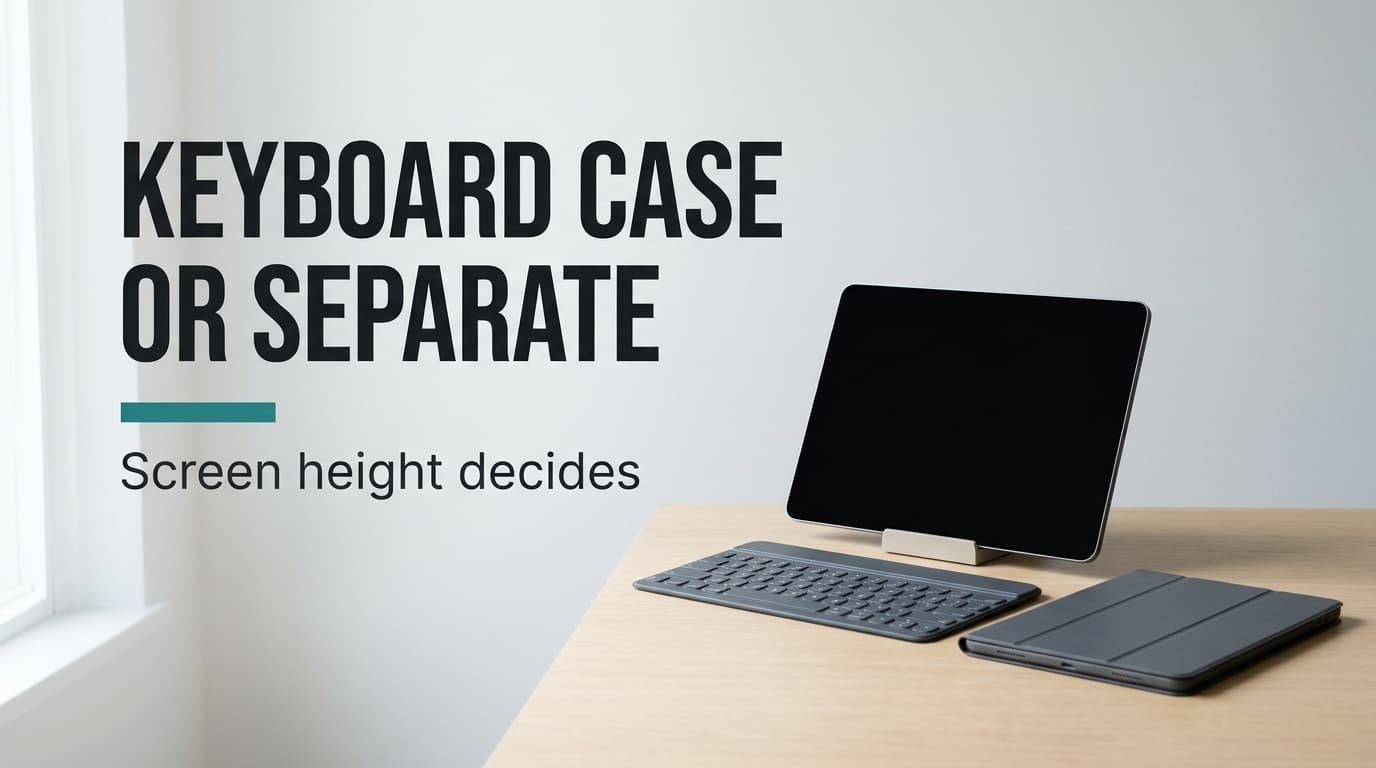
Most people buy the clip-on keyboard first, and for long sessions it often disappoints. The verdict splits by session: a keyboard case wins for short stretches on the move, and a separate keyboard on a stand is the better fit at a desk. A single property settles it, namely how high the screen’s centre sits above the desk. Below, both setups are tried out for typing on a tablet that is 25 cm wide, with your eyes 45 cm above the desk and 50 cm back from the screen. Take every number as a sample, then re-measure on your own desk. Your routine will tip the answer one way or the other.
Why Screen Height Decides Typing on a Tablet
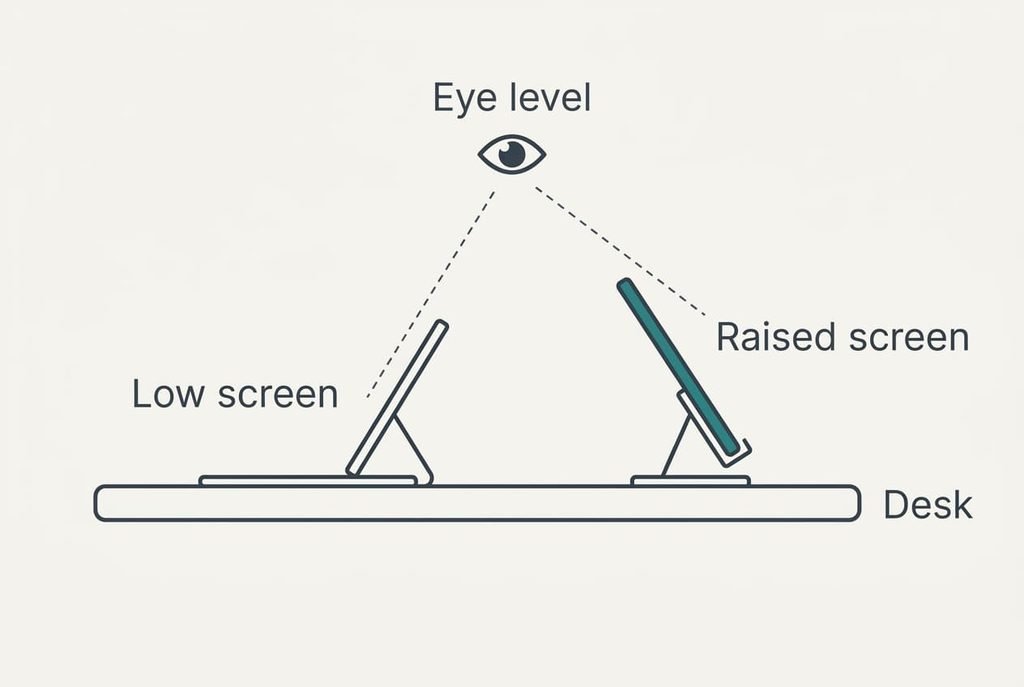
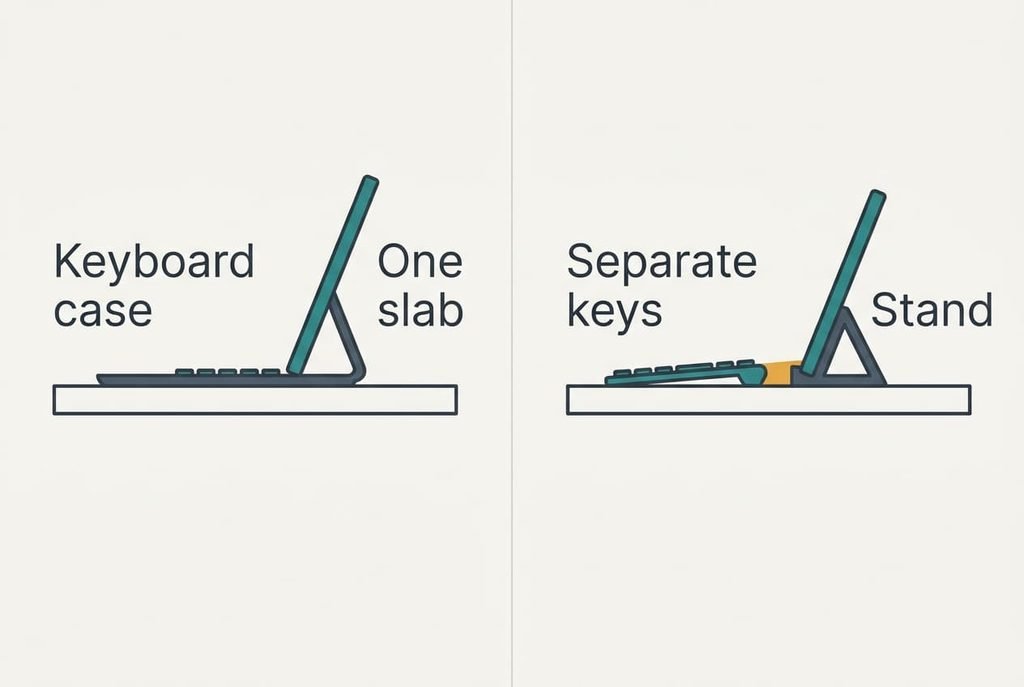
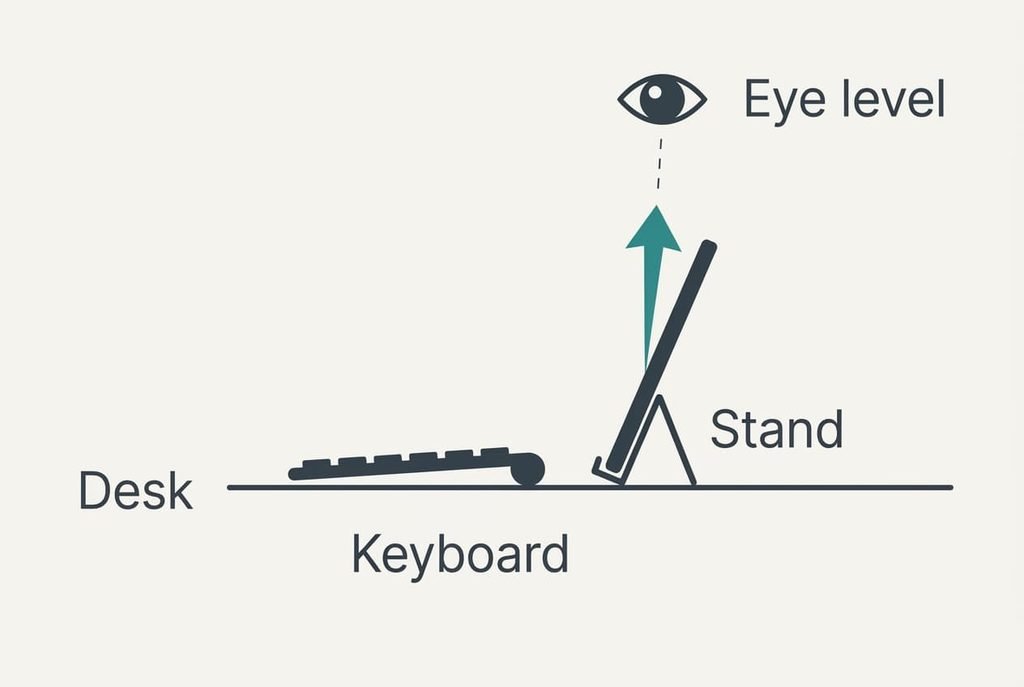
One measurement carries the argument: the height of the screen’s centre above the desk. Fitted into a keyboard case, the tablet becomes a single slab, so its screen sits wherever the keys put it. Prop the same tablet on a stand and the screen rises to whatever height the stand gives. Neither choice changes how the keys feel under your fingers. What changes is how far your eyes must drop to meet the picture.
The geometry is short. The sample tablet is 25 cm wide and 17 cm tall, held at 70° to the desk. Its centre sits half a screen height up the slope, which is 8.5 × sin 70°, or 8.0 cm, above the bottom edge. In a case that edge rests 1.5 cm above the desk, so the centre is at 9.5 cm. A stand that lifts the edge by 12 cm puts the centre at 20.0 cm.
Now place your eyes 45 cm above the desk and 50 cm back from the screen. The look-down angle is atan((45 − 9.5) ÷ 50), or 35°, for the case. The stand gives atan((45 − 20) ÷ 50), or 27°. That gap of about 9° carries the argument, and the sections below test when it matters.
A Keyboard Case and a Separate Keyboard Compared by Height
Every row assumes the same tablet, with your eyes 45 cm up and 50 cm back. The case deck is 19 cm deep. The separate kit adds a 12 cm keyboard to a 15 cm stand footprint, with a 3 cm gap between them. Read across to see what each setup trades.
| Property | Keyboard case | Separate keyboard on a stand |
|---|---|---|
| Screen centre above the desk | 9.5 cm | 20.0 cm |
| Look-down angle to the screen centre | 35° | 27° |
| Desk depth used | 19 cm | 30 cm |
| Pieces to carry | 1 | 3 |
| Batteries to charge | Often 1, as the tablet powers the keys | 2: one in each device |
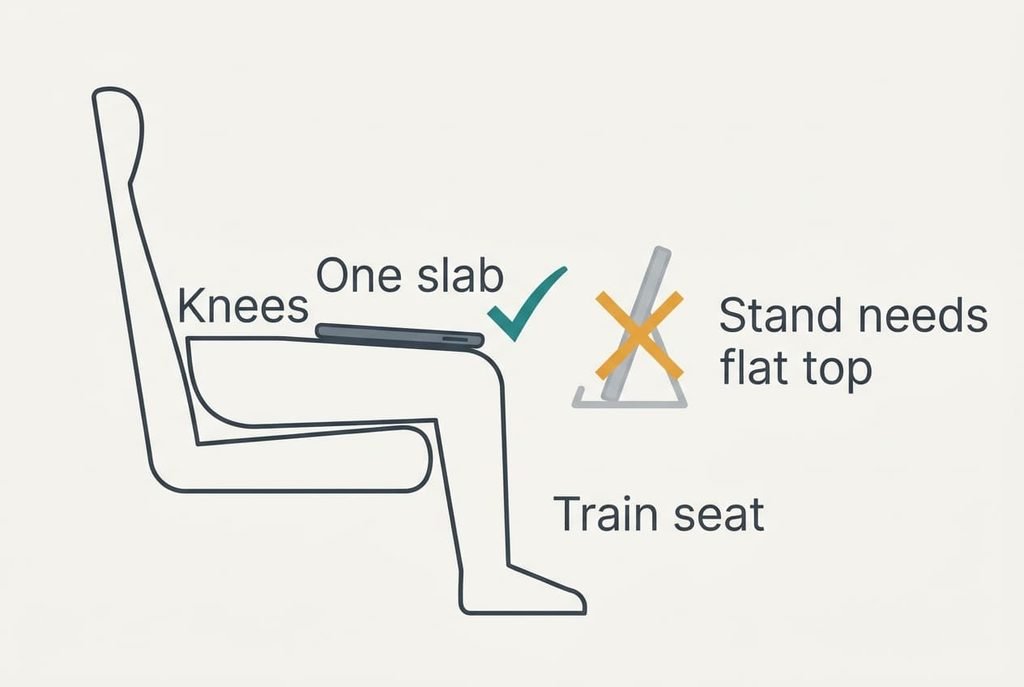
| Works on your knees | Yes, as one slab | Rarely, as the stand wants a flat top |
| Survives a new tablet | Rarely, as a case fits one model | Yes, it pairs with the next one |
Row three holds the surprise. The one-piece case looks bulkier, yet it uses 19 cm of desk depth against 30 cm, because the stand needs its own footprint behind the keys. At a narrow shelf desk, the extra 11 cm (58%) can decide whether the kit fits for typing on a tablet at all.
When the Keyboard Case Wins
The case wins whenever you type in short stretches away from a desk. On a train or a sofa there’s no flat top for a stand, and the slab sits on your knees as one piece. Opening it takes about 10 s in the sample. A separate kit needs a stand set up and a keyboard paired, which we put at 45 s. Over a 25-minute journey those are 0.7% and 3% of your time (10 ÷ 1,500 and 45 ÷ 1,500).
Carrying is the second gain. One piece goes in the bag, and only one battery needs charging. Closing the case folds the cover over the screen, so nothing scrapes it against a laptop or a charger on the way.
The cost is the angle: at 35° your head drops further to find the picture than it would with a stand, though for a ten-minute burst you’ll hardly notice it.
The case also keeps the tablet and keys aligned. Someone nudging the desk can push a stand and keyboard apart, and that doesn’t happen with one slab.
When a Separate Keyboard Wins
Sessions of an hour or more at a desk belong to the separate keyboard. Here a stand that lifts the screen centre to 20.0 cm cuts the look-down angle from 35° to 27°, and you choose the height yourself, so a taller stand keeps going. The keyboard then sits where your hands want it while the screen sits where your eyes want it. A case can’t do both, because one slab has one height.
Key size is the second gain. A standard top row needs 15 key widths, and at 19.05 mm each that is 28.6 cm. A case that must fit a 25 cm tablet squeezes the same row to 16.7 mm per key, roughly an eighth smaller. For long sessions of typing on a tablet, that difference reaches your fingers by the last page of an essay.
The keyboard also outlives the tablet. When you replace the tablet, the old case usually gets stored away, and the separate keyboard simply pairs again.
When Typing on Your Tablet Is Not Worth a Keyboard
Neither extra helps when your bursts are short. Count how much of each burst the setup eats. Say the case needs 10 s and the kit needs 45 s. If setup should cost at most 10% of the typing, the case needs bursts of 100 s and the kit needs 450 s. At 40 words a minute that is about 67 words for the case and 300 for the kit.
Weight counts as well. A sample case that adds 350 g to a 480 g tablet makes the bag item 73% heavier, and you carry that extra every day for the few days you type longer.
When your messages run shorter than a paragraph, keep the on-screen keyboard and leave both accessories at home. It has no setup and nothing extra to charge or lose. The on-screen keys cover most of those messages without fuss, and only longer writing makes a physical keyboard repay its setup.
An accessory left at home earns nothing.
Which One to Choose
Time yourself first. Note how long your typical burst lasts and where you sit when it happens.
If you mostly type in bursts of two minutes or more on a train or a sofa, take the case. It opens in 10 s and sits on your knees, so you charge only one device. You carry one piece, not three.
If you sit at a desk for an hour or more, take the separate keyboard and a stand. The screen centre rises to 20.0 cm, the angle falls to 27° and the keys keep their full width. When typing on a tablet is part of your working day, that’s the setup worth building for essays and long emails.
Neither answer is permanent. A tablet that lives on a sofa in autumn may sit on a desk by spring, so redo the height sums whenever your routine changes. Carrying the case and leaving the stand at home covers most weeks, and the angle figures above show which setup does the work for you. A quick re-measure each season keeps that answer honest.
Questions Readers Keep Asking
Is a keyboard worth adding to a tablet I already own?
Yes, once your bursts pass about 100 seconds, because setup then costs a tenth of the typing or less. Below that, the on-screen keyboard is the sensible choice. Pairing a separate keyboard takes a minute the first time, and after that it reconnects when you switch it on.
Does a case or a separate keyboard fail sooner?
The case tends to wear first where it hinges, because daily folding works that joint hardest. A separate keyboard wears at the keys and the battery, and each part can be replaced on its own. Neither fails on a fixed schedule, so inspect whichever part you move most.
Which suits a train commute better?
The case. It opens in about 10 s and sits on your knees as one slab, whereas a stand needs a flat top that most seats don’t offer. On a 25-minute journey the setup takes under 1% of the time, so the lower screen angle rarely matters.