Videos start blurry and sharpen after a few seconds because the player opens on a cheap quality level and climbs once it has measured your connection, so the quickest cure is letting it buffer for a minute before you settle in. Daniel in Bristol watches films on a living-room TV and sits through roughly 24 seconds of mush at each opening. Below, you’ll see why the picture begins low, gives three tests with stated outcomes and sets out four fixes ranging from free to a wire in the wall. Every figure describes one invented household, so measure your own.
Why Videos Start Blurry and Sharpen After a Few Seconds
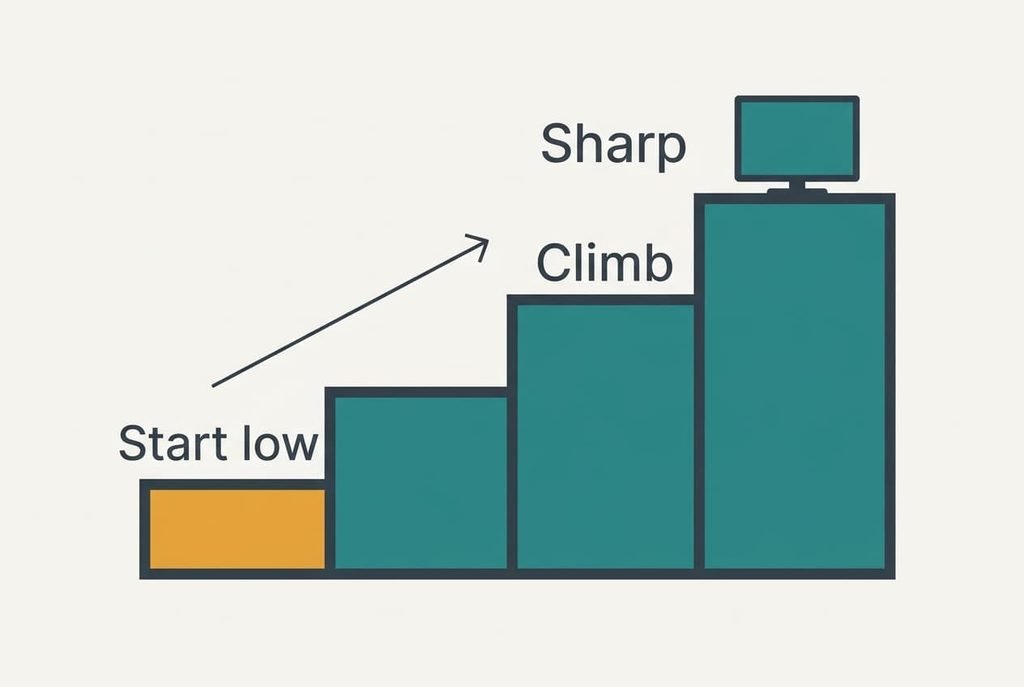
A streaming service never ships a film as one giant file. It keeps the same film at several quality levels and chops each level into short segments, about 4 seconds long in our example. Your player requests one segment at a time and chooses the level of the next one by watching how quickly the last one landed.
When a film begins, the player has no measurement at all, so it opens on a low level deliberately, because a rich level might stall before the first frame ever showed. Our ladder has four steps spanning about 1 Mbps to about 10. The player moves up one step after two clean segments, which makes each step 8 seconds long. Three climbs therefore add up to 24 seconds of blur, and that’s what Daniel notices.
After the climb, the link takes over. A weak signal at the TV makes segments arrive late, so the player stalls on a low step. Busy neighbours on the same line push it up and then pull it back down.
The ramp itself is normal, and only a climb that stalls signals a fault.
Three Tests That Show Where the Slowdown Sits
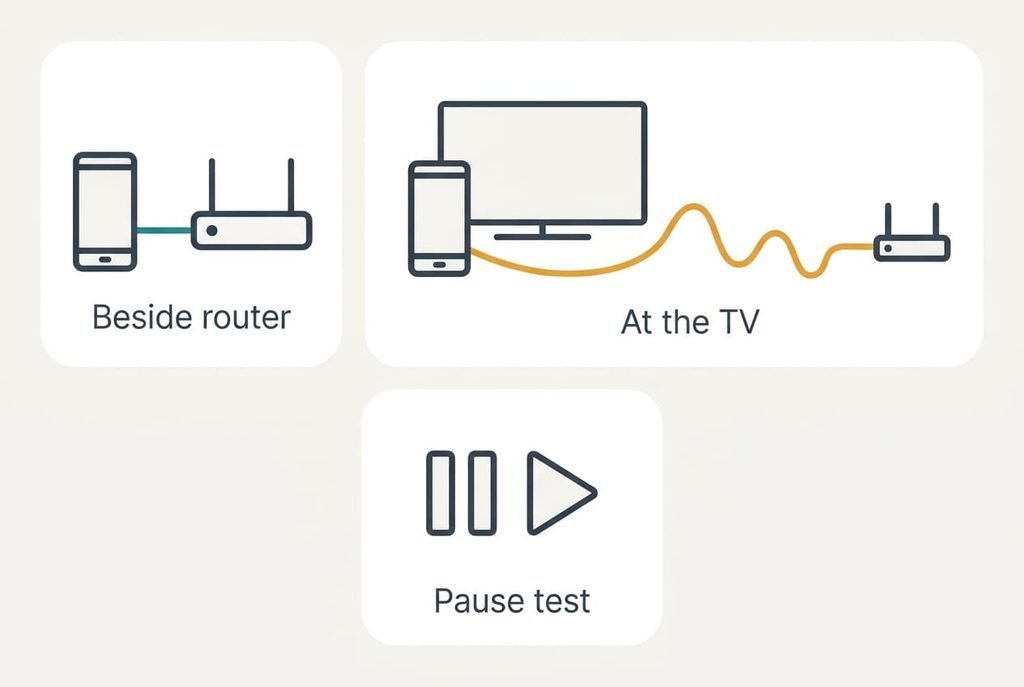
Three short tests locate the slowdown when videos start blurry and sharpen late. Use one film for every test and jot every result down.
Test one: play the film on a phone resting beside the router. If the phone also takes about 24 seconds, the ramp is normal. The TV is innocent. If it sharpens in roughly 8 seconds, the TV’s own connection is the weak point.
Test two: take a speed reading with the phone held exactly where the TV stands, then another beside the router. A reading at the TV below 25% of the router’s figure means the signal fades somewhere across the room. A reading close to the router’s figure clears the signal of blame.
Test three: pause the film for 30 seconds, then press play. A picture that returns sharp at once shows the player kept its measurement, so only the opening is slow. A picture that falls back to blur shows another device is competing for the line.
Each outcome points at one fix below.
Four Fixes When Videos Start Blurry and Then Sharpen
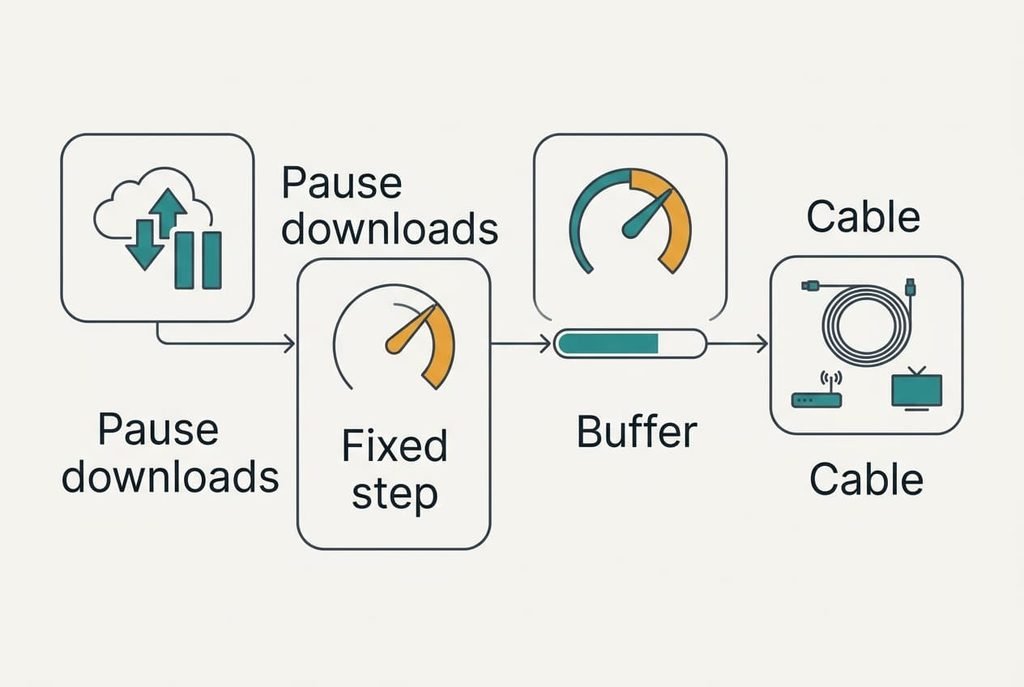
Pause the large downloads before you press play, which costs nothing and targets the congestion that test three exposed. A console update or a cloud backup can swallow most of a 40 Mbps line and leave the film a thin slice. With those jobs paused, the player climbs at full pace and reaches the top step in the 24 seconds the ladder allows. What you lose is some goodwill from the people you live with, because their jobs wait. Choose a quiet hour, and let the downloads continue once the picture is sharp. If you can’t tell what is pulling data, the router’s own device page usually names the culprit.
Switch the quality from automatic to a fixed step, which is a setting and removes the cautious opening altogether. Choosing the 6 Mbps step erases Daniel’s blur because the player never has to climb. You give up the safety net, so on a busy evening the picture can freeze instead of dimming gently. Every film also spends more data, which matters on a capped plan. Not every service offers the option, so look for it in the player’s own menu.
Let the film buffer for a minute, which spends time and nothing else. Press play and pause at once. Then wait 60 seconds while the player gathers segments at the best rate your link allows. You lose spontaneity, since the film starts a minute late. A live broadcast can’t be stored ahead this way at all, so the trick only suits recorded shows. Pausing also lets a brief dip in the signal pass before the film starts. Done twice a week, it soon becomes a habit, like waiting for a kettle.
Fit an Ethernet cable linking the router with the TV, which is the sole fix that takes money, and the hardest to undo. It cures the weak link that test one flagged, since a wired connection ends the swings of wireless and lets the player climb without any drop. You lose the freedom to move the TV about. A tenancy may also forbid leads across the floor or holes in a wall, so ask your landlord before you buy anything. Adapters that carry the signal through the mains sockets avoid drilling, though results vary with the wiring in an older building.
If None of the Fixes Worked
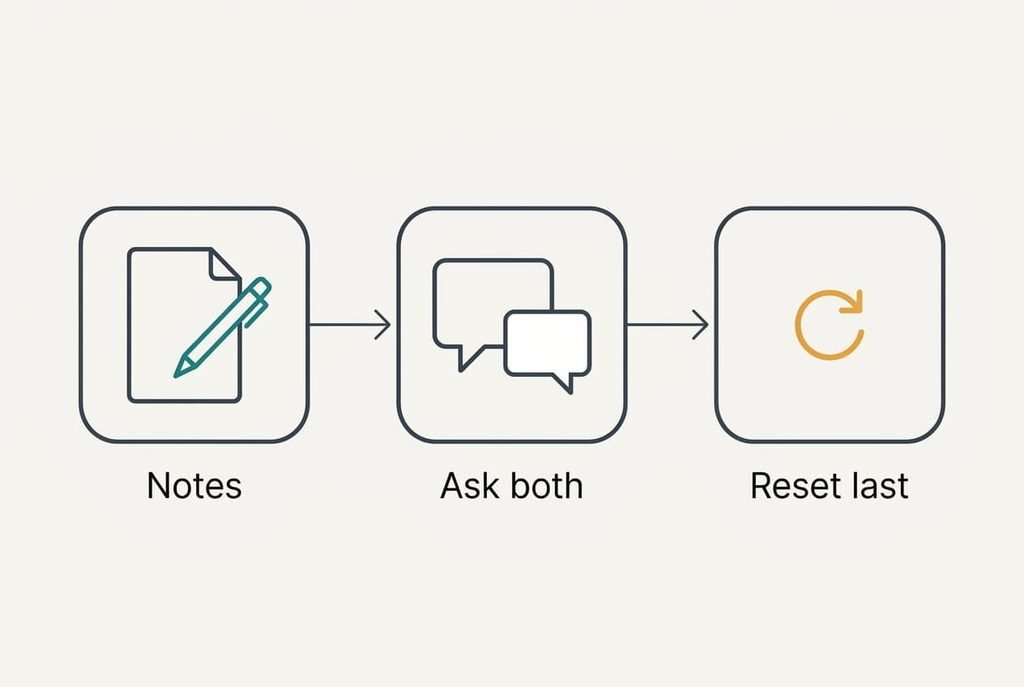
Gather facts before contacting any support team. Watch one film at three different hours and time the blur each time. Then see whether videos start blurry and sharpen in a different app on that TV, and try another title in the first app. Blur that tracks the clock suggests the provider’s busy evening hours. Blur that tracks the room points back at the signal.
Armed with those notes, ask the streaming service whether it has known trouble and ask your internet provider what speed reaches your address. Quote your timings, since figures draw a precise reply.
Reset the TV to factory state only as a last step. It erases every login and setting, so write down your apps first. Go ahead only if every app on the set misbehaves the same way.
The Fix That Is Not Worth Doing
Upgrading your broadband speed before you test the signal at the TV is the expensive reflex, and it rarely pays off. Our player climbs one step per two clean segments whatever the line allows, so a 100 Mbps plan still needs about 24 seconds to reach the top step. A bigger pipe raises the ceiling without shortening the climb.
Daniel’s own line already delivers 40 Mbps, four times what the top step asks for, so the bottleneck was never the plan. An upgrade also leaves the weak link exactly where it was. If the Wi-Fi fades before it reaches the TV room, extra speed at the router changes nothing on the screen. Only the cable or a closer router fixes that, and test two tells you which. Spend only after the tests name the weak spot.
If videos start blurry and sharpen on your set, run the three tests tonight and take the fixes from the top, stopping once one helps. The first two usually do it, and the cable is for stubborn cases. Write the winning setting on a note beside the router so the next viewer can reuse it. Check again after the next big app update, since a player can change its opening rules without warning.
Questions Readers Keep Asking
Can I fix it at home without calling anyone?
Almost always. The tests and a minute of buffering need only patience, while the quality setting takes seconds to change. Only the cable costs money, and only a faulty line needs your provider. Run the tests first, because they reveal whether anything is broken or the player is simply being cautious about its opening.
What causes the blur most often?
The cautious opening. The player has no measurement of your connection, so it starts on a low step and climbs. A weak signal at the TV is the second cause, and it shows up when the phone sharpens faster than the set does. Congestion from a download is the third, which the pause test exposes.
Does it mean my TV is failing?
Rarely. A blur that clears within seconds is normal behaviour. Hardware trouble looks different. Expect constant softness on every source, or blocky squares that never clear. Flicker or a fading picture points the same way. If they also appear through a game console, test the TV with another source before you suspect the signal.