When a phone will keep changing a name you typed correctly, the keyboard is working as designed. It has no record of that name and swaps in the nearest common word. Adding the name to the keyboard’s own list ends the habit within a minute in most cases. Our example is a Bristol parent whose daughter Orla turns into “oral” about three times a week, usually in a message to a teacher. Every score and count below is invented for illustration. Real keyboards weigh words in their own ways. Test everything on your handset before relying on these numbers.
Why a Phone Will Keep Changing a Name You Typed Correctly
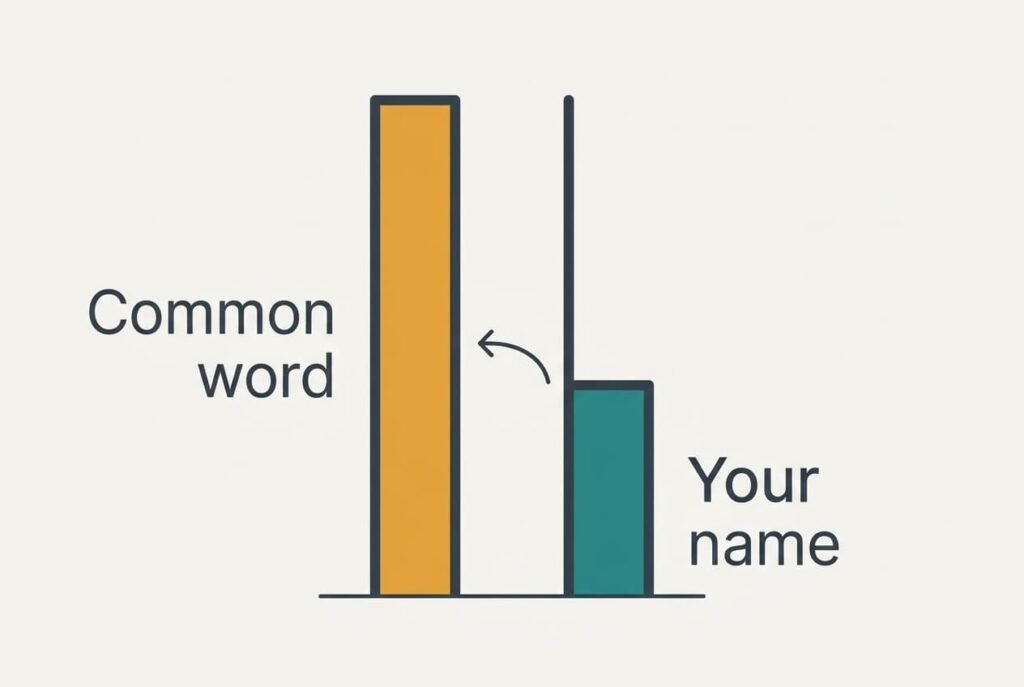
A keyboard ranks candidate words by a score. One part comes from a built-in list of everyday words, and another part comes from how often you have accepted a word before. Say “oral” scores 40 out of 100 while “Orla” isn’t in the list and scores 0. The two words differ only by a swap of the last two letters. The keyboard therefore reads “Orla” as a slip of the finger and replaces it.
Put simply, a name missing from the word list scores zero and any common word one slip away outranks it. Length matters too. A name such as Siobhan has no everyday word within one slip and survives untouched. A four-letter name leaves little room between itself and a real word. That explains why a phone will keep changing a name like Orla while ignoring longer ones.
Accepting the swap makes matters worse. Each time you let “oral” stand, its score climbs by about 5 points, and the real name gains nothing. In this sample, ten accepted swaps lift “oral” to 90. Learning also works the other way: accept your own spelling seven times at 6 points a go and “Orla” reaches 42, which overtakes the common word.
Four Tests for a Name the Phone Keeps Changing
Work through these step by step and note what happens, because each outcome points to a different cause. Each one takes under a minute.
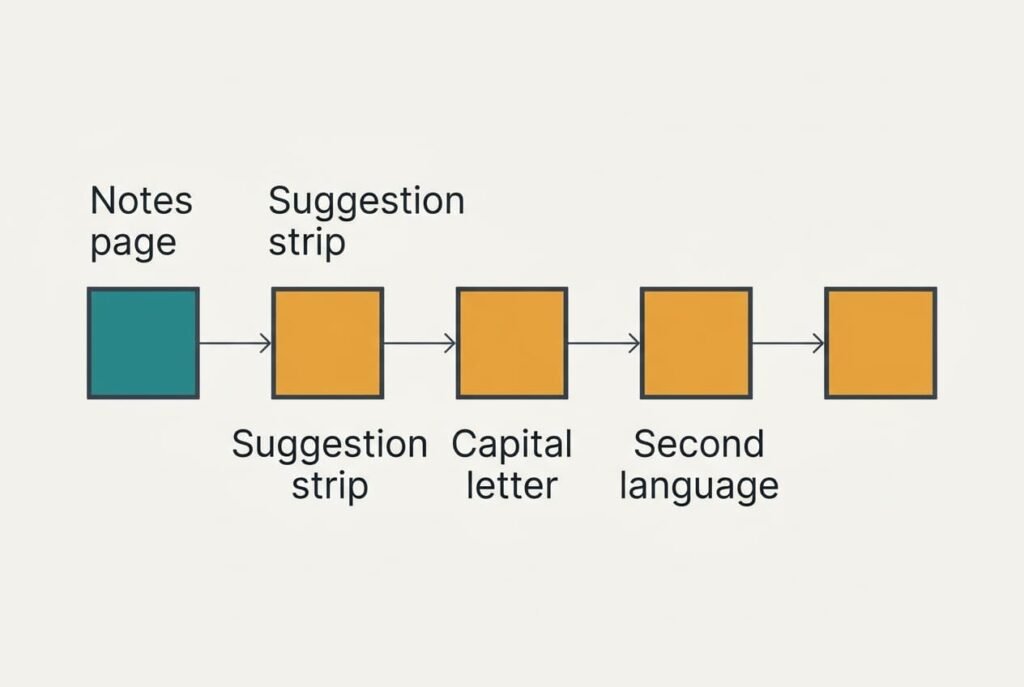
1. Type the name into a plain notes page, then into a search box. If it changes in both, the keyboard is responsible. If only one field changes, that app applies a correction of its own.
2. Type the name and look at the strip of suggestions before pressing space. If your spelling sits in the strip, the keyboard already knows it and needs only a nudge. If the strip offers nothing but the common word, the score is zero.
3. Type the name partway through a sentence with a capital, then again in lower case. If only the lower-case version changes, the keyboard reads capitals as a clue. Type the capital from then on.
4. Switch back to a single language if you added a second one. A name that stops changing was caught by the extra list.
Our parent sees the strip offer only “oral”, which means a score of zero. Write each outcome next to its test. Three of the four tests give a clear answer within five minutes.
Four Fixes, From Free to Irreversible
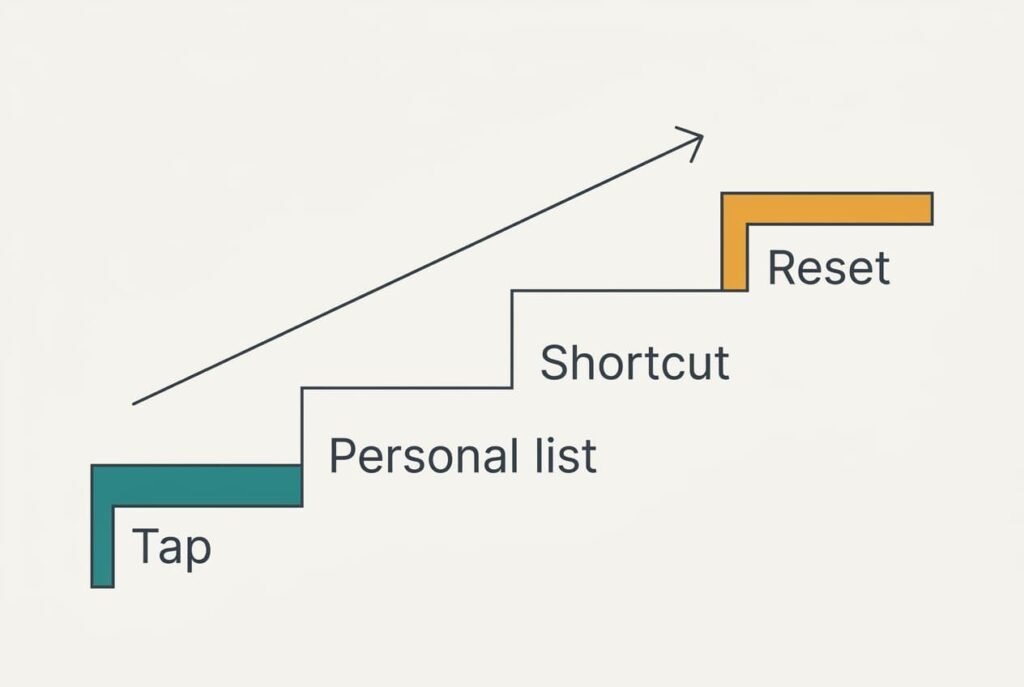
Move through the fixes in order. Retest with the name after each one, because the score only improves when a test shows it.
Tap your own spelling in the strip before you press space, which raises its score a little with every tap. The cost is a second per message and nothing else. Seven taps lift “Orla” from 0 to 42, just past the 40 of “oral”, and the nudge sticks once it overtakes. This works on the learning side of the score, which is why a name you type daily recovers fastest and one you type monthly may need a second round. You lose attention instead: for a week you have to tap instead of typing on autopilot, and each forgotten tap hands “oral” another 5 points.
Add the name to the keyboard’s personal word list, which gives it a standing score at once. The edit takes just a minute, and it works from the first message afterwards. The drawback: the list belongs to that one keyboard, and a new phone starts from zero. A misspelt entry also becomes a mistake you have now protected. Type the name carefully before you save it. The entry stands in for the missing word-list score, and a quick test in capitals and in lower case confirms it took.
Create a short text shortcut that expands into the name, such as “orl” becoming “Orla”. It’s the route to take when the personal list is locked or ignored. It sidesteps the score entirely, since the keyboard usually expands your short code before it asks whether the result is a typo. It costs about a minute. A shortcut adds a keystroke or two to each use, and it can misfire inside longer words unless you choose letters you never type on their own.
Reset everything the keyboard has learned, which wipes the bad scores together with the good ones. Suppose the phone holds 400 learned words and you spend 15 minutes retyping the ones you need. No undo exists for the reset. It also removes every habit the keyboard picked up from you, including useful ones. That puts it last. Afterwards re-enter the family names and then the street name, before anything else.
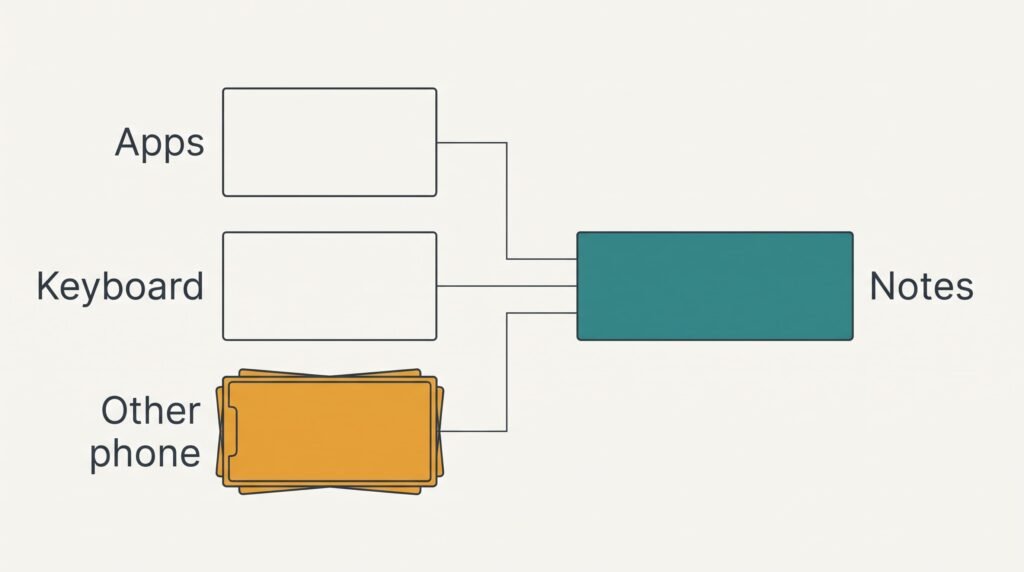
If None of That Worked
Gather evidence before taking drastic steps. Write down which apps change the name. Note the active keyboard and the number of languages it holds. Ask another family member whether the same name changes on their phone. A name that changes on every phone points to a clash with a shared word list. One that changes only on yours points to what your keyboard has learned from you.
Record the exact spelling the phone produces and the date the problem began. If it started right after an update, the learned scores may have been merged or cleared.
A warning about the reset: it clears all learned words, not only the troublesome one. Keep it as the final step. A keyboard that will keep changing a name after every other fix is rarely broken. It more likely holds a score you haven’t yet outvoted.
Nothing in this list needs a technician or a new phone.
The Fix That Isn’t Worth Doing
Switching autocorrect off completely seems the straightforward answer, and it swaps a small nuisance for a large one. Assume 200 words a day with a 3% slip rate. That’s 6 real typos daily, which autocorrect repairs without you noticing. The name gets changed about 3 times a week. Switching the feature off takes those 3 errors a week down to zero and brings back around 42 typos a week.
A stray character typed to dodge the correction fails as well, since the keyboard treats the new form as another unknown word.
The suggestion strip still works, though you must read it every time. Most people stop looking within days, and messages leave with slips nobody caught. A minute spent on the personal list removes the single annoyance and keeps everything else.
A phone that will keep changing a name is a scoring problem, and scores can be changed. Test where the correction happens, then check the strip. Adding the name to the list comes next. Reset the learned data only when every other step has failed, because it erases useful learning as well as bad scores. Keep the notes from your tests, since they show which fix did the work.
Questions and Answers
Can I fix this myself at home?
Yes. Tapping your own spelling in the suggestion strip, or adding the name to the personal word list, fixes most cases in about a minute. A shortcut covers the rest. Resetting the learned data is the last option, because nothing can restore the learned words afterwards.
Why does the phone change only one name?
Your keyboard scores every word, and that name has a score of zero because it isn’t in the built-in list. A common word one slip away scores higher and wins. Names the list already holds, such as Sarah, are left alone. The change isn’t random.
Does it mean the phone is faulty?
No. Nothing here points to failing hardware. Hardware shows no sign of trouble: the screen and the processor both work, and the same keyboard handles every word it knows. The cause lives in a word list, which means you can fix it without a repair or a replacement.