When a free plan ends, the charts on the screen are the least of your worries, because any service can draw a pie of last month’s spending. The record behind the charts is harder to replace. Anyone comparing alternatives to a budgeting app should decide what has to travel with them. Our sums use a Norwich household with two bank accounts and 2,400 transactions from two years of use. Eighteen categories sit on top of those rows, with 40 sorting rules working behind them. The test for every route is which part of that record you couldn’t rebuild.
What to Save Before Looking at Alternatives to a Budgeting App
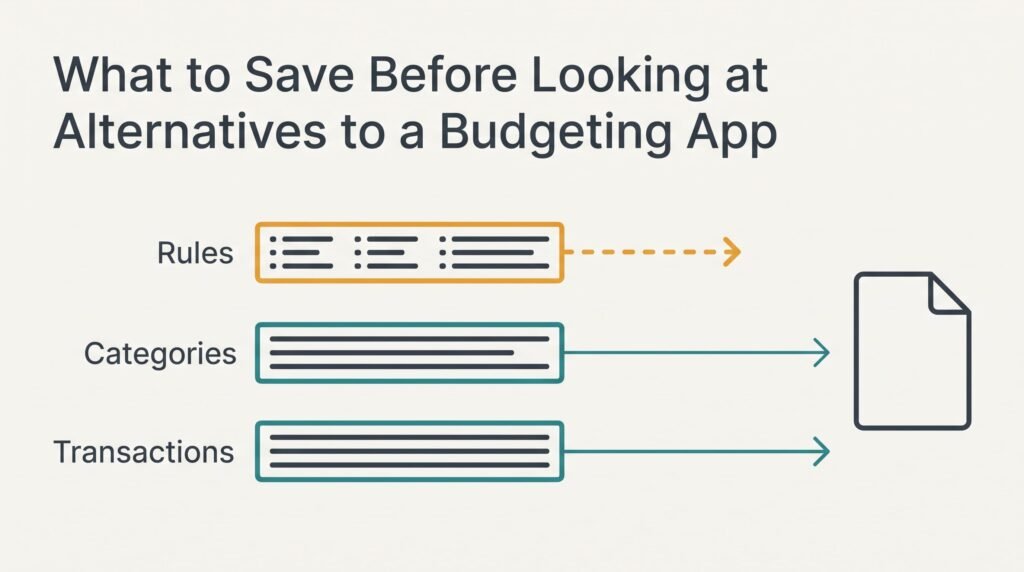
Your payload has three layers. Transactions are plain rows, one payment to a row. Categories are the labels attached to each row. Rules are the memory that files a shop name under groceries without asking you again.
Rules deserve the most care because you taught them over months. Each time the app filed a payment wrongly you corrected it, and that correction became a rule.
Nobody keeps a list of those corrections in their head.
Transactions and categories usually leave in one file, provided the export includes the category column. Rules rarely come along, and neither do monthly targets. Our household would arrive in the new place with 2,400 labelled rows and an empty rulebook. Any plan involving alternatives to a budgeting app has to start from that gap.
Count what the gap costs. Labelling 2,400 rows by hand at about 6 seconds each takes 14,400 seconds, which is 4 hours. Rebuilding 40 rules at roughly 90 seconds apiece takes 60 minutes. The 40 sorting rules need writing down before you go, because the app won’t hand them over when the plan lapses.
Budgeting App Alternatives, Sorted by What They Cost You
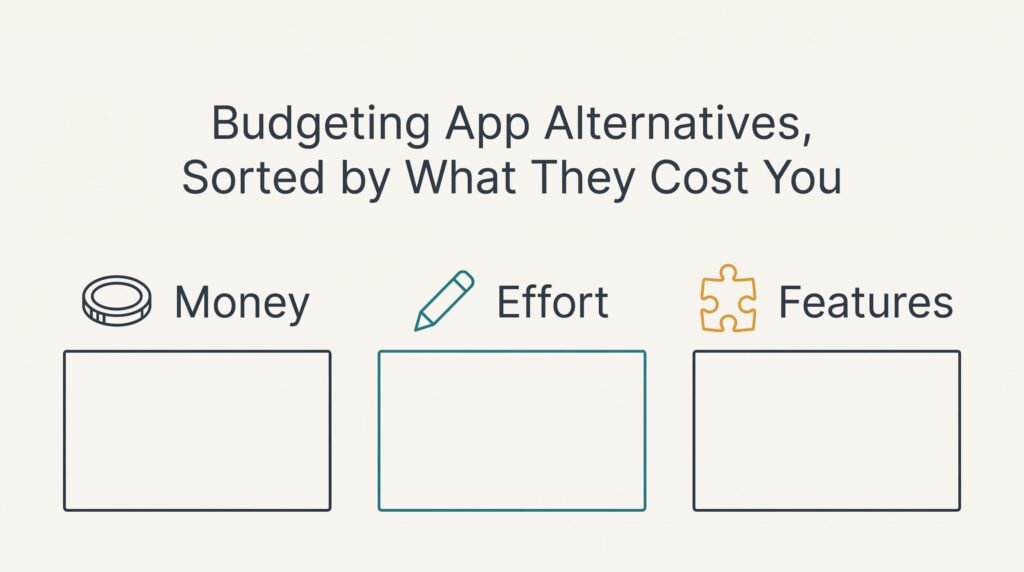
Three routes cover the usual cases, and this page ranks none of them. Money pays for the first. Effort pays for the second. The third is paid for in features.
1. A paid app that does the same job. Best for someone who likes the screens and wants the bank connection to keep running without help. You pay every year, and this whole exercise returns whenever the fee rises. The history lands from a file, with labels intact if the new app reads the category column, and you should check three or four rows by eye once it does. Rules and targets must be rebuilt, which is the 60 minutes already counted. It fails when the new app can’t read your file layout. Half the labels then vanish on import, and an evening goes on repairing them.
2. A spreadsheet you build yourself. A good fit for a person at ease with columns who wants to own the data outright. There’s no fee, and the effort comes at the start. Expect two or three evenings to set up the sheet and its totals. One lookup table pairing shop names with categories replaces the 40 rules, and the history pastes straight in with every label kept. New transactions don’t arrive on their own. You download and paste them each month. It fails at the skipped month, which leaves a hole that grows harder to fill the longer it sits.
3. The bank’s own spending view. Right for anyone who wants no setup at all. It’s free, but the categories belong to the bank rather than to you, and only the history the bank keeps is shown. Nothing imports into it. Your 2,400 rows stay in the file you saved. That file is still worth keeping for the tax return or a dispute. Your rules don’t carry over, and accounts at two banks can’t be combined on one screen. It fails when the bank changes or drops the tool, leaving your saved file as the only complete record.
What Month Three Takes Back
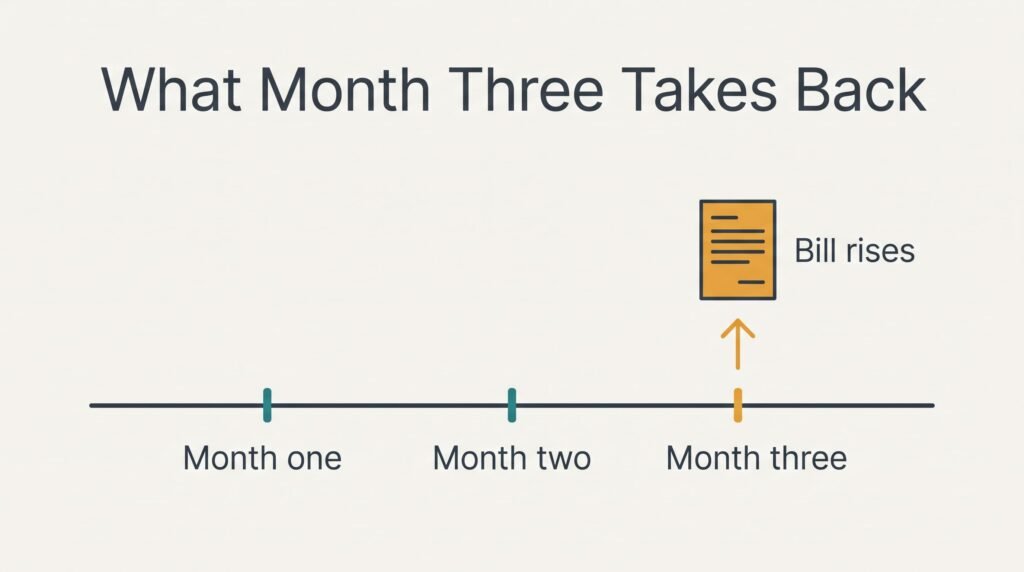
Most advice on alternatives to a budgeting app ends at the import, yet the real bill shows up near the third month. The routine has set by then. The old app watched your recurring payments and flagged any change. You stopped watching them yourself. What gets exposed is the bill that rose and nobody told you.
Suppose 14 of your payments repeat each month and one of them rises by 9% in month one. A spreadsheet flags nothing. You spot the rise in month three, after paying the higher amount three times.
Set that against the upkeep. Pasting a month of transactions takes about 10 minutes, which is 2 hours a year. Whether the trade is fair turns on how many of your 14 payments can move, and on how often you’d open the sheet anyway. A household with fixed contracts loses little, whereas one with usage-based bills loses the most.
The Order to Move Things In
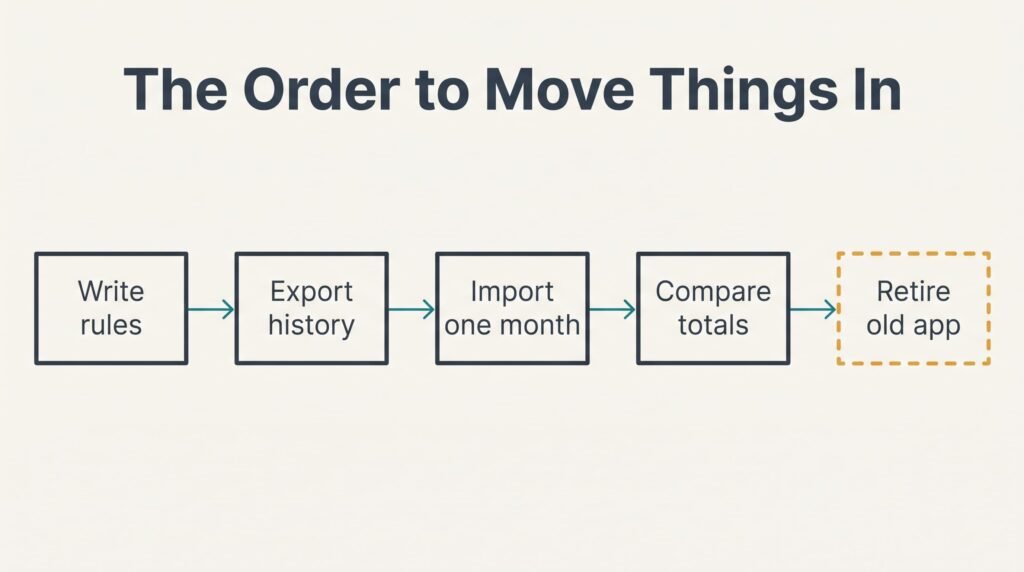
Begin with the written list of 40 rules, because everything later leans on it. Export the history next, and check that the row count is 2,400 before you trust the file. Fewer rows than expected mean the date range was cut off. Widen the range and export again.
Open the new home and import one month only. Compare that month’s total with the old app’s total for the same dates. A match tells you the amounts arrived, and a missing category shows which labels failed to cross.
Then import the rest and rebuild the rules in order of use. Start with the shops you visit weekly, since they sort the most rows. Keep the old app running beside the new setup for a month so both sets of totals can be compared. Remove the old app once two months in a row agree.
When Staying Is the Better Answer
Staying wins when the free plan still covers what you actually use. Suppose the ending removes only the link to a third account, and your household has two. Nothing you rely on has changed, and a move would cost 60 minutes of rules plus the import for no gain.
Equally, the paid tier of your current app may cost less over a year than the hours a move would eat. Count those hours honestly, evenings of checking totals included, before you decide. A week of reading reviews adds to the tally as well.
Alternatives to a budgeting app will still exist next spring, and the rebuild won’t be harder then. The date in the notice email is rarely a deadline for your data, and a household that waits a few weeks loses nothing by it.
A household that watches a single account can stay.
Export Everything Before You Decide
Before comparing routes, export the whole history to one file and count its rows. In our example the count must read 2,400, and the file should show the category column beside each row. Load the file into a spreadsheet and sort by date to confirm that the oldest row is where you expect. Then filter one category and check that its total matches the figure the app shows for the same period.
Keep the file in two places. An export is the one piece of the payload that can’t be rebuilt later, because the app may refuse to open once the plan has lapsed.
Ten minutes spent on this file, kept somewhere other than the app, make every later choice safer, since each route can now be tested against a record you’ve already verified. A file that passes these checks also protects you if the terms change again without warning, and costs nothing to store.
Questions Readers Keep Asking
Will my transactions transfer to a new app?
Usually yes, if the old app exports a file with a category column and the new one reads that layout. The rows arrive, and the labels often do as well. Rules and targets rarely do. Expect to rebuild those by hand, and check one month’s totals before importing everything.
How much does it cost to switch?
A spreadsheet costs nothing but your time, and a paid app costs a yearly fee that can rise again. The bank’s own view is free but offers the fewest features. Compare the fee over twelve months with the hours of rebuilding, since either one can tip the choice.
Is it worth the disruption?
It is when the ending plan removes something you use every week. If it only removes a feature you never touch, the move buys you nothing. Weigh the 60 minutes of rules and a few evenings of checking against what you would actually lose by staying.