A shared shopping list app fixes one problem and quietly adds another. Everyone can add an item from anywhere, yet the list grows by the day and the app wants to be opened every time. When one person stops opening it, the whole household feels the gap at the shop. Three replacements follow, and each one gives up something different. After them come the sequence of the switch and the copy that saves your staples. A calm switch matters here, since a list that nobody trusts is worse than none. The example is a household of four that shops once a week.
What a Shared Shopping List App Has to Carry
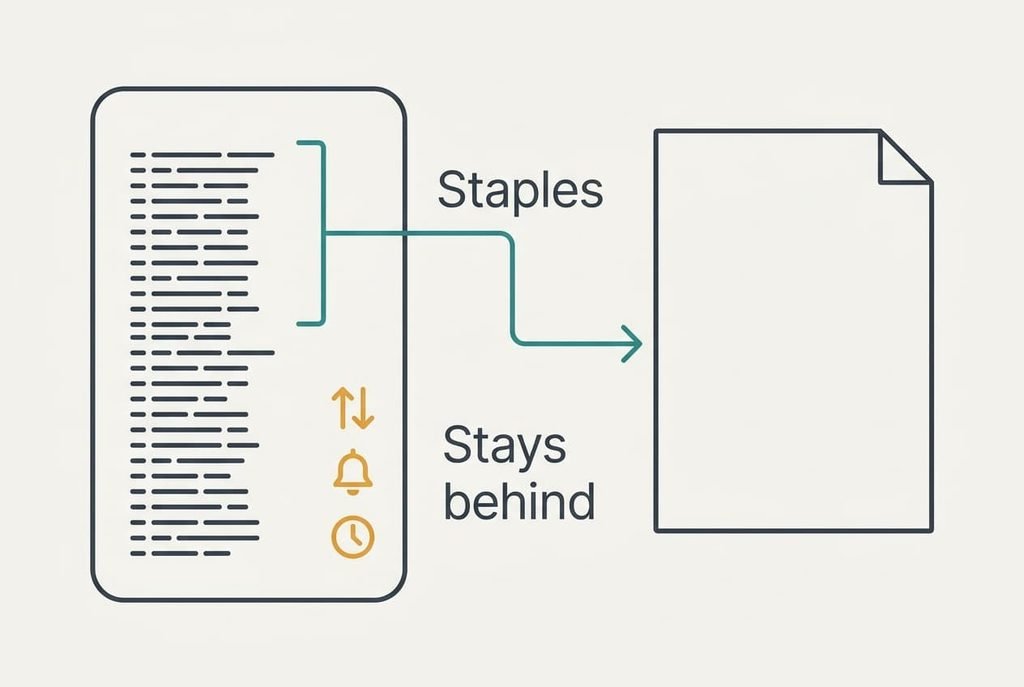
The app holds a lot of small features, yet one thing in it deserves protecting. What must survive any move is the standing list of staples, because it takes months to build and a minute to lose. Our household buys about 55 items a week. Roughly 38 of them repeat every time, and about 17 are new each week.
Those 38 staples are the payload. They are plain words, so they travel anywhere: milk, bread, the usual tins, the cleaning bottle that always runs out on a Sunday.
Nothing about the staples depends on the app.
Left behind is the convenience. Sorting by shop aisle, the alert when someone adds an item and the history of past weeks all live inside the app. You can rebuild the sorting by hand in about ten minutes, and the rest you can live without.
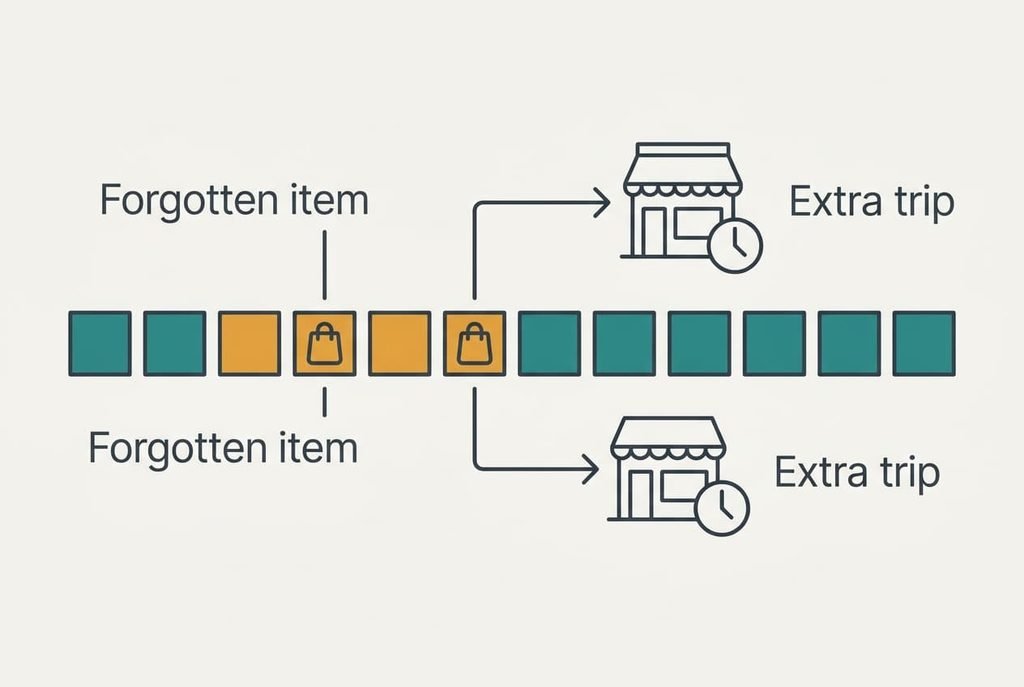
Try the sums. If the family adds three items a day through the week, that is 21 additions. Typing each one takes about 15 seconds. Without a shared place to put them, perhaps two items a week get forgotten, and each forgotten item costs a 12-minute extra trip.
Three Ways to Keep the Shopping List Without an App
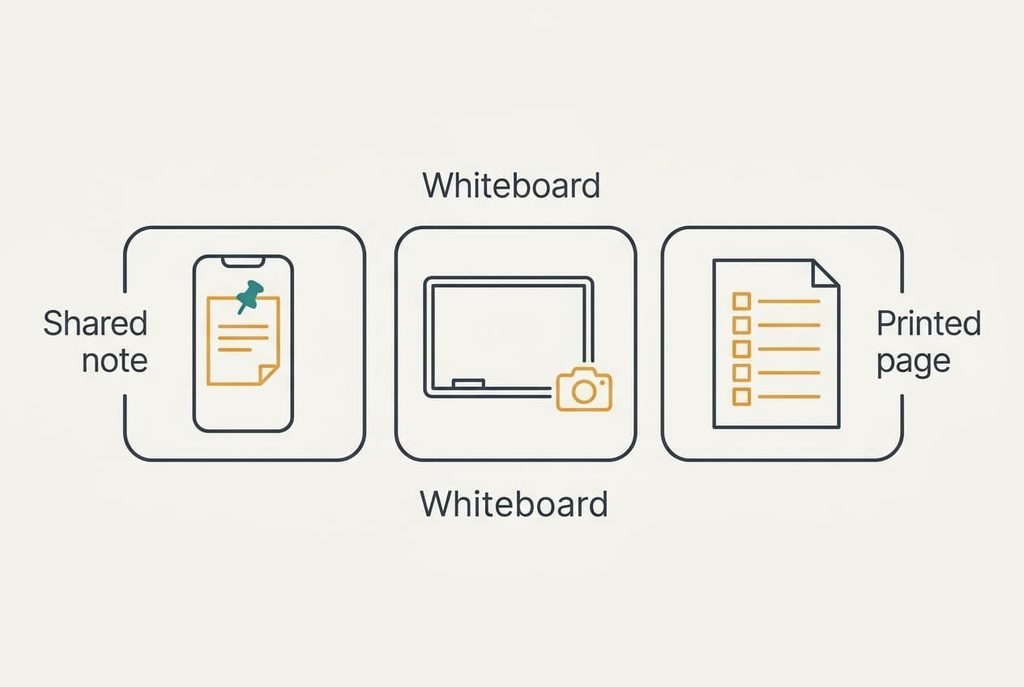
1. Money: a note shared on the phones you already own. This one suits a home that wants to spend nothing and add nothing to anyone’s phone. Its weakness is the lack of aisle order and of hints for forgotten staples. The staples land as a pinned section above everything else, headed “usual”, with a section below it headed “this week”. Put the date on that heading each Saturday, so stale entries stand out. It fails when two people edit together while one phone syncs late, so the shopper should reread the note at the shop door.
2. Effort: a whiteboard on the fridge and a photo before leaving. It works for a household where someone passes the kitchen every day. Here the price is effort: a person must photograph the board before each trip, and items thought of while out are lost. Photograph it where the light is even, since glare hides the lower lines. The staples land as a column down the board’s left side, written once with a marker and left in place. It fails when the shopper forgets the photo, so put a reminder on the front door.
3. Feature loss: a printed page of staples with tick boxes. It works for a household that shops a fixed route in the same order every week. The loss is any shared live list, since nothing can be added from a distance. The staples land as 38 printed lines in aisle order, with a few blank lines at the foot for new items. It fails when something comes up midweek, because the blank lines run out and a second sheet goes missing on the counter.
A shared shopping list app earns its place once two people shop together. For one shopper, any of the three above will usually cope.
Month Three: What Life Without the App Costs
The move feels easy in week one and slightly awkward by month three. The cost is the newcomers on the list, which are the items only one person notices. When a partner spots that the washing powder is low, there is no instant place to record it, and the item reaches the shop only if the notice survives until Saturday.
The shared note costs attention, because it works only if everyone opens it. The whiteboard costs a trip to the kitchen. With the printed page, the price is the live list itself.
Expect about two forgotten items a week at first. At 12 minutes for each extra trip, that is roughly 25 minutes a week, or 5 hours in a quarter.
A habit helps more than any tool: whoever finishes something puts it on the list before putting it back.
The Sequence of the Switch, Week by Week
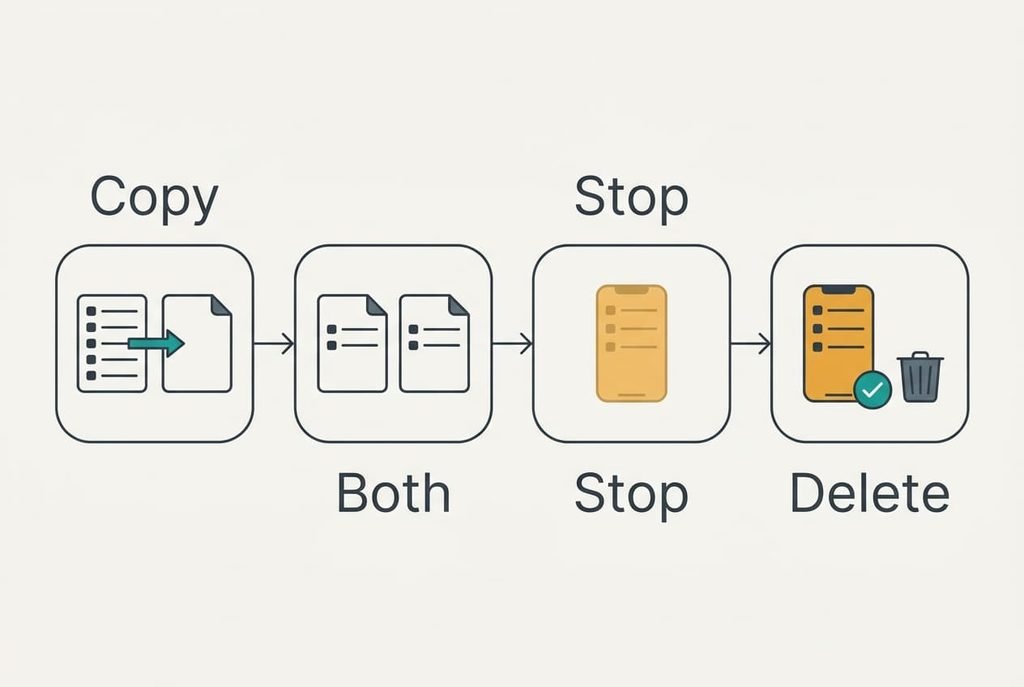
In week one, copy the 38 staples out of the app into the new place and check them against the real cupboard. Keep the app running meanwhile, since you can still shop from it if the new place turns out to be incomplete. In week two, add every new item to both places and shop from the new one. If the lists disagree, the gap shows which habit needs work, and you’ll usually find it’s the person who adds items from the sofa. In week three, stop adding to the app and let it sit untouched. Open it once at the close of that week and compare. Anything in the app that isn’t in the new list needs a decision: add it, or let it go. By week four the app has finished its job, and you can leave it installed until the month is out, in case someone needs to look something up.
When to Stay With the App
If two people regularly shop the same list at the same time, the app is the better tool and you should stay with it. A shared shopping list app gives each shopper a live view, and an item ticked off in one aisle disappears for the other. A shared note can’t do that, and neither can a board.
The same holds when the list is long. Past about 80 items a week, the aisle sorting saves real minutes. A household that splits a big shop between two stores needs the live tick-off as well, because otherwise both shoppers buy the same milk.
Staying with the app is simply the right answer for that pattern, and the three alternatives suit smaller loads better. If you stay, prune the list once a month. Delete the items nobody has bought in ten weeks, and the app becomes lighter at once.
Saving the Staples List Before You Leave
Copy the 38 staples out of the app before you change anything, then check that the copy shows every line. If the app offers an export, take it. Save the file where everybody can open it, or else select the list, paste it into a plain note and screenshot each page as a backup.
Compare the line count with the app, then check it again in the new place. A list that loses five staples will cost five forgotten items within a month. Print one copy as well, since paper still works when a phone is flat or its owner is away. A second look a week later catches gaps that the first shop missed.
A shared shopping list app is easy to leave once the staples are safe, and the exit itself needs about ten minutes. Choose a quiet evening and keep the cupboard open beside you, so the list matches what you really buy. Once the copy is checked, nothing important is left inside the app.
Questions Readers Keep Asking
Will my staples transfer if I stop using the app?
Yes, because they’re plain words. Copy or export them before you leave, then check the count. The layout is the loss. Aisle order and past weeks stay inside the app. So do the alerts. The staples list is the part worth carrying, and ten minutes is enough to rebuild a sorted copy by hand.
Does going without the app cost money?
Rarely. The note and the whiteboard cost nothing, and a printed page costs one sheet. The real cost is time, since two forgotten items weekly come to about 25 minutes of extra trips. If your app is free, the gain is mostly in attention, and you won’t see it in your bank balance.
Is it worth the disruption for a household of four?
Only if the app has turned into a chore of its own. If everyone opens it and shops from it, stay. If two people ignore it and the list lives in someone’s head, the move saves effort. Try the shared note for two weeks first.