A portable SSD or a memory stick will carry the same spreadsheet. Once the folder gets big, the choice starts to matter. The stick wins on size and on how little it asks of you. The verdict is conditional. Your biggest regular copy decides it, through the wait it forces on you at the steady rate each carrier holds; that wait returns every working day. Our example is Ruth, a bookkeeper in Norwich with a 3 GB client folder daily and a 60 GB archive once a month. Every speed and size here is an assumed sample. Time one real copy with your own devices before trusting any sum.
What Decides a Portable SSD or a Memory Stick for Work Files
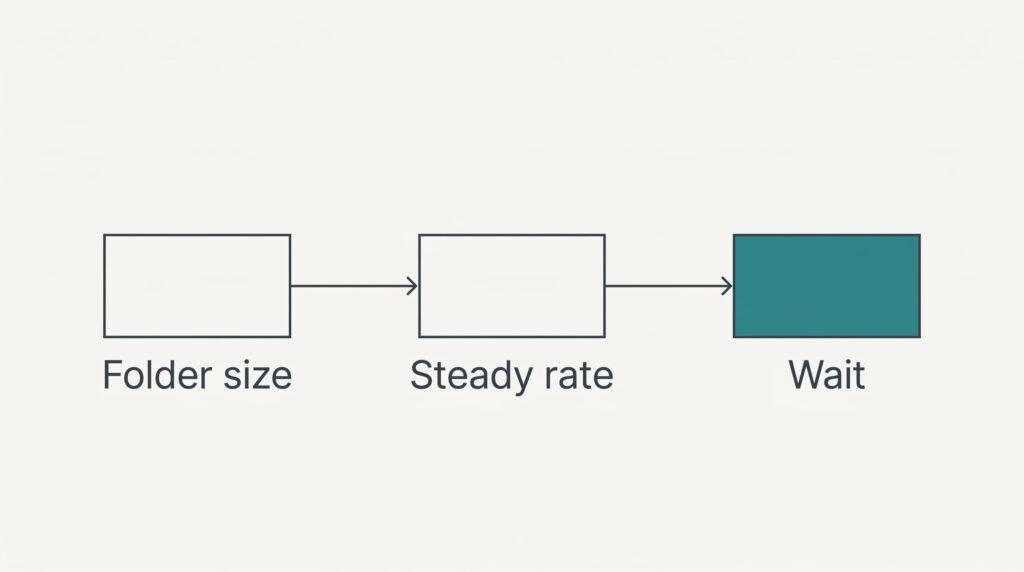
Begin with arithmetic that nobody does at the shop. A carrier accepts a copy at some steady rate, and the wait equals the folder size divided by that rate. Say a basic stick holds 25 MB per second through a long copy, while a portable SSD holds 400 MB per second. Both figures are round inventions, and your own devices will differ, particularly when the computer’s port is slower than the carrier.
Ruth’s daily folder is 3 GB, or 3,000 MB. One copy takes 120 seconds on the stick and 7.5 seconds on the SSD. She copies four times a day. Two copies go onto the carrier and two come off it. The stick costs her 8 minutes of waiting each day, or 40 minutes over a five-day week. Over the same week the SSD costs her 2.5 minutes, at 30 seconds a day.
The monthly archive changes the picture. A 60 GB copy takes 40 minutes on the stick and 2.5 minutes on the SSD, and she makes two copies. Each wait comes from one division: your biggest regular carry over the steady rate. Work it out for the largest folder you really move.
Do that division before you open any product page.
The Two Carriers Compared Row by Row
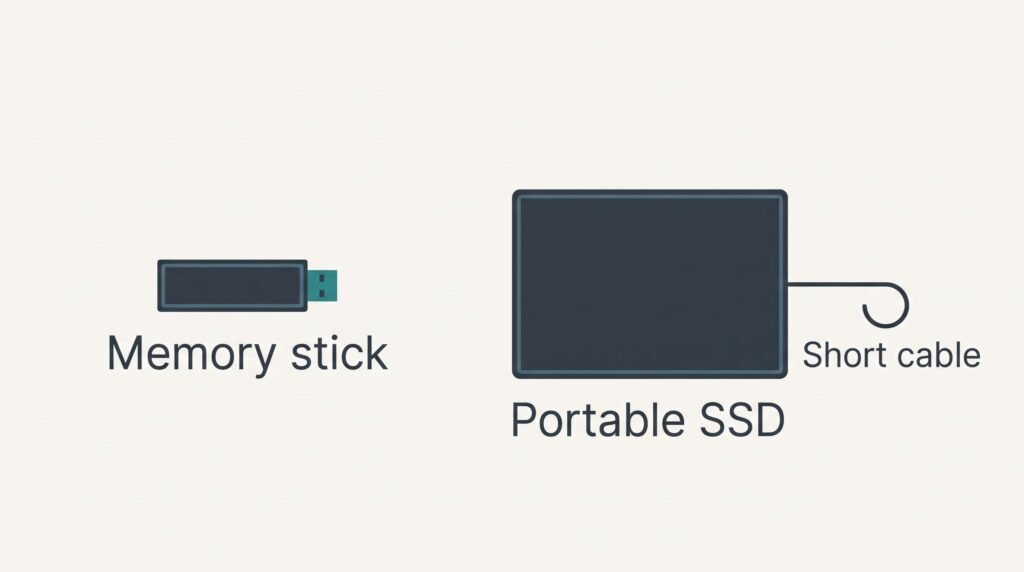
The table sets out the physical differences that you’d notice in a bag or on a desk. Sizes and weights are typical assumptions, and the label of each device you’re weighing gives the real figures. Speed and money are left out on purpose: the sums above handle speed, and costs change too often to print.
| Point | Memory stick | Portable SSD |
|---|---|---|
| Body (assumed) | about 6 cm long, plugs straight in | about 9 cm by 5 cm, with a short cable |
| Weight (assumed) | about 10 g | about 45 g |
| Capacity for work files (assumed) | 32 to 256 GB | 500 GB to 2 TB |
| Easiest way to lose it | left sticking out of a computer | cable left behind on a desk |
| Crowded row of ports | can block the port beside it | cable lets the body sit clear |
| Handing it to a colleague | slide it across the desk | needs the cable as well |
The crowded-ports row is the surprising one, since the cable looks like the drawback. On a slim laptop with two ports side by side, a stick can cover its neighbour. The cable is what frees it. Between a portable SSD or a memory stick, that row tilts towards the SSD. Ruth sees it at clients’ desks more often than any weight gap.
Where the SSD Earns Its Cable
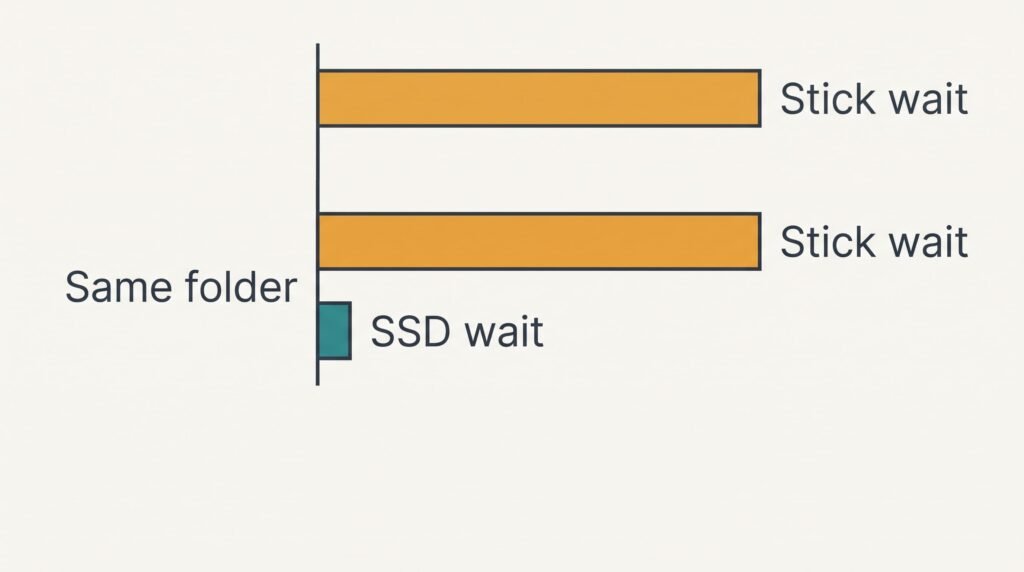
The SSD pays back once the folder grows. At the assumed rates, the 60 GB archive takes 40 minutes to reach a stick and 2.5 to reach the SSD. Ruth can finish a coffee during the second wait. The first leaves her watching a progress bar in a client’s meeting room.
Repetition matters as much as size. Take a 12 GB folder that travels four times a day. One copy needs 480 seconds, or 8 minutes, on the stick, which makes 32 minutes of waiting daily. The SSD needs 30 seconds per copy, which brings the same day down to 2 minutes.
Capacity leaves room to grow as well. A folder that gains scans every month will outrun a small stick. Swapping carriers partway through a busy quarter is an interruption you can avoid by buying space early.
An SSD also copes better when a large project is opened straight from the carrier. A basic stick can feel sluggish in that job, although the gap varies by model.
Where the Stick Is Enough
Choosing a portable SSD or a memory stick matters little when the carry is small. Ruth’s 3 GB folder costs 8 minutes in a whole working day. They’re spread over four pauses that she mostly spends hanging up a coat or being greeted. A 5 GB folder would need 200 seconds, and nobody resents that wait.
The stick is lighter and simpler to handle. It rides on a keyring or in a trouser pocket, and it plugs in with no cable to trail across a client’s desk. There’s nothing to charge or set up. A colleague can take it and copy a report, then hand it back without hunting for the right lead.
Losing one hurts less when the folder on it is a copy. A stick left in a meeting room becomes an annoyance rather than a crisis. That holds provided the original stays on your own computer and nothing confidential travels without protection.
For a handful of documents a week, the stick is all you need.
When Neither Carrier Is Right
Some jobs suit neither device. One case is a client whose rules forbid plugging in outside drives, as many offices that guard their network do. Another is a folder held only on the carrier. A stick or SSD that fails, or goes missing in a coat pocket, takes the single copy with it.
Treat the carrier as a courier and never as the home of the files, which means the original stays on your computer until the far copy has been checked. Whether you pick a portable SSD or a memory stick, neither counts as a backup. Open the copied folder there and count the files before you delete anything.
Where a client’s rules block drives, ask for their approved route. A shared upload link or an internal transfer folder usually fits. Arranging it once removes the carrying altogether, and Ruth now does this for two of her clients.
Which to Carry: a Memory Stick or a Portable SSD
If your biggest regular carry stays under about 15 GB, take the memory stick. At the assumed rate, 15 GB needs 10 minutes per copy, roughly where a pause turns into a chore. Pocket it on a keyring and forget the cable. Ruth’s daily 3 GB sits comfortably inside that limit. The stick would serve her on ordinary days.
If any regular carry passes about 15 GB, or you copy a mid-sized folder several times a day, take the portable SSD. The cable and the extra few grams buy back the minutes seen above. That’s about 37 on a single archive copy or 30 across a day of 12 GB folders.
Write down two numbers for your own week: the size of your biggest regular folder in gigabytes, and how often it travels in a day. Time one real copy with a stopwatch and divide. When the daily total stays under 15 minutes and no single copy passes ten, the stick will do. Ruth’s 60 GB archive puts her on the SSD side, and her daily 3 GB alone wouldn’t have.
Questions Readers Keep Asking
How much extra effort does a portable SSD add to a daily routine?
It adds one short cable and one more object to remember. The drive is larger than a stick and needs a bag pocket. The cable is easy to leave on a client’s desk. Many people avoid that by keeping the cable coiled with the drive in the same pouch every time.
Which one is more likely to fail on the road?
Neither carries a promise, and each holds a single copy of your files. A stick is easy to snap off in a port or lose. The SSD’s weak point is the socket for its cable, which can wear with daily plugging. Keep the original on your own computer and treat the carrier as a courier.
Which carrier suits a student taking coursework to a copy shop?
A memory stick suits that job. Essays and slides come to a few hundred megabytes. At the assumed rate, 200 MB takes about 8 seconds. An SSD would only add a cable at that size. Save a PDF copy too, because shop computers can display documents differently.