Your inbox is empty on the train, or an old account stays signed in on the family laptop. Both complaints come from one choice between a mail app or webmail. Anyone who answers mail from a handset and a shared laptop meets it within a week. Use a mail app when you read on the move or run two accounts. Use webmail on a shared or borrowed computer. The whole thing reduces to a single question: does the device hold a copy of your mail? The figures assume a mailbox of 20,000 messages averaging 75 KB each, so check your own mailbox before you switch anything.
The One Property Behind Every Mail App or Webmail Difference
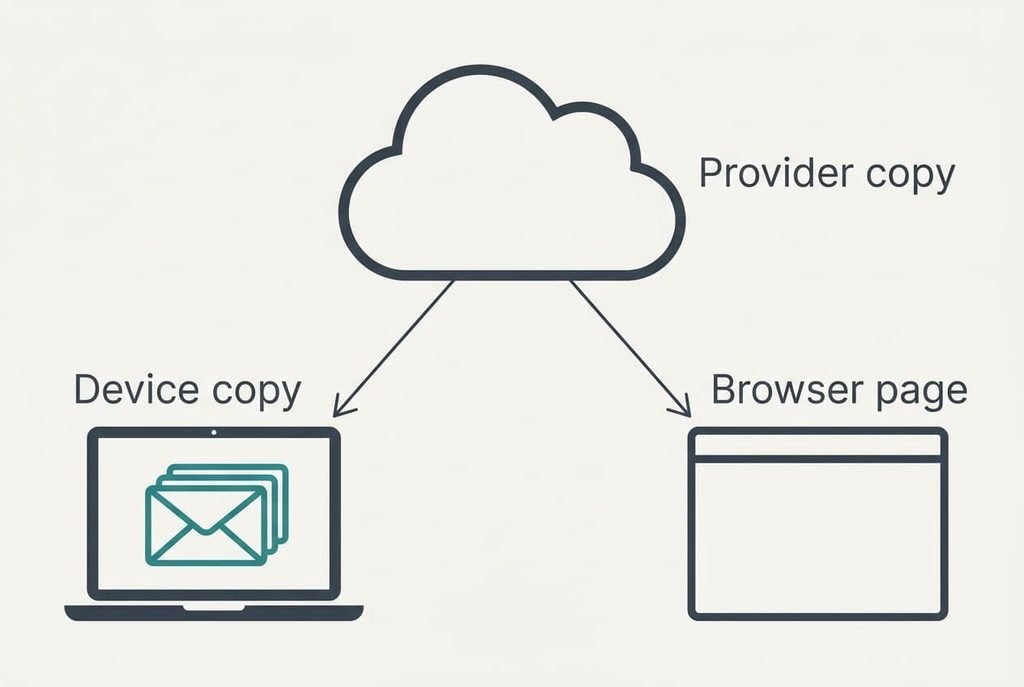
Everything turns on one property: whether a copy of your mail is stored on your own device. Webmail shows the provider’s copy through a browser page and keeps nothing worth keeping. A mail app downloads messages into a store on the device and shows you that store instead.
Do the sums. A mailbox of 20,000 messages at 75 KB each holds 1,500,000 KB, which is 1.5 GB at the provider. An app keeps the last 12 months. At 400 messages a month that is 4,800 × 75 KB = 360,000 KB, or 360 MB. That is 24 per cent of the mailbox sitting on the device.
The two views stay in step because the provider’s copy is the master. With the usual synced set-up, deleting a message in either view removes it at the provider, and the other view follows. The local copy is a mirror and never a separate archive, which is why losing a laptop doesn’t lose the mail.
Offline reading and search coverage both follow from that mirror. So do the traces it leaves and the space it uses. Some providers offer an offline mode in the browser. It quietly stores a copy as well, so webmail with that mode switched on behaves like an app.
Nothing else changes with the provider.
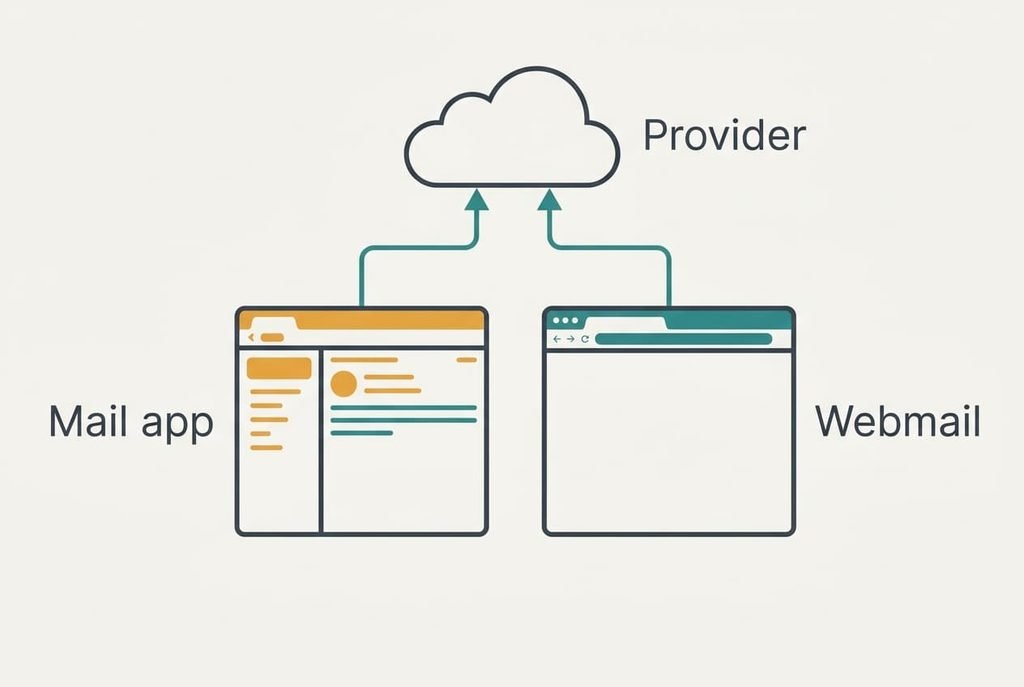
How a Mail App and Webmail Compare, Row by Row
The rows below hold for any provider. Prices and speeds are left out, since plans change both every year. Each row can be checked in an hour with a spare laptop, so tick the ones that match your week and ignore the rest.
| Property | Mail app | Webmail |
|---|---|---|
| Reading with no signal | the 4,800 stored messages | nothing |
| Writing with no signal | replies queue and send later | not possible |
| Several accounts together | one combined inbox | one tab per account |
| What a search covers | the 4,800 stored, unless set to keep all | all 20,000 at the provider |
| Trace on a shared computer | 360 MB of mail until the account is removed | cached pages until you sign out |
| Set-up on each device | about 3 minutes per account | about 30 seconds for a bookmark and a sign-in |
| Space used on the device | 360 MB for this mailbox | almost none |
The search row catches people out, because an app finds only what it has stored, so a message from three years ago can seem to have vanished. Switching the app to keep all mail fixes that. The copy then grows from 360 MB to 1.5 GB, a cost of 1.14 GB.
Where the App Wins
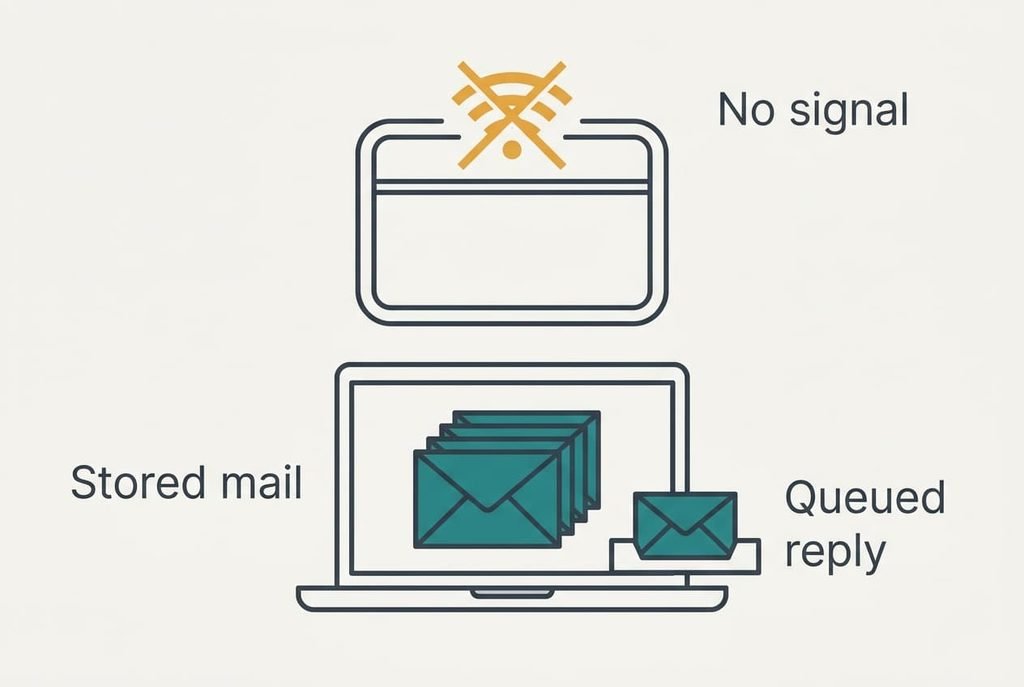
The app wins on the journey. Suppose a commute has 40 minutes without signal and you make 10 journeys a week. That is 400 minutes, or 6 hours 40 minutes, with a blank browser tab. The app shows the stored 4,800 messages and lets you write replies, which it sends when the signal returns.
It wins again on several accounts. Switching between two webmail tabs 10 times a day at 15 seconds each costs 150 seconds. That’s 2.5 minutes a day and 17.5 minutes a week. A combined inbox removes that cost entirely.
The third gain is quiet. Whether you choose a mail app or webmail, new mail can only be announced by something that is running. An app runs in the background without a browser window open. You hear about the message without keeping a tab alive.
The price is the copy itself. It takes 360 MB and needs setting up again on a new phone or laptop. It also sits on a disk that someone else may borrow.
Where Webmail Wins
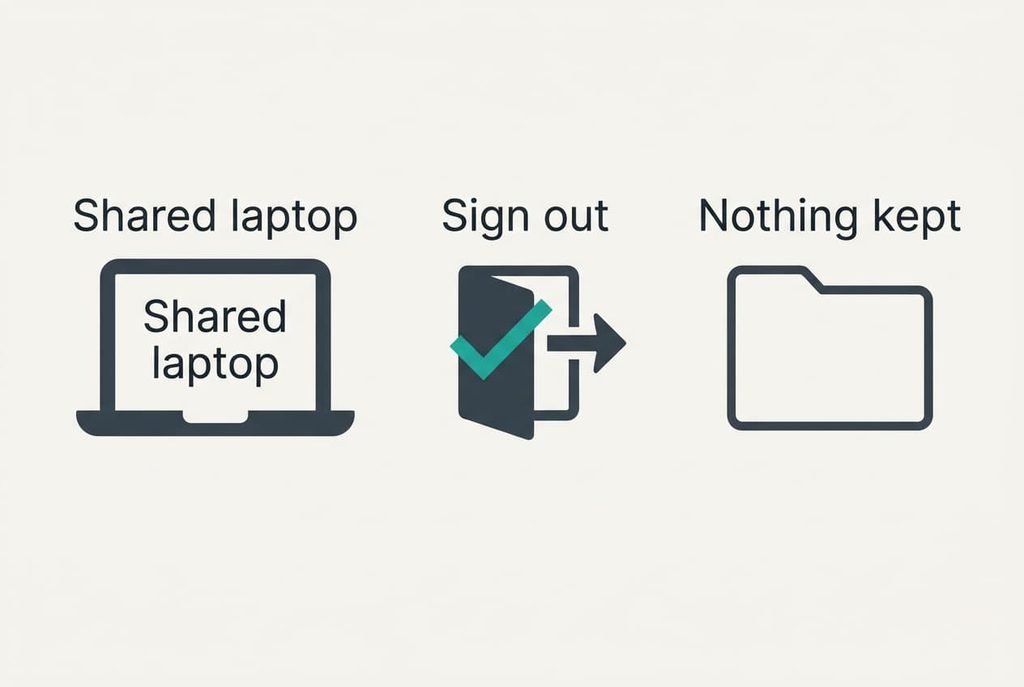
Webmail wins on the borrowed machine. Signing out takes about 10 seconds and leaves only cached pages behind. A mail app or webmail on a shared laptop leaves very different traces. The app keeps 360 MB of readable mail until its account is removed, and removal is easy to forget.
Arrival is quicker too. A new device needs a bookmark and a sign-in, which takes half a minute, against 3 minutes for an app account. Over a year with three new devices that is 90 seconds against 9 minutes. It needs no upkeep either. Nothing needs updating, and no account has to be removed when a laptop changes hands.
Webmail also searches everything. All 20,000 messages sit at the provider, so the three-year-old message appears at once. No setting needs changing and no stored data grows.
Its price is dependence. With no signal, or with the provider’s site down, the browser tab shows nothing, and nothing on the device can fill the gap.
When Neither One Matters
Some accounts hardly deserve the decision. If a mailbox receives fewer than five messages a week, mostly receipts, keep using whichever tab or app is already open. Choosing between a mail app or webmail costs 3 minutes of set-up for one and 30 seconds for the other. Neither pays that back in a month.
Test the idea with a break-even sum. Suppose switching saves you 20 seconds a week. Three minutes is 180 seconds, so the saving takes 180 ÷ 20 = 9 weeks to repay the set-up. For a mailbox you touch twice a week, that’s a long wait for no real gain.
A second address kept only for sign-ups follows the same logic. Read it once a fortnight in a browser tab and save the app for the account you live in.
Either option does the job there, so leave the decision alone until a real complaint appears.
A Two-Branch Rule for Choosing
If you read mail on the move or run two accounts, set up the mail app and keep 12 months. You gain offline reading and a combined inbox. You pay with 360 MB and a copy that must be removed from any device you sell or lend.
If you use a shared computer or have one account at a desk, use webmail and bookmark it. You gain a clean exit in 10 seconds and a search across every message. You pay with a blank tab whenever the signal drops.
Apply the rule device by device. A phone on the train and a family laptop need different answers, and nothing stops you using both on the same mailbox.
Both branches start from the same mailbox, so you can test the other one for a day without moving anything. The provider’s copy stays the master either way, so a wrong choice costs a little set-up time and never any mail. You’ll know within a week which branch you belong to, because the complaint that started this will either vanish or return, and the other branch stays only a few minutes away.
Questions Readers Keep Asking
How long does each take to set up?
A mail app takes about 3 minutes per account, because you type the address, then approve a sign-in, then wait for the first download. Webmail takes about 30 seconds for a bookmark and a sign-in. With three devices and two accounts, the app costs about 18 minutes in total against about 3 for webmail.
What happens if the provider has an outage?
A mail app keeps showing its stored copy, so you can still read and write, but it can’t send until the provider returns. Webmail shows nothing at all, because the page itself comes from the provider. For a long outage the app is the more forgiving choice.
Which suits a family computer?
Webmail, in most homes. Each person signs in and out in about 10 seconds, and nobody’s mail stays on the disk. If one adult uses the computer alone, an app with a locked login works too, but that’s a different situation from sharing.