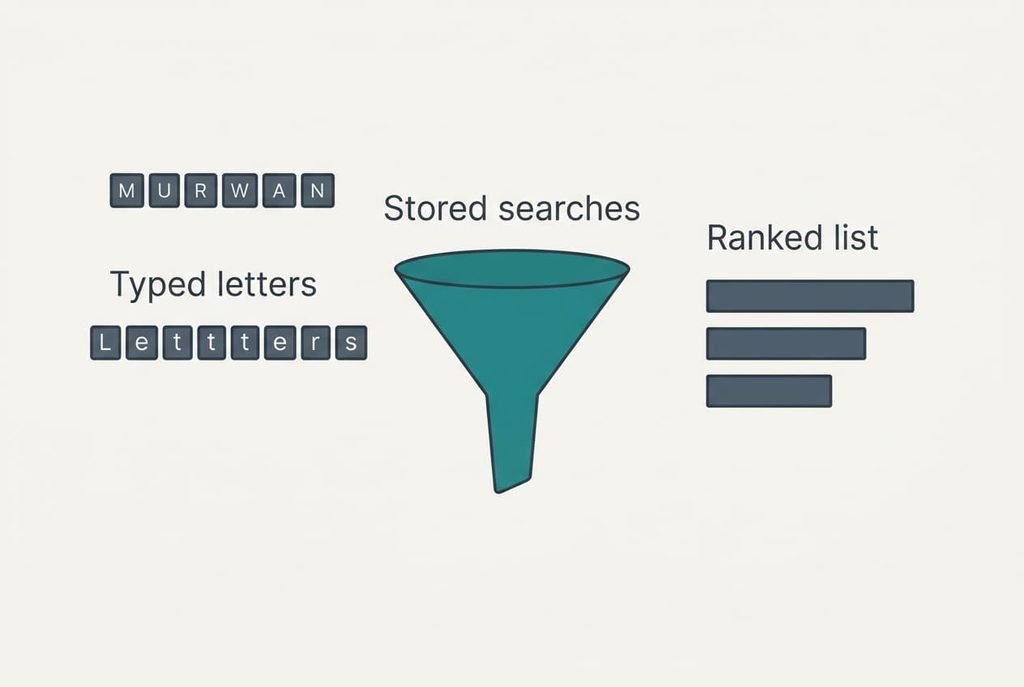
A search box guesses your sentence much as a returning officer reads a stack of ballots, by tallying what many people wrote before you. It matches the letters you have typed against a stored list of earlier searches and shows the most common matches first. That is how a box works out what you are about to type, and the lookup finishes in a fraction of a second. The example below uses an invented UK weather search, and every count is an invented round number. The whole process rests on counting. That explains its speed and makes its limits easy to predict.
How a Search Box Learns What You Are About to Type
Put briefly, a search box looks up your typed letters in a ranked list of earlier searches, then shows the first few entries. Matching works on spelling alone. The box has no idea what the words mean, which is why the letters wea bring up the weather and also wearable gadgets.
What the short answer hides is where the list comes from. It’s built from the combined searches of very many people. They’re added up, and nothing you wrote has to be in it. In the toy example the list holds 1,000,000 past searches, and the three letters wea match 75,000 of them, or 7.5%. The box never sees the full search that follows, only the letters so far.
Each extra letter narrows the pile before the box ranks anything.
Some boxes also blend in your own recent searches. Where that happens, the list isn’t identical for everyone. The core mechanism stays the same: counted past behaviour, matched on the letters so far. Most boxes trim the result to a handful of lines, so ranking carries more weight than the raw count behind it.
One Search Followed Step by Step
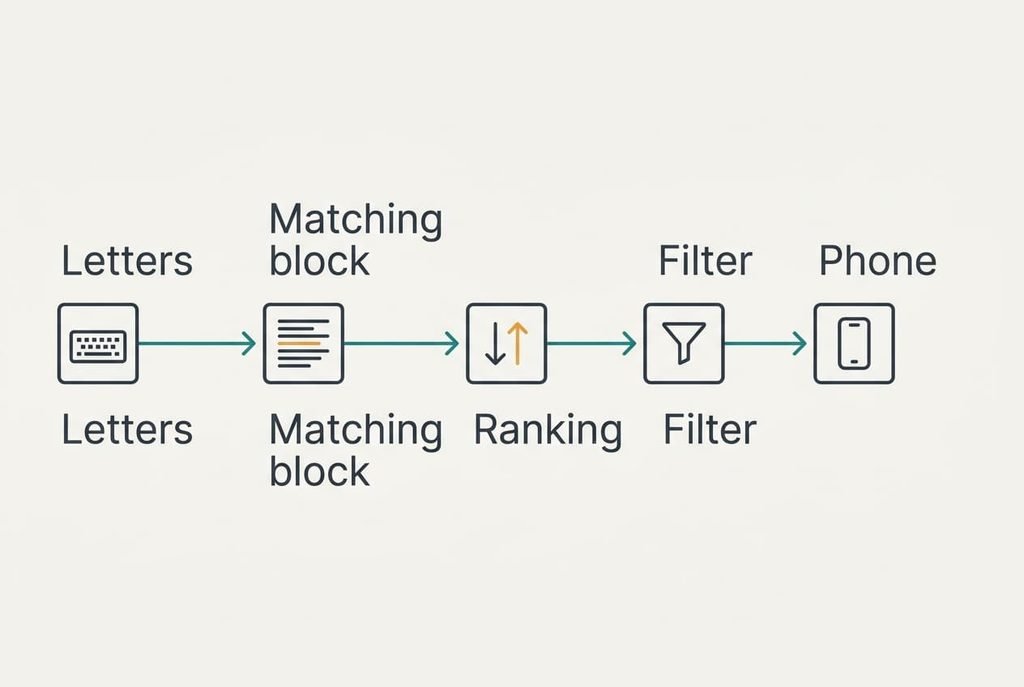
Take a reader in Manchester who types the letters wea. Typing at about five characters a second, she reaches the third letter after 0.6 seconds. Many boxes wait for a brief pause instead of asking on every keystroke, so the lookup starts around then.
It begins with the prefix. The stored list is kept in alphabetical order, so every entry starting with wea sits in one block, and the box can find that block without reading the other 925,000 searches. In that block 75,000 searches begin with wea. Those are counts, not separate phrases, because one phrase has been searched many times. The biggest is weather, searched 40,000 times, followed by weather tomorrow at 18,000. Weather radar has 7,000 and wearable 2,000. The other 8,000 searches are scattered over rarer phrases. As shares of the 75,000, the four leaders hold 53%, 24%, 9% and 3%, and the scattered remainder holds 11%.
Ranking comes next. A plain count would give the order above, but a box may also weigh how recent a search is and where the reader is. On a stormy day, weather radar can climb above weather tomorrow for that reason. If the same reader searched for weather yesterday, a box that blends in history may put that line first. The box then removes any entry it has a rule against showing and trims the list to eight lines, an assumed number.
A round trip takes about 0.1 seconds, which feels instant. The phone draws the lines under the box. She taps weather tomorrow. That phrase is 16 characters long and she typed 3, so the suggestion saved 13 characters, or 81%. A fourth letter would shrink the pile again, though weather would still lead. That’s the whole answer to what you are about to type: the most common continuation of the letters so far.

A Market Board and Where It Breaks
Compare the box with a market stall that chalks its best sellers on a board, ordered by how many customers bought each. A shopper who says ap is pointed to the top entries that start with those letters. The board does no thinking. It counts and sorts.
The comparison holds for counting but breaks twice. Short and identical for every shopper, the board differs from the box, which holds a million entries and may reorder them by place and recency. Nor does the stallholder hide anything. The box filters entries out before you ever see them, and you only get the first few lines of what remains. The board also changes only when the stallholder rubs out a line, whereas the box refreshes its counts as new searches arrive.
What the Box Thinks You Are About to Type, and Its Limits
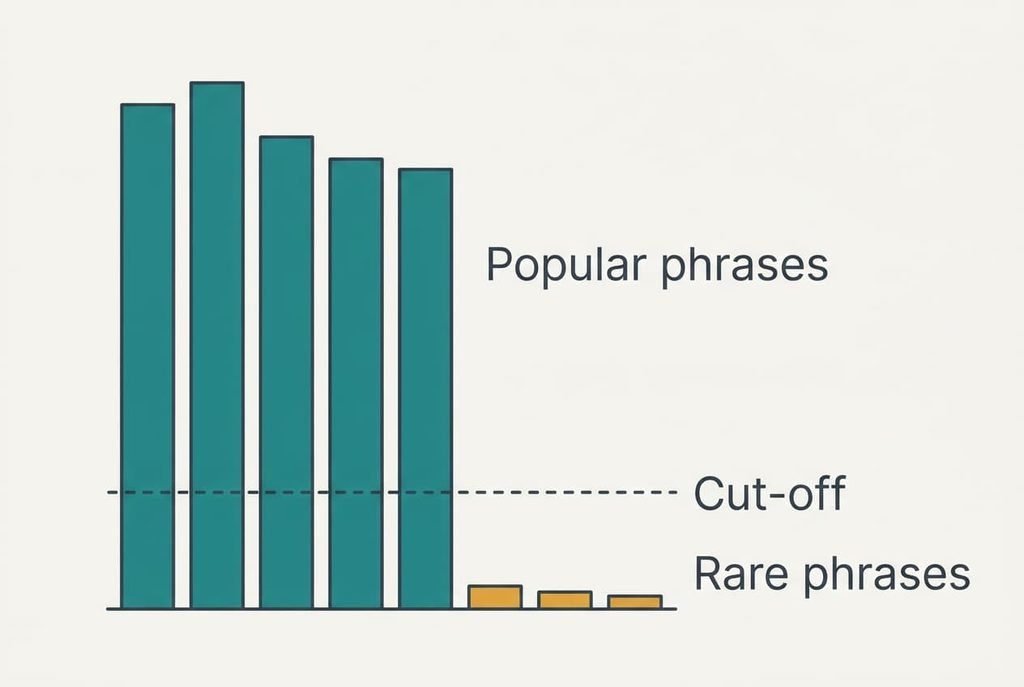
Several limits follow from counting. A phrase that few people search may never appear. Suppose the list keeps only phrases searched at least 50 times, which is 0.005% of the toy log. A brand-new phrase typed 49 times has no place at all. Rare misspellings fall under the cut-off while the common spelling stays. A cut-off like this also guards against junk and against exposing one person’s unusual query, because a phrase must come from many searchers before it shows.
The limit most readers overlook is that a suggestion measures popularity, which tells you nothing about accuracy or sense. A false claim searched by many people can rank above the correct wording searched by few. Order shifts over time too, because recency counts for something, and the list you saw yesterday may differ today. A story that breaks this morning needs time to build counts, so a new phrase may be missing for a few hours.
Three Beliefs About Suggestions That Don’t Hold Up
Many people suppose that the box reads your mind. That belief formed because the right phrase often appears after two or three letters, and it feels like being understood. Each correct guess is remembered and each miss is forgotten, which makes the box seem to know what you are about to type. In truth three letters match 75,000 stored searches, and the top entry simply wins a vote count.
Some assume the top suggestion is the best answer. It formed because search results are ranked with care, and a ranked list looks authoritative. The top entry is ordered by how often people searched it.
Frequency answers a different question from quality.
Many also assume every line was typed by you. That one formed because the box sits in your own browser and your own device. Some boxes do mix in your own history, so a few entries may be yours, but most come from the crowd.
A Rule for When to Tap a Suggestion
Tap a suggestion when the whole line matches what you are about to type and a wrong match carries no penalty. The example saved 81% of the characters, which makes a quick tap better than finishing the phrase. Finish typing the phrase yourself when the exact wording matters, such as a surname.
If the suggestion would save half the characters or fewer, typing is often as quick and avoids a near match. A phrase of 6 characters with 3 typed saves 3. That’s exactly half, and the glance isn’t worth it. With 16 characters and 3 typed, the saving was 13, which clears that bar easily.
A suggestion is a shortcut, and it was never a source. The box saves keystrokes by offering the commonest continuation of your letters. It can’t tell you whether that continuation fits your question, so read the line before you tap it, and check the results page afterwards. Counting made the guess fast, and your judgement still decides whether it’s right. Regard the list as a convenience built from a crowd’s habits, and keep the habit of reading the line first.
Questions Readers Keep Asking
Can a suggestion reveal something private?
Usually not, because lists are built from combined counts, and rare phrases fall below the cut-off. A box that blends in your own history can show your recent searches to anyone using your device. Clearing that history, or using a private window, removes those entries.
Do I need suggestions switched on?
No. They save keystrokes on common phrases and add little for unusual ones. If you often type exact wording, turning them off removes the risk of tapping a near match by mistake, and nothing else about searching changes, which makes the choice easy to reverse.
How is this different from autocorrect?
Autocorrect fixes the word you have typed, and a suggestion completes it from other people’s searches. One repairs spelling on your own text. The other offers whole phrases that were common among everyone, so it can add words you never intended to use.