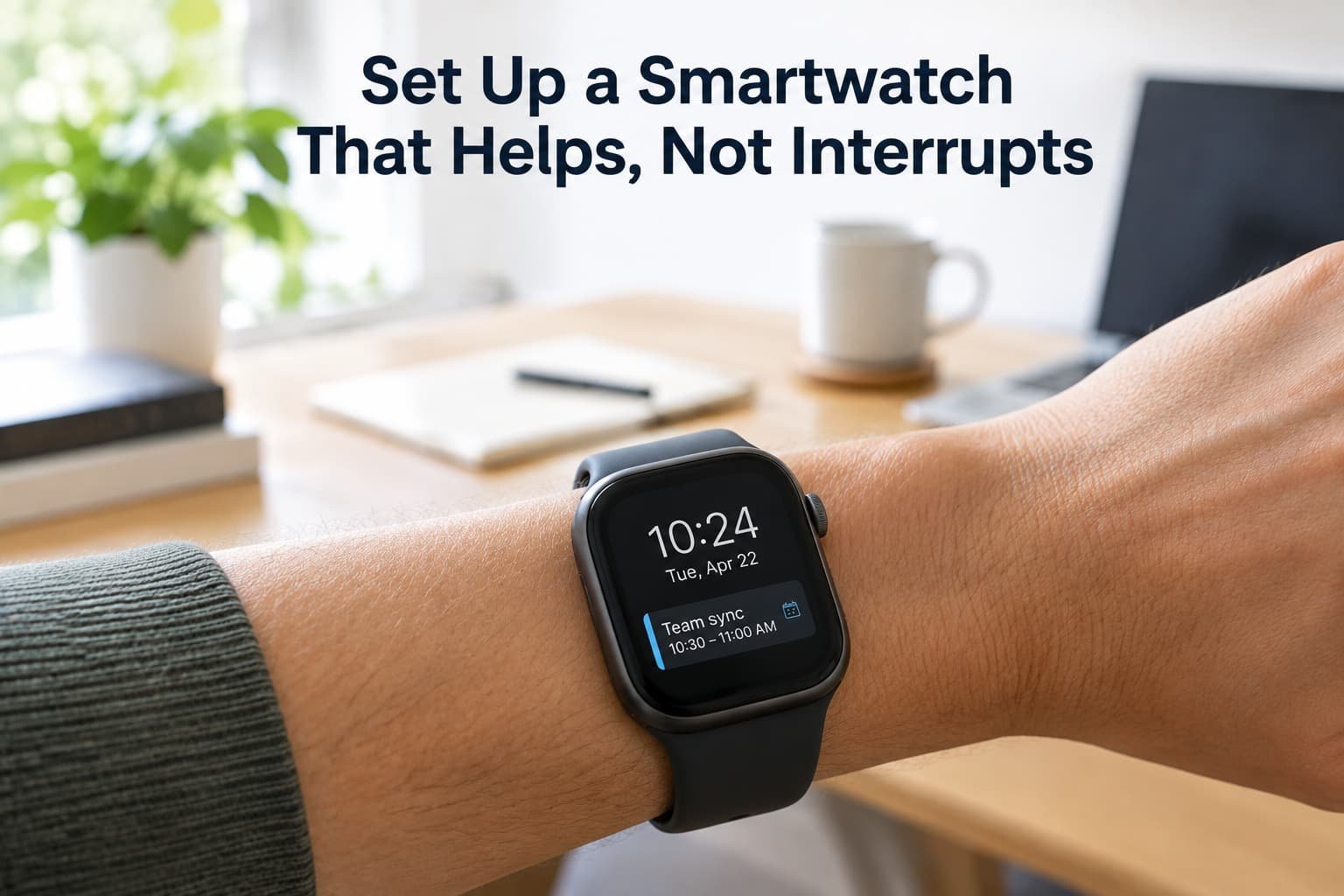
Most people set up a smartwatch by pairing it with a phone and accepting every default. A week later the wrist is buzzing for newsletters, shopping offers and group chats, and the watch has become one more thing demanding attention. The fix is not to turn the notifications off. It is to decide, once, what deserves to reach your wrist and what does not, and then set up the watch around that decision.
Before you start
Charge the watch, pair it with your phone and install any waiting software update, because updates often change where settings live. Keep the phone and the watch’s companion app open as you work, because most of the settings below are found there.
Plan for about twenty minutes, and expect to make small corrections over the first week.
Step one: decide what the watch is for
Write down the three jobs you want it to do. For most people these are showing the time and the next event, tracking activity, and alerting them to a short list of people and things that matter. Everything you set up should serve one of those three. Anything that does not is a candidate for switching off.
Step two: build a short list of notifications
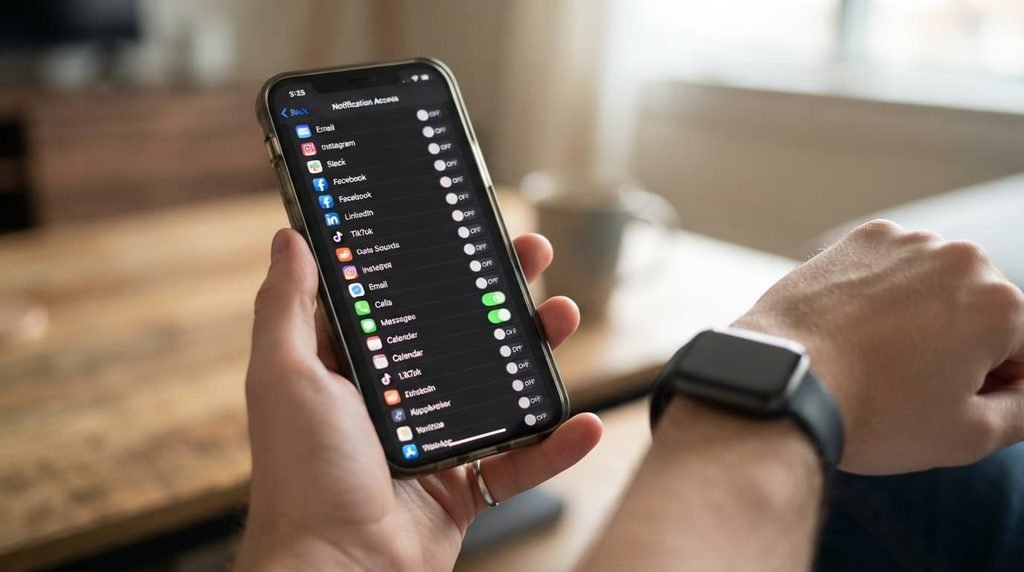
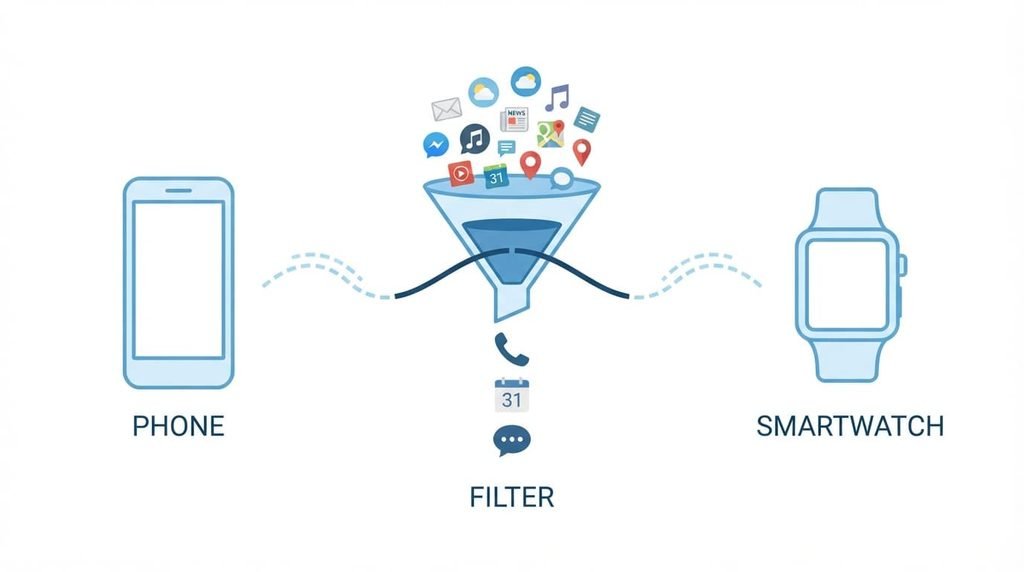
Open the notification settings in the companion app and look at the full list of apps. Most watches send alerts from every app on the phone by default. Switch that off, and then switch on only the apps you would genuinely want to be told about right now.
A good short list contains calls and messages from your closest contacts, calendar alerts, the alarm, and any app that really is time-critical, such as a delivery or a ride. Leave out social media, shopping, news, games and anything that sends promotions.
Where the watch allows it, restrict calls and messages to your favourite contacts. That one setting removes most of the noise while keeping the important people.
Group chats and work apps need special handling, because they are the biggest source of noise. Mute the busy groups on the phone, since the watch follows the phone’s choices, or set them to alert you only when you are mentioned by name. For work apps, allow alerts only inside working hours, using a schedule, so that a message at nine in the evening waits until morning.
Step three: set the buzz to match the message
The vibration is what interrupts you, so tune it. Lower the strength to the point where you can feel it but it is not a jolt. If the watch offers different patterns, give calls a distinct one, so that you can tell a call from a message without looking.
Turn off the sound on the watch unless you want it. A quiet buzz on the wrist is discreet. A chime from the wrist in a meeting or on a train is not.
Step four: schedule quiet hours
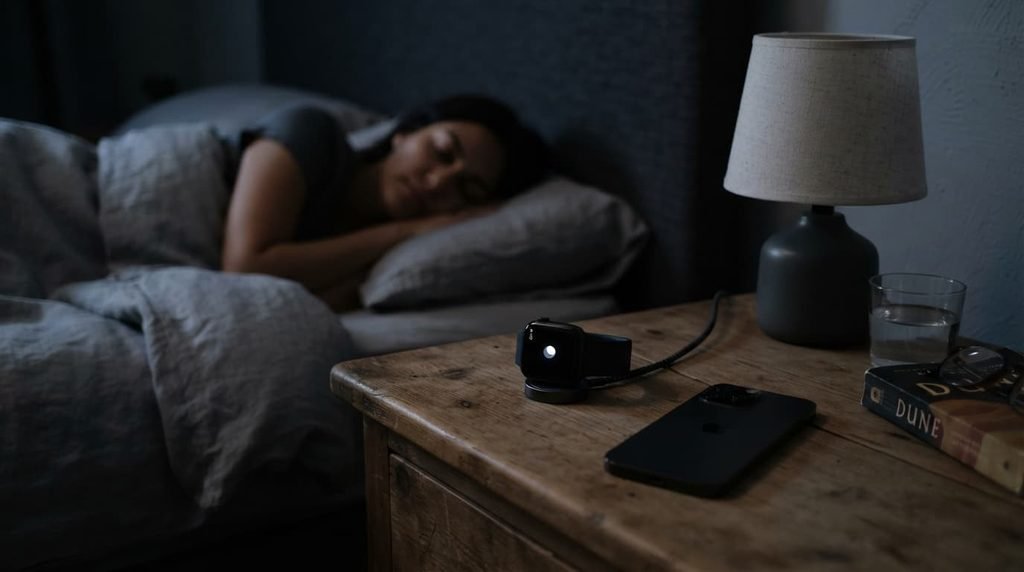
Set up automatic quiet periods. The two most useful are night and work. Use the sleep or do-not-disturb setting so the watch stops buzzing between the times you choose, and allow only the exceptions that matter, such as your alarm and your favourite contacts.
If your watch supports focus or work modes, create one for meetings and one for deep work, and let the watch switch to them on a schedule. A watch that quietens itself needs no willpower from you.
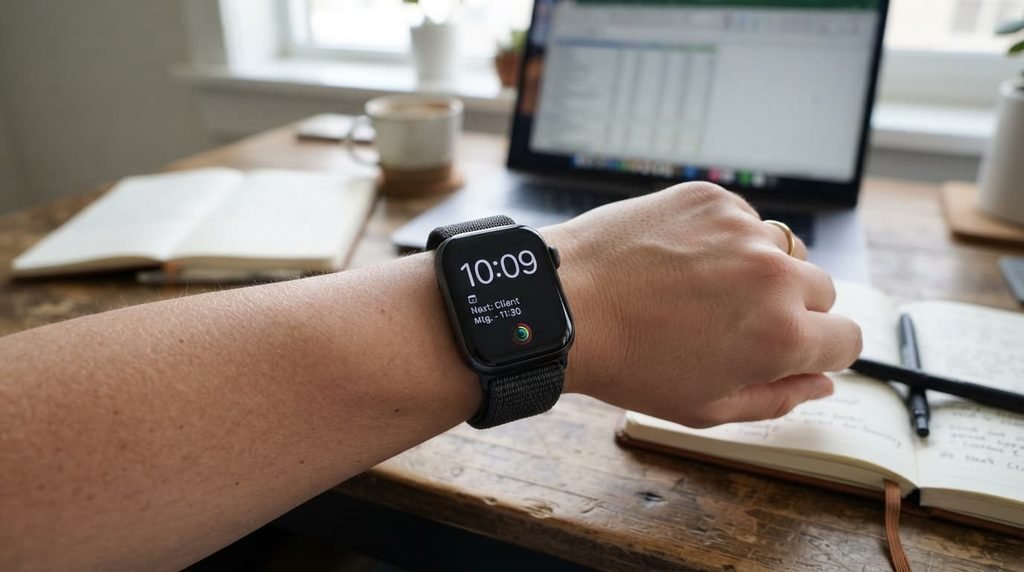
Step five: choose a watch face that shows little
A watch face can show a dozen pieces of information, and the more it shows, the more it demands. Pick a face that shows the time and two or three useful items, such as the next calendar event, the weather and your activity progress. Remove the rest.
A simple, dark face has another benefit: on many screens it uses less power, which helps the battery last through the day.
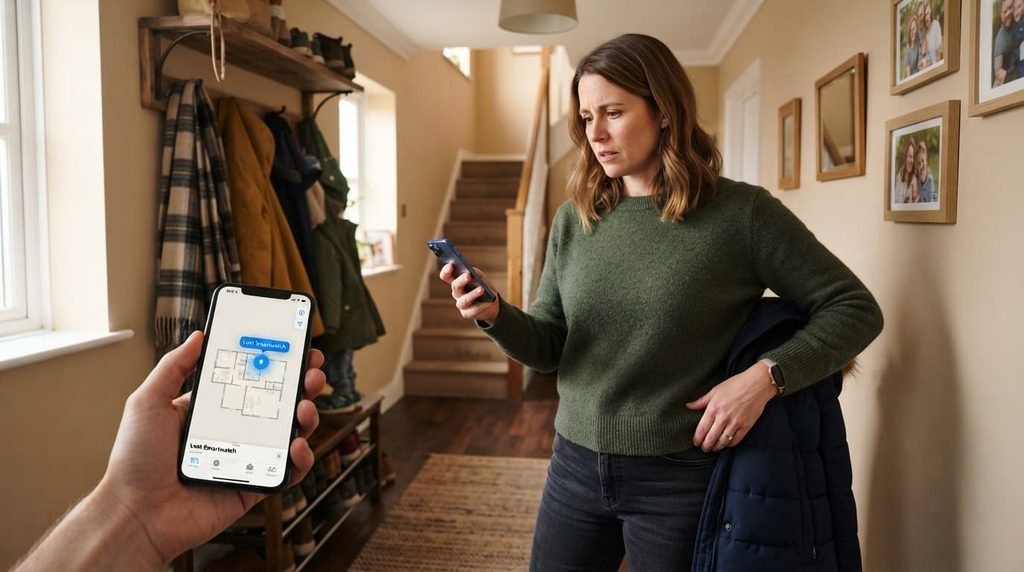
Step six: protect it in case it is lost
The watch holds health data and, on many models, payment cards and messages, so set a passcode, and choose the setting that locks the watch when it is taken off your wrist. Add your emergency contacts and any medical details the watch allows, so that someone who finds you can contact the right people.
Switch on the feature that lets you find or lock a lost watch from your phone. It takes a minute to set up and saves a great deal of trouble later.
Step seven: review after one week
After a week, look at which alerts you actually acted on and which you ignored or resented. Remove the apps you ignored. Lower the vibration again if you are still being startled. Adjust the quiet hours if you were disturbed at the wrong time.
The first setup is a guess. The review is where the watch becomes fitted to the way you actually live.
What a good week looks like afterwards
When the watch is set up well, it buzzes only a handful of times in a day, and each time it is worth looking at. You glance at it for the time and the next event, it records your activity quietly, and at night it stays silent. If you find yourself checking the phone because the watch told you nothing, or ignoring the watch because it told you everything, return to step two.
What isn’t worth doing
Mirroring every phone notification to the watch “just in case” isn’t worth doing.
It sounds safe, but it defeats the point of owning a watch. The wrist becomes a second inbox, and a second inbox is worse than none, because you start to ignore the buzz, and the important message gets ignored with the rest.
If you only have ten minutes
Do two things. First, switch off notifications for every app except calls, messages from favourite contacts and the calendar. Second, schedule a quiet period for the night. These two steps remove most of what makes a watch irritating, and the rest can follow another day.
Questions readers keep asking
Do I have to keep the phone nearby for notifications?
Usually, yes. Most watches receive notifications through a connection to the phone. Some models with their own mobile connection can work without it, but check how yours behaves, and remember that extra connections use extra battery.
Will fewer notifications make the battery last longer?
Yes. Every alert lights the screen and runs the vibration motor, so a shorter list saves power as well as attention.
Should I wear the watch to bed?
If you want sleep tracking, yes, and a night quiet period stops it waking you. If you would rather not, take it off and charge it at that time.
What if I miss something important?
Keep calls from favourite contacts and the alarm switched on, and let the phone handle the rest. A watch is meant to prevent you taking out the phone for trivial things, not to be your only way of being reached.
Can I reply to messages from the watch?
For a short answer, yes: quick replies and dictation work for a few words. For anything longer, use the phone, because typing and reading on a small screen invites mistakes and wastes time.