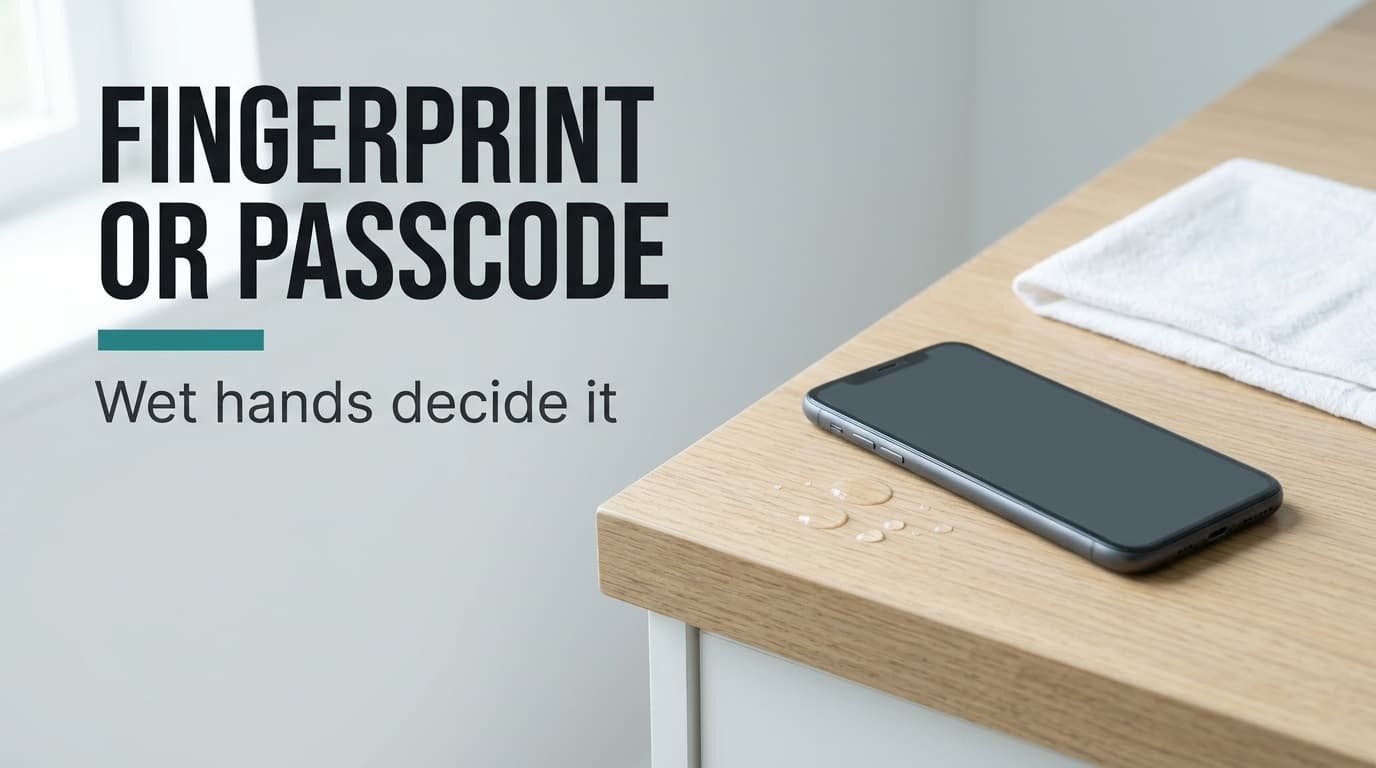
Wet hands trouble a passcode almost as much as a fingerprint. Most people expect only the sensor to struggle, yet a wet thumb mistypes digits too. Our verdict is conditional: pick the sensor if your hands are mostly dry or only sometimes wet, and the passcode if the sensor fails nearly every time, because one reads your skin and the other reads a secret. The example is a kitchen in Leeds, where a phone is opened 80 times a day and 8 of those openings happen with soaked hands. Nearly every current phone offers both methods. The question is only which one you use first. The numbers are invented samples for illustration.
What a Fingerprint Sensor or a Passcode Actually Reads
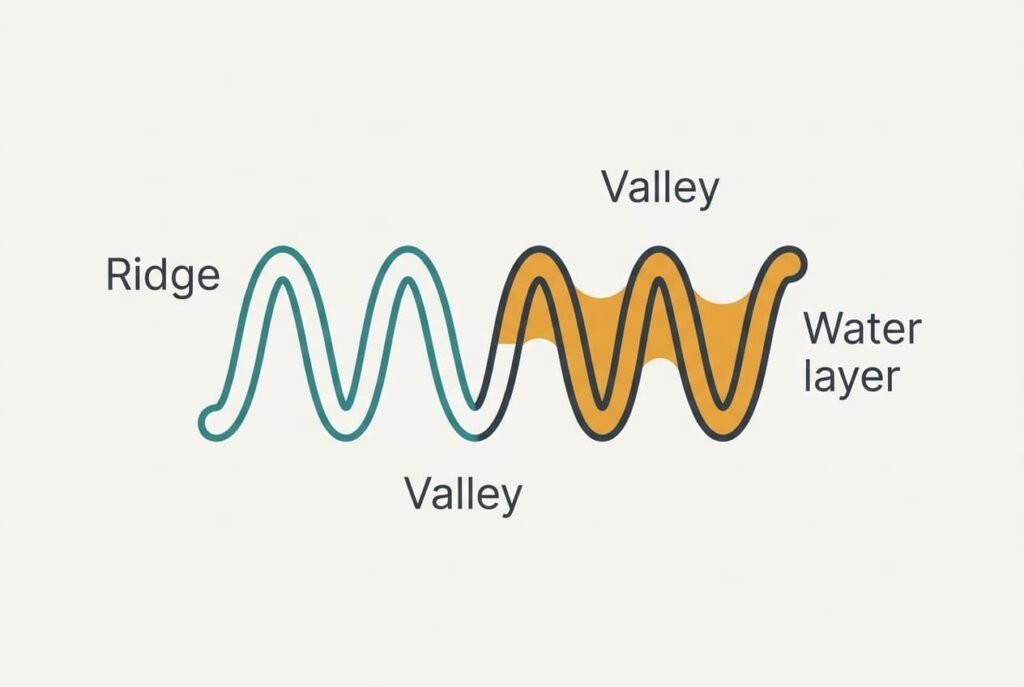
A fingerprint sensor reads the ridges and valleys of a fingertip, and many designs tell them apart by how each changes an electrical signal. Ridge spacing on an adult fingertip is roughly half a millimetre, and the valleys are a fraction of that deep. Even a thin layer of water is enough to fill them. Ridges and valleys then look alike to the sensor, and the read fails. A dry thumb carries no such layer. The same finger therefore reads cleanly at the sink after a wipe. A passcode reads nothing about your body. It reads the six digits you press, and the state of your skin can’t change them.
What the check reads decides everything: a surface or a secret.
A surface changes without asking you. Water and cold alter it. A cut or a worn ridge does the same. A secret changes only when you press a wrong key. That’s why a passcode shrugs off cold fingertips and a scratched thumb, and why it still stumbles on a wet screen, where droplets register as extra touches.
Every phone asks for the passcode after a few failed reads, which means the real choice is which method you reach for first.
Fingerprint Sensor and Passcode Compared Row by Row
| What differs | Fingerprint sensor | Passcode |
|---|---|---|
| What it reads | the ridges of one fingertip, matched against a stored pattern | six digits you know, matched against a stored code |
| Wet hands | water fills the valleys and reads often fail | a wet thumb mistypes and droplets can add touches |
| Cold, dry fingertips | ridges flatten and reads can fail | no effect on the code |
| Gloved hands | cannot be read at all | cannot be typed unless the gloves suit touchscreens |
| Someone watching | nothing to see | the digits can be seen |
| Chance of a random match in 5 tries | about 1 in 10,000, from an assumed 1 in 50,000 a try | 1 in 200,000, from 1 in a million a try |
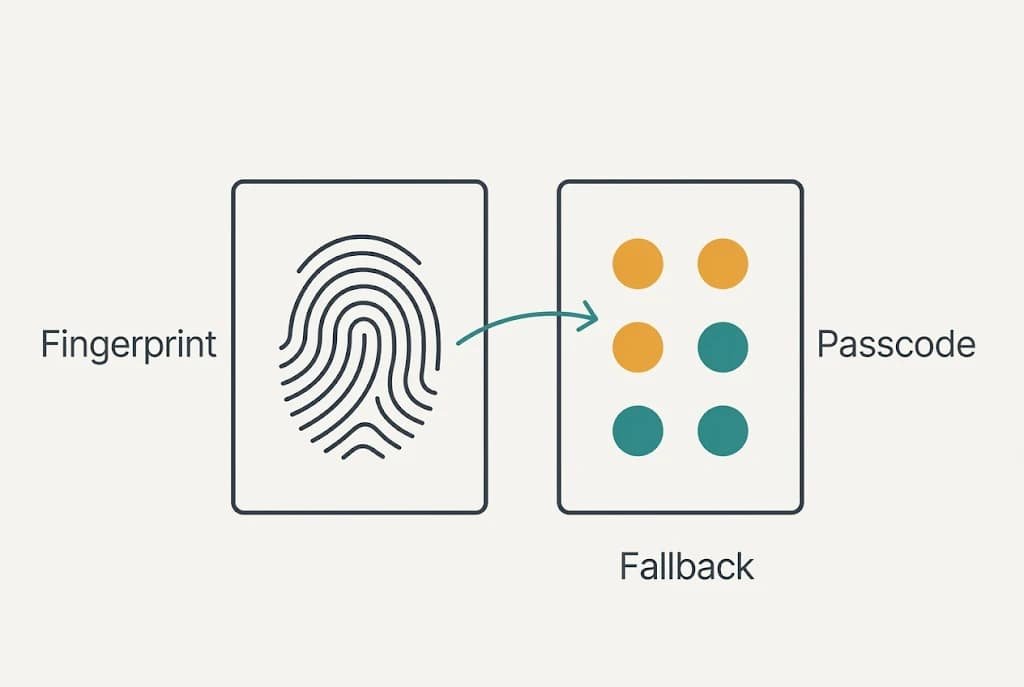
| When it fails | falls back to the passcode | asks again, then adds delays |
The final row holds the surprise. The sensor’s fallback is the passcode itself, which means you never get to retire the code. Choosing a fingerprint sensor or a passcode therefore decides only which comes first: the sensor adds an easier first attempt in front of the strong lock, and the passcode stays behind it for restarts and failed reads, and for the days when your thumb simply won’t register, when the lock asks only for what you remember.
Where the Skin Reading Wins
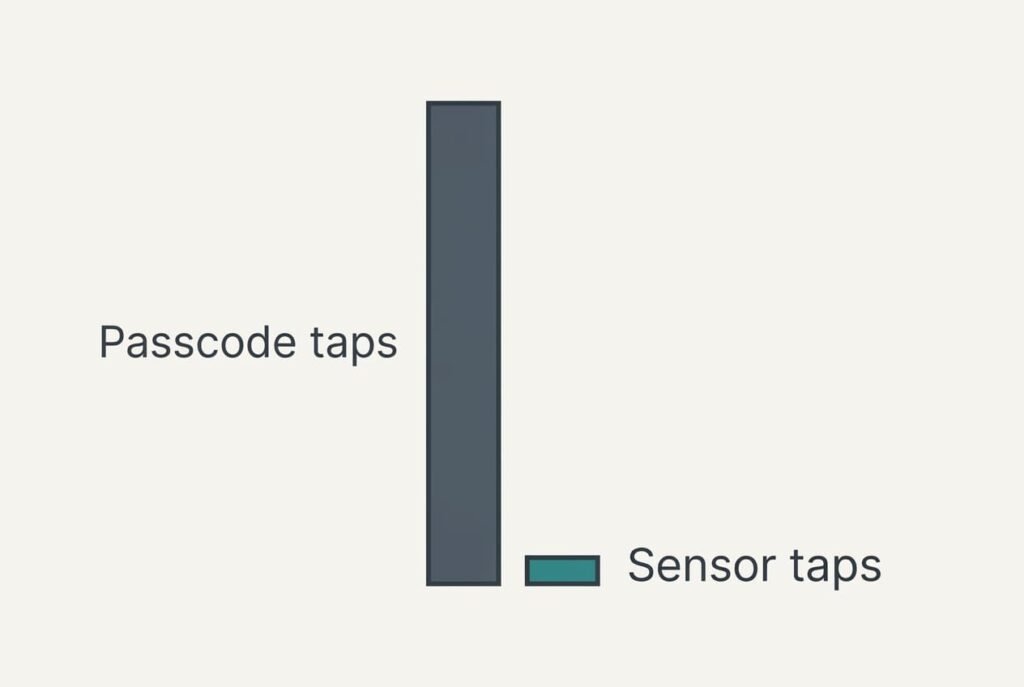
The sensor wins on effort, even in a wet kitchen. Take the 80 daily openings. Suppose 72 happen with dry hands, where a read fails 5% of the time, and 8 with wet hands, where it fails 60% of the time. Count each failed read as one wasted tap. Allow two reads before the fallback, then charge six taps for the passcode.
On that model a wet opening costs about 3.1 taps and a dry one about 0.07, which comes to roughly 30 taps for the day. A passcode used every time costs six taps on a dry opening and about seven on a wet one, since a wet thumb mistypes one entry in six. That is 72 × 6 + 8 × 7 = 488 taps a day. The sensor saves about 458 of them, roughly 94% of the effort. Whether you choose a fingerprint sensor or a passcode, the gap shows most on dry days, where a read costs almost nothing at all.
It wins against watching eyes too. A fingerprint pressed on a crowded train shows nothing to the person standing behind you.
Where the Typed Code Wins
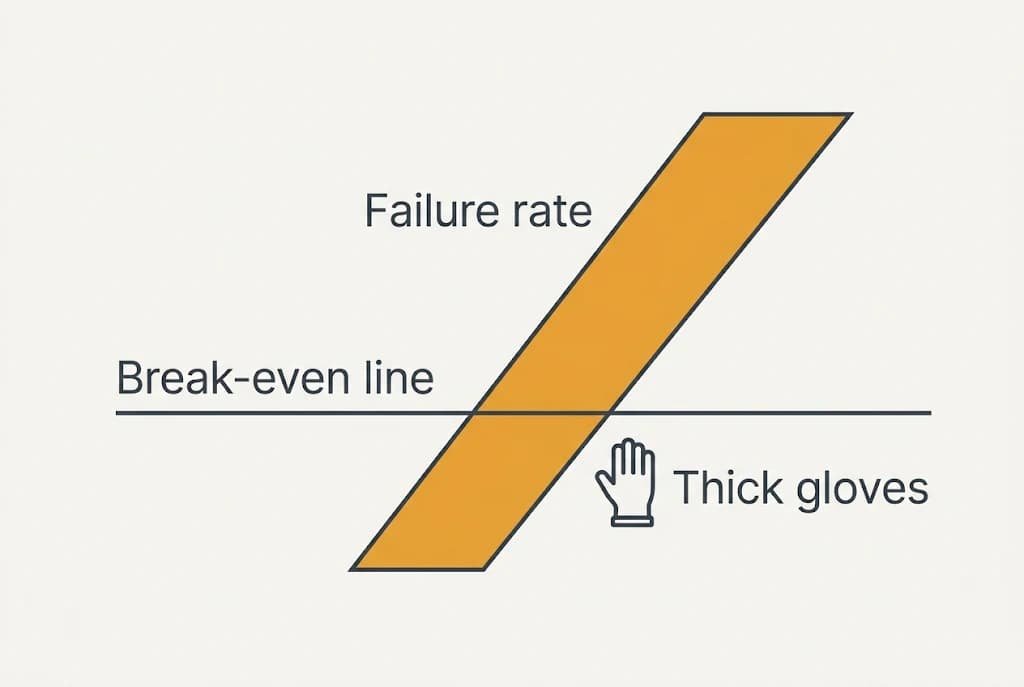
The passcode wins in a narrow set of cases. On a wet opening, the sensor has to fail on more than about 93% of reads before the code costs less, because even a failing sensor adds only a couple of taps ahead of the fallback. Thick gloves and worn ridges can push a phone past that line, and a cracked cover can too. Wet hands rarely do.
Cold can come close. On a winter commute, bare fingertips lose moisture. Ridge contrast then falls, and the failure rate might approach the wet figure of 60% in our sample. That is still short of 93%.
The code wins on memory as well. A phone that restarts or updates asks for it, and a code typed daily stays in your fingers. One typed twice a month tends to vanish at the worst moment.
A shared household phone also suits the code. It doesn’t rely on whose fingers are enrolled, and you can change it in seconds. Anyone choosing a fingerprint sensor or a passcode for a shared handset should start there.
When Neither Suits You
Some wet jobs need neither method, because the cheapest opening is the one nobody has to make. If you cook with a recipe on screen, stand the phone up. Then lengthen the screen timeout to ten minutes. Touch it every few minutes and eight wet openings fall to one.
Ten minutes is a guess. Choose a timeout longer than the longest gap between your touches and shorter than the time you’d leave the phone alone. A phone left open on the worktop stays exposed while that timeout runs. Put it back to thirty seconds when the cooking ends.
A trusted-place setting that skips the lock at home does a similar job, yet it lets anyone in the room pick the phone up. Weigh that before switching it on.
Drying your hands on a towel before pressing brings the sensor back to its dry-hand figure, and the habit takes ten seconds and costs nothing.
Which to Choose
Two branches cover most phones, and each carries a catch. Neither choice is permanent, and you can switch on any evening. Read both before you decide which describes your week.
If your hands are mostly dry, choose the sensor. Keep a six-digit passcode behind it, and enrol the same finger twice so the sensor holds two samples. Check the passcode weekly, since you’ll need it after every restart.
If the sensor fails over nine in ten, choose the passcode. Thick gloves and worn ridges do that, and a cracked sensor cover can too. Pick six digits that nobody could guess from your birthday or your door number. Both changes take under a minute in the settings.
Before you decide, test the sensor with one wet thumb and one dry thumb, and count the failures over a day. Write the result on a note, failures out of attempts for each thumb, and ten attempts each is plenty for a first decision. Whichever you pick, type the passcode on purpose once a week so your fingers remember it. No method you can’t recall in a hurry works as a lock.
Questions Readers Keep Asking
Is a fingerprint sensor harder to set up than a passcode?
Choosing six digits and confirming them takes a minute. A fingerprint sensor takes a few minutes, because it asks you to press the same finger many times from slightly different angles. Enrol the same finger twice for wet days. Both methods can be changed later at no cost.
Which one fails more often?
A passcode fails when you mistype, about once in six wet entries on our sample. A fingerprint sensor fails when the surface changes, around 60% of the time on a wet thumb and 5% on a dry one. Neither fails often when your hands are dry and warm.
Which suits a kitchen or a cold commute?
A fingerprint sensor suits a kitchen where hands are only sometimes wet, and a quick wipe on a towel fixes the rest. A cold commute is harder. Cold fingertips defeat the sensor, and gloves defeat it altogether. There the passcode, typed with touchscreen gloves, is the steadier option.