Twenty minutes at home on Wi-Fi leaves a phone able to translate speech even where no mobile signal reaches, from a cellar bar to a mountain road. The fork is whether you fetch text packs only, or speech packs too. Speech packs are larger and drain the battery faster, and without them you can only type. This guide takes the speech route, because most travellers want to talk to a person across a counter. Six preparations and one test do the job. These figures are made-up samples that you should swap for readings of your own, and it’s wise to plug the phone in first, because this work runs the processor hard and a flat battery would waste the evening.
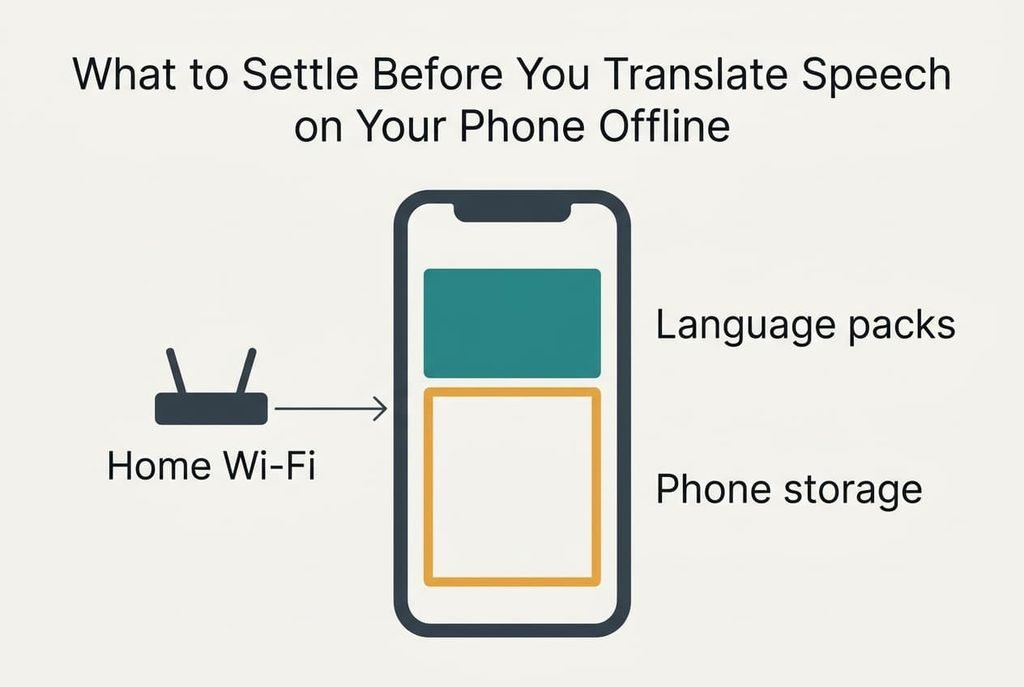
What to Settle Before You Translate Speech on Your Phone Offline
An app does two separate jobs. It turns sound into words, and then it turns those words into the other language. Online, a server handles both. To translate speech on your phone offline, the phone must hold a pack for each job and for each language. Our sample pair is English and Portuguese. A text pack takes about 40 MB and a speech pack about 80 MB. One language therefore needs 120 MB, and the pair needs 240 MB.
Free at least 1 GB of storage before the first download, because a transfer that runs out of room often stops without any message and leaves half a pack behind. At a home speed of 20 Mbit/s, 240 MB (1,920 Mbit) arrives in about 96 seconds. The download is quick, and the checking is what takes the time.
With no network, the phone does all the work itself. Replies come a little slower and a little less accurate than online. In our sample an offline answer arrives in around 3 seconds, where an online one needs 1.
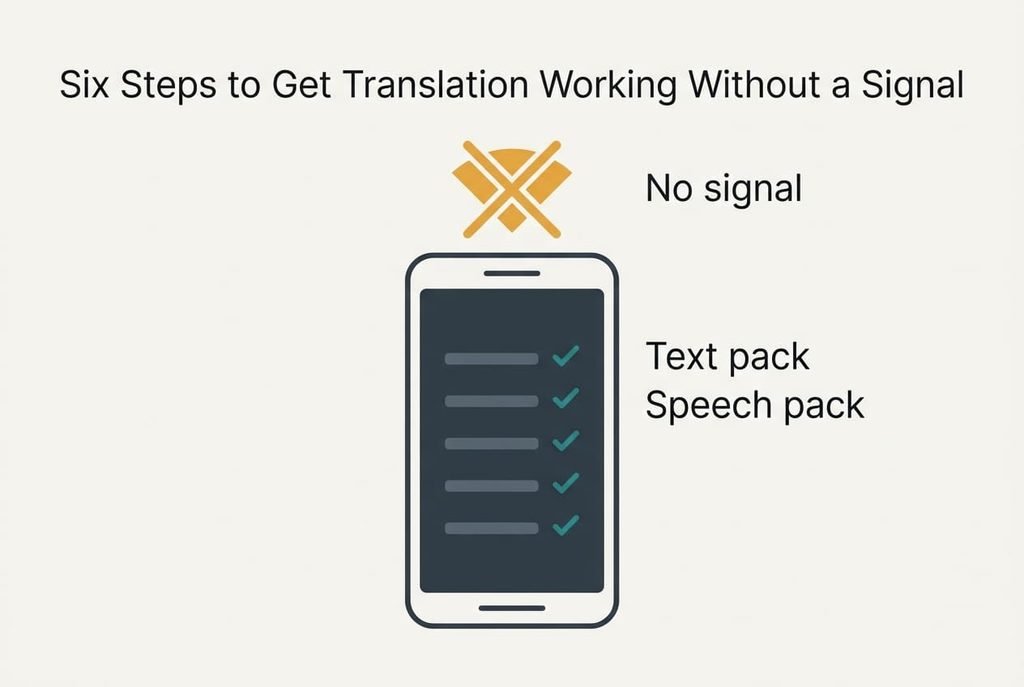
Six Steps to Get Translation Working Without a Signal
1. Look for the language list where the app offers downloads, and find your own language and the foreign one in it. The text pack and the speech pack sit on separate lines, and many travellers fetch only the first. Proof: each language shows a 40 MB entry and an 80 MB entry, with a tick beside each. Without the second tick, spoken input will fail the moment the signal drops, and no warning appears.
2. Look for the combined space that the packs occupy, which most apps show as one figure at the foot of that list. Our sample should read about 240 MB. A total far under that means a pack stalled halfway, and the short entry must be deleted and fetched again on a steady connection. Proof: the figure matches the sum of the four entries.
3. Look for the switch that lets speech work without internet. Left off, the app tries the network first and waits several seconds before it gives up, which feels like a long pause at every counter. Put the phone in aeroplane mode and check that the microphone button stays live instead of turning grey. A grey button is the sign that a pack is missing.
4. Look for the microphone permission and grant it to this app only. Hold the phone about 30 cm from your mouth, say one sentence of eight words and watch the screen. Words should appear within roughly 3 seconds, matching what you said. A café at 70 dB lowers accuracy, so repeat the sentence with a radio playing.
5. Look for the display timeout and lengthen it to 2 minutes while the app is open. At the usual 30 seconds the screen locks halfway through a conversation, and the half-spoken sentence is lost. Proof: the screen stays lit while you read a long reply twice. That isn’t a luxury, because you’ll often pass the phone across the counter for the other person to read.
6. Look for the saved phrases list, and fill it with ten lines you expect to need, such as asking for the bill or the way to a station. Saved phrases are plain text. They need no listening and little processing. Proof: they open in aeroplane mode and read aloud on the first press. They also rescue you when the speech pack misbehaves.
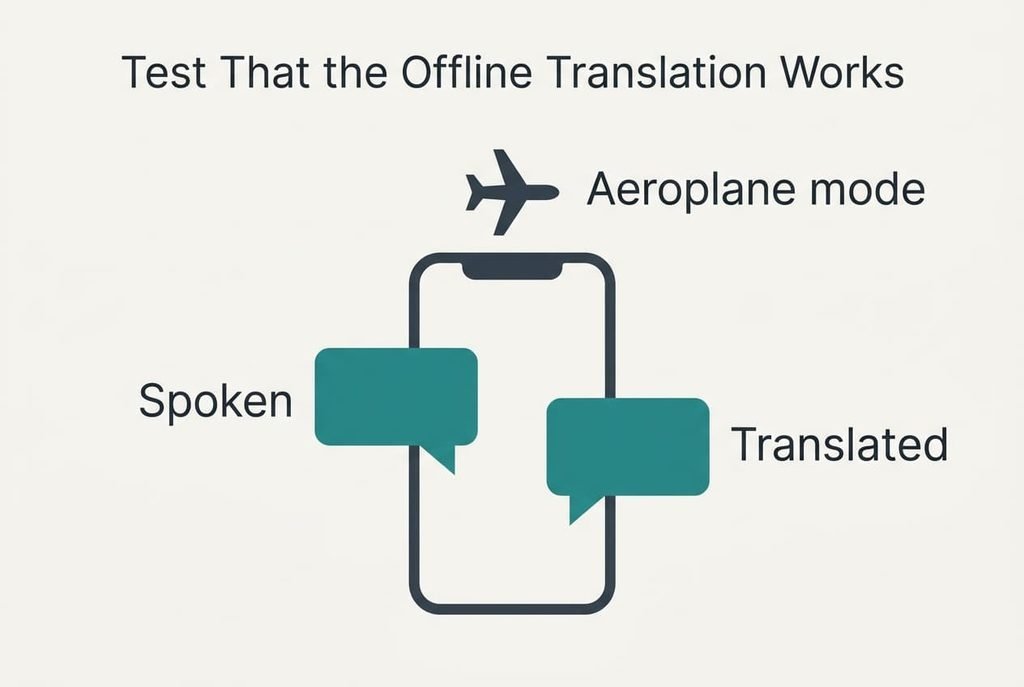
Test That the Offline Translation Works
One test covers nearly everything: switch on aeroplane mode, switch Wi-Fi off, then speak three sentences of about eight words each and time every reply. In our sample each reply should appear within 3 seconds.
A slower reply points to a missing pack.
Then translate one sentence into Portuguese and back again. The meaning should survive even if the wording changes. A returned sentence that says something else calls for shorter, slower speech. A round trip also exposes a mismatch: if English to Portuguese works but the reverse stays silent, the speech pack for one of the two languages is missing. Make the third attempt with a television playing, because a real counter is rarely quiet.
Watch the battery as well. In our sample ten minutes of conversation costs about 4% of the charge, against 2% online. Thirty minutes spread over a day comes to roughly 12%, which a small power bank easily covers.
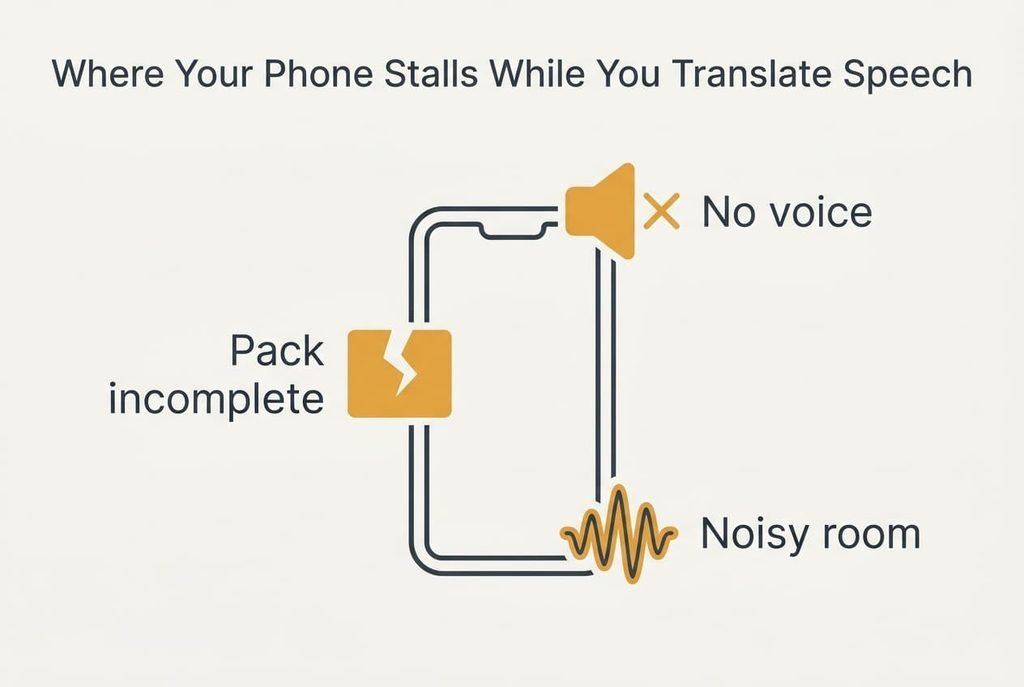
Where Your Phone Stalls While You Translate Speech
Expect three trouble spots. The speech option may appear greyed out. A download that stopped when storage ran short leaves the pack incomplete. Delete it. Free 1 GB, then fetch it again. A phone with only 300 MB spare is the usual culprit, and it doesn’t complain until the very end.
The app may show the translated words and stay silent. The voice that reads them aloud is a separate download for that language, about 30 MB in our sample. Fetch it while you still have Wi-Fi.
Use the saved phrases when speech fails.
Words may come out wrong in a loud room. The moment you translate speech on your phone beside a noisy counter, accuracy drops. Hold the phone about 30 cm away. Speak in short sentences with a pause after each. A phone tucked deep in a coat pocket hears mostly fabric. Keep the microphone uncovered, and don’t lay the phone flat on a table that rattles.
The Step Not Worth Taking
Nobody needs every language on offer to translate speech on your phone abroad. Skip downloading the whole list, because 30 languages at 120 MB each would fill 3.6 GB and you’ll use two. A crowded phone can also make the next system update fail halfway. The 240 MB you really need is under 7% of that total (240 ÷ 3,600 = 6.7%).
Skip testing over mobile data too. It proves nothing about the offline state, because the app quietly falls back to the network. Only the aeroplane-mode test shows what a dead zone looks like. Long speeches deserve the same caution. Accuracy often falls once sentences pass about 15 words in our sample, so say less at a time.
Do the whole job a week before departure, on home Wi-Fi, which leaves time to repair a stalled pack. Repeat the five-minute test the evening before you leave. Updates and clean-ups can quietly remove a pack.
Tell one travelling companion where the saved phrases live, in case your battery dies. Keep a printed copy of the ten lines in a pocket as well. Paper needs no charge, and a phrase held up on a card is understood across any counter. Before you fly, run the aeroplane-mode test once more and jot the three reply times on a slip of paper. If any of them has slipped past 5 seconds, a pack has gone missing, and there’s still time to fetch it again on the airport’s Wi-Fi.
Questions Readers Keep Asking
How long does the setup take?
About 20 minutes in all: 2 minutes of downloading, 10 minutes on the six steps and 5 minutes for the test. Writing the ten saved phrases is the slowest part. Do it in one evening with the phone above half charge, and the whole job stays calm.
Will an app update delete my downloaded languages?
Often they stay. A reinstall or a storage clean-up can remove them, though. Check the pack list again the evening before you leave, and look for the same total near 240 MB. If it has shrunk, download the missing pack before you go.
Does the same setup work for a language with a different alphabet?
Yes, with the same steps. The packs may be larger and the screen shows an unfamiliar script. Ask for a romanised version beside it that you can read aloud. Save the ten phrases in both scripts and test them once offline.