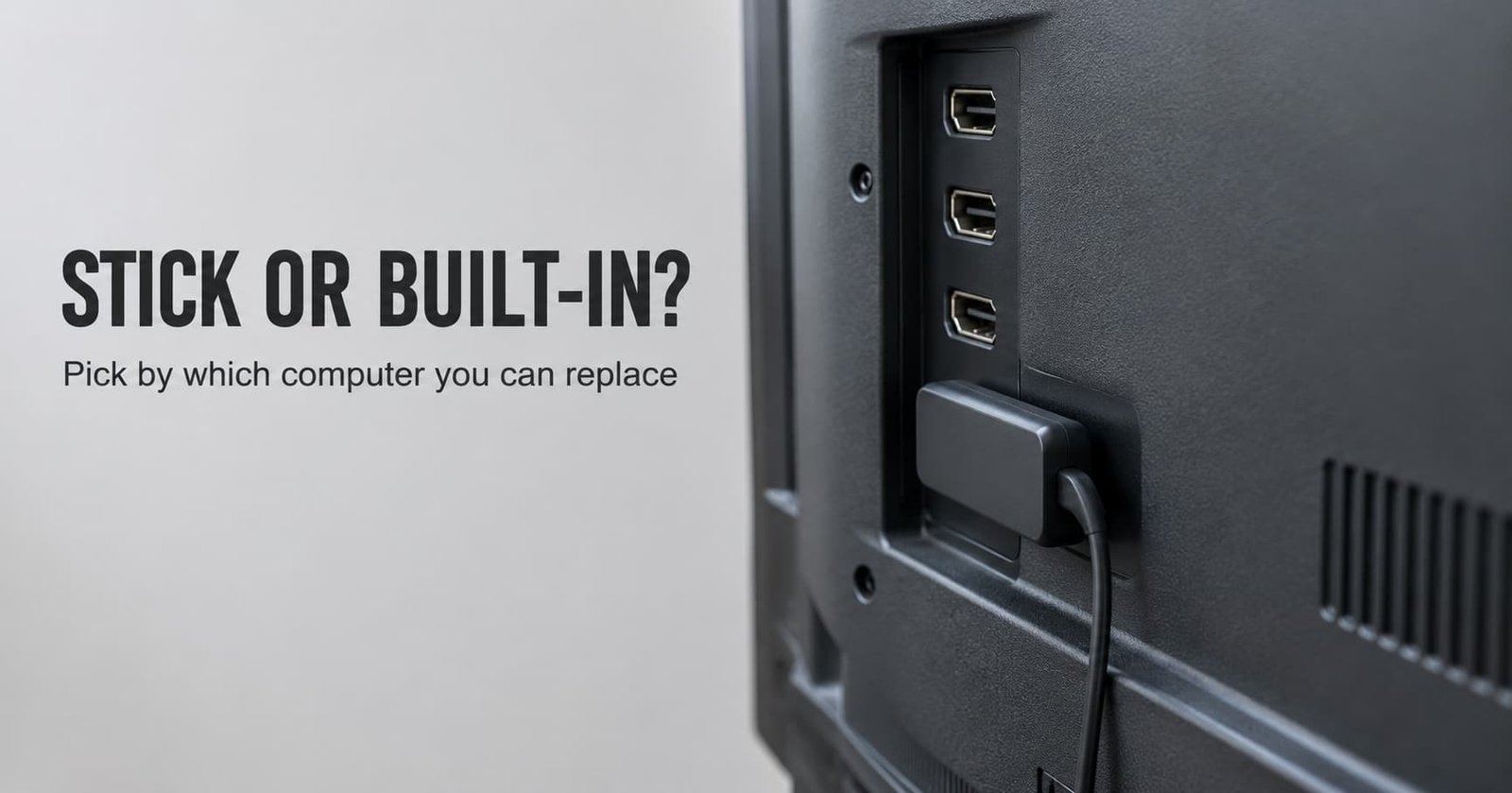
The common complaint is that the apps on a smart TV turned sluggish after a few years while the screen still looks fine. Whether built-in apps or a streaming stick suits you comes down to one property: whether the computer that runs the apps can be replaced. Keep the built-in apps while they run smoothly and keep receiving updates, and take a stick once they stall or stop updating.
That single property outweighs every feature list. A television panel can last a decade, but the small processor behind it is soldered in place. App makers keep raising their minimum requirements, so the apps age faster than the glass does.
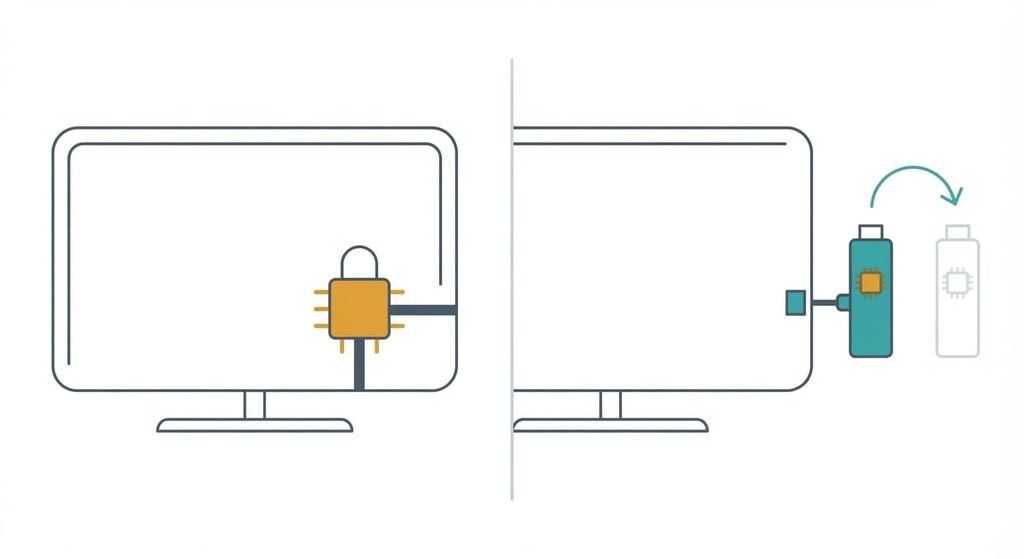
The one property that decides built-in apps or a streaming stick
Every smart TV is two products joined together: a screen that lasts and a computer that doesn’t. The computer that runs the apps is fixed to the screen in one case and replaceable in the other. Built-in apps run on a processor and memory chosen at the factory, and nothing inside the set can be upgraded later. With a stick, they sit in a small plug-in unit. You can swap that unit for a newer one in a minute.
This matters because app makers don’t stand still. Each year they add features and raise their minimum system requirements. Eventually they stop supporting the oldest software generations. A screen may be perfectly good in year eight, yet its computer was sized for year one. How long your maker keeps updating the apps is something I can’t see from here. It varies between sets, and the maker’s support page is the place to check.
Most people weigh built-in apps or a streaming stick on the wrong property. They compare how responsive each interface feels on purchase day, when both feel quick. The property worth comparing is update lifetime, meaning how many years the computer will keep running current apps. I’d weigh that above every convenience.
The screen outlasts the computer inside it.
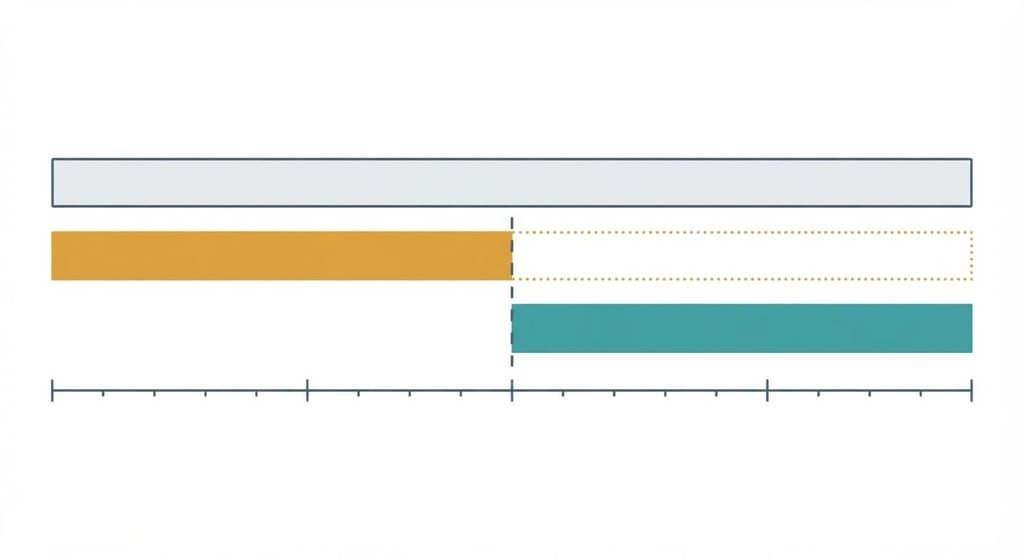
Streaming stick or built-in apps, side by side
| Property | Built-in apps | Streaming stick |
|---|---|---|
| What ages first | The TV’s own computer, which stays welded to the screen | The stick alone, with the screen left untouched |
| When apps outgrow the hardware | Stalls and missing apps until the whole TV is replaced | Swap the stick and keep the TV |
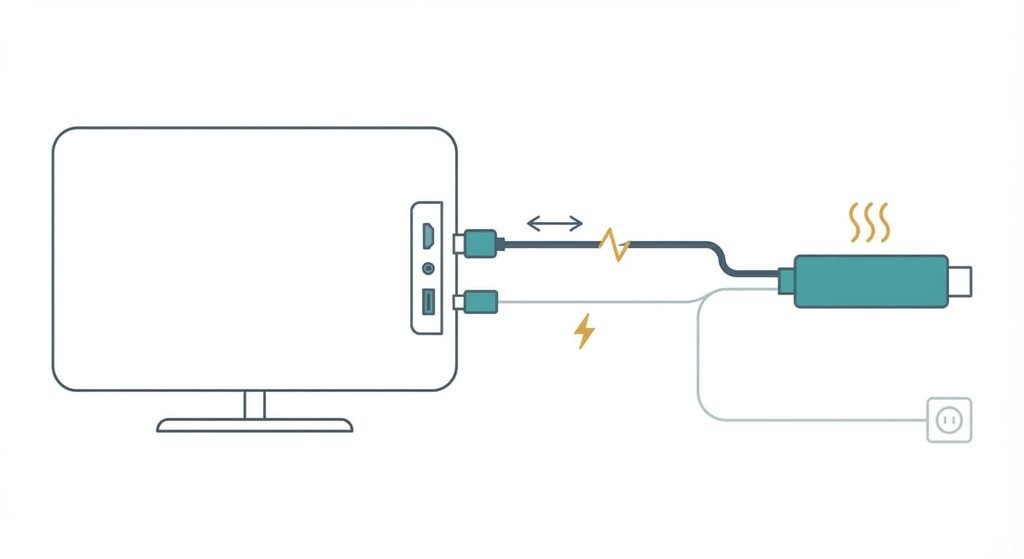
| Extra parts to depend on | None beyond the TV itself | An HDMI port that works and a power source that stays connected |
| Sustained load | Cooling designed around the whole set by its maker | A small casing in a warm gap behind the screen, which can throttle itself to limit heat |
| After a fault | A factory reset wipes the whole TV, including its picture settings | Resetting the stick leaves the TV’s own settings alone |
| What the TV can still see | Everything you play, since the apps run on its platform | The stick’s activity too, if the TV’s recognition feature samples the HDMI picture |
The surprising row is the last one: a stick doesn’t hide your viewing from the television. If the TV’s automatic content recognition is switched on, it can sample the picture arriving over HDMI, so privacy depends on that setting and not on which device plays the video.
Where built-in apps win
Built-in apps win on simplicity. There’s one remote and one power cable. A single menu holds everything, which means nothing needs pairing and nothing sits behind the screen waiting to be knocked loose. A set mounted flat on a wall can make a stick awkward to fit at all, because the sockets face sideways or downward. There’s also nothing to renew and nothing to explain to a relative who only wants the evening news.
A stick adds links that can fail. Screen and stick must complete a handshake over HDMI before the picture appears. That handshake is a copy-protection check, and when it fails the result can be a blank screen or an error message. A stick drawing power from the TV’s USB port can also restart if the port can’t supply enough current. A separate mains adapter avoids that, though it takes up a socket.
Built-in apps have none of these links. That makes them the sensible choice for a spare room or a parent’s house, where nobody wants to troubleshoot a connection
.
Where a streaming stick wins
A stick wins on the property that decided the matter earlier: the computer can be replaced. When apps stall, you swap one small unit and keep a screen that still looks excellent. The same stick moves to your next television. Your interface and your logins follow you instead of starting again from nothing, which spares you a long evening of re-entering passwords with a remote.
It also contains faults. If the stick fails then the TV’s tuner and inputs keep working. A reset of the stick leaves your carefully tuned picture settings alone, where a factory reset of the whole set would erase them. When you sell or give away the television you unplug the stick and take your accounts with you. That beats hunting through menus to sign out of each service.
Many sticks also support HDMI control, a link that lets the TV remote steer connected devices, so the extra remote isn’t always needed. Support depends on the particular TV and stick, so test it before relying on it.
When neither is right
Choosing between built-in apps or a streaming stick assumes that the apps are the problem. If video buffers but the menus respond instantly, the fault sits in the network, and a stick would stream through the same router with the same result. Test with a phone on the same Wi-Fi before buying anything. If the phone buffers too, the network is the cause. If it plays cleanly while the TV struggles, the TV’s computer is the cause and the stick becomes a fair answer again.
The other case is one few retailers mention: use a device you already own. A games console or a provider’s set-top box already runs the major apps and plugs into an HDMI port. Casting sends video from your phone to the TV. The phone does the work, so the TV’s own computer is bypassed entirely. And if the built-in apps still run smoothly, changing nothing is a legitimate answer. Nothing forces an upgrade on a set that does its job today.
A new stick can’t repair a weak Wi-Fi signal.
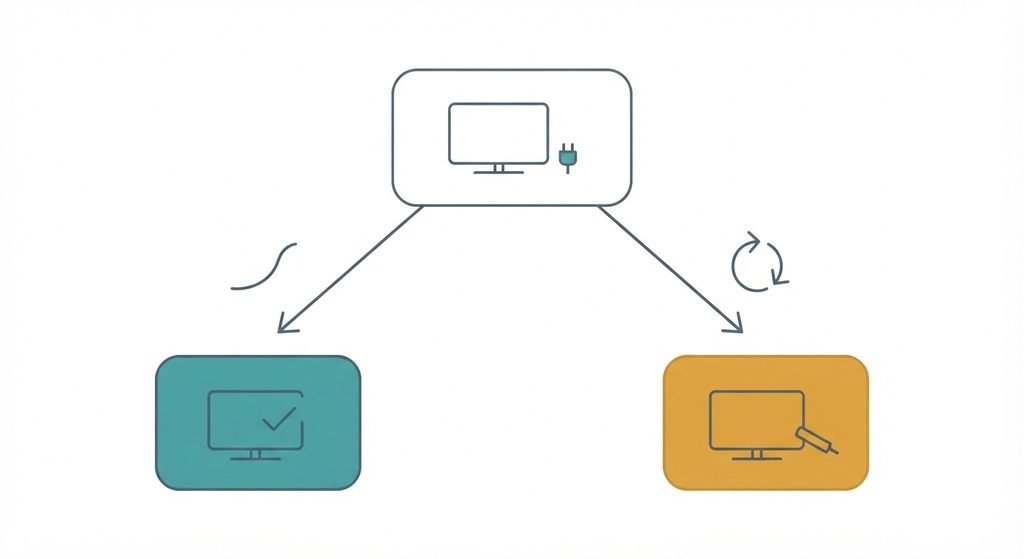
How to decide in thirty seconds
If your most-used app opens without a stall and the TV still receives software updates, keep the built-in apps. If it stalls on opening, or a current version is no longer offered for your set, take a streaming stick.
Run one test first, since a result you’ve seen is easier to trust. Switch the TV off at the wall, wait a minute, then open that app cold. A cold start shows the true state of memory and storage, which a warm start hides. Repeat it on a second app before you decide. A fault that appears in both apps points at the TV’s computer. A fault in only one points at that app, and a fresh install may be all it needs.
A smart TV’s screen outlasts its computer, so the choice follows the computer’s age. Keep what works for as long as it works. Once apps stall or updates stop, a stick gives you a new computer without a new screen. Until then the set you own is doing exactly what you bought it for, and replacing it early solves a problem you don’t have.
Questions readers keep asking
Is a streaming stick worth adding to a smart TV that still works?
Only if the built-in apps have started to stall or lose support. A stick replaces the TV’s computer and leaves the screen untouched, so it cures sluggish apps well. It won’t fix a weak Wi-Fi signal or a faulty panel. If everything runs smoothly today, a stick gains you very little.
Which is more reliable between built-in apps and a streaming stick?
Built-in apps have fewer links that can fail, so they’re reliable while the hardware keeps up. A stick adds an HDMI connection and a separate power source, yet any fault stays contained and replaceable. Reliability favours the built-in apps early in a TV’s life and the stick later.
Are built-in apps or a streaming stick better for an older smart TV?
A stick, once the built-in apps stall or lose updates. Older sets carry processors sized for older apps, and nothing inside them can be upgraded. A stick supplies a current computer through one HDMI port. If the old TV’s apps still run without trouble, there’s no urgency to change.