The email arrives with a date: the notes app closes in 90 days, and 1,200 notes sit inside it. Most people start by comparing apps, but the better first move is to ask what the notes carry besides words. That question decides which alternatives to a notes app are safe to move to. Photos and checklists travel badly. Links and dates travel worse. Everything here uses a made-up UK household with 1,200 notes; every count and timing is assumed, so redo the sums with figures from your own app. The closing date is a deadline for exporting, and choosing can wait a few days.
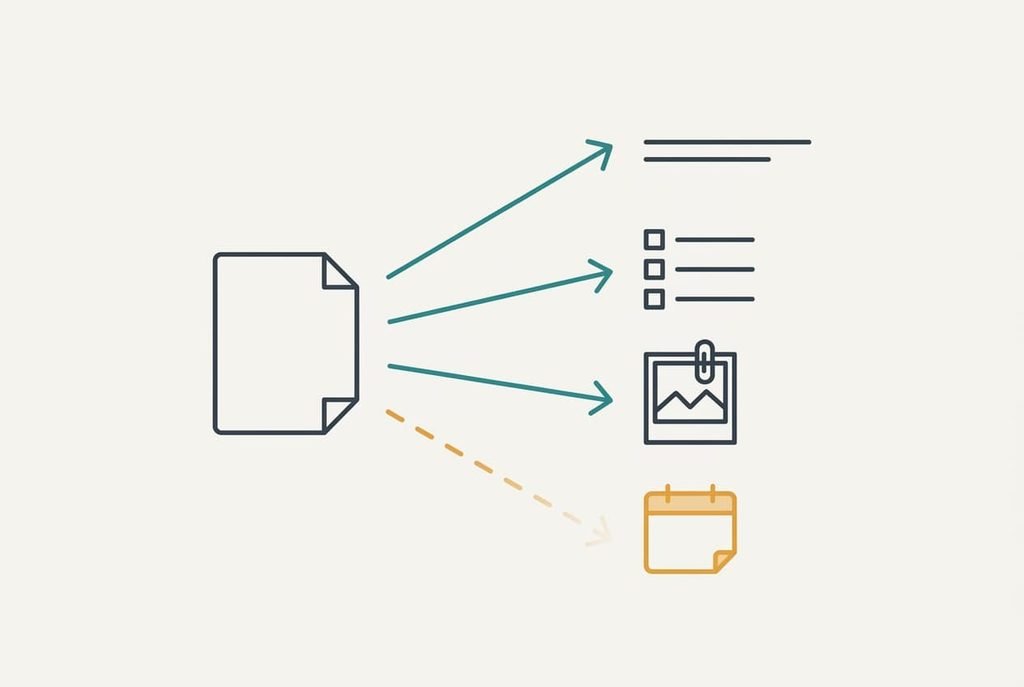
What has to survive when you look for alternatives to a notes app
Before comparing tools, list what a note must carry. Four things matter. Words come first, and they move anywhere. Structure follows. Headings count here, and so do checklist boxes. Attachments make the third. They are photos and PDFs. Date is the fourth, recording when a note was written and when it last changed.
Of our 1,200 notes, 720 are plain words. Another 300 hold photos and 80 hold a PDF. Then 60 are checklists. The last 40 link to other notes. That puts 480 notes, or 40%, beyond what a plain-text export keeps. Words and files are easy to move. Structure survives only if the export writes it in a format the next tool reads. The date is the fragile one, because many importers stamp every note with the day of import. What needs guarding is the date each note was written, since that date is how you find a note later by memory. Without it, a list of 1,200 notes sorts by nothing useful, and titles help only for the notes you still remember.
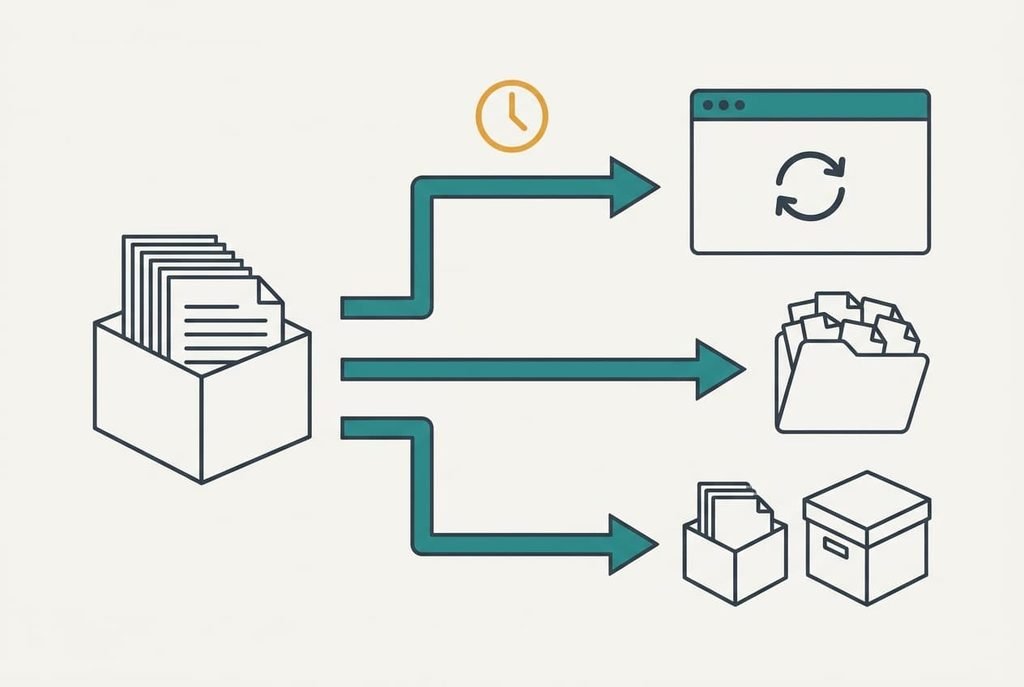
Which alternatives to take your notes to, and what each costs you
1. Another full app with an import tool. This is the convenience route, best for anyone who wants the same sync between phone and laptop. Its price is trust in the importer. Assume the import runs for 20 minutes, then you check a 5% sample of 60 notes at a minute each. That’s 80 minutes in all. Words and photos arrive, along with most structure. Dates arrive only if the importer reads them. A good importer also keeps the folder or tag each note lived in, so confirm that the checklists still tick. The snag appears when all 1,200 notes show today’s date.
2. Plain files in folders, written as Markdown text. This is the files route, best for people who’re comfortable with folders and want notes that outlive any app. Sync becomes your job. Assume 15 minutes to export, 30 to sort the files into folders, 30 to set up sync and 60 to check the sample, which makes 135 minutes. Photos sit beside the notes as ordinary files, and checklists turn into simple marks. Dates survive when the export copies them onto the file. A plain file needs no account, so nothing can close on you again. Pick one editor and one sync folder, and stick to them. The snag appears when the 40 linked notes point at paths that no longer exist.
3. Move the last year and archive the rest. This is the shortlist route, best for people who seldom look back. Assume 230 notes, or 19%, were touched in the past 12 months. Importing them takes 5 minutes and checking 12 takes 12, then 10 more minutes go on saving the other 970 as one searchable export. That’s 27 minutes. Archived notes stay readable, and a search still finds a word in them. It bites when you need an old note and must search a single big file.
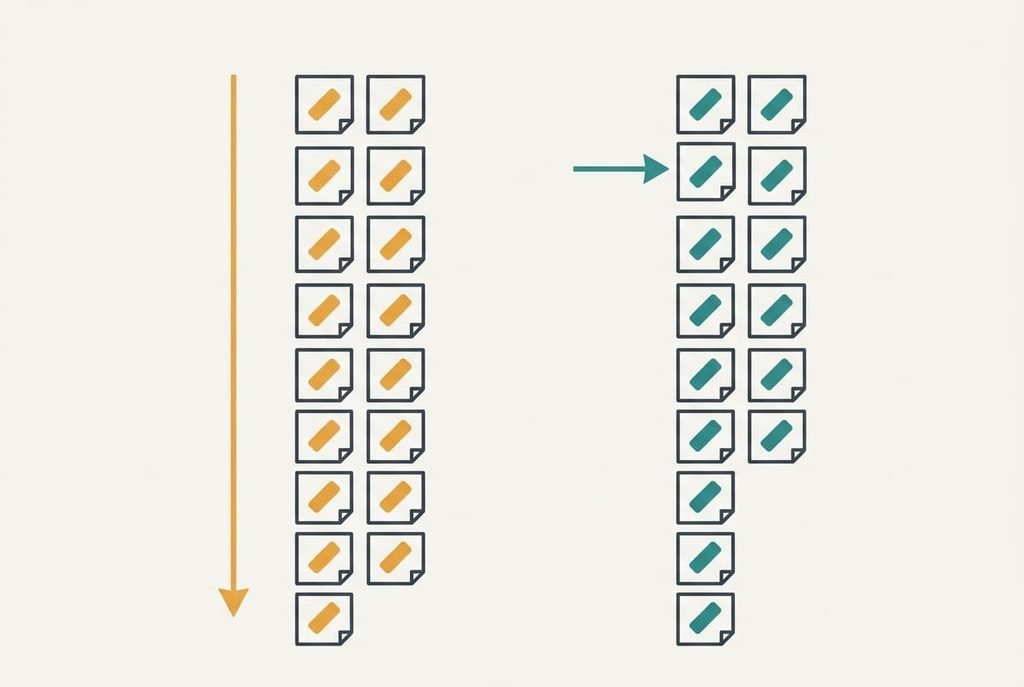
The cost that turns up in month three
Trouble arrives quietly. The notes with the wrong date surface only when you go looking for one. Suppose the importer stamps all 1,200 notes with the import day. A screen holds 15 titles, so the list runs to 80 screens. With dates intact, you’d reach a note from last spring in about 4 screens, or 12 seconds. Without them you’d average 40 screens, or 120 seconds. Forty lookups a year then cost 40 × 108 seconds, which is 72 minutes.
That is nearly as long as the whole convenience route.
A second cost hides in the pictures. The 300 photo notes hold about 540 images between them. If the paths break, each one turns into a grey box, and nothing warns you in the first week. Of all the alternatives to a notes app, the picture notes need this check most. A pass of 2 minutes now is cheaper than a hunt in month three.
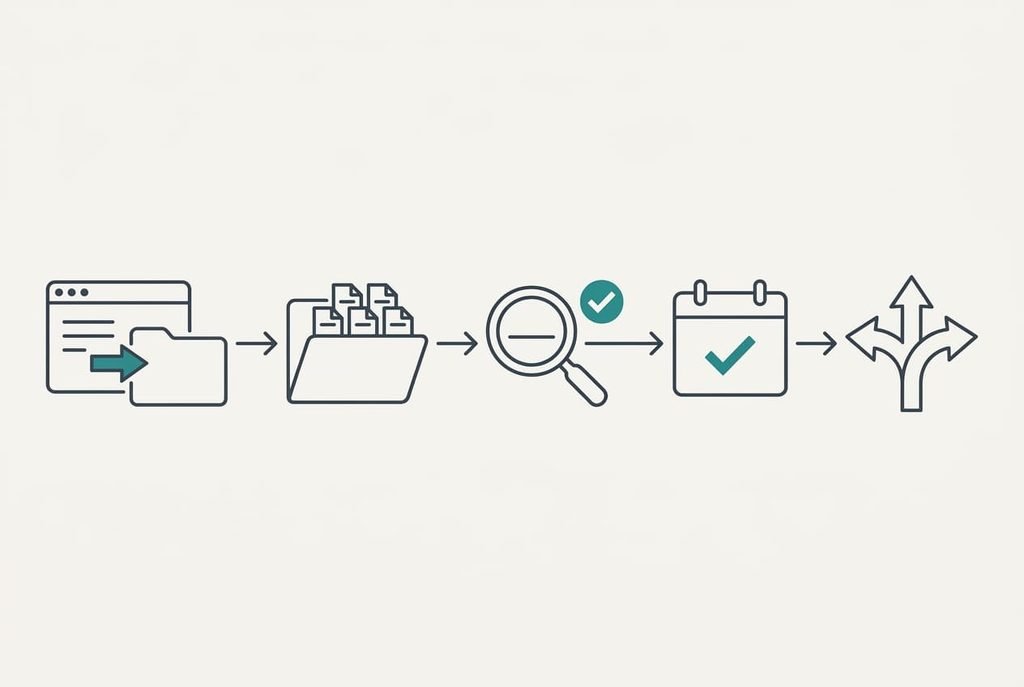
How to leave without losing anything
Pick ten notes of different kinds. Include a photo note and a checklist. Add one note with a link. Move them across and set each beside its original at full size. Any note that comes out wrong tells you the method needs changing.
Next, agree a naming rule before anything else moves. Begin every file name with the date, so a plain sort keeps the order. Run both apps side by side while the old one still works.
Our window is 90 days. Start by day 10, which leaves 80. Run both until day 60, then keep the old export untouched for six months.
Three checks prove a move worked. Check the note count first. Then open one photo. Last, search for a term you’re sure sits in a note. No route has earned your trust until all three pass, whichever alternatives to a notes app you test.
When to stay put
Stay with the old app while it still exports in an open format and the closing date is more than six months away. A rushed 90-day move is the usual reason dates get lost, and a move made twice costs twice. Check the shutdown notice for an export that keeps dates and attachments, then diarise the day you’ll start.
Stay as well if you hold fewer than 60 notes. At 1.5 minutes each, copying them by hand takes 90 minutes, and you’ll tidy as you go. That’s a small price for a clean start.
Whether the closing date will move is something only the maker can tell you. Look for a firm date in writing before you plan around one. Compare the notice with the app’s help pages too, since a shutdown often leaves a read-only period after the last day.
The export to do before you decide anything
Pull your notes out of the app today and look at the file you get. It shows what any alternative will have to work with. Open five notes from the export. Take a photo note and a checklist. Add a linked note. Then look up a term each one is sure to contain, and read the date. Write down what each shows, to compare routes afterwards.
If all five pass, the export is in good shape and any route can start from it. When some fail, the weakness sits in what the app writes out, and the new tool can’t repair it.
Do this first, since the outcome can decide the route for you.
Apply these checks to alternatives to a notes app of every kind you try. What must arrive is readable notes with honest dates, and the export shows how many you already hold. Do it today, because the 90 days are already counting and nobody will extend them for you. Everything else can wait until that file exists.
Questions readers keep asking
Can I move my notes without losing the photos?
Yes, if the export saves photos as files beside the notes. Open one photo note in the export before you commit. If it shows a grey box, the paths broke, so try a different export format. Keep the original export untouched until the new app has shown the photo.
Will my notes keep their creation dates when I switch?
Only if the export writes dates and the next tool reads them. Many importers stamp every note with the day of import. Test five notes and check the date on each. If they all show today, add the date to each file name before you import.
Is a folder of plain text files a good home for notes?
For long-term safety, yes. Plain files open in any editor and outlive any app. The price is that sync and search become your job. Photos sit beside the notes as ordinary files, and checklists become simple marks you can still read.