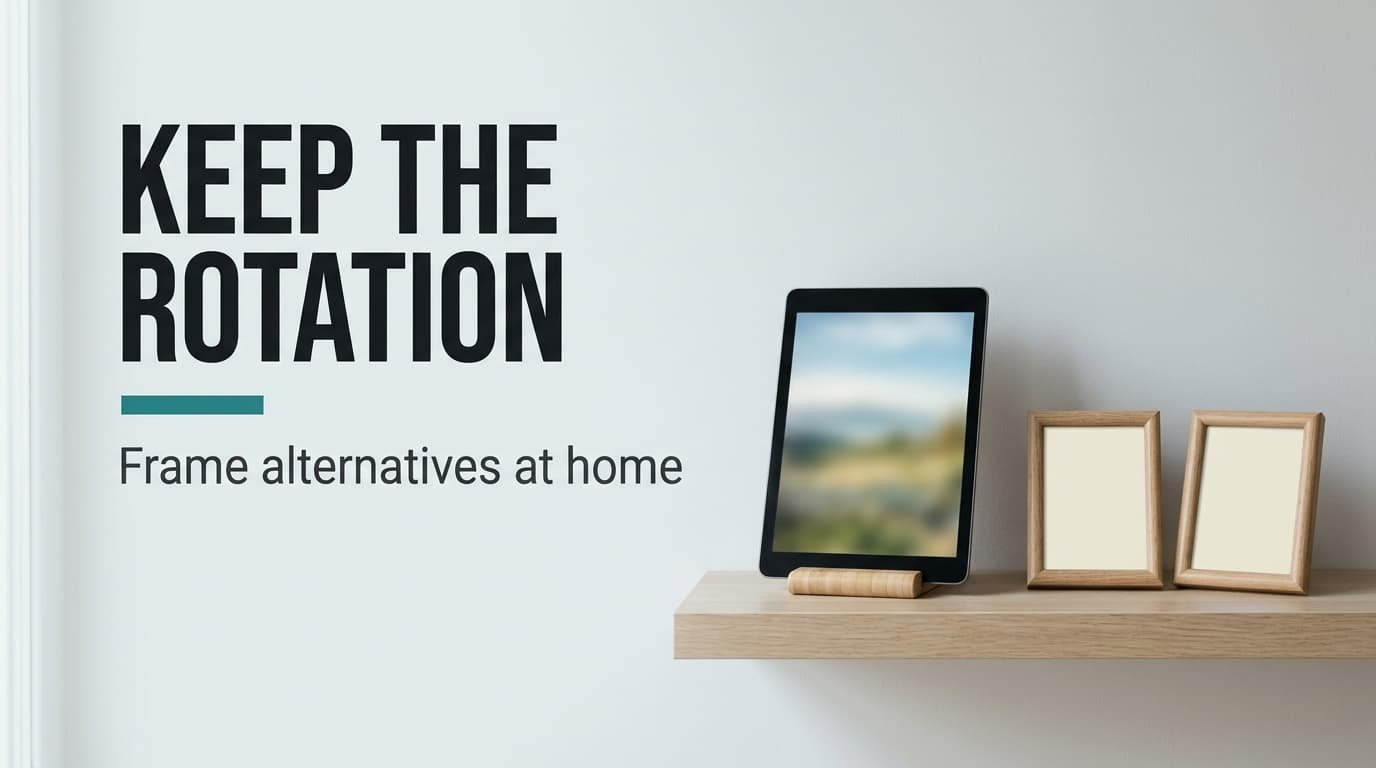
A digital photo frame for showing family pictures does one job, which is to keep a rotating set of pictures in view without anyone touching it. Other things can do that job, and most are already in your home. A spare tablet manages it with just a stand. A few prints in a multi-opening frame manage it with a monthly chore. Your television manages it too, though only while it’s awake. Below you’ll see what each route keeps and what each one drops, then what to copy out before the frame goes in a drawer. All sums use metric units and a library of 1,000 pictures.
What survives when you skip a digital photo frame for showing family pictures
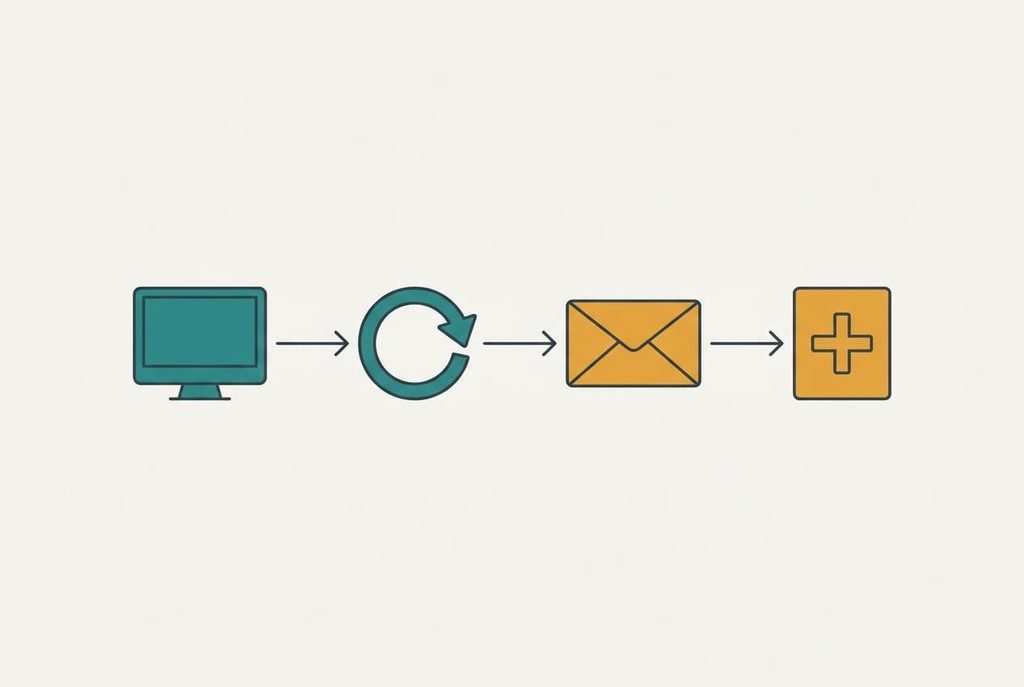
The payload is a rotating set of pictures that someone keeps fresh, and the display is just one way to carry it. Take the display away and four jobs remain. Two are showing and rotating the pictures. The other two are receiving new ones and having a person who adds them. A frame handles the first two with no work on your side. It cycles on its own and sits wherever you place it.
The last two jobs are where the routes part ways. Some frames let relatives send pictures from their own phones. That remote delivery is the feature people miss most once it’s gone.
Size matters less than you’d expect. If a 12-megapixel picture averages 3 MB, your 1,000 pictures take 3 GB, which fills 38% of an 8 GB frame. At 30 seconds a picture, one full loop lasts 8.3 hours.
Smaller touches go with it. A frame fades between pictures and dims itself on a timer. Every other route has a setting that copies both, so you only need to look for it once.
What you’re protecting is the pictures and the habit of adding to them.
Three alternatives to a digital photo frame for showing pictures of the family
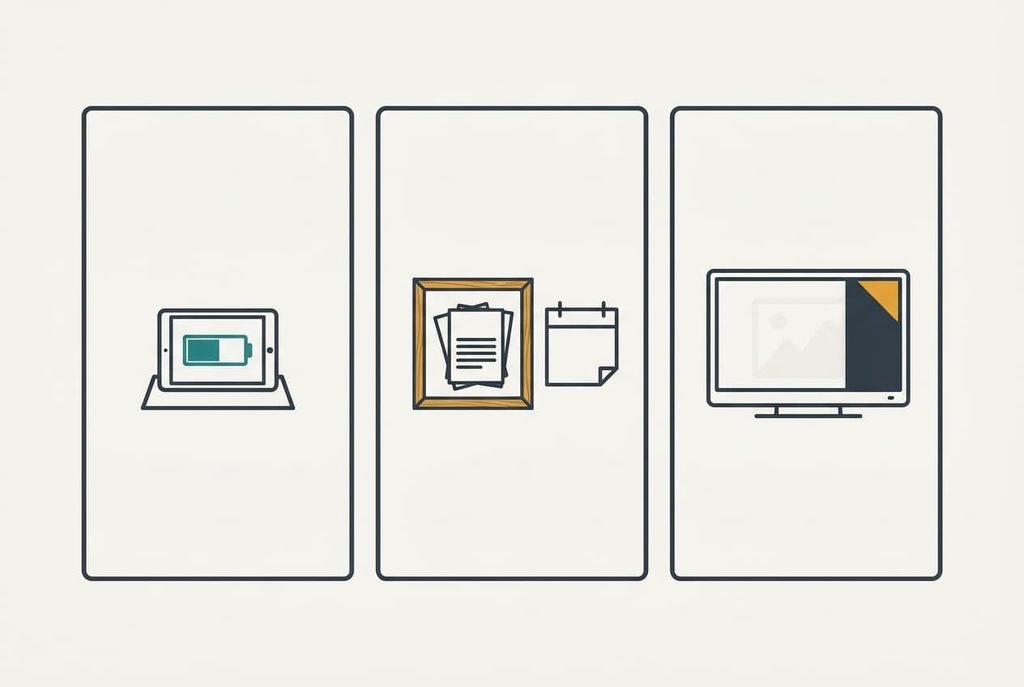
The three routes split by what you’d rather give up.
1. Money: reuse a spare tablet or phone. This suits anyone with a device in a drawer, since the only purchase is a stand of a few pounds. The trade-off is daily upkeep. The battery needs topping up every day or two, and the screen has to stay in slideshow mode. Pictures reach it through a shared album that you fill from your own phone, and new ones appear within minutes of being added. Nothing else needs buying. The failure mode is an update that quietly returns the device to its home screen. The shelf then holds a dark rectangle until somebody notices.
2. Effort: print a few and swap them each month. This suits a household that likes a physical display and has a hallway shelf or a multi-opening frame. Prints of 10 by 15 cm cost little each. The monthly swap is yours to remember, and collecting the prints adds another errand. Pictures land as paper, so the payload shrinks to a small chosen set. The other 988 stay in the album and never reach the wall. The failure mode is the habit itself: after three months the swap gets skipped, and the same twelve faces hang there all year.
3. Feature loss: let the television do it. This suits a home where the set is on most evenings and nobody wants another gadget. You give up the display that stays lit all day. Relatives can’t add pictures from afar either, which is a bigger loss than it sounds. Pictures arrive through an album that syncs to the television, and they only show once the set wakes up. Between evenings the shelf has nothing on it at all. The failure mode is the menu. An update can bury the idle-mode setting three screens deep, and nobody remembers where it went.
What month three does to the slideshow
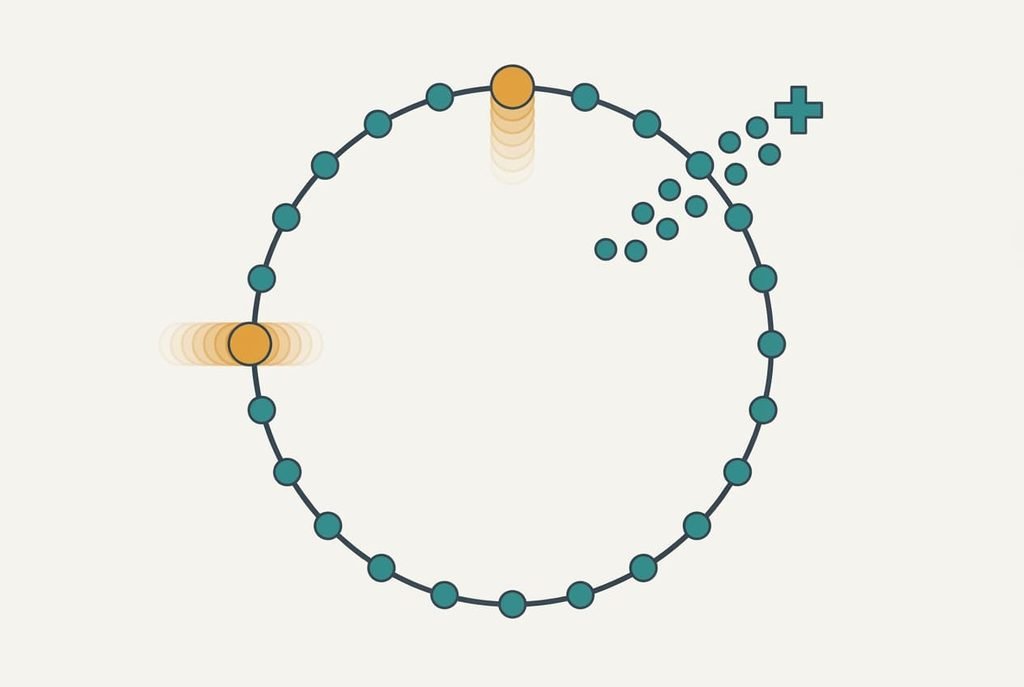
By month three, the slideshow has looped about 90 times if it runs through the day, and that’s when the novelty wears off. A 1,000-picture library at 30 seconds each takes 8.3 hours to finish. A display left on for eight hours therefore completes roughly one loop every day.
The fix is the same on every route: add about 20 fresh pictures a month. That costs ten minutes and keeps the loop feeling alive. A frame fed by relatives does this unaided. The tablet and the television leave that chore to you.
Energy is the quieter trade-off. Say a frame draws 5 W and a television 60 W. Six hours of television a day then uses about 131 kWh a year, against 44 kWh for a frame left on around the clock. The television route therefore costs roughly three times the power, and the saving on hardware shrinks to match.
A sensible order for moving across
Begin with the pictures and leave the device for later. Choose your 200 best and build one shared album. Then open a handful of files on a second device to prove they work. That album is the whole migration, because every route reads from it.
Next, run the new display beside the old one for a week. Watch what each does after dark and after a restart. Your digital photo frame for showing family pictures can sit on the shelf meanwhile, so nothing is lost if you change your mind.
Then tell relatives where new pictures should go, since a changed address is the step most people forget. Give it a fortnight before you retire the frame, and leave the old album untouched until you’ve seen new pictures arrive.
When staying with the frame is the better call
Stay with the frame when relatives send pictures from their own phones and nobody at home wants to look after an album. That remote delivery is the single feature the other routes can’t match without extra work. For an older relative it can be the whole point. The frame also wins where a display must stay lit all day with no charging.
A digital photo frame for showing family pictures loses when you already have a spare tablet or when the household prefers paper on the wall. Cost counts too. A frame that’s already on your shelf and working saves nothing by being replaced. The swap adds a weekend of setup. But for a grandparent who wants new pictures to appear unaided, the frame is the right answer, and any cheaper route would simply move the work onto somebody else.
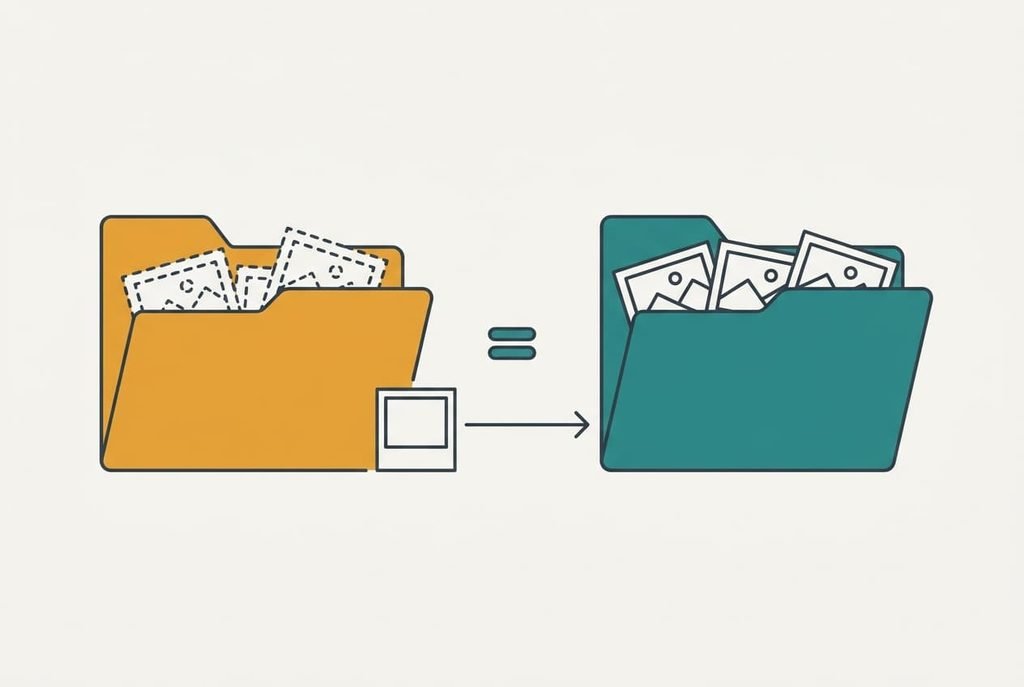
The export to run before you retire it
Before you switch, copy every picture stored on the frame itself onto a computer. Pictures that relatives sent straight to it may exist nowhere else, because many frames keep their own private copy. Use the memory card or a cable, then count the files. If the frame has no copy option, photographing its screen is a last resort, since quality drops.
Compare the count with what the frame shows. If it holds 640 pictures, the folder should hold 640, and your album should reach the same total once everything is added. Name the folder with today’s date so you can tell it from later copies. Open five files to confirm they show at full size.
Skip this step and a retired frame can quietly take the only copy of a birthday with it. So before you give up a digital photo frame for showing family pictures, make the two counts match. Then keep the folder somewhere safe for a full year before you delete anything.
Questions readers keep asking
Do my pictures move across by themselves?
Not by themselves. A shared album syncs to a tablet or a television without help, but anything that lives only on the frame has to be copied out by hand. Export those files first and add them to the album you’ll use. Check the totals line up before you pack the frame away.
Is the cheaper route worth the effort?
For a spare tablet, yes, since it costs almost nothing and asks for a few minutes a week. A print swap only pays off if you enjoy the monthly ritual. The television route can cost more than it saves. The extra power use eats into the hardware saving within a few years.
Will I miss the frame once it’s gone?
Probably just the remote delivery. The display and the rotation are easy to replace with what you have at home. Relatives sending pictures straight to the shelf is the part that takes real effort to rebuild. Weigh that before you box the frame up.