The criterion that decides a stylus for handwritten notes is compatibility with your tablet’s screen, and everything else only fine-tunes the result. Lena, a student in Bristol, fills lecture notes on an 11-inch tablet for three hours each day. A pen the screen doesn’t recognise behaves like a fingertip, whatever the box claims. This page ranks four criteria in the order that spares a buyer regret, then lists the figures that look impressive yet change little. You’ll see no product names and no prices on this page. Each check below is one you can make yourself in a shop.

What Decides a Stylus for Handwritten Notes
Compatibility decides it because a tablet screen senses a pen in one of a few ways. A pen built for a different way produces dots or a blank page. The tablet maker’s own support page lists which pen types the screen accepts. If that page names no pen at all, the screen reads touch only.
Compatibility with your exact tablet is the criterion to settle first, because every other feature assumes a pen that works.
Nothing else can stand in for compatibility. A plain disc-tip stylus works on any touch screen but draws a thick, uncertain line. A pen made for the tablet’s own system draws a thin line and ignores your resting palm. It usually costs more.
Lena’s pages carry ruled lines 8 mm apart, which gives about 18 lines on a 15 cm screen height. A 6 mm disc tip covers three quarters of the line spacing, since 6 ÷ 8 is 0.75. A fine tip of 2 mm covers a quarter. Only a compatible pen can offer the fine tip.
Four Criteria for a Stylus, in Priority Order
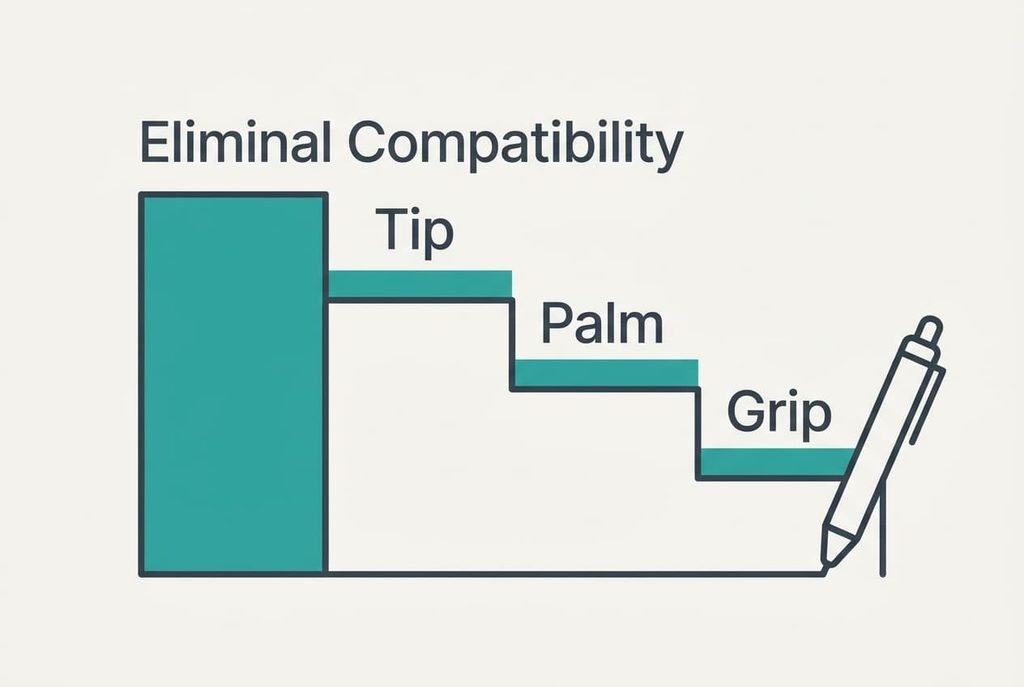
1. Compatibility with the tablet ranks first. It determines whether the screen treats the pen as a pen. Day to day, a recognised pen writes the moment it touches the glass, while an unrecognised one needs a finger-style press and leaves blobs. Judge it by finding the pen types listed by the tablet maker, then match the wording exactly, because a stylus for handwritten notes must appear on that list by name or by type. A miss turns the purchase into a spare pointer that never writes a proper word.
2. The tip and its replacement rank second, and this is the check that gets skipped by nearly everyone. Tips wear with friction, much as a pencil wears down with every page. Lena writes three hours a day, five days a week, over 36 weeks, which is 540 hours a year. Assume a tip lasts about 300 hours, and she needs two tips a year. Judge it by looking for spare tips sold for the same pen, and count how many come in a pack. Two tips a year means a pack of four lasts two years. A miss leaves a worn tip that drags on the glass and can scratch it.
3. Palm rejection ranks third. The tablet ignores your resting hand while the pen is near, and that keeps the page clean through a long lecture. Without it, Lena would lift her wrist after every word. Judge it by resting your hand on the screen and writing one full line from left to right. A miss shows up as stray dots and short lines, which Lena would have to erase one by one.
4. Grip ranks fourth. It decides how the pen sits in the hand across a 90 minute lecture. A pen that is too thin or too slick makes the fingers clamp harder, and the clamp spreads to the wrist. Judge it by writing for ten minutes. A miss makes the fingers tire early, and tired fingers write larger and slower.
Specs Oversold for Handwritten Notes
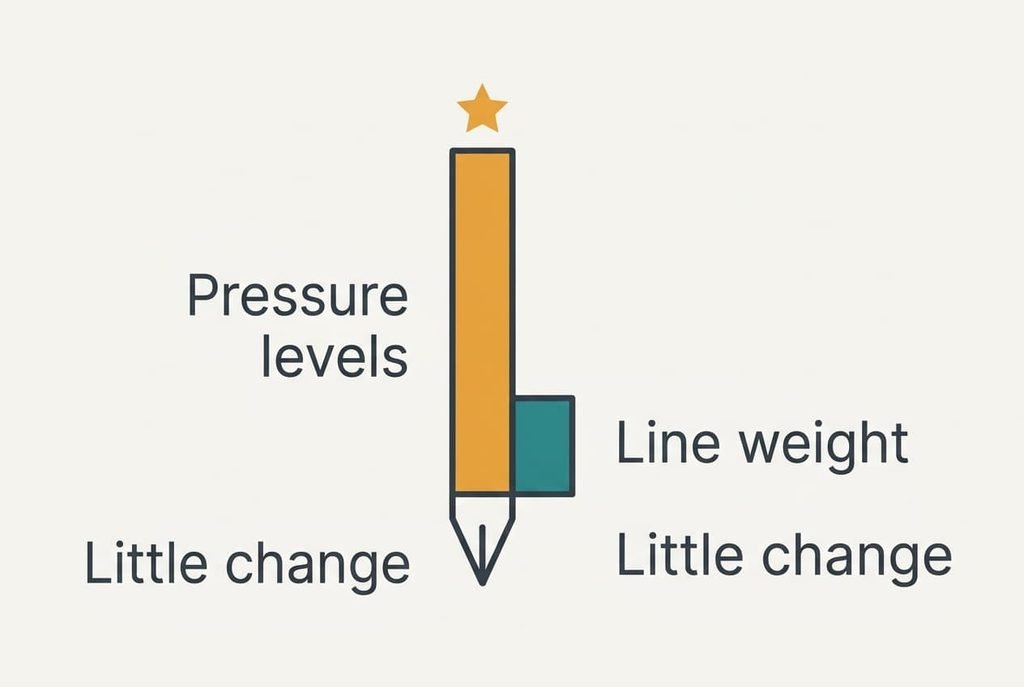
Some figures on the box look impressive yet change little. A headline count of pressure levels is the clearest example. Large numbers suit packaging because they look like precision, but handwriting varies its line weight only a little, and a thin, steady line is what a note page needs. A pen can offer thousands of pressure steps and still blot a letter because the tip was wrong for the glass.
Programmable buttons get promoted the same way. They help an artist who switches tools, whereas a lecture needs a single tool for ninety minutes. A button pressed by accident while you write adds stray marks and breaks the flow of a line.
Weight claims belong in the same group, because a pen a few grams lighter changes nothing you can feel across a page and the grip test in criterion four tells you far more than any number printed beside the weight.

Three Readers and Which Criteria Move
A left-handed writer moves palm rejection up to second place, because the hand drags across freshly written lines. For such a reader a stylus for handwritten notes has to pass the rejection test with the whole side of the hand sliding along the page.
A reader who annotates long PDFs moves the tip up. Small printed text needs a fine tip, and a 2 mm tip suits that job far better than a 6 mm disc. A reader who both sketches and writes lifts the pressure range one place, though never above compatibility.
Compatibility stays first for all three, since no feature rescues a pen that the screen can’t read. The order below it shifts, and the check list stays the same.
When to Walk Away From a Stylus
Walk away from any stylus that the tablet maker doesn’t list as supported. A generic pen that “works with all screens” is a disc-tip pen, and its 6 mm tip hides three quarters of Lena’s 8 mm line. A stylus for handwritten notes that the screen can’t identify never improves with use. Leave it on the shelf.
Leave behind a pen with no spare tips sold separately as well. Two tips a year add up over the life of a tablet, and a pen you can’t re-tip turns into a spare pointer within two years. Four years of Lena’s use means eight tips, which is a lot to lose to one missing part. If neither fact is visible in the shop, choose a seller that accepts returns. Then a wrong guess costs only the trip back to the till, and the pen goes with you.
A Two-Minute Check Before You Buy
Run three tests in this order.
First, write the word “minimum” at 8 mm height and check that every letter closes. The word is packed with short upright strokes. Any lag or wobble shows at once. Second, rest your palm on the glass and write a line while looking for stray dots, because a pen that fails here will fail in every lecture. Third, look for spare tips for the same pen on the shelf or the support page. If the tip is hidden under a sealed cap, ask the seller to open a demonstration unit, because a pen you can’t inspect is a pen you can’t judge.
Pass all three and the pen suits your tablet, and you can stop looking. Fail the first, and the other two no longer matter. The routine takes two minutes, and many shops let you try a demonstration unit. Lena ran it in a lunch break and saved herself a pen that her tablet couldn’t read.
Questions Readers Keep Asking
What counts as the specification that matters?
Compatibility with your tablet’s screen. A pen can promise thousands of pressure steps, yet if the screen doesn’t list it as supported, the steps are never read. Look up the pen types the tablet accepts and match them word for word before anything else.
How much should I spend compared with the tablet?
Spend in line with how much you write. A pen matched to the tablet costs more than a generic disc, but it spares you the thick line and the stray dots. Put the extra into compatibility and spare tips. Skip pay-extra features such as programmable buttons.
How long will a stylus last, and what will I regret?
The pen body lasts for years, and the tip wears first. Lena needs about two tips a year at 540 hours of writing, assuming 300 hours a tip. The usual regret is a pen bought without spare tips, or one that the tablet never listed.