Most buyers choose a sleeve by the size on its label. That figure names a screen diagonal and tells you nothing of the space inside. Two sleeves with the same label can differ by 15 mm in width, and that gap decides how the laptop rides. If you want a laptop sleeve that fits snugly, measure the inner width before you look at padding or colour. The sums here use an assumed laptop of 31.5 × 22.0 × 1.7 cm on a rainy commute in a UK town. Treat them as samples and run your own numbers with a tape.
Why a Laptop Sleeve That Fits Snugly Beats a Thick One
A sleeve has two jobs: it stops the laptop moving and it softens the knocks that still arrive.
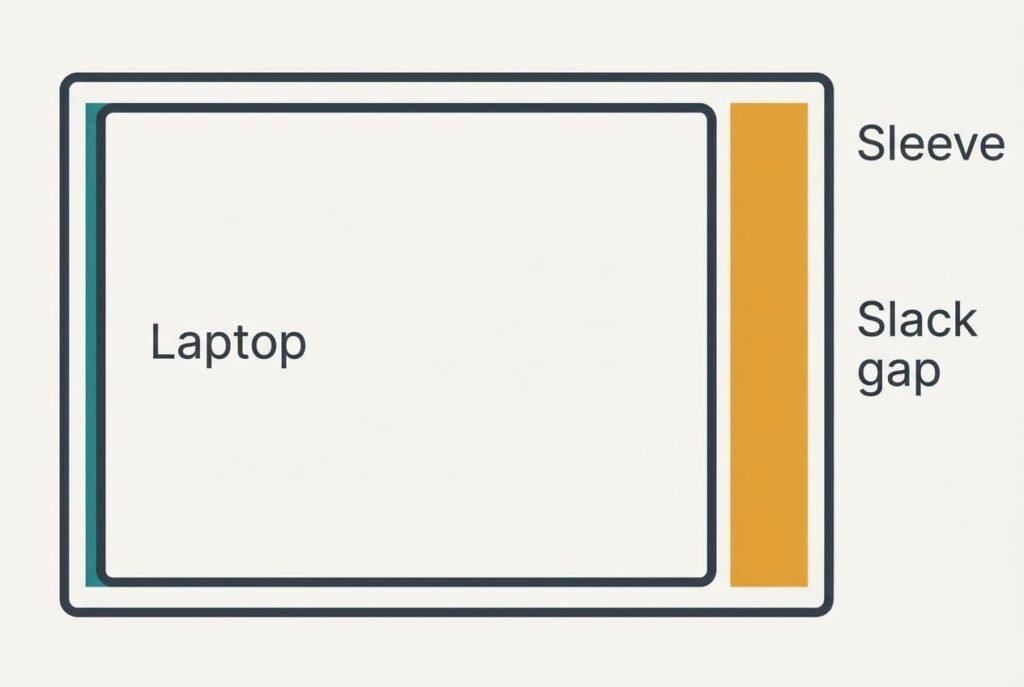
A loose sleeve fails the first job, while a thick one fails the bag it has to slide into. Movement matters because a laptop that can slide builds up speed over the distance it travels. Every jolt of the bag sends it along that run until an end wall stops it, and the hit lands on the casing. With an inner size of 32.3 × 22.8 cm, our laptop has 8 mm of slack in each direction, which leaves it almost no run at all. A sleeve with an inner width of 33.5 cm leaves 20 mm, or 2.5 times the travel.
That’s why a laptop sleeve that fits snugly lets thin padding do the work. With 6 mm of foam and 2 mm of fabric on each face, the outer thickness is 3.3 cm. The number to check before all others is the gap between laptop and inner wall, measured along both axes before you weigh anything else on the label.
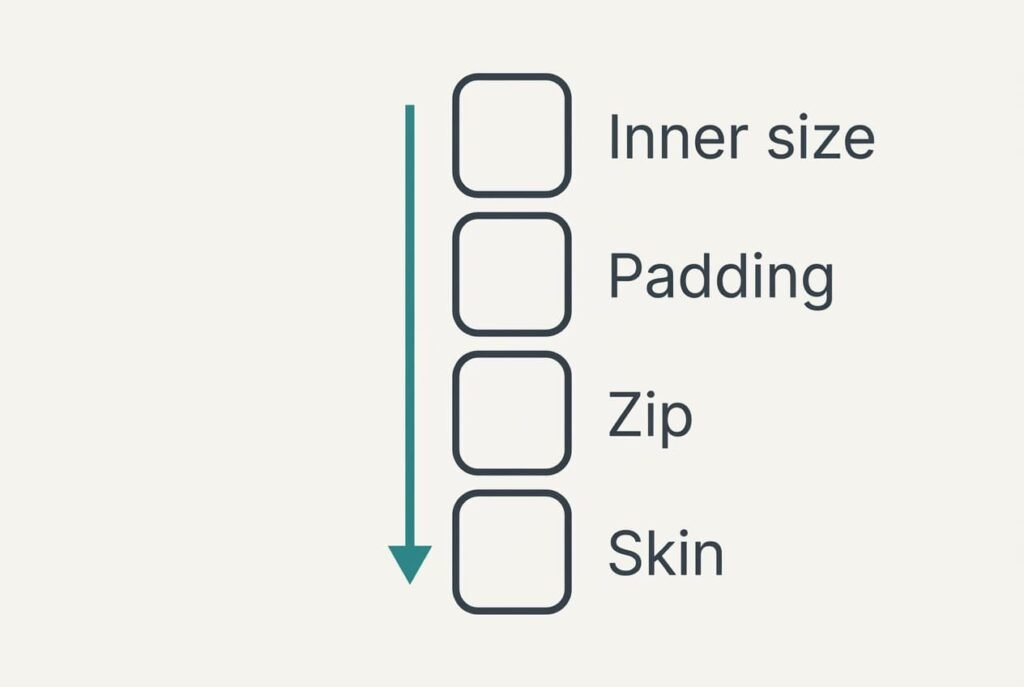
A Laptop Sleeve That Snugly Fits: Four Checks in Priority Order
1. Inner width and depth. This is the true size of the cavity, and few buyers ever measure it, since the label shows inches instead. Each step you take, it settles whether the laptop rides still or hammers the end wall. Open the sleeve flat, run a ruler along the lining and set the reading against your laptop. You want 5 to 10 mm of spare room on each axis. Under 3 mm the zip strains at the corners until a tooth gives way. Over 10 mm the laptop gets the run-up described above.
2. Padding thickness. This is the foam plus fabric on each face, and it sets the outer size you carry. Every extra millimetre on a face adds two to the whole sleeve. Aim for about 6 mm of foam with firmer corners. Pinch a wall between finger and thumb: it should squeeze to roughly half and spring back. Our laptop plus two 0.8 cm faces measures 3.3 cm, which leaves 7 mm in an assumed 4.0 cm slot. Walls with 10 mm of foam give 4.1 cm, and the sleeve jams.
3. The zip. This is how the laptop gets in and out, and you do that twice a day or more. Judge it by its path. It should run round two sides and a corner so the laptop slides out without a tug, with a fabric flap behind the teeth. Open it one-handed at the counter. Teeth that lie along the lid edge meet the lid every time, and the scratches show up at the airport tray. A zip that ends before the corners makes you wriggle the laptop free.
4. The outer skin and lining. This is the fabric that meets rain and the laptop’s casing. A drop of water should sit on the outer fabric as a bead for about a minute, and the lining should feel smooth under your thumb. Rain reaches the zip before anything else, and a flap over it helps. A rough lining marks the casing over the weeks. A lining that soaks up water holds it against the laptop for hours.
Specs That Sound Better Than They Are
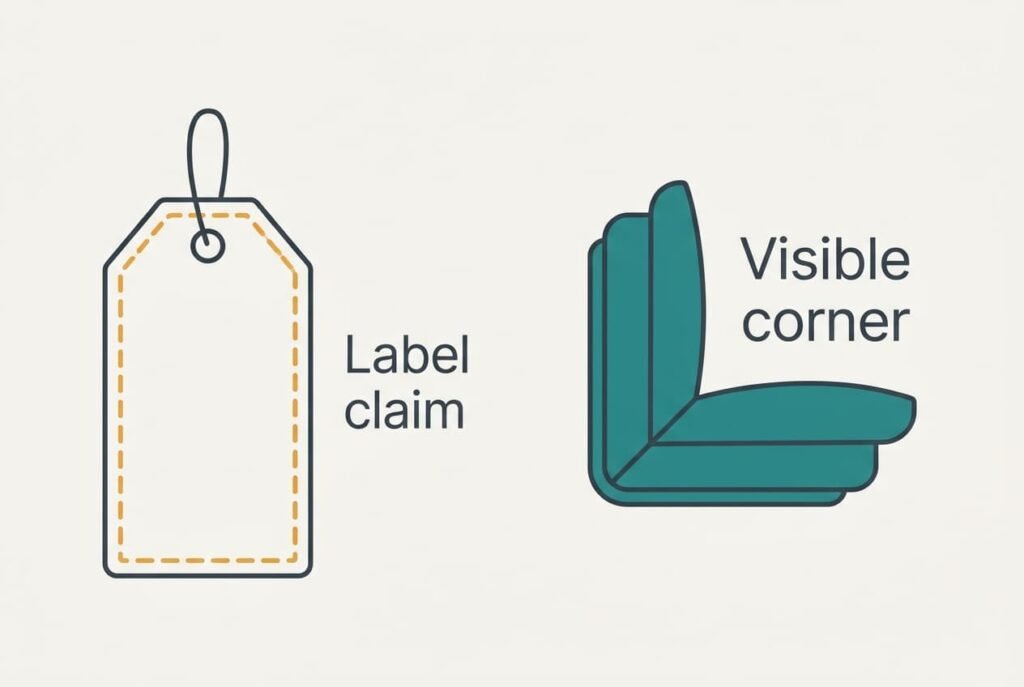
Labels borrow numbers that sound like evidence. The most persuasive is a drop-test height printed on the label. It reads like a measurement. The maker picks the surface and the angle of the test, and also the laptop inside. A real fall lands on a corner at an awkward angle. A figure you can’t repeat tells you very little about a laptop sleeve that fits snugly or loosely.
Two other claims deserve the same scepticism. “Shockproof” has no agreed meaning for a sleeve. “Fits up to 15 inches” means the cavity can swallow a smaller laptop with room to spare, which is exactly the loose fit you want to avoid.
Check what you can see instead. Corner padding is visible in a shop. So are the wall thickness and the stitching at the zip ends. Count extra pockets as bulk, because each one adds 4 to 6 mm to the outer thickness. Out of a 4.0 cm slot, that’s a big share.
Three Readers and What Moves for Each
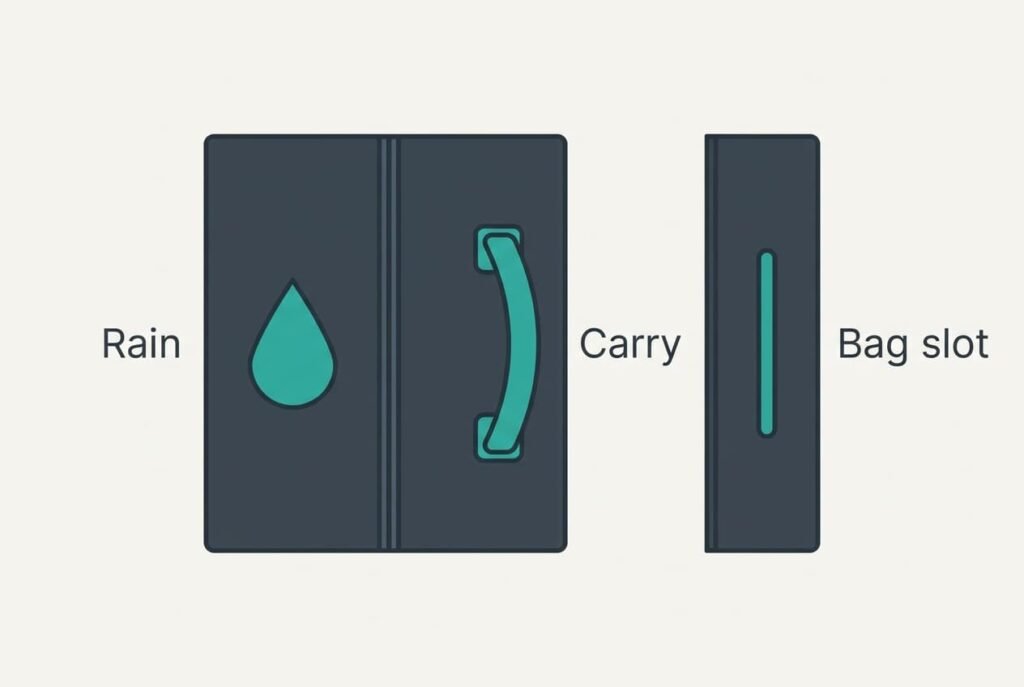
Your commute changes which check follows the fit, though the fit stays first for anyone who wants a laptop sleeve that fits snugly. A cyclist with a rucksack meets rain every week. For this reader the outer skin rises to second place as water reaches the zip first.
A train commuter who carries the sleeve by hand leans on the zip and the handle together. The zip moves up. The handle has to stay clear of the opening, or it snags as the laptop slides out.
A student with a slim laptop and a tight bag slot cares most about outer thickness. Padding moves to second place, since each millimetre of foam on a face adds 2 mm to the whole.
When to Walk Away
Walk away from a sleeve whose inner width is more than 10 mm over your laptop. No amount of padding fixes a loose fit, because the laptop still gains its run-up and the foam has to stop it on every jolt. In our example a width of 33.5 cm leaves 20 mm, which is double the limit.
Walk away from a seller who gives only the screen size in inches and won’t state the inner dimensions. You can’t check what isn’t printed, and a return costs more time than the sleeve is worth.
Leave stiff-shell cases alone too, unless your bag has no padded pocket at all. A shell keeps its shape when empty and bulges inside a slim compartment, and the thickness sum above no longer holds.
A zip that fights you at the counter will fight you every morning.
A Two-Minute Check in the Shop
Take a card with your laptop’s three measurements written on it. Measure the inner width using a tape, then the figure should land 5 to 10 mm over the card. Then pinch a corner of the sleeve: it should squeeze and spring back. Open the zip once with one hand and watch for a catch at the corners. If the shop allows it, touch a wet finger to the outer fabric and see whether the water beads. Each check takes under thirty seconds, and the order matters. A sleeve that fails the width test rarely deserves the other three. Always run that one before the others.
If all four checks pass, buy it. If one fails, move to the next sleeve on the shelf. A good sleeve shows itself within two minutes, and nothing about it improves once the tag comes off. Fit is the one fault you can’t cure at home with a different bag.
Questions Readers Keep Asking
What size sleeve do I need?
Measure the laptop with a tape, then look for an inner width and depth 5 to 10 mm larger than its own. Our 31.5 × 22.0 cm laptop suits an inner size near 32.3 × 22.8 cm. Ignore the inches on the label, because they describe a screen diagonal and say nothing about the room inside.
How much should I spend compared with the laptop?
Only a small fraction of it. Spend it on fit and padding, because those do the protecting. Skip the extra pockets and the carry strap that many buyers pay for. A sleeve that fits and has 6 mm of foam beats an expensive one that is loose by 20 mm.
How long will a sleeve last?
Padded fabric usually outlasts the laptop if the zip stays sound. Inspect the zip each year. Pulls snap and teeth wear. Foam that has flattened in one place no longer protects. Pinch the corners now and then. Replace the sleeve when the corners stop springing back.